
Compatibility
Minecraft: Java Edition
Platforms


Links
Tags
Creators
Details
IMPORTANT - I (AverageTaTeMan) only share my content on Planet Minecraft, Modrinth, and CurseForge - If you see this project on any other site, IT IS NOT ME AND SHOULD NOT BE TRUSTED!
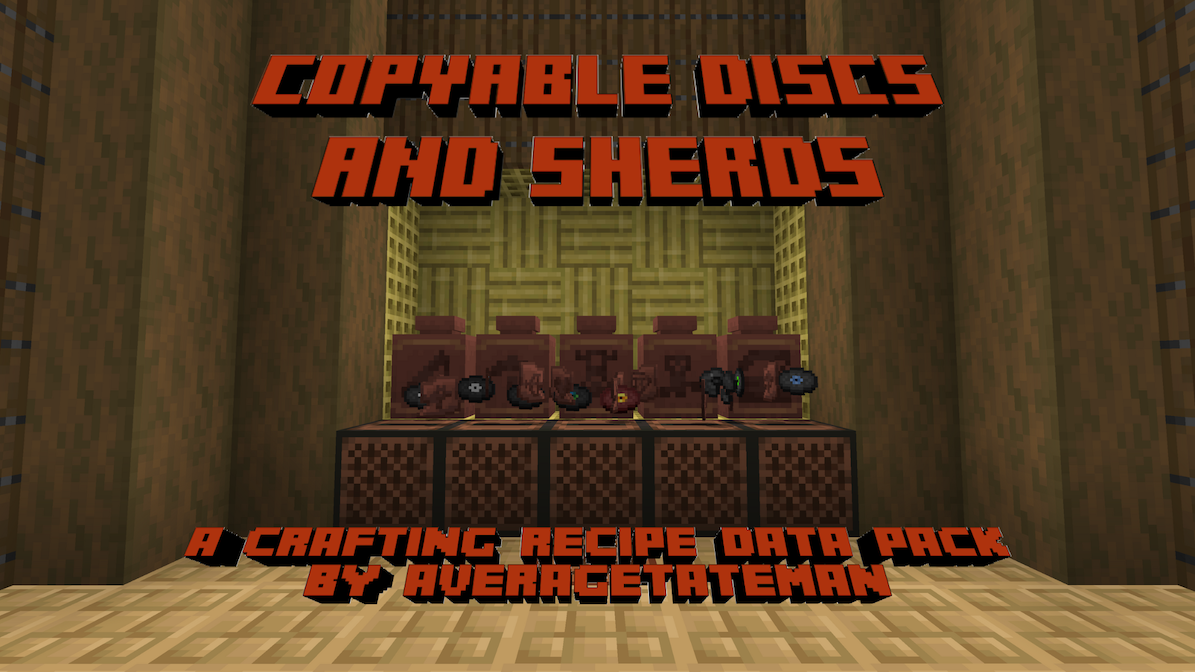
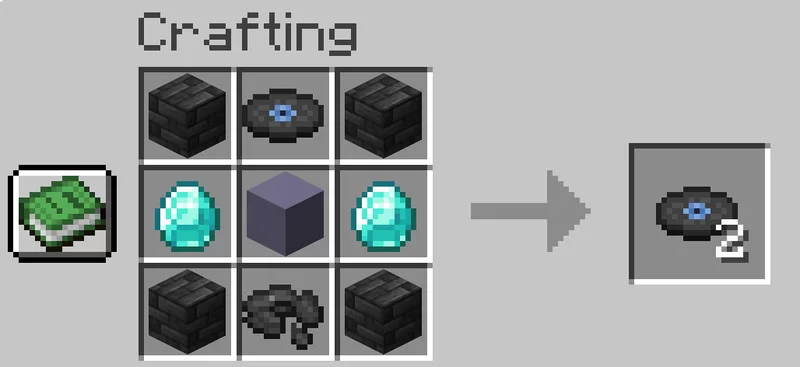
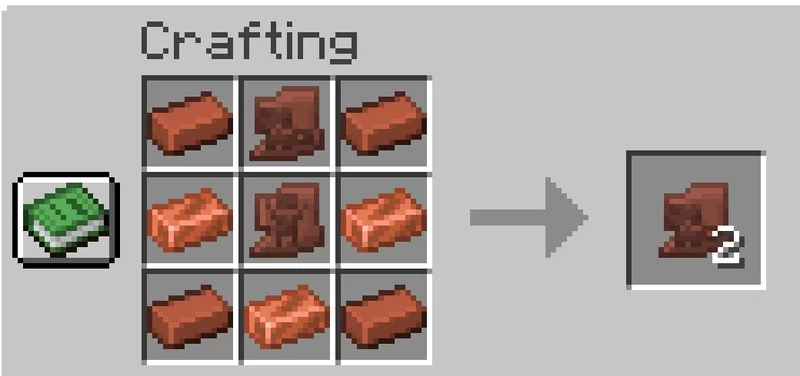
This data pack provides a way to craft more Music Discs and Pottery Sherds you may want. It will require having one of the desired disc/sherd, an extra disc/sherd you want to be overwritten, and some extra materials (see example pictures). This will grant you an additonal copy of the desired disc/sherd. Good for turning those extra useless discs/sherds you don't care for into your favorite ones instead!
Recipes generated with help from TheDestruc7i0n's Crafting Generator: Check it Out!
Installation Instructions to Get the Data AND Resource Packs:
-
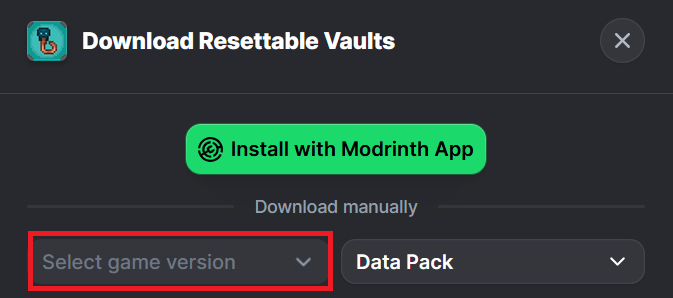
Click "Download".

-
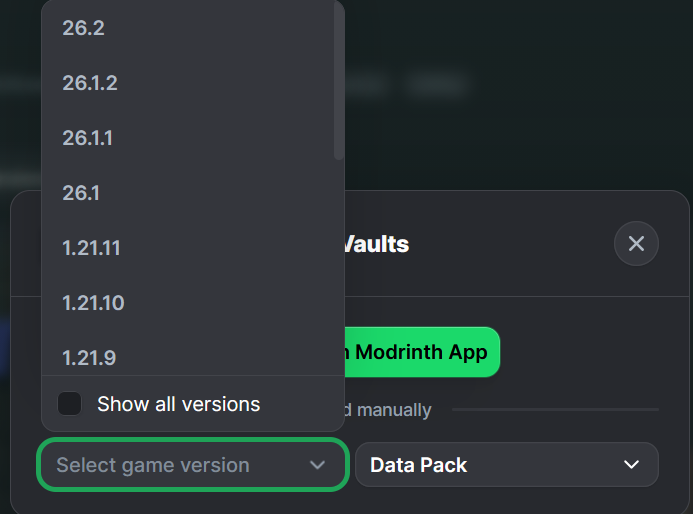
Click "Select game version".
-
Select a Game Version.
-
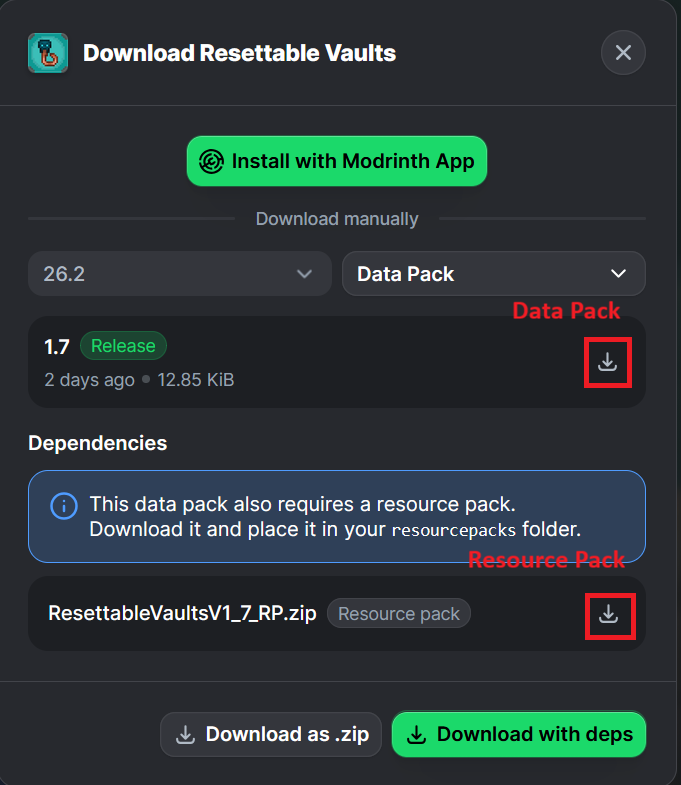
Click the download icon for both the data and resource pack files, as shown below.
-
Unzip the files (optional, but recommended as that's how I use/test them).
-
Add the resource pack to your Selected Packs (ideally at the top) in your Resource Packs menu.
-
Add the data pack to either your Selected Packs in the Data Packs menu (if adding at world creation) OR put it in your world's 'datapacks' folder (if adding afterwards. Recommended to either not have world open at the time or to close and reopen it afterwards).
-
You may get a prompt about experimental settings not being supported when opening the world. This can safely be ignored, but it's also never a bad idea to make a backup if it's a world you care about.