


Tags
Creators
Details
Licensed MIT
Published 3 months ago
Updated 3 months ago
All versions
1.4.0
DevDeiff Weirdssentials 1.4.03 months ago 78
Uploaded by
Compatibility
Minecraft: Java Edition
Platform
Supported environments
Changes
DevDeiff Weirdssentials 1.4.0 - Moonfall & Pluto Update
The Moon is falling.
This update adds the community-voted Moonfall mechanic: every Minecraft day, the Moon moves closer until the final night triggers a catastrophic impact event.
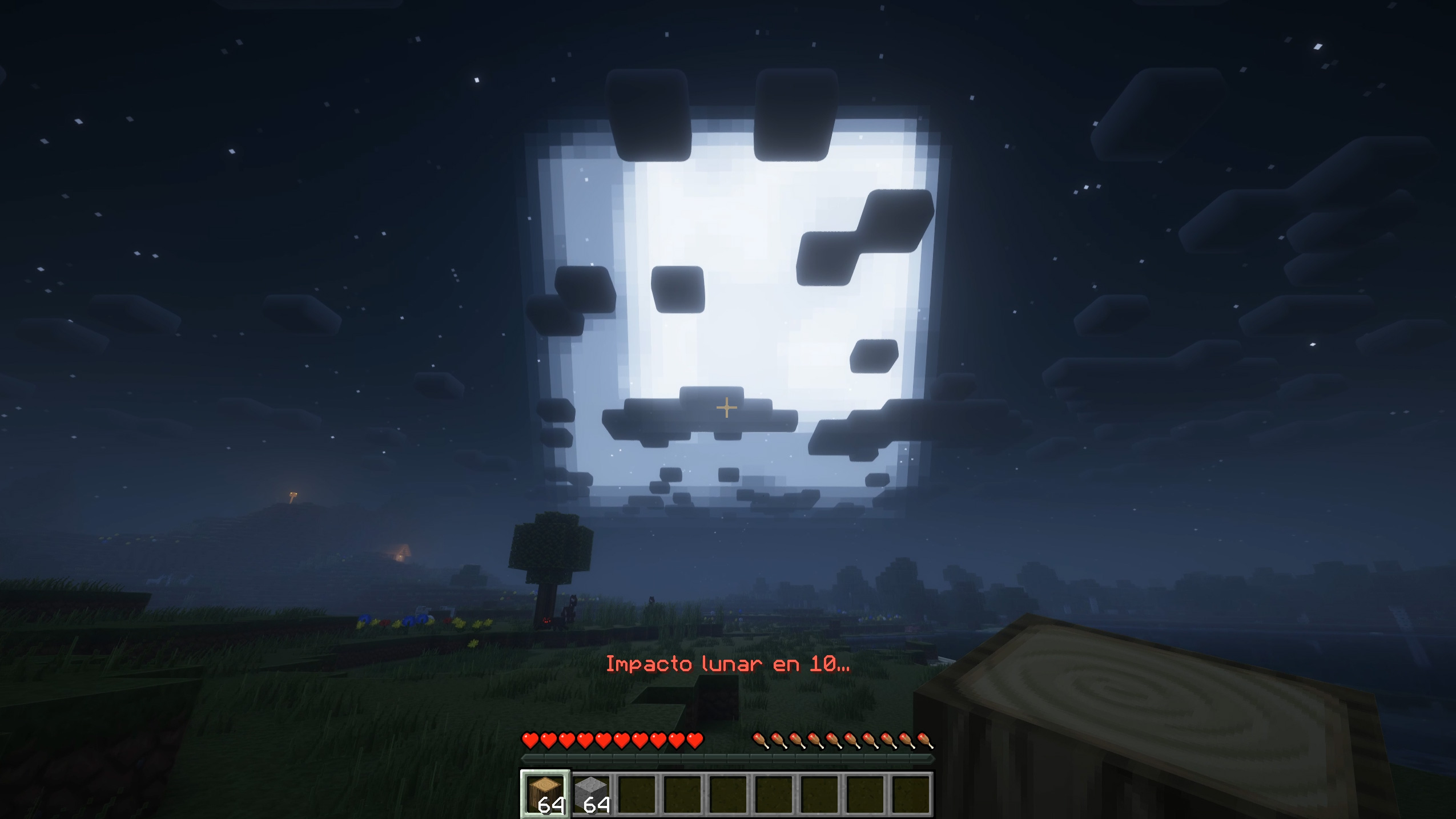
After the collision, a cosmic bridge appears at the world's original spawn point and leads to a portal connected to a massive Pluto-inspired planetoid.
Moonfall Event
- The Moon grows larger every Minecraft day.
- Lunar progress is synchronized between server and clients.
- New warnings, particles, atmospheric effects and custom sounds appear as the impact approaches.
- The final countdown begins when the last night falls.
- A large impact event occurs after the countdown.
- The event state is saved permanently in the world.
- Multiplayer players see the same Moon phase and event progress.
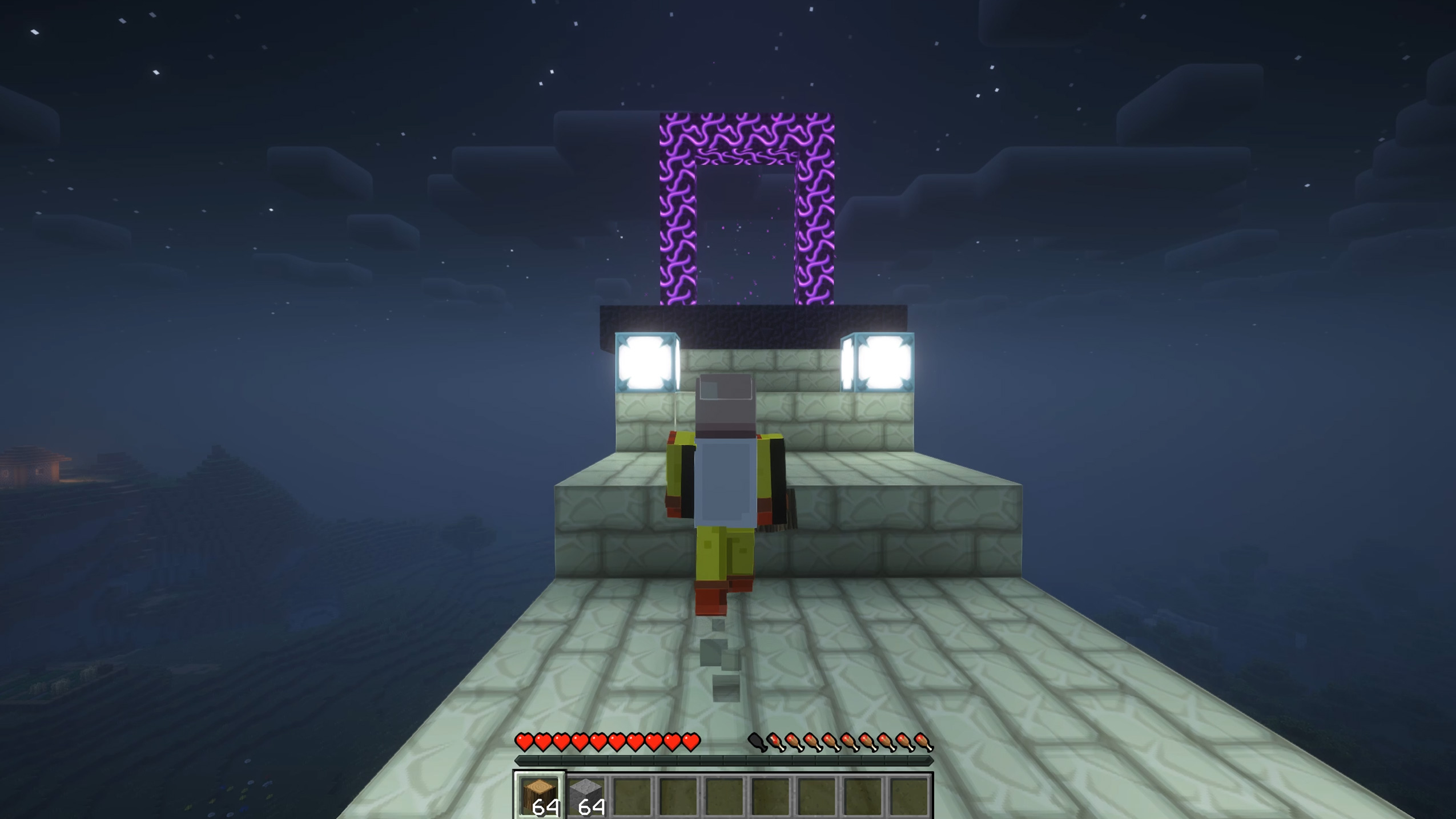
Cosmic Bridge
- A lunar bridge is generated after the impact.
- The bridge always begins near the original Overworld spawn point.
- A reinforced platform prevents the entrance from generating inside caves, holes or unstable terrain.
- The portal is automatically activated.
- No flint and steel is required.
- The portal includes animated particles and custom sound effects.
Pluto Planetoid
Travel through the lunar portal to reach a gigantic Pluto-inspired planetoid hidden in a remote region of the End.
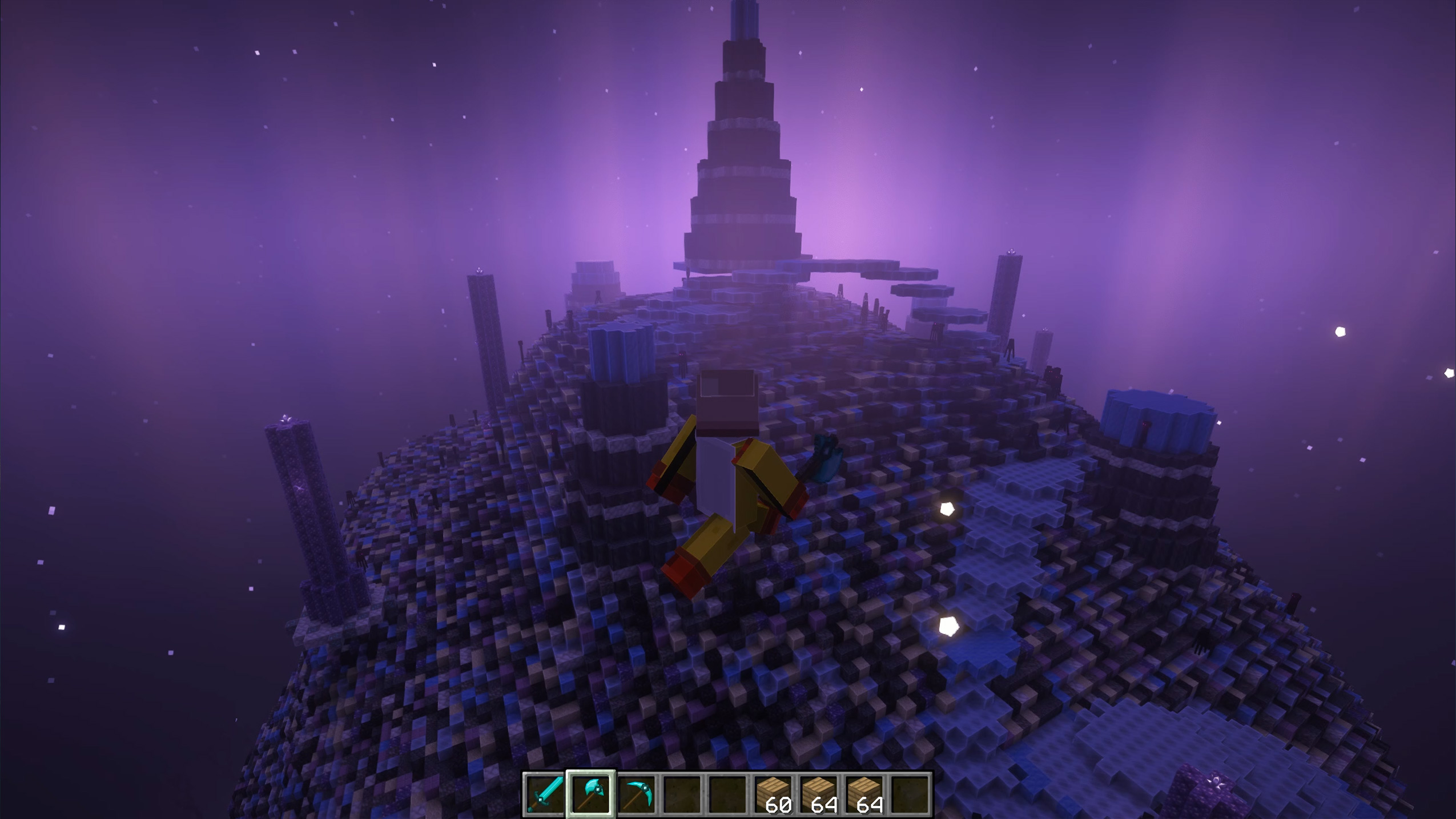
The planetoid includes:
- A huge distorted planetary shape.
- Extreme vertical terrain and enormous mountains.
- Frozen surfaces made from blue ice and packed ice.
- Basalt, blackstone, deepslate, calcite, obsidian and purpur formations.
- Large craters, scars, caves and internal tunnels.
- Exposed diamond ore.
- Rare amethyst crystal formations.
- Strange alien mineral distributions.
- Reduced gravity.
- A safe arrival platform.
- A portal that returns players to the Overworld.
The planet is generated only once per world and remains persistent.
New Commands
/devdeiffmoon status
/devdeiffmoon start
/devdeiffmoon reset
/devdeiffmoon setdays <days>
/devdeiffmoon setday <day>
/devdeiffmoon impact
/devdeiffmoon gotoimpact
/devdeiffmoon gotobridge
/devdeiffmoon gotomoon