

Tags
Creators
Details
Licensed Apache-2.0
Published 7 months ago
Updated 3 weeks ago
All versions
1.0
F34 26.2 1.0last month 28
Compatibility
Minecraft: Java Edition
Platform
Supported environments
Changes
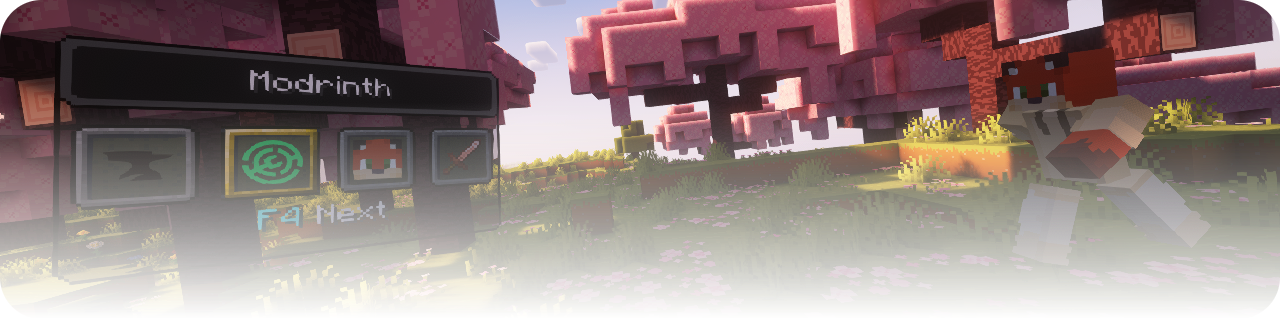
Update 26.2

- Design Update
- Features
- Animation Settings
- Actions (Log Out)
- Usability
- Upload Icon Images
- Commands (Long Commands Supported)
- Icon Player Head
- Display Settings
- Add-ons / Plugins
- Mod Loader
Design Update
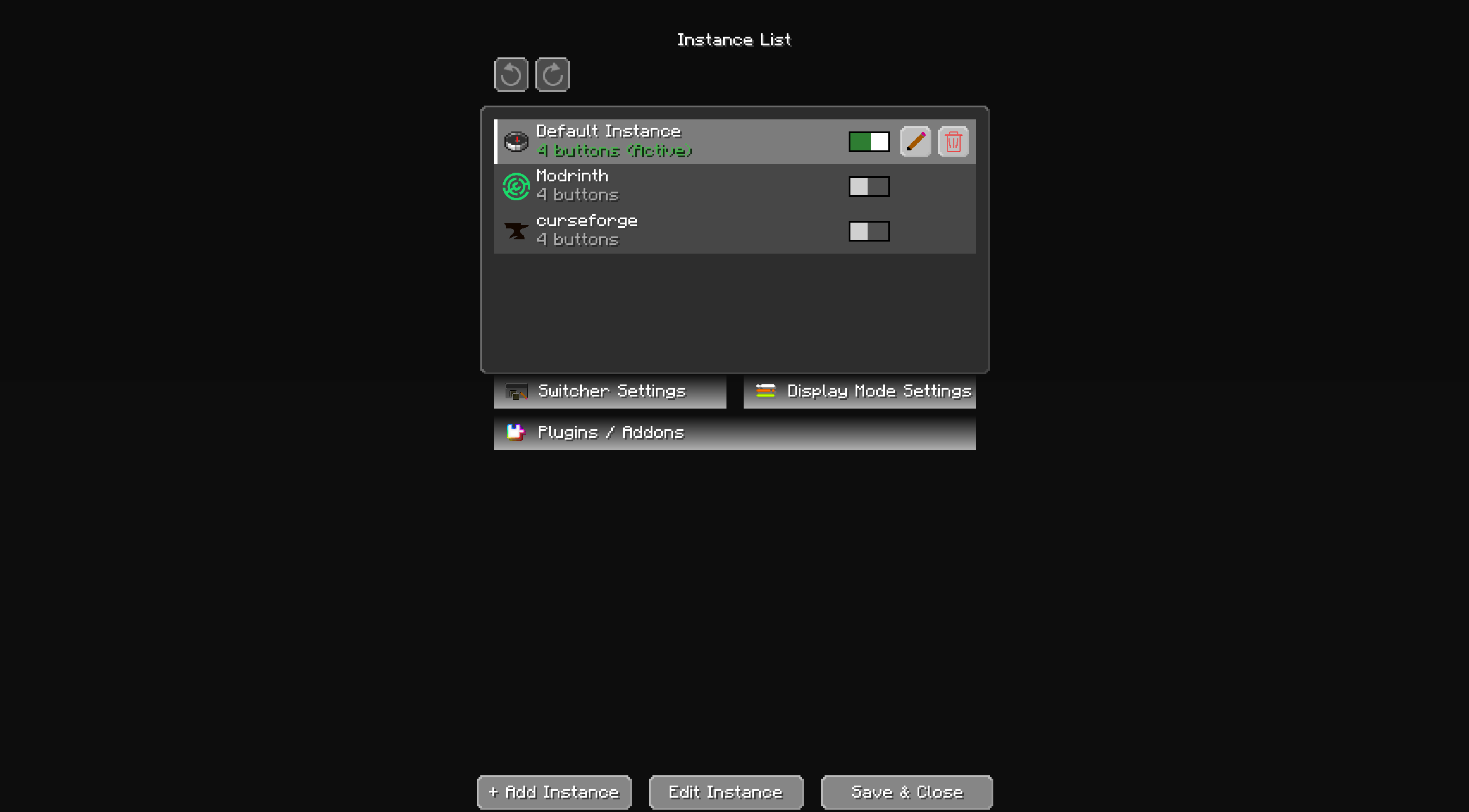
Modern & Clean Redesign: Updated to a sleek, modern look.
User-Friendly Layout: Revamped for improved readability and a more comfortable viewing experience.
Features
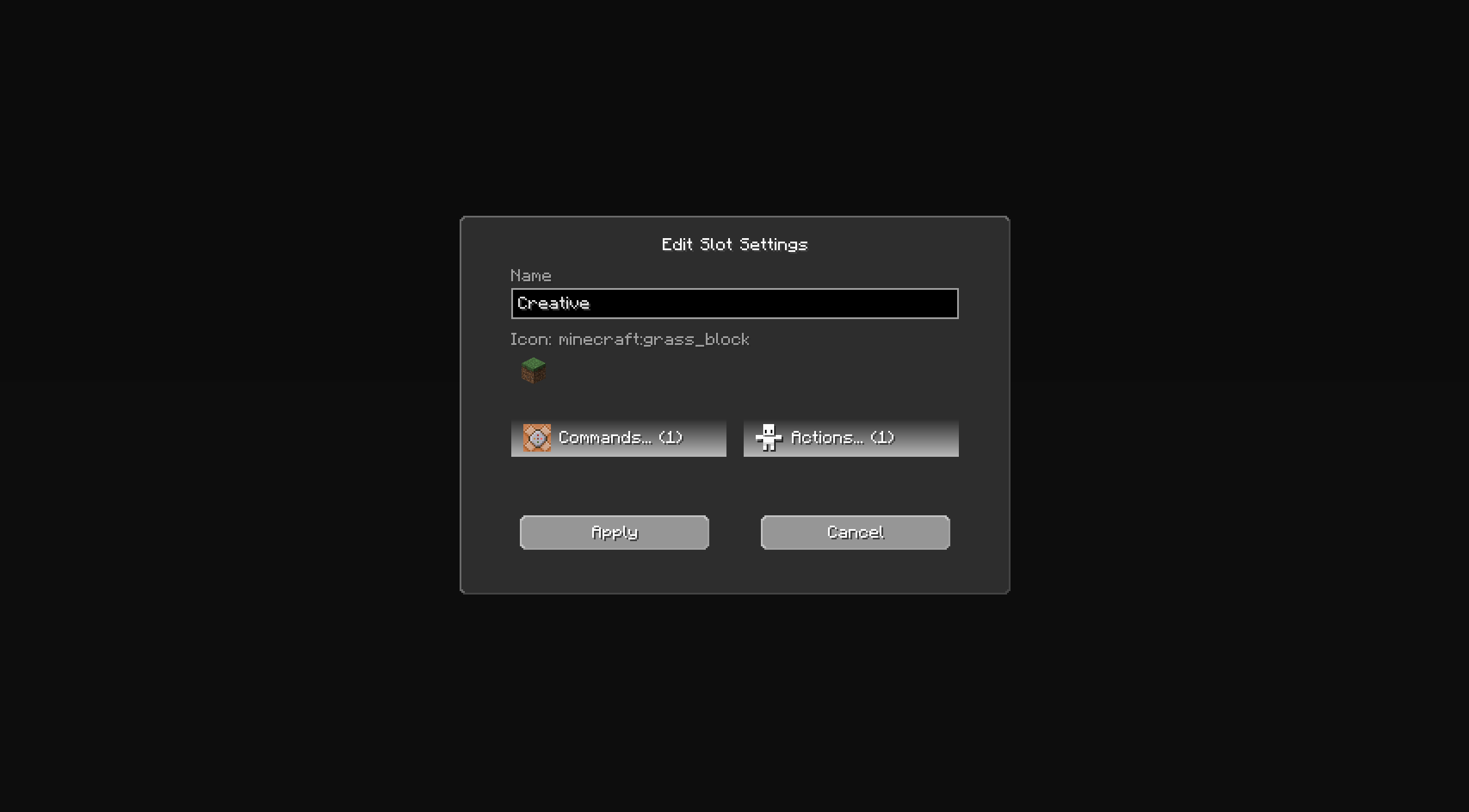
**Command Input Method**
Support for long commands: Now allows for the input of longer commands.
Updated to command-based system:
Supports Normal, Chain, and Repeat commands.
Conditional Change: Hold the Shift key while changing settings to apply them conditionally.
**Convenience Improvements**
Drag-to-reorder: You can now reorder items in the instance and button lists by dragging them.
Icon support: Icons can now be applied to instances as well.