Tags
Creators
Details
forge-1.16.5-preview-0.0.7
Compatibility
Changes
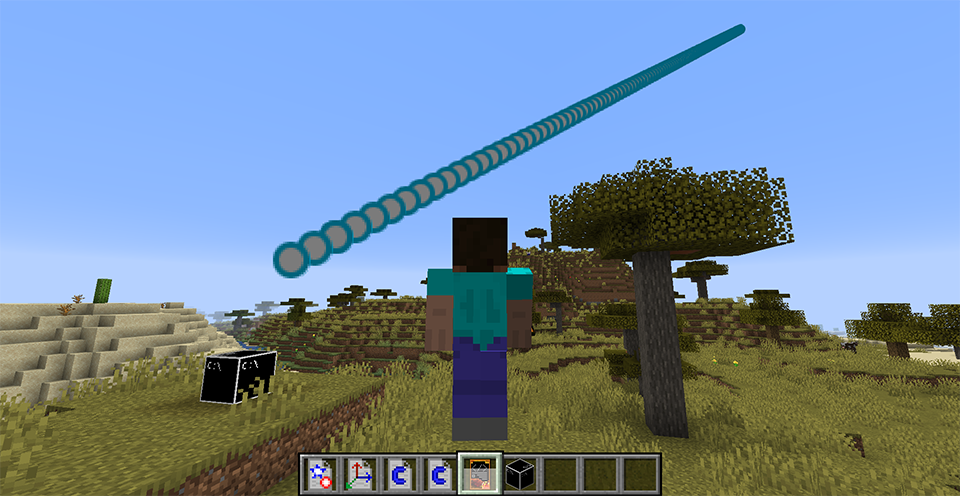
Danmaku Edit System Available!
- To make a custom spell card, you have to prepare these things:
- Vector3D Builder * 1
- Danmaku Builder * 1
- Constance Builder * 2
- Static Func Invoker * 1
- Spell Card Console * 1
- Scripted Spell Card * 1
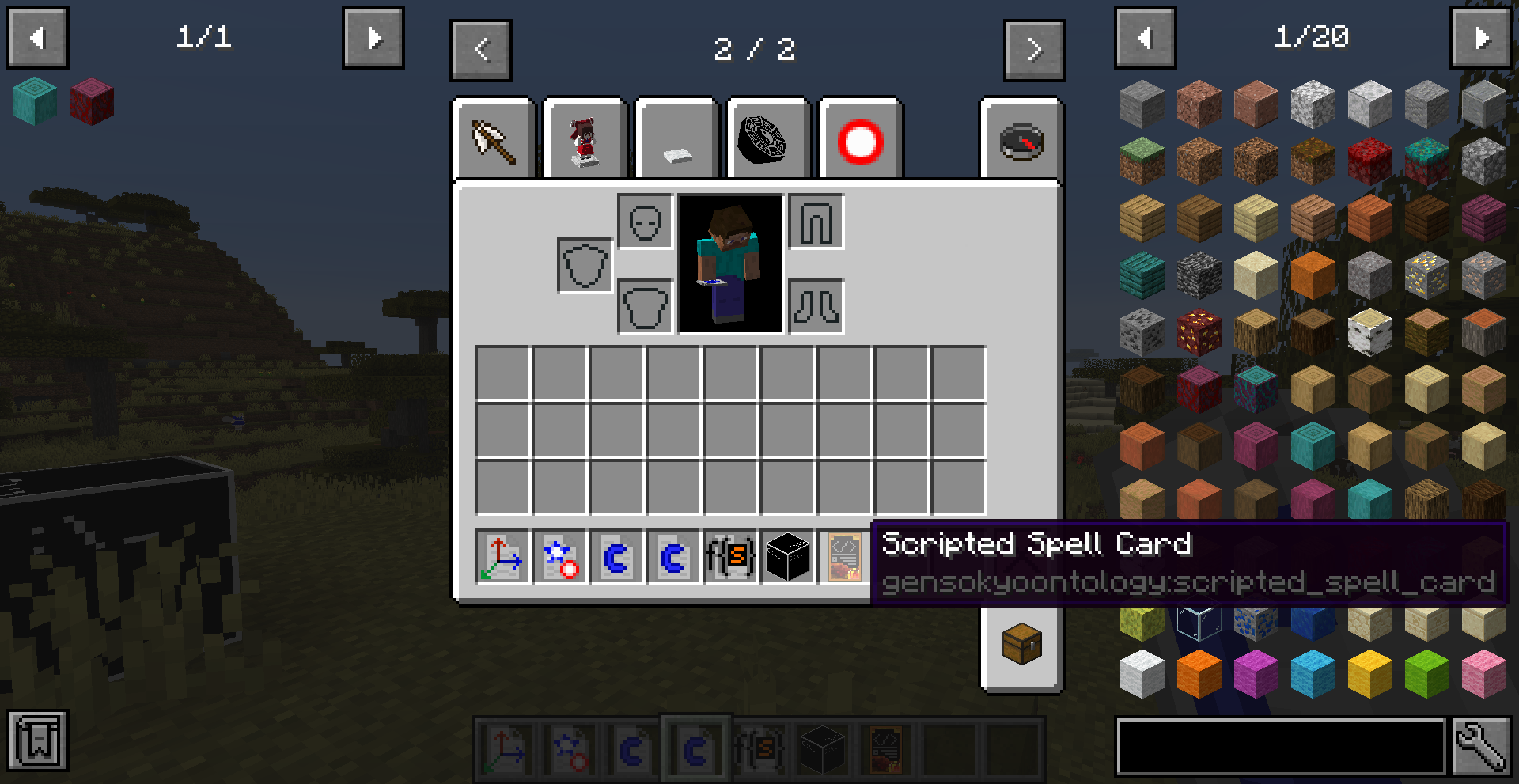
2. Next, right click Constance Builder, Vector3D Builder and Danmaku Builder to open the edit GUI to assign necessary values. Don't forget to insert item to the container's slot and click the Save button. Attention that you should use float type to create speed and inaccuracy constance.
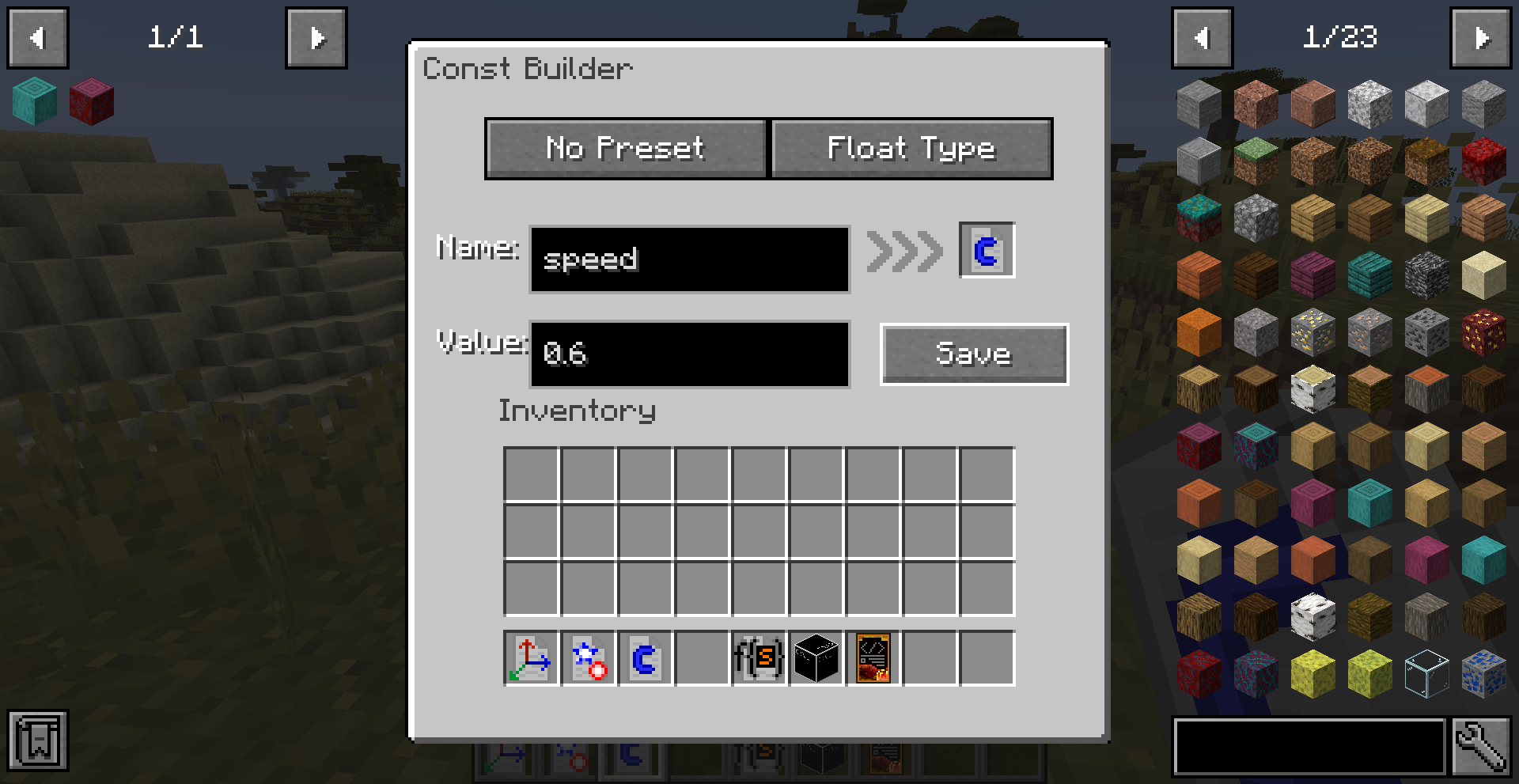
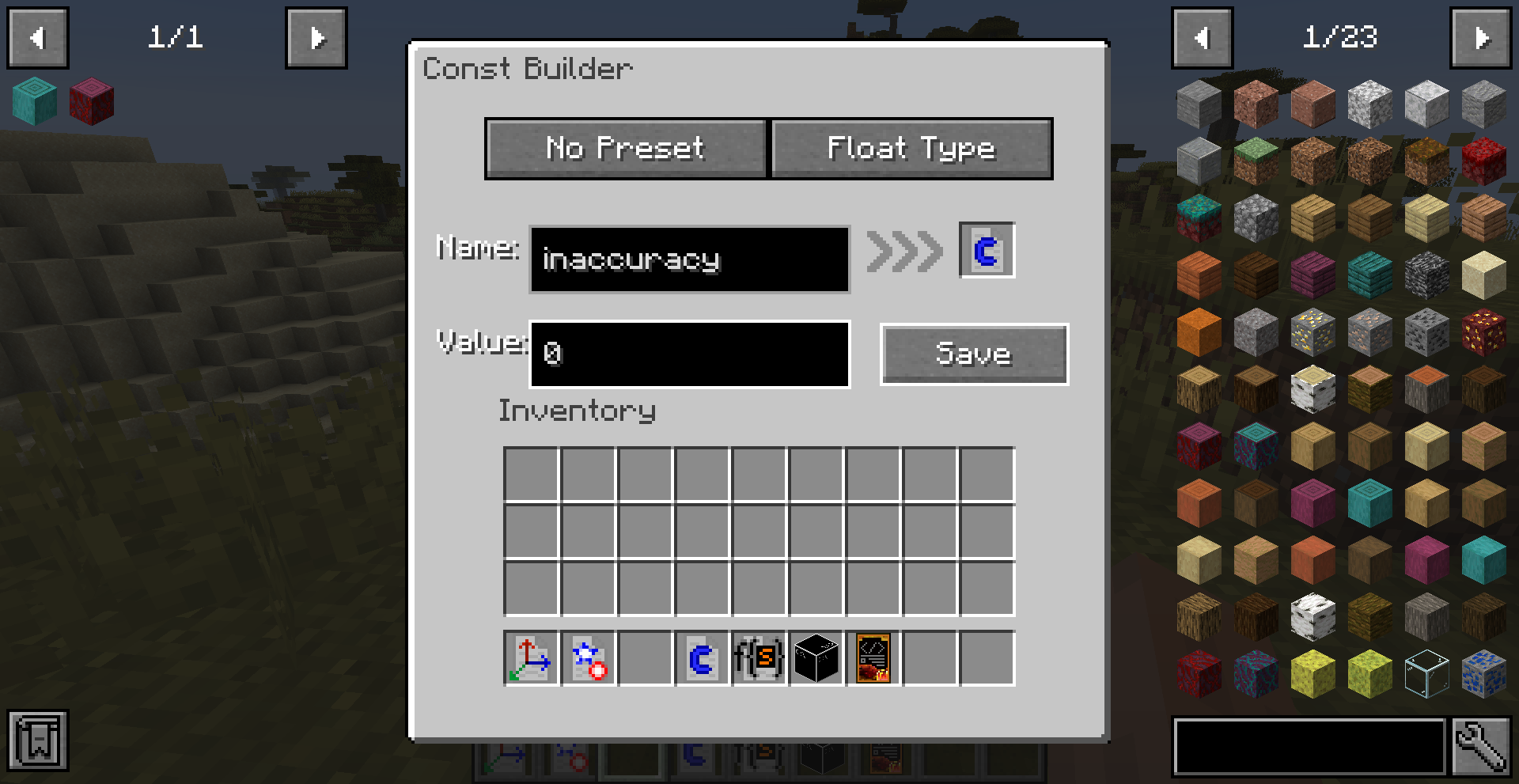
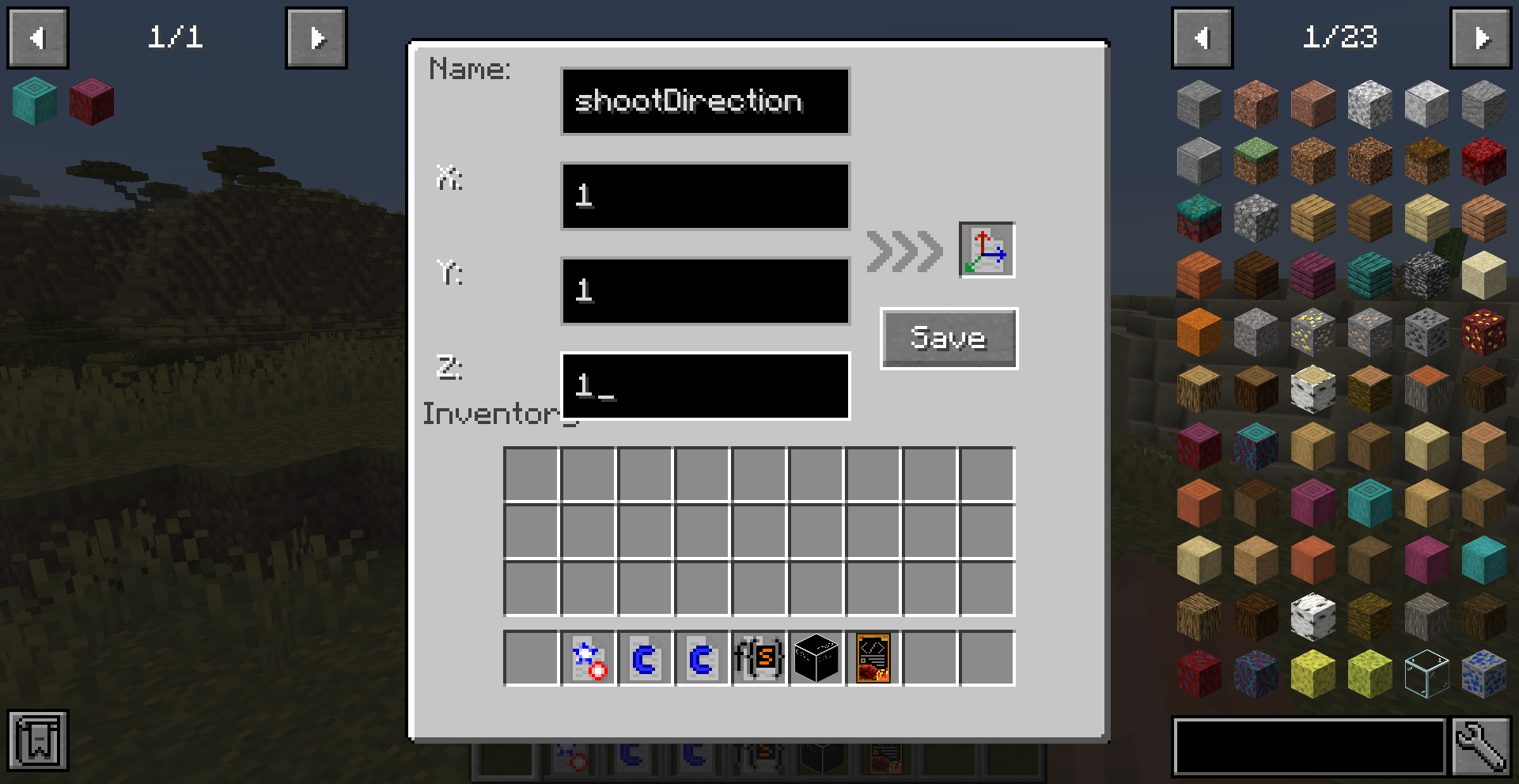
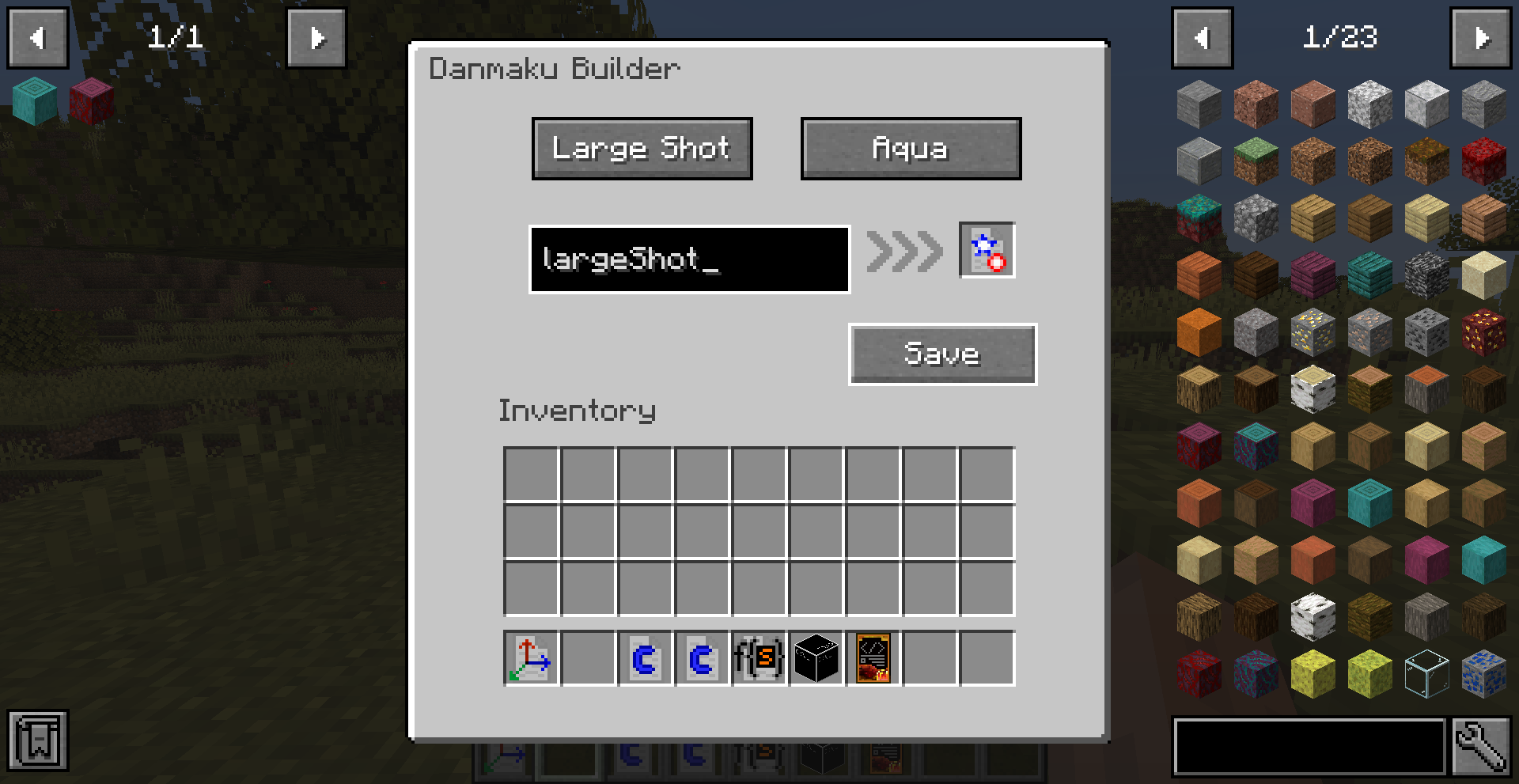 3. After that, you have to right click Static Func Invoker to open its edit GUI and put those items IN THE CORRECT ORDER. For instance of this shoot function, you have to put Danmaku Builder to the 1st slot, Vector3D Builder to the 2nd. The 3rd and 4th slot is for Constance Builder, but the value in the Constance Builder in the 3rd slot determines the speed of the danmaku, while the value of the 4th determines the inaccuracy.
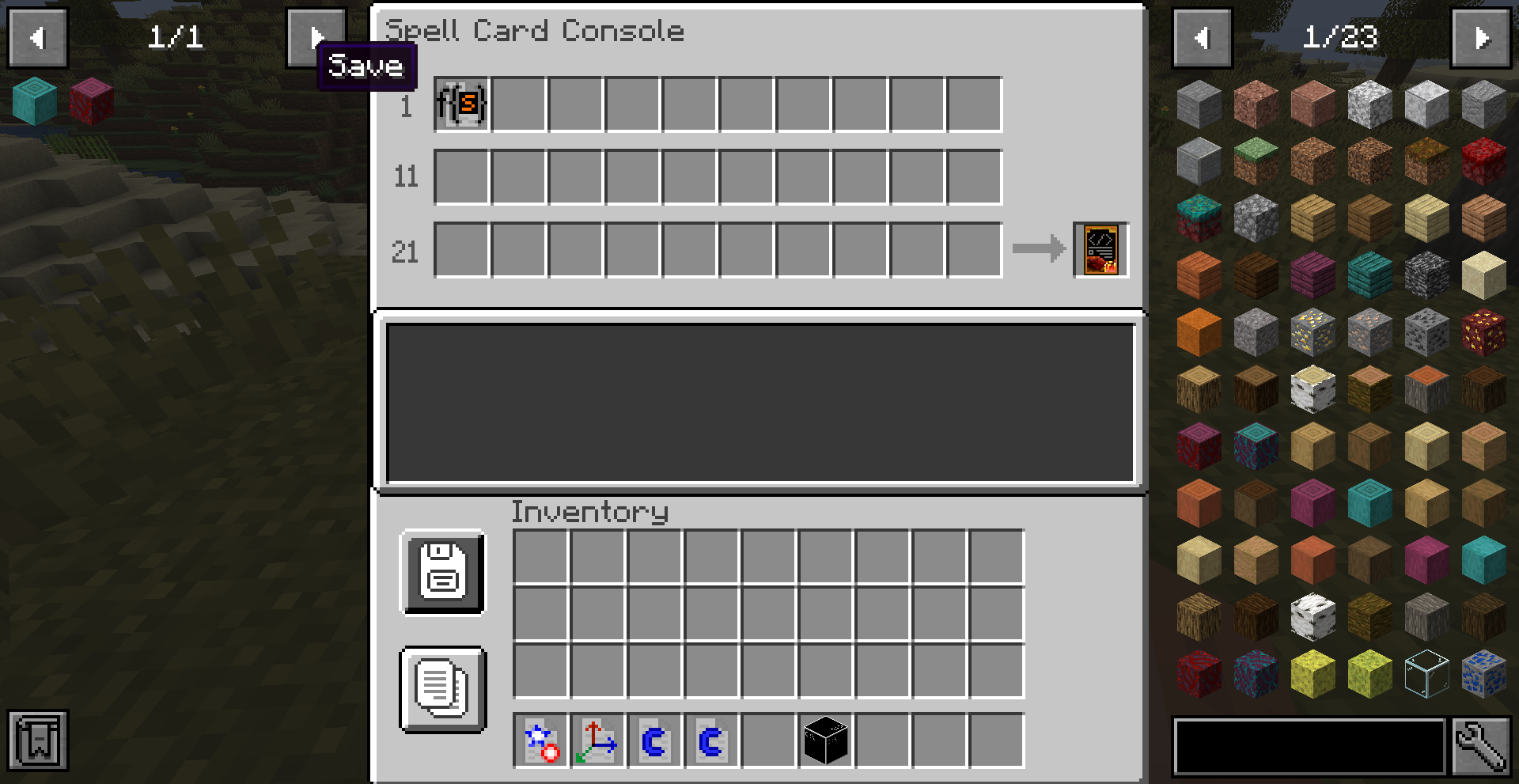
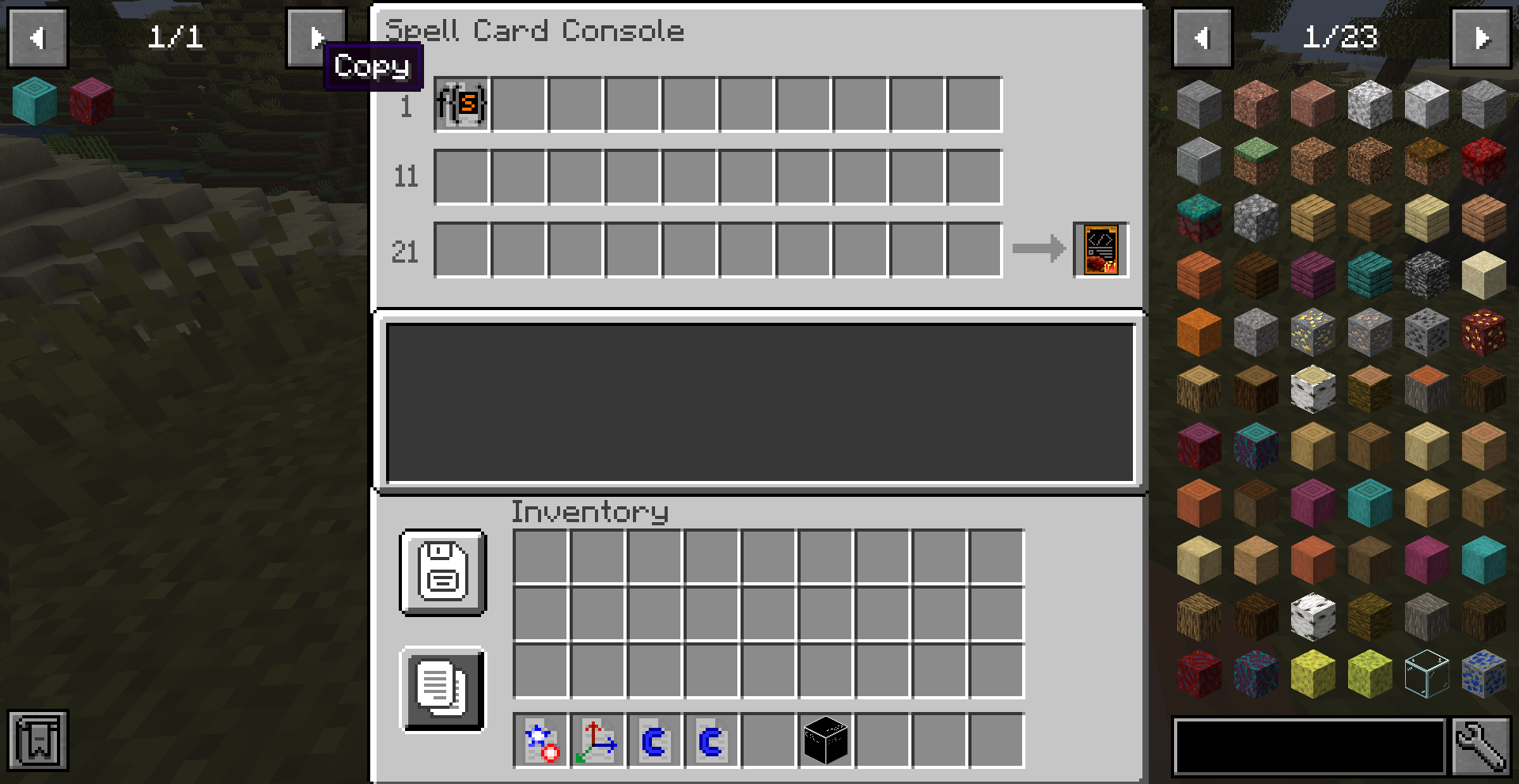
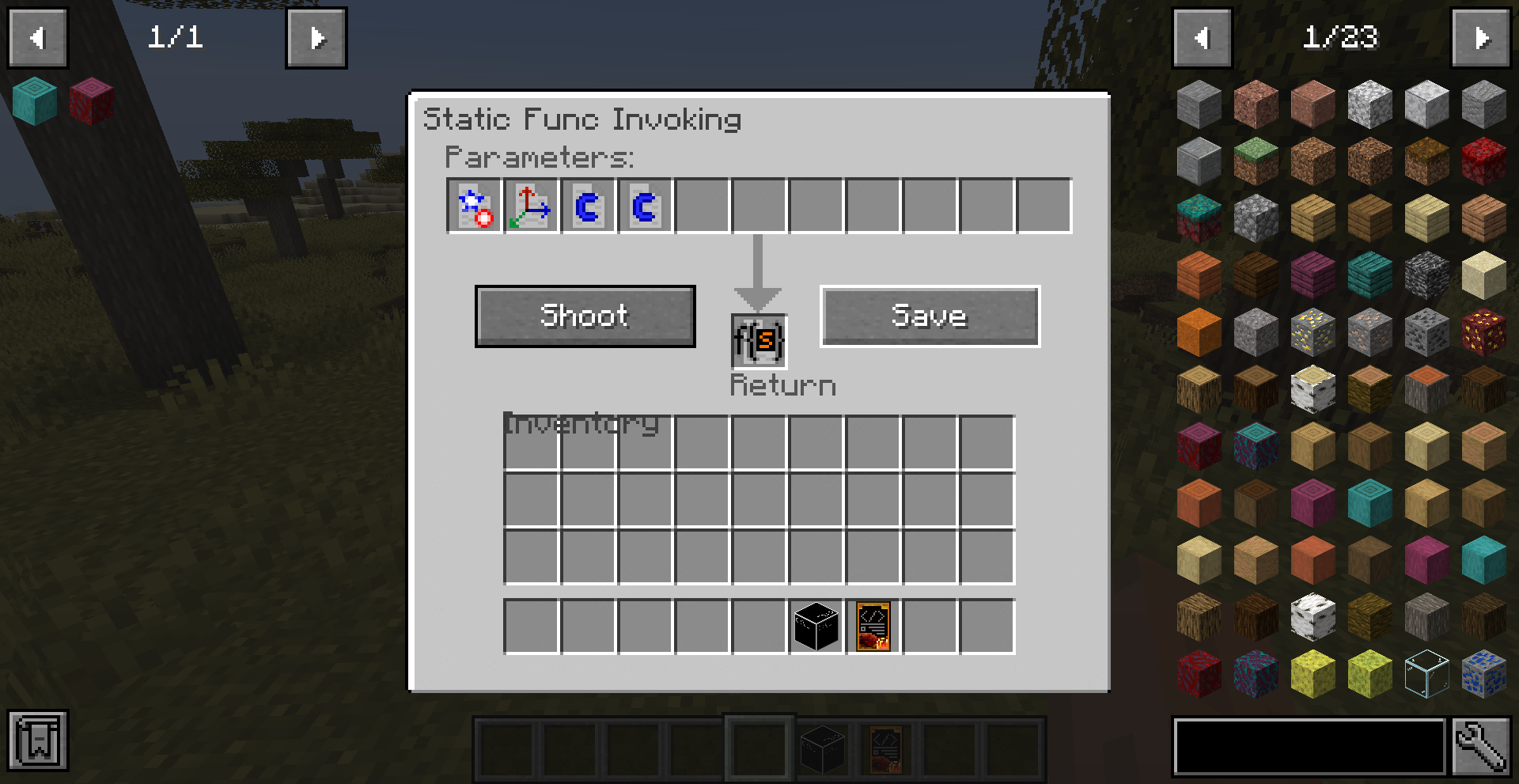 4. Save the invoker's data and open the Spell Card Console block's edit GUI, put your Static Func Invoker to any of the slot in it, and put the Scripted Spell Card to the output slot.
Now you can click the Save button to store data in the Scripted Spell Card. And you can also click Copy button to paste the data in Json format to your clipboard if the Scripted Spell Card has required tag.
4. Save the invoker's data and open the Spell Card Console block's edit GUI, put your Static Func Invoker to any of the slot in it, and put the Scripted Spell Card to the output slot.
Now you can click the Save button to store data in the Scripted Spell Card. And you can also click Copy button to paste the data in Json format to your clipboard if the Scripted Spell Card has required tag.
 5. Finally, have fun with your custom damaku show and look forward to more supported functions in the future update!