


Tags
Creators
Details
Licensed Apache-2.0
Published 3 years ago
Updated 4 months ago
All versions
2.0.0
Jewish mod 2.0.04 months ago 500
Compatibility
Minecraft: Java Edition
Platform
Supported environments
Changes

ENG
Jewish Mod 2.0.0 - Patch Notes
Removed
- Removed unnecessary blocks and items.
- Cleaned up outdated content to improve the overall experience.
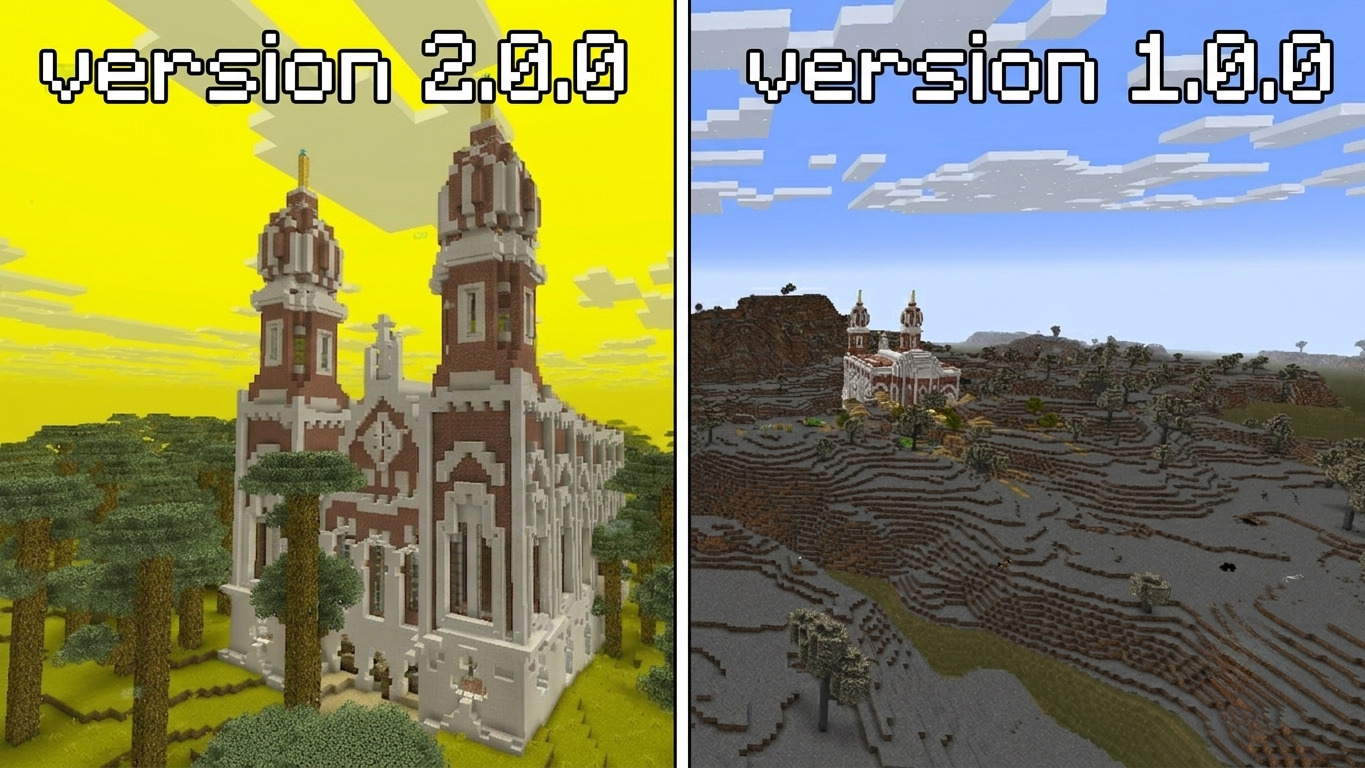
Biome Rework
- Completely redesigned the biome.
- The biome is now called Jew.
- Improved its generation and overall appearance.
New Textures
-
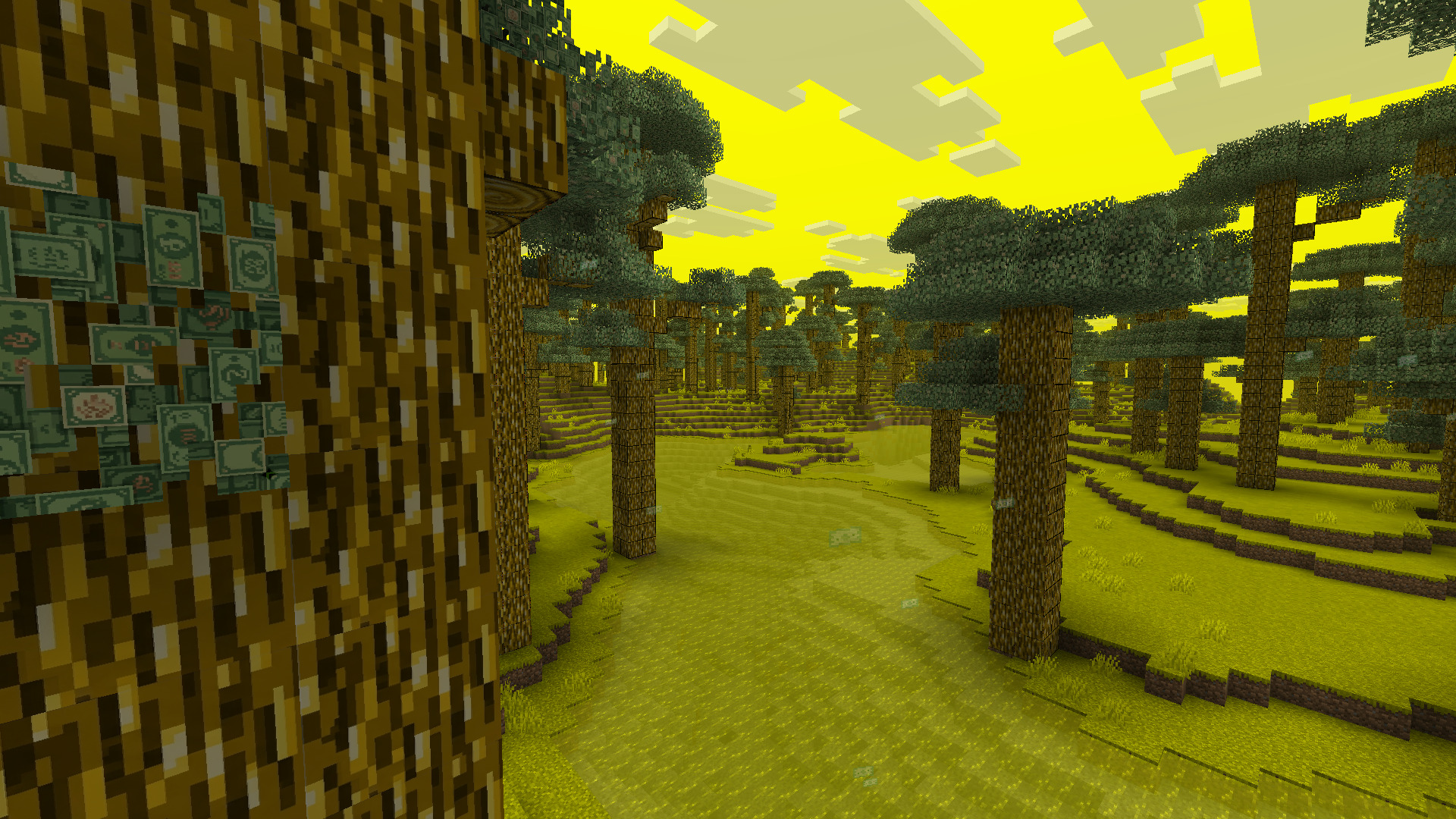
Added brand-new textures for:
- Trees
- Leaves
- Wooden planks
- Tools
- Various other blocks and items
-
New Crafting Recipes
- Added new crafting recipes for the updated content.
- You can check them out in the YouTube showcase video.
New Particles
- Added money particles that now fall from the sky.
New Gameplay Features
- Leaves in the new biome now drop money.
- Money can be obtained by breaking leaves with a hoe.
Bug Fixes
- Fixed numerous bugs and issues from the previous version.
Structure Changes
- Structures can now generate with different levels of damage.
- However, they will most often spawn fully intact.
Thank you for playing Jewish Mod!
RU
Jewish Mod 2.0.0 — Patch Notes
Удалено
- Убраны ненужные блоки и предметы.
- Проведена очистка контента для улучшения общего качества мода.
Переработка биома
- Биом полностью переработан.
- Теперь биом называется Jew.
- Обновлена генерация и внешний вид биома.
Новые текстуры
-
Полностью обновлены текстуры:
- деревьев;
- листвы;
- досок;
- инструментов;
- других тематических блоков и предметов.
Новые рецепты крафта
- Добавлены новые рецепты крафта для обновлённого контента.
- Подробную демонстрацию можно посмотреть в видео на YouTube.
Новые частицы
- Добавлены новые частицы в виде денег, которые падают с неба.
Игровые механики
- В новом биоме с листвы теперь выпадают деньги.
- Для получения денег необходимо добывать листву мотыгой.
Исправления
- Исправлено множество ошибок и недоработок, присутствовавших в предыдущей версии.
Структуры
- Структуры теперь могут генерироваться с разной степенью разрушенности.
- В большинстве случаев структура будет появляться полностью целой.
Спасибо за использование Jewish Mod!