

All versions
0.0.3+26.2
Beta
Litematica Material HUD & Chest Finder 0.0.4+26.22 days ago 82
Compatibility
Minecraft: Java Edition
26.2
Platform
Fabric
Supported environments
Client-side
Changes
An important changes
- The material list is counted from the schematic file, not from what is drawn around you. A schematic larger than your render distance used to give truncated numbers; now every block of the layer, range or zone is counted however far it reaches.
- The world is still compared where it is loaded, so "built / not built" is exact nearby. Blocks beyond the render distance cannot be checked and count as not built — the line under the list says how many chunks that is.
Visuals
- New: "Mark colors from blocks" (off) in the Highlight tab. On — a mark takes the color of the block itself, as before. Off — the mod's bright palette. Switching recolors the current search right away.
Simple Colors
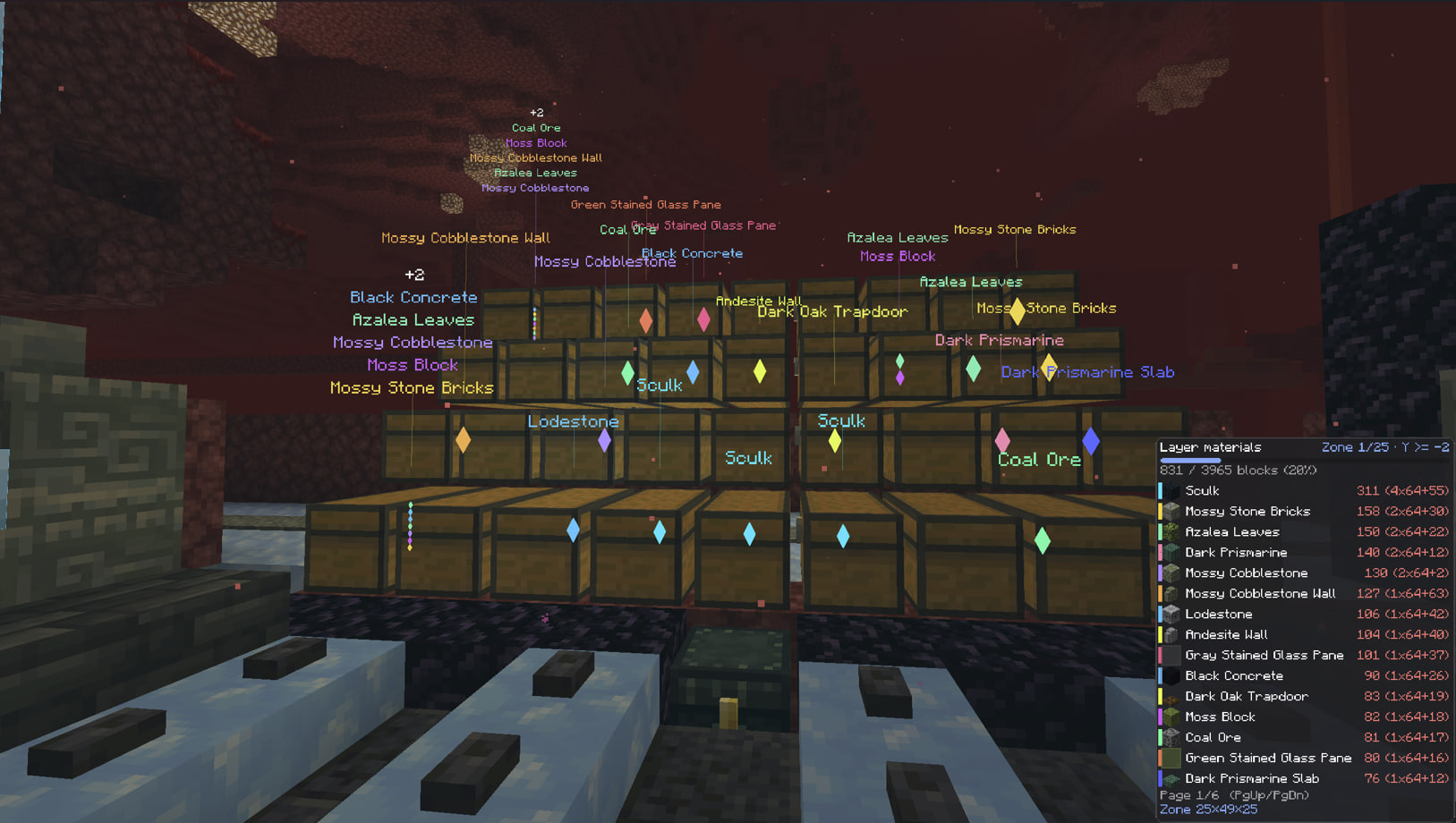
Based on the item’s colour
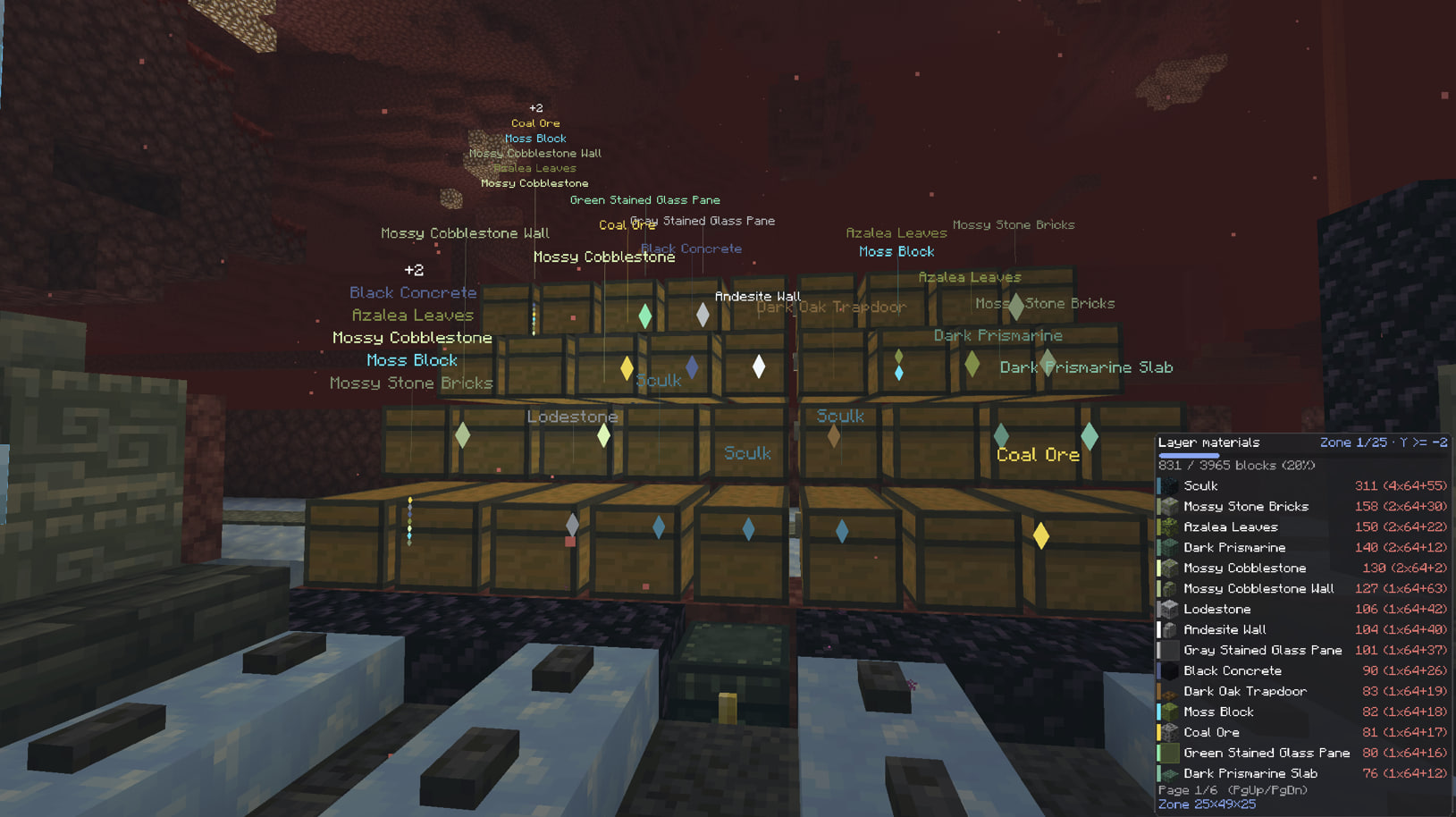
Projects on Modrinth are automatically available through a Maven repository for use with JVM build tools such as Gradle. To learn more about the Modrinth Maven API, click here.
Note: When available, you should use the creator's maven repo instead as it will have transitive dependency information that the Modrinth Maven API does not. You may also end up with duplicate dependencies if you use a mix of Modrinth and non-Modrinth Maven repositories for your dependencies, because the group identifier will be different when served through the Modrinth Maven API.
Maven coordinates:
Version ID:
build.gradle:
repositories {
exclusiveContent {
forRepository {
maven {
name = "Modrinth"
url = "https://api.modrinth.com/maven"
}
}
// forRepositories(fg.repository) // Uncomment when using ForgeGradle
filter {
includeGroup "maven.modrinth"
}
}
}
// Standard Gradle dependency
dependencies {
implementation "maven.modrinth:JmqA4Alf:3VdbMnXz"
}
// Legacy Loom dependency
dependencies {
modImplementation "maven.modrinth:JmqA4Alf:3VdbMnXz"
}

