

Links
Tags
Creators
Details
Licensed CC-BY-NC-ND-4.0
Published 2 months ago
Updated 21 hours ago
All versions
1.1.0
Quivers 1.1.021 hours ago 3
Compatibility
Minecraft: Java Edition
Platform
Supported environments
Changes
1.1.0
New
- Quiver slot: wear the quiver in its own slot with Curios (NeoForge) or Trinkets Updated (Fabric). Both are optional. Your bow draws from the worn quiver first.
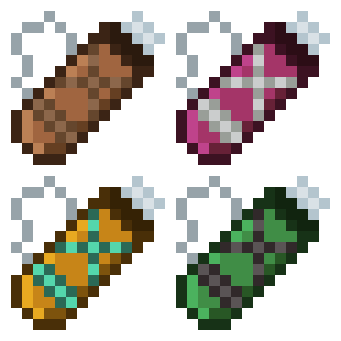
- Your quiver now shows on your back for every player nearby, in its own color, over the shoulder of your draw hand. You can hide yours from others, or hide everyone else's from yourself in the settings.
- In your inventory the quiver works like a bundle: scroll over it to pick an arrow, right click to take that stack out, or right click an empty slot to put it down.
- The tooltip now looks like the bundle's, with the selected arrow's name on top and a bar that fills up to the quiver's own capacity.
- The arrow list shows one line per arrow type with its total, and switching is instant, just like the hotbar.
- New "Open quiver" keybind (unbound by default). It also opens a worn quiver.
- Config button in the mod list on Fabric too, with Mod Menu installed.
- Support for Minecraft 26.3.
Fixes
- Drawing the bow again in the same moment no longer gives a free arrow.
- An arrow held in your hand is used before the quiver's, like in vanilla.
- With the arrow list set to show only when switching, it no longer flashes on screen when you join a world.
- Picking up the open quiver no longer closes its window.
Note
Update the mod on the server and for every player at the same time. On NeoForge and Forge, a 1.0.x client can't join a 1.1.0 server.