
Compatibility
Minecraft: Java Edition
Platforms
Supported environments


Creators

Details

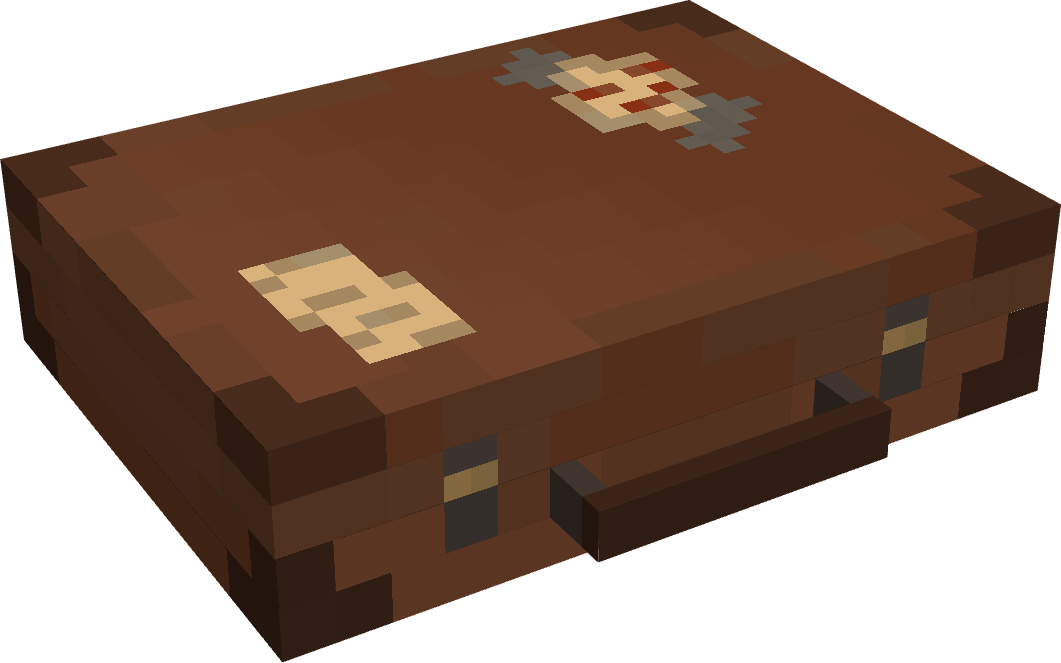
Adds the Traveler's Suitcase block to Minecraft.
Unlock and climb inside the "bigger on the inside" suitcase.
Provides a Pocket Dimension that players can utilize and share.

💼 The Traveler's Suitcase
Interact with a repaired Key to bind your dimension.
Sneak on an open suitcase to access your personal pocket dimension.
Build and utilize the area within however you see fit.
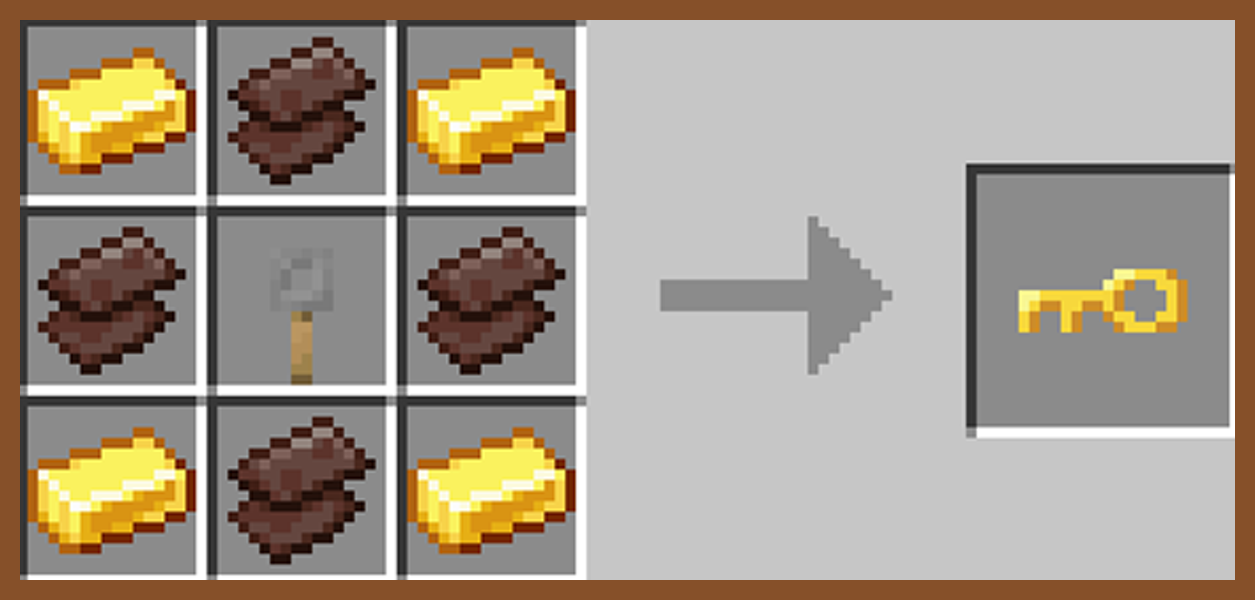
🗝️ The Keystone
Craft, repair, and rename a broken key in order to unlock a suitcase and spawn a new pocket dimension.
Share Keystone names to allow other players to enter your private dimension from their own suitcase.

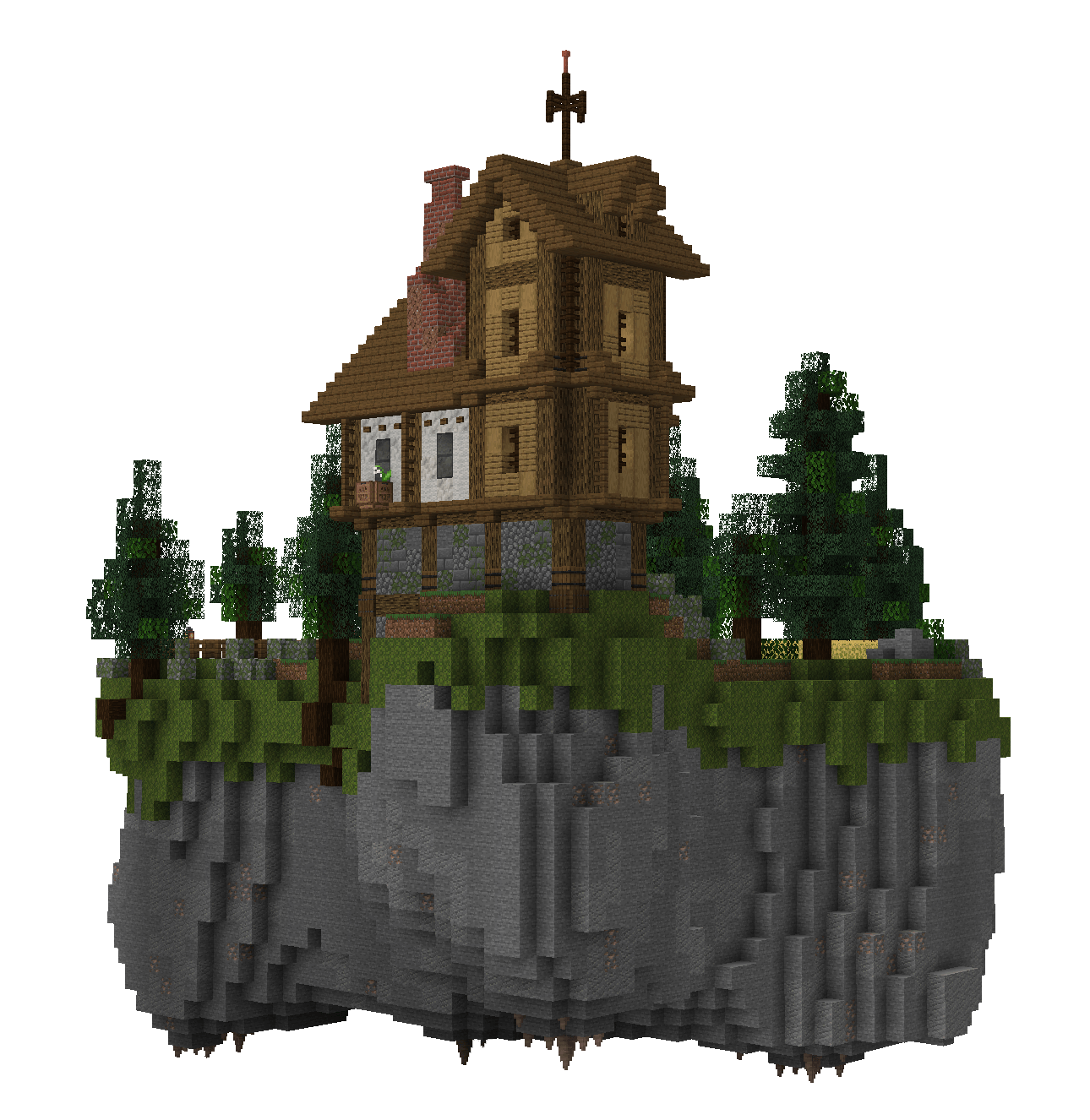
🕳️ The Pocket Dimension
The pocket island is a safe space where mobs do not spawn.
Entering the suitcase will bring you to your very own pocket island, individual to your key's name.
Right-click anywhere inside a pocket dimension with a bone to change the players entry location.
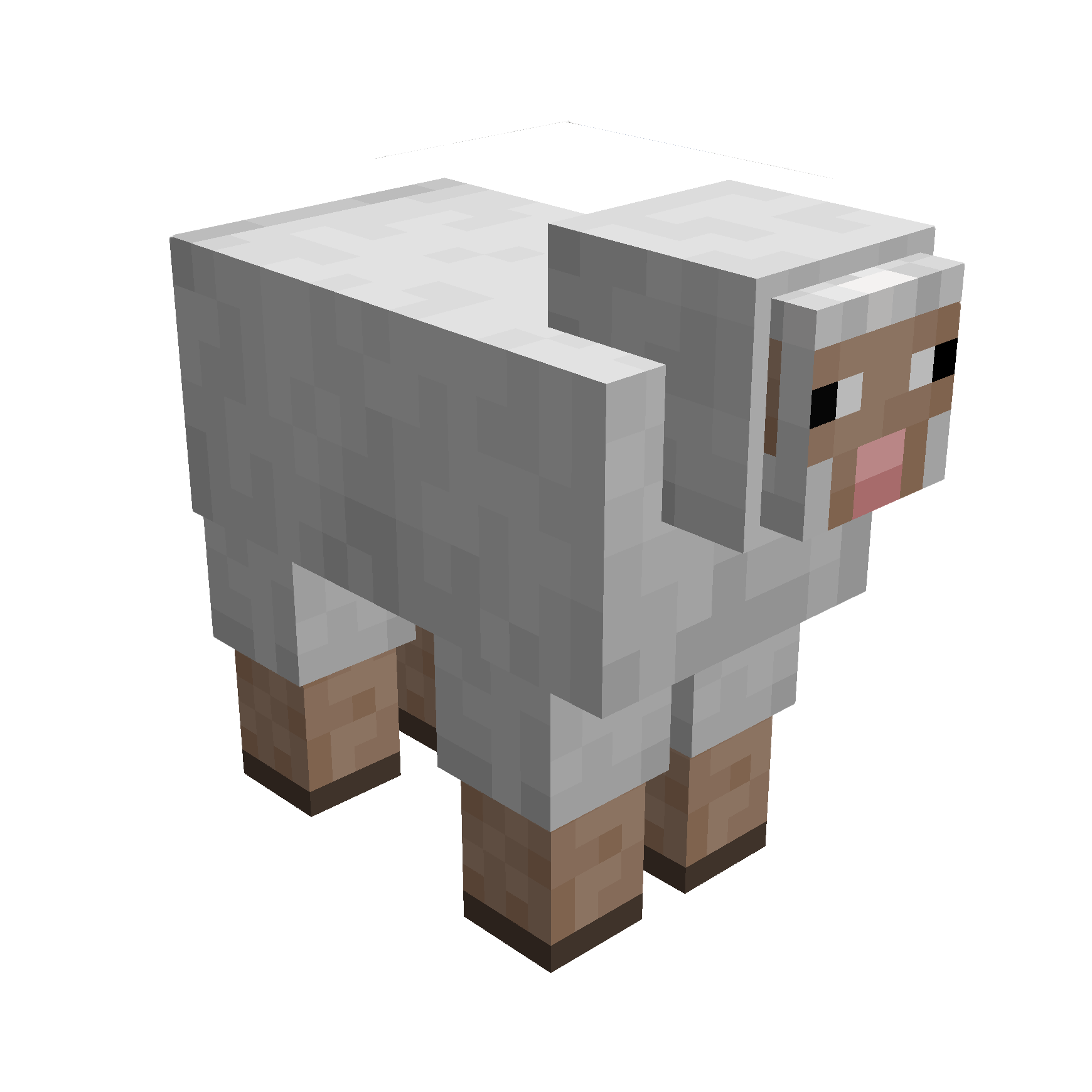
🪶 Capture Creatures
Simply right-click a mob with your suitcase to capture them.
While inside the pocket dimension you can change a mobs entry location with a lead.
Right-click a mob inside your pocket dimension with a key to release them.

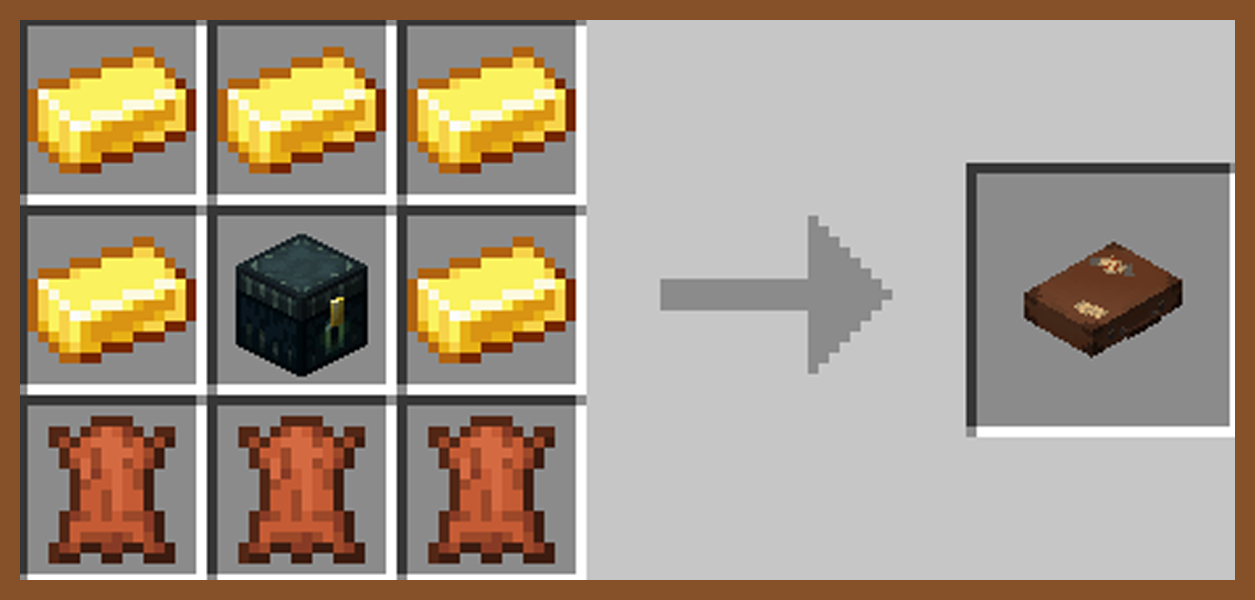
Traveller's Key
Traveller's Suitcase
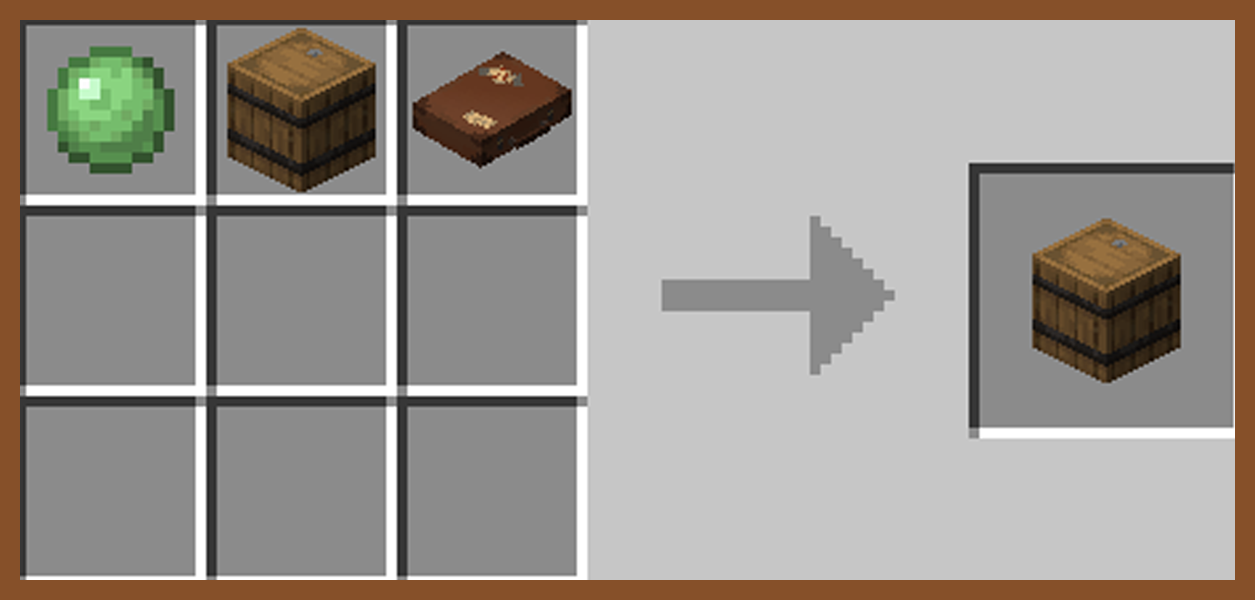
Secret Barrel

🧩 Compatibilities
This mod is singleplayer and multiplayer friendly.
Required on client and server if using on a server.
This is a Fabric mod, requiring Fabric API.
If using Sinytra Connector (Forge), reload your world after entring a pocket dimension for the first time to avoid bugs.
📟 Commands
Set Captured Mobs Entry Point: Must be in a pocket dimension
/pocketRepose setMobEntry
Set Player Entry Point: Must be in a pocket dimension
/pocketRepose setPlayerEntry
Reset Player Entry Point: Can be anywhere
/pocketRepose resetPlayerEntry <dimensionNameHere>
List Pocket Dimensions: Must be an OP
/pocketRepose listDimensions
Capture Mob Blacklist: Must be an OP
/pocketRepose MobBlacklist add/remove/list/clear
Can Capture Hostile Mobs: Must be an OP
/pocketRepose canCaptureHostile true/false (default false)
❓ Q&A
Q: How do you enter a suitcase?
A: Craft a key and suitcase, rename the key in an anvil, right click the key, right click the suitcase with the key, then finaly sneak to enter.
Q: How are the pocket dimensions handled?
A: Pocket dimensions are linked to the keys, not the suitcases. Every time a key is renamed and bound, a new dimension is created under that specific name.
Names can be shared or kept secret.
Q: What if my suitcase and key are destroyed?
A: Make a new key and rename it with the original name. Pocket dimensions cannot be lost.
🚧 Known Issues
Occasional teleport errors when attempting to leave if a player is carrying multiple suitcases with the same name as the dimension you are in.