
Compatibility
Minecraft: Java Edition


Links
Tags
Creators
Details
こんにちは。日本人クリエイターです。
(Hello, I am a Japanese creator.)
split selfというmodはご存知でしょうか?
(Are you familiar with the "Split Self" mod?)
今回はそのmodの大部分を日本語に翻訳するリソースパックを作成しました。
(I have created a resource pack that translates most of this mod into Japanese.)
動画などで使う時は許可など取らなくて大丈夫です。
(You don't need permission to use this in videos or other content.)
導入方法はこちら↓
(Installation guide below:)
1.ファイルをダウンロードする
(1. Download the file.)
2.zipファイルは解凍せずに分かりやすい位置に置いてください。
(2. Keep the zip file compressed and place it in an easy-to-find location.)
3.マイクラを起動する
(3. Launch Minecraft.)
4.設定を開き、リソースパックという項目を開く
(4. Go to "Options" and open "Resource Packs".)
5.開いたらダウンロードしたファイルをマイクラの画面にドロップしてください。
(5. Drag and drop the downloaded file onto the Minecraft window.)
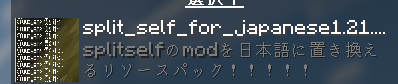
6.次のパックをminecraftに追加しますか? split_self_for_japanese◯.◯◯.◯.zip と出てきたら、はいを押してください。
(6. When "Do you want to add the following pack to Minecraft _split_self_for_japanese..." appears, click "Yes".)
7.左側に表示されたら、それを右側に移動してください。
(7. Once it appears on the left side, move it to the right side.)
8.リソースパックを閉じてください。
(8. Close the resource pack menu.)
9.split self configuration...がsplit self 設定...になっているなら成功です!
(9. If "split self configuration..." has changed to "split self 設定...", the installation was successful!)
ここからはゲーム内スクリーンショットを紹介します。
(Here are some in-game screenshots.)
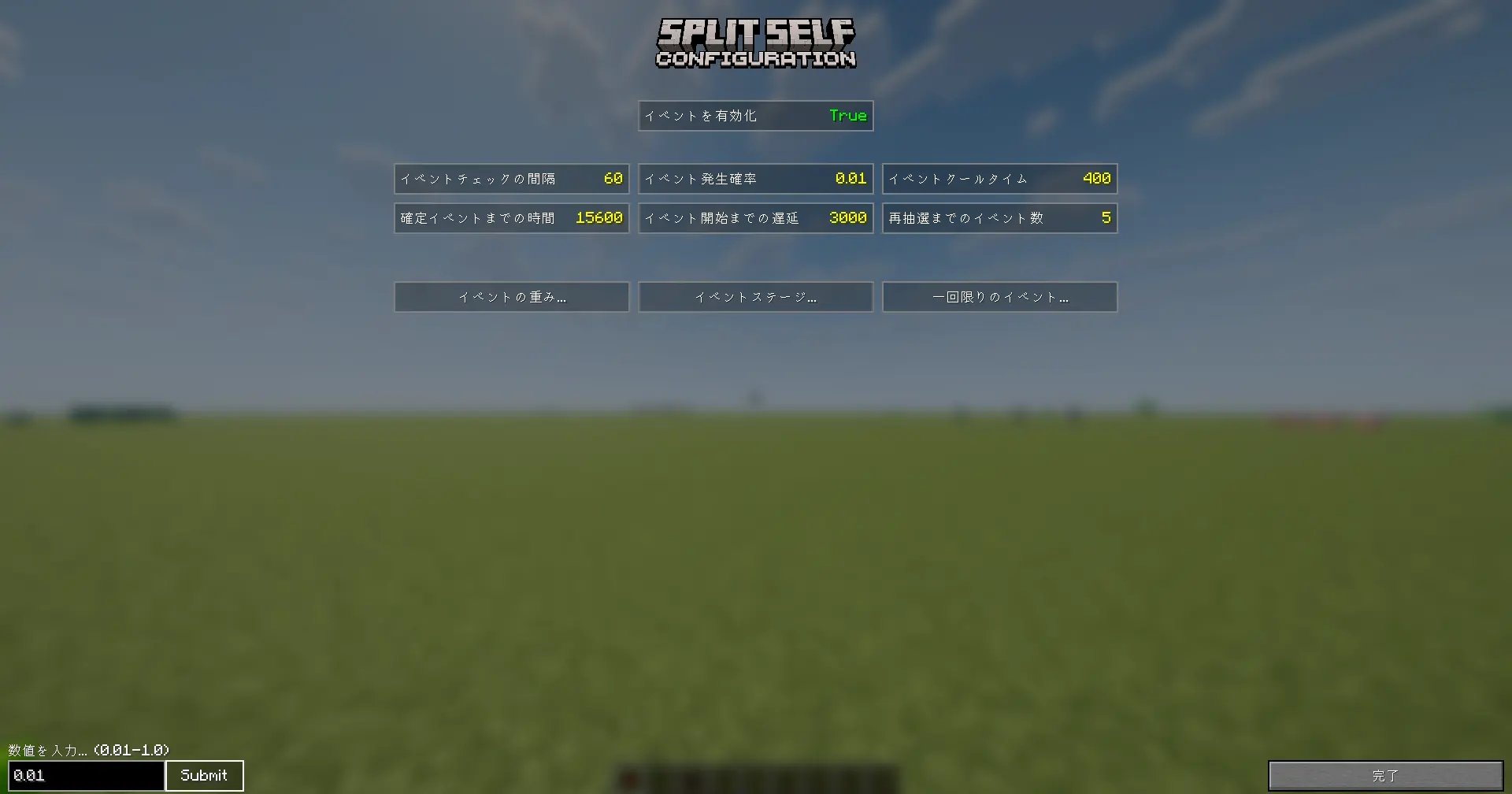
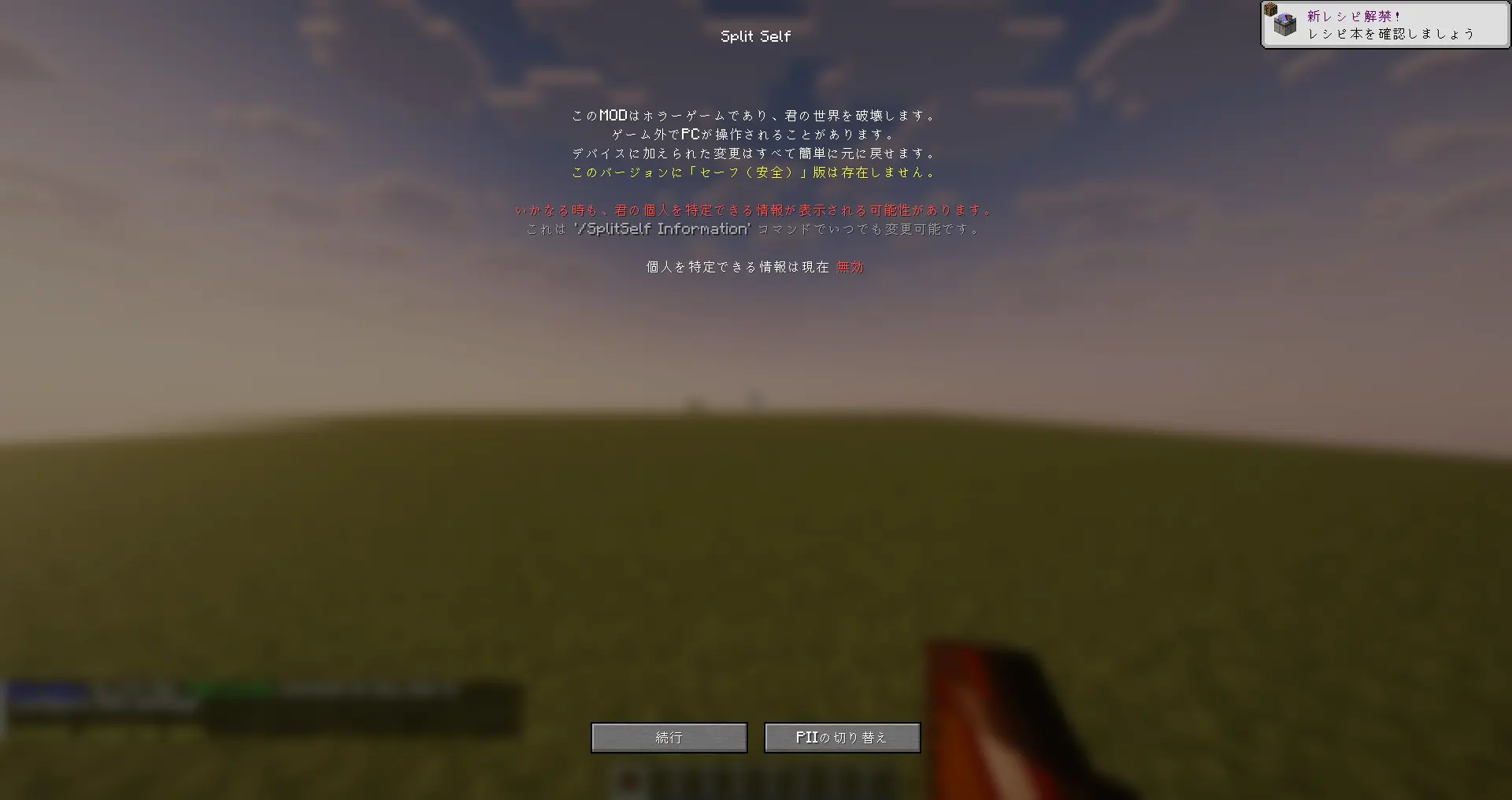

これで以上です。初めての作品なので少しおかしいかもしれません。
(That's all. This is my first project, so there might be some minor issues.)