


Tags
Creators
Details
1.2.0
Compatibility
Changes
Storms of the Wild 1.2.0
A small update with requested features, improvements, and polish!
Tooltips!
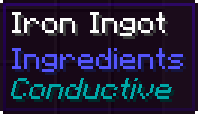
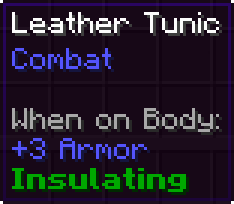
Added cool tooltips for Conductive and Insulating items to better explain how they interact with lightning mechanics. And no you can't disable it don't be mean.
Dazed effect!
Getting struck by lightning will now apply a short visual and audio effect, including temporary ringing in the ears and other cool stuff.
I made sure to keep it immersive without making it annoying or too disruptive, but it can be disabled in the config menu anyway.

Lighting recovery!
Being struck by lightning now triggers a short 10-second cooldown before you can be targeted again.
Previously, strikes were relentless. This feature can also be toggled in the config menu.
No image cuz duh.
Lightning rods!
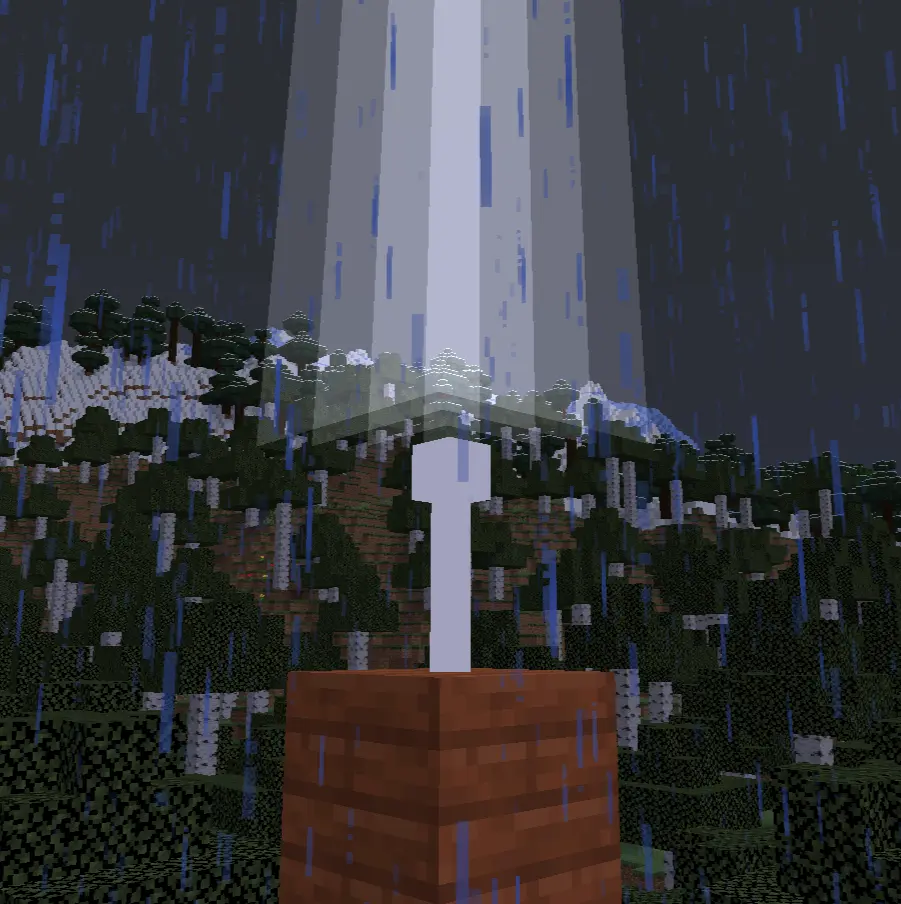
Lightning rods placed nearby and above you can now prevent you from being targeted by lightning.
For this to work, the rod must be decently (about 10 blocks clear) exposed to the sky and not fully enclosed or too high above the player.
Minor stuff!
Reduced particles
Particles generated when using a conductive helmet and attracting lightning were slightly reduced for visibility in third person.
Config menu
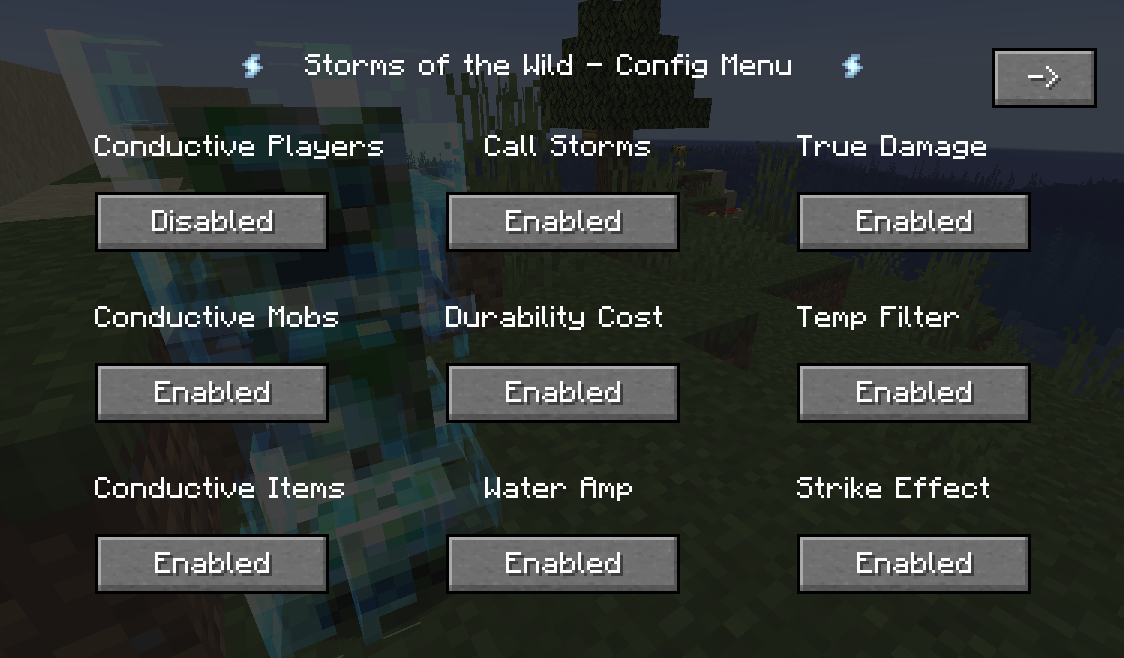
The config menu has been updated to support new features, including a fancy second page for better organization.
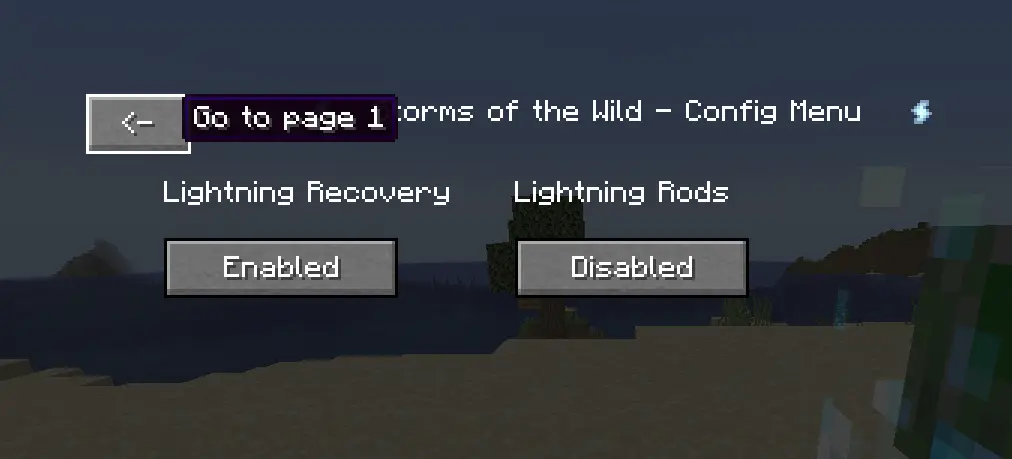
Optimized the code a little bit!
Some internal procedures have been optimized, and no longer run every tick. The performance improvement is probably non-existent since the mod is so light in the first place but hey, it's better!
The future!
Update is in the works for 1.20.1, next update will (probably) come with an addon mod I have planned for this one, exploring some ideas that don't fit here a lot. I am planning to add a proper config file and other stuff.
As always, thanks a lot for enjoying my mods, specially giving this one so much love. I always enjoy your comments and messages!
Also, this might have bugs, probably. Had to rewrite some stuff. But nothing bad showed up in testing. Still, let me know!