


Tags
Creators
Details
All versions
0.32.0+mc26.1.2-fabric
v0.32.0 (Fabric, MC 26.1.2)2 weeks ago 2
Compatibility
Minecraft: Java Edition
Platform
Supported environments
Required content
Any compatible version
Changes
StreamCraft 0.32.0: the StreamCraft Tablet
Watch anyone's desktop from anywhere on the server, right in your hands.
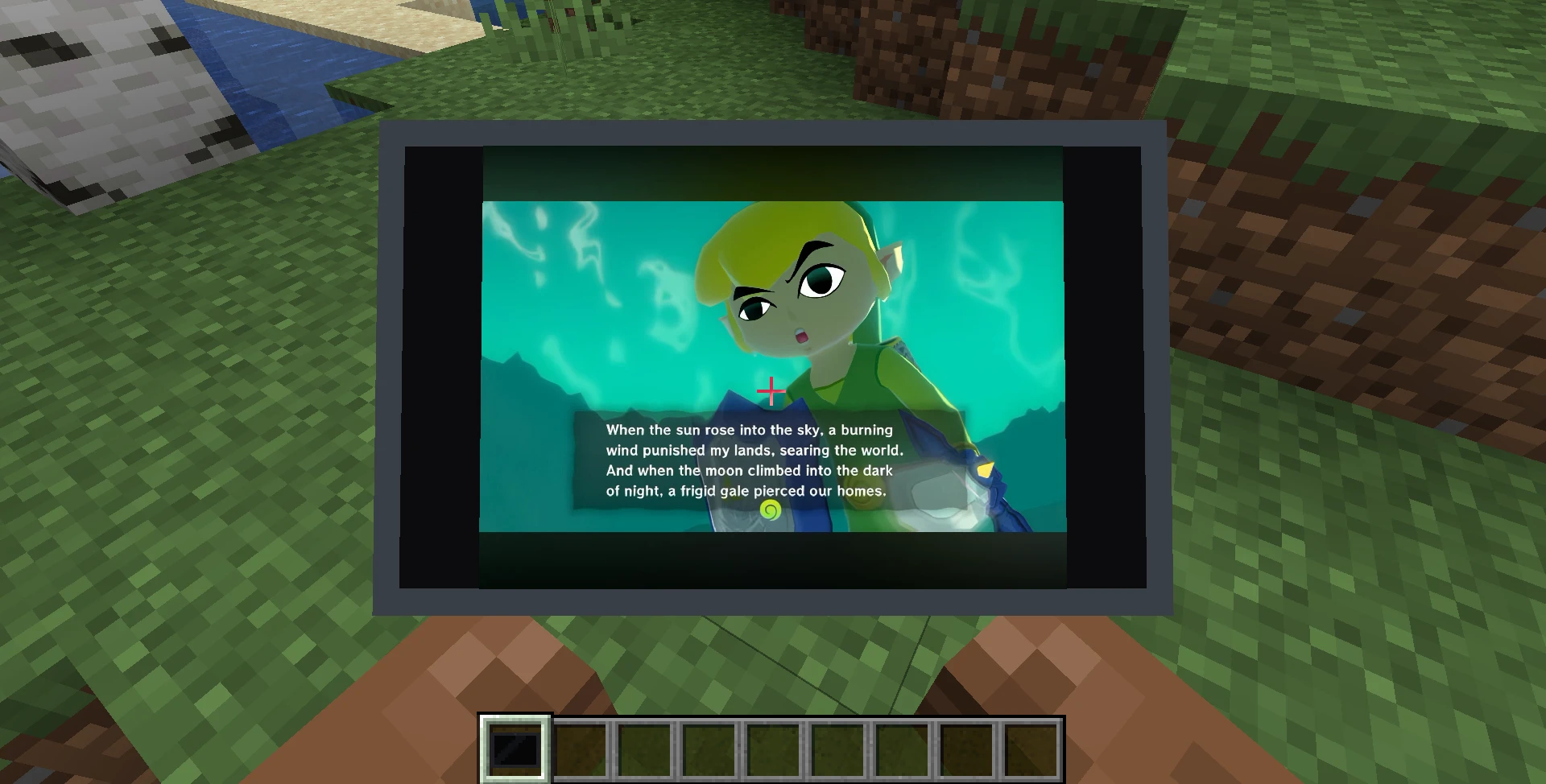
New
- StreamCraft Tablet. A new handheld screen. Hold it like a map: it sits in both hands, and looking down brings it up to fill your view.
- Any desktop share, any distance. If one person is sharing, their desktop appears on its own. If several are, right-click to choose, and right-click again to switch at any time.
- Sound included. The stream's desktop audio plays at your Stream Volume while you hold the tablet, and stops when you put it away.
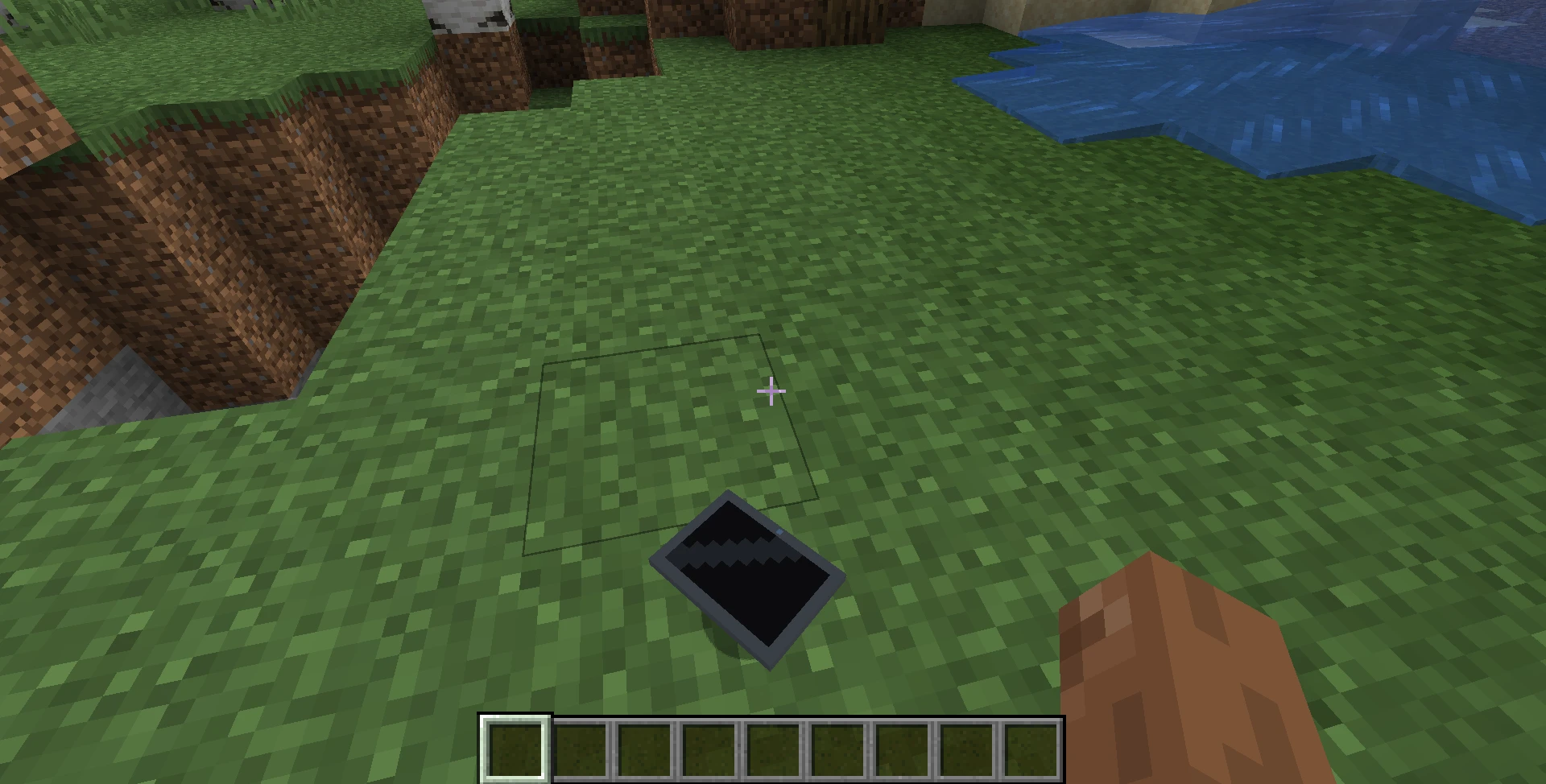
- Put it down. Sneak + right-click to place a tablet on a surface as decoration.
Crafting the tablet
Make one on a crafting table with seven iron ingots, one glass pane and one redstone dust:
- Top row: iron ingot, glass pane, iron ingot
- Middle row: iron ingot, redstone dust, iron ingot
- Bottom row: iron ingot, iron ingot, iron ingot
In creative, it's in the Redstone Blocks tab.
Good to know
- Server and players must update together. The tablet is a new block, so a client on an older version can't join a server on 0.32.0.
- Streamers see tablet viewers in their normal viewer list.
- Tablets show desktop shares, not cameras, and need the StreamCraft service on the server.
- The streamer's microphone is carried by proximity voice, so a far-away tablet viewer hears the desktop audio but not the streamer talking.
What was tested
- Automated tests on every Minecraft version line, and every Minecraft version and loader builds.
- In game on Windows 11, with the viewer 700 blocks from the streamer: a live picture on the tablet on every Minecraft version and loader, Fabric, NeoForge and Forge.
- A fuller pass on Minecraft 1.21.1 Fabric: two streams, choosing and switching, a stream ending, watching from the Nether, sound, placing and dropping the tablet, and Complementary shaders.
- Not yet tested on Mac or Linux.