Tags
Creators
Details
Licensed MIT
Published 2 years ago
Updated 2 days ago
All versions
v3.1.2+1.21.1-neoforge
Underground Village 3.1.2 for 1.21.1 (NeoForge)2 days ago 498
Compatibility
Minecraft: Java Edition
Platform
Supported environments
Required content
Any compatible version
Changes
[NEW] [Version:3.1.2]
Minecraft Version: 1.21.1, 26.1, 26.3 ( Neoforge and Fabric ) Date: Nov 27, 2026
The Update will be live soon :- https://www.curseforge.com/minecraft/mc-mods/underground-villages-stoneholm checkout full changelogs with image on discord :- https://discord.gg/JBFNW3wdTm
What's New
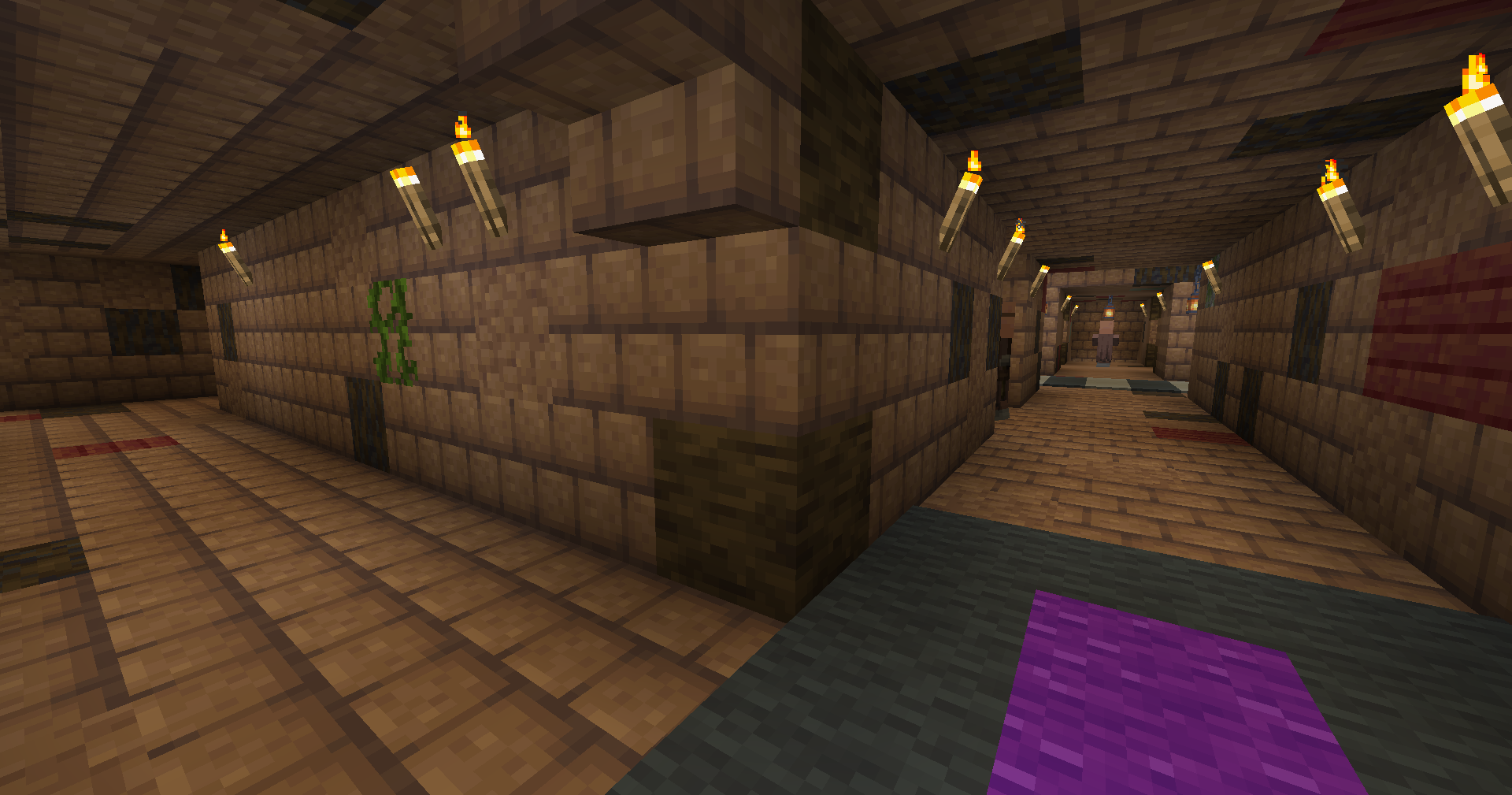
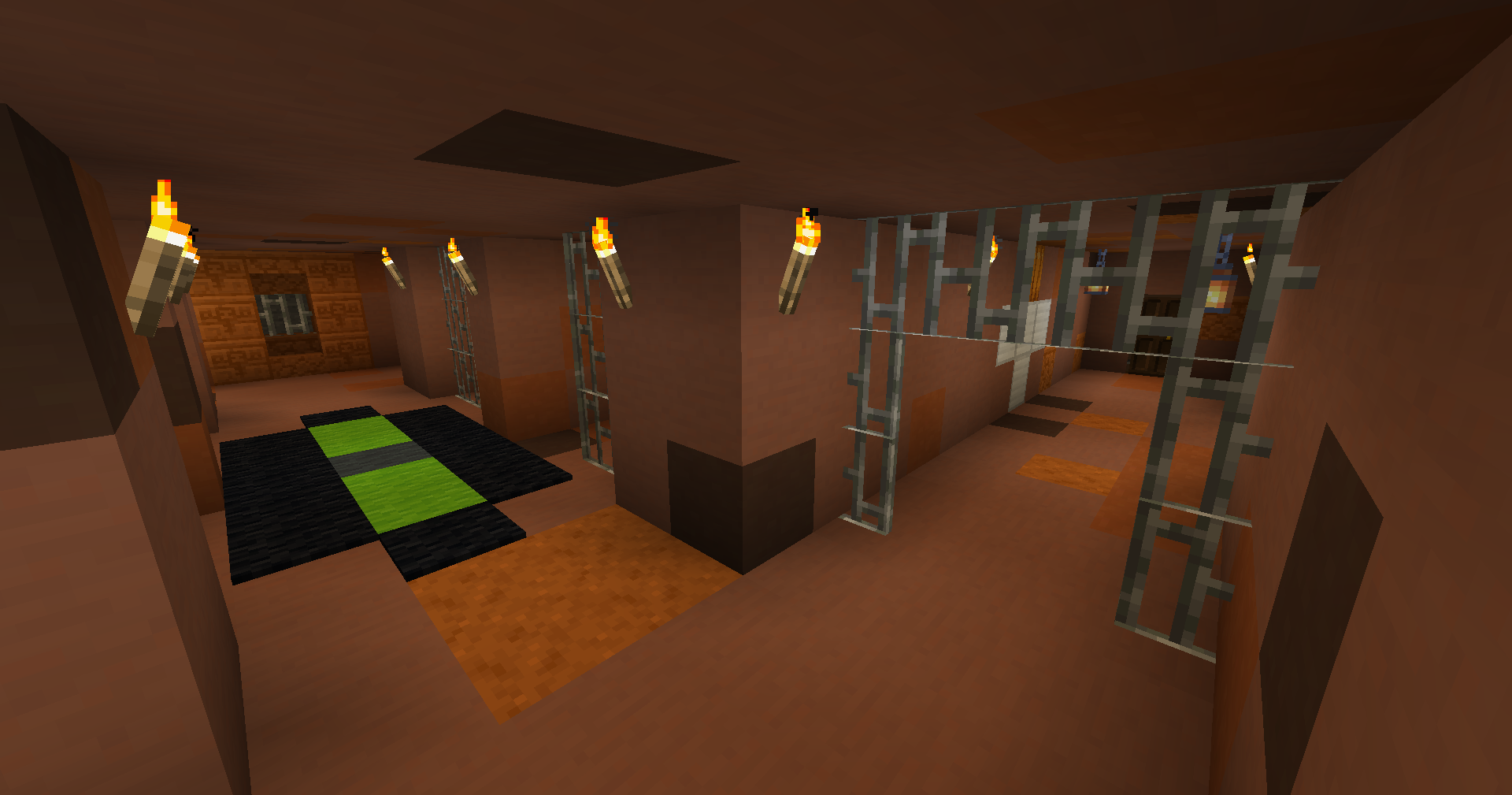
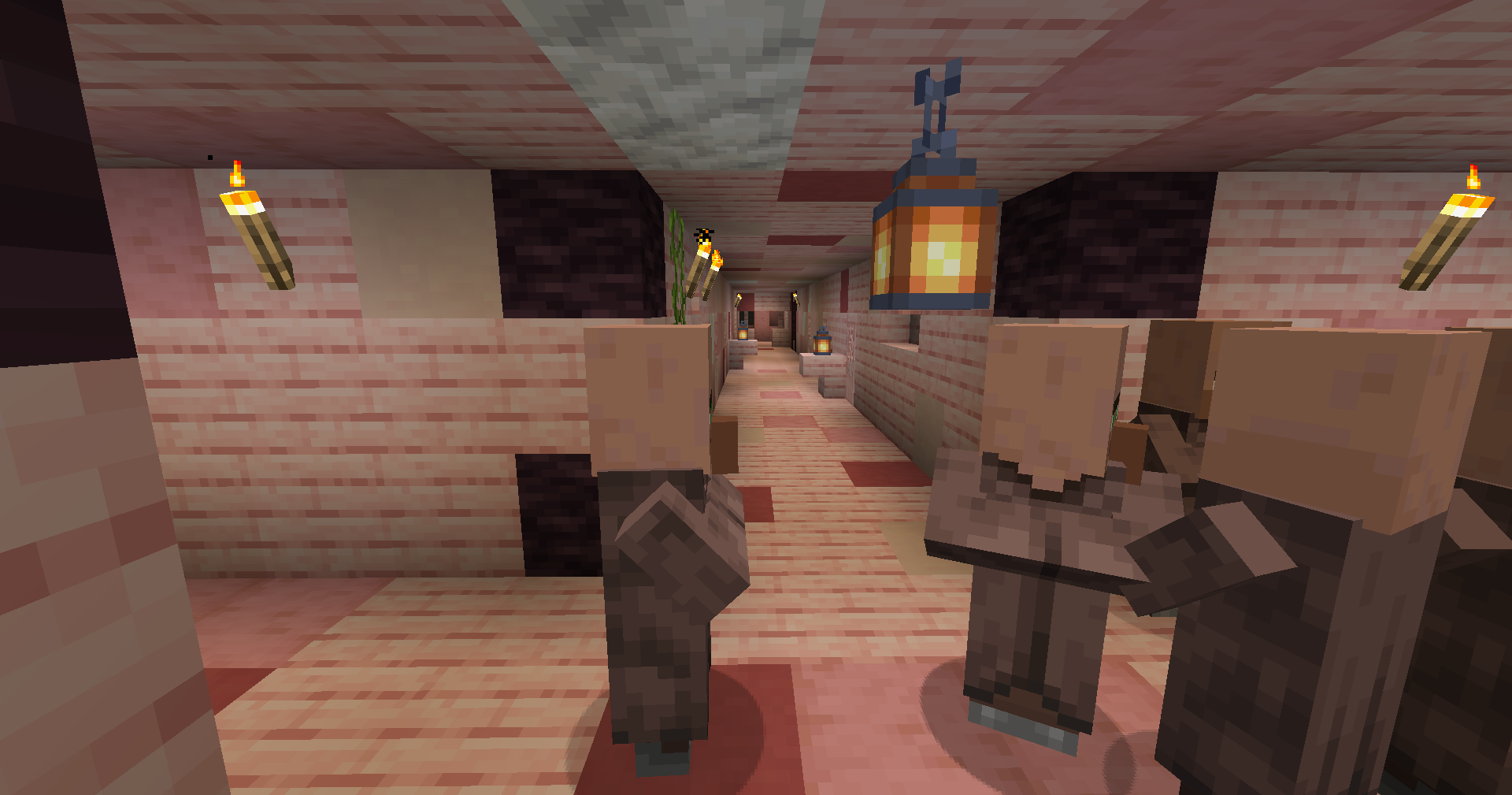
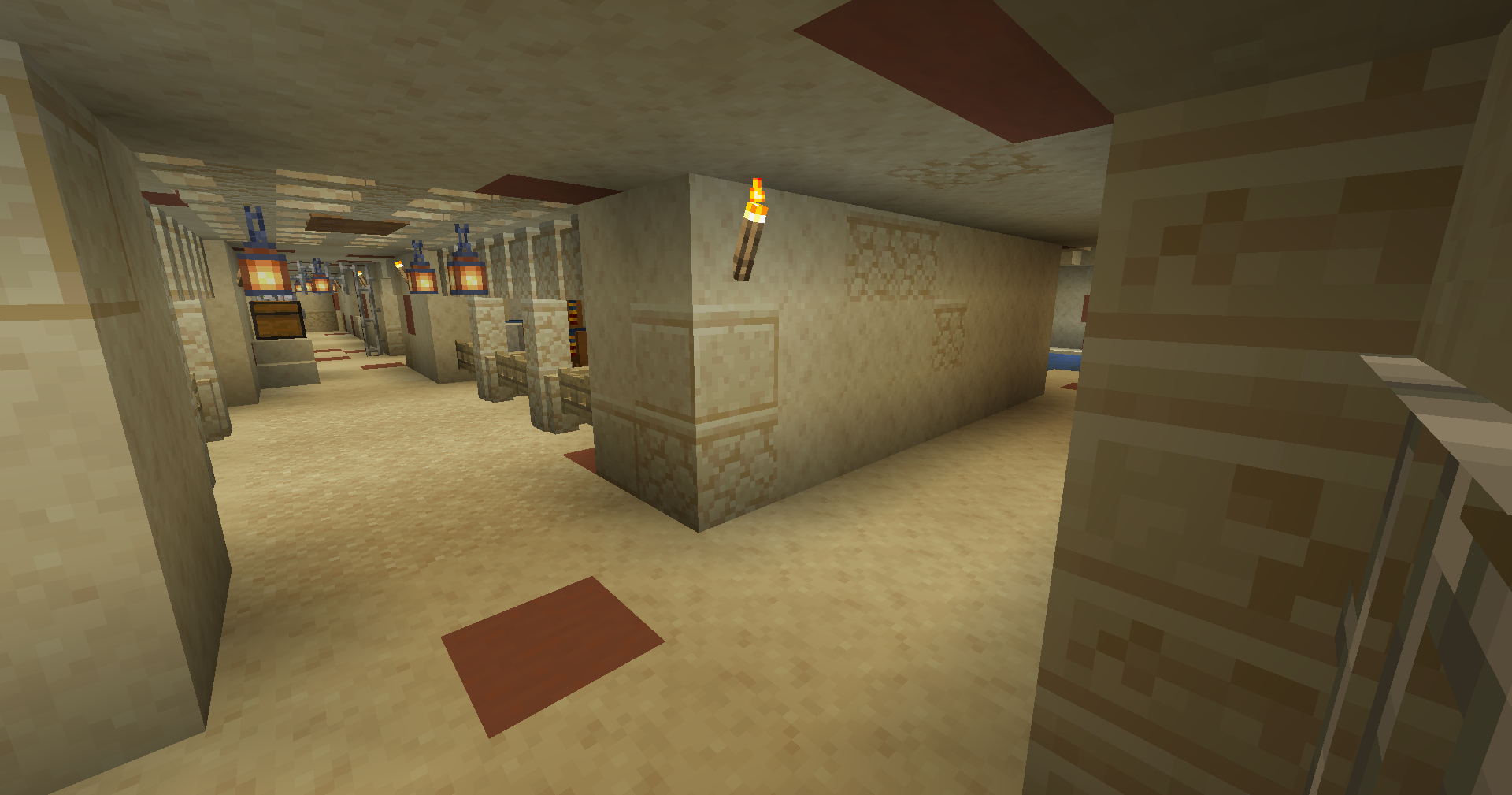
- Biome-Themed Underground Villages: Underground villages now match the biome above them! Discover 14 unique styles across Desert, Badlands, Jungle, Plains, Forest, Taiga, Snowy, Savanna, Swamp, Dark Forest, Cherry Grove, Mushroom Fields, Mountain, and Ocean biomes.
- Natural Wall & Floor Variety: Underground walls, floors, and pillars now blend matching blocks naturally so every room looks detailed and atmospheric.
- Modded Biome Support: Villages generating beneath modded biomes automatically pick a matching building style (can also be turned off in the config settings if you prefer the classic look).
- Unified Ocean Village: Merged the underwater and ocean villages into a single Ocean Village built with prismarine and sandstone blocks.
- Find Any Biome Village with
/locate: You can now locate specific biome villages directly using commands like/locate structure underground_village:desert_village,cherry_grove_village,ocean_village,snowy_village, and more. - Hanging Wall Vines: Added subtle decorative vines along underground walls to give older corridors extra life.
- Better Village Spacing: Adjusted how often villages spawn so they feel closer to normal vanilla villages while exploring.
Fixed
- Multiplayer Server Startup Crash: Fixed an issue that caused dedicated servers to crash on startup.
- No More Exposed Underground Rooms: Underground hallways and rooms now stay properly buried underground instead of poking out of hillsides—only the surface entrance stays above ground.
- Much Faster
/locateCommand: Fixed severe lag and screen freezing when searching for nearby underground villages with/locate. - Smoother Village Generation: Improved world generation stability and fixed missing or broken structure pieces across supported Minecraft versions.
Screenshots
Badlands Underground Village
Cherry Grove Underground Village
Desert Underground Village
Forest Underground Village
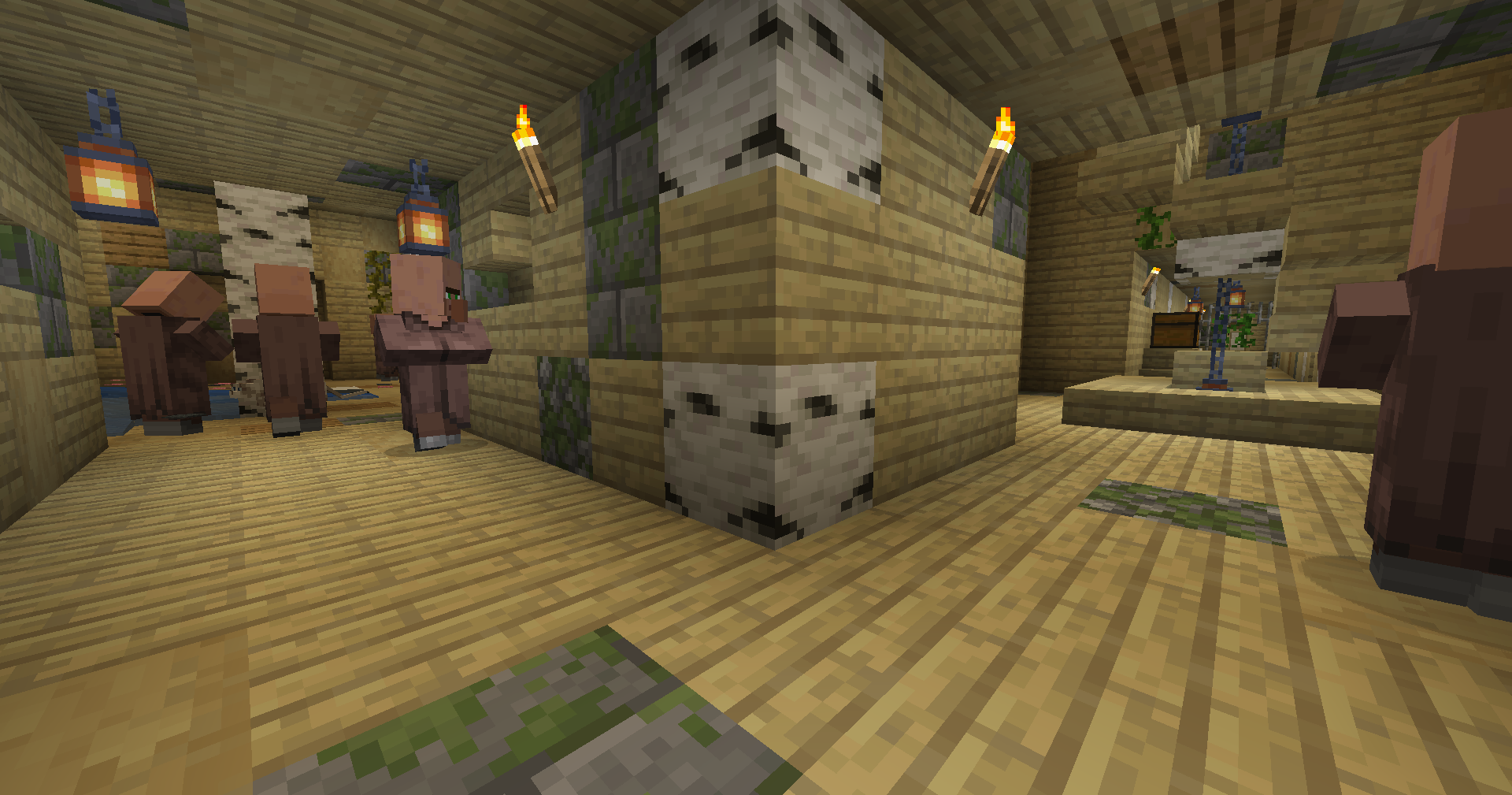
Jungle Underground Village
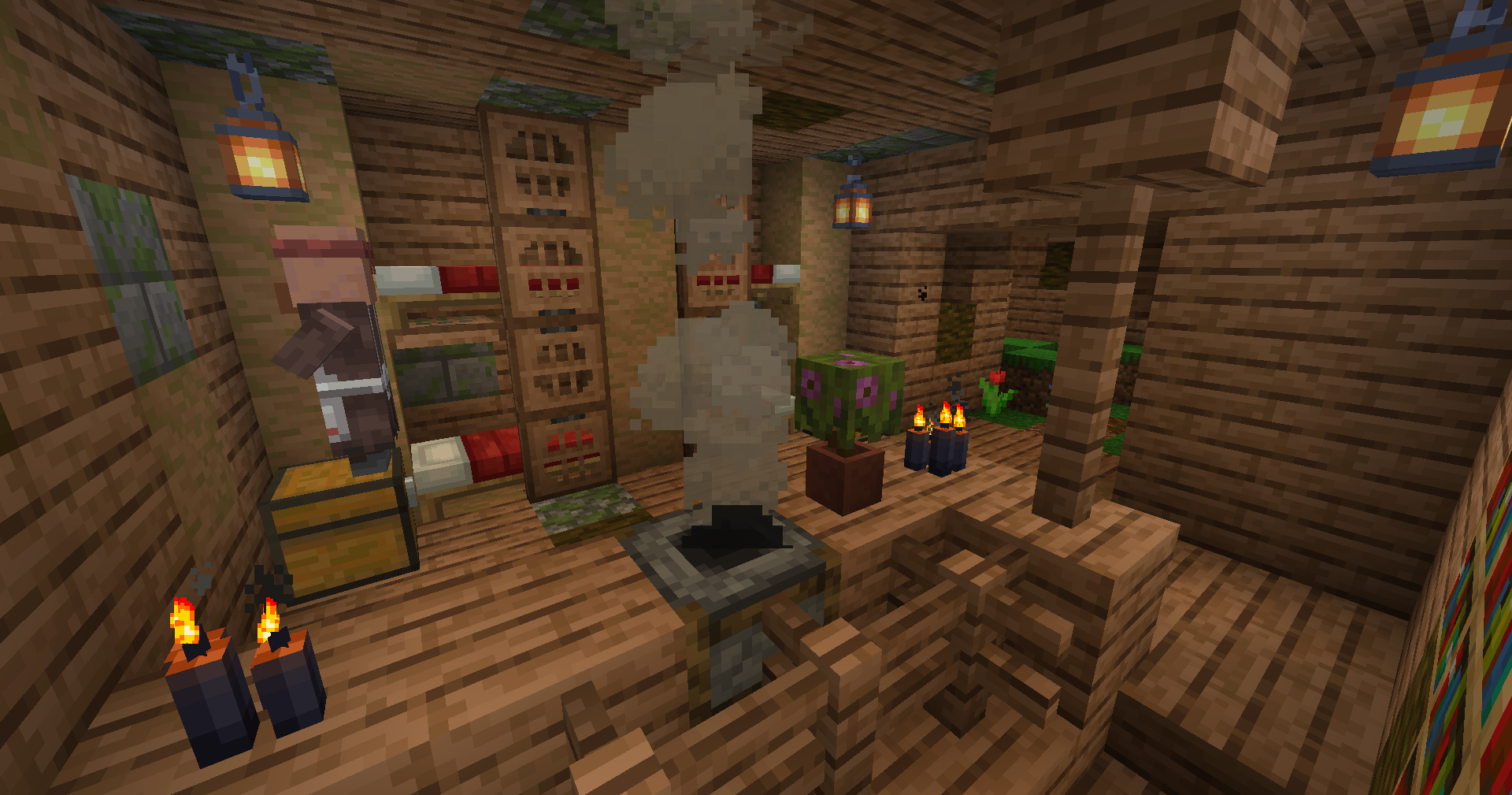
Mushroom Fields Underground Village
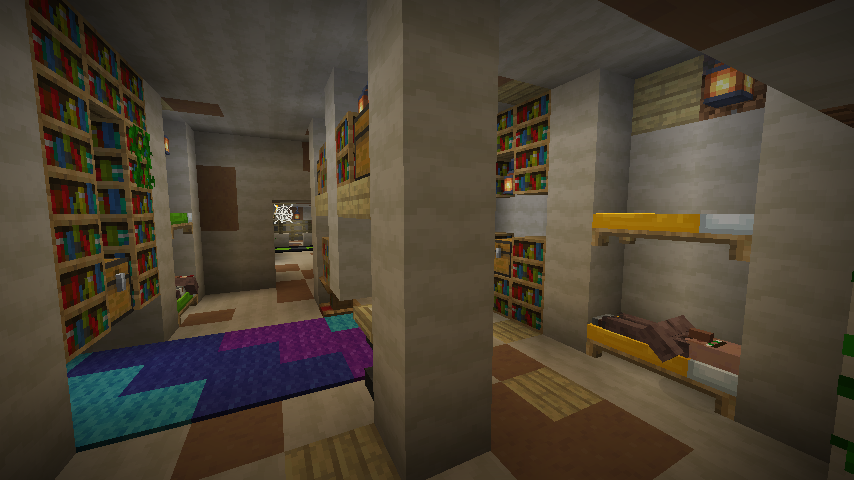
Ocean Underground Village
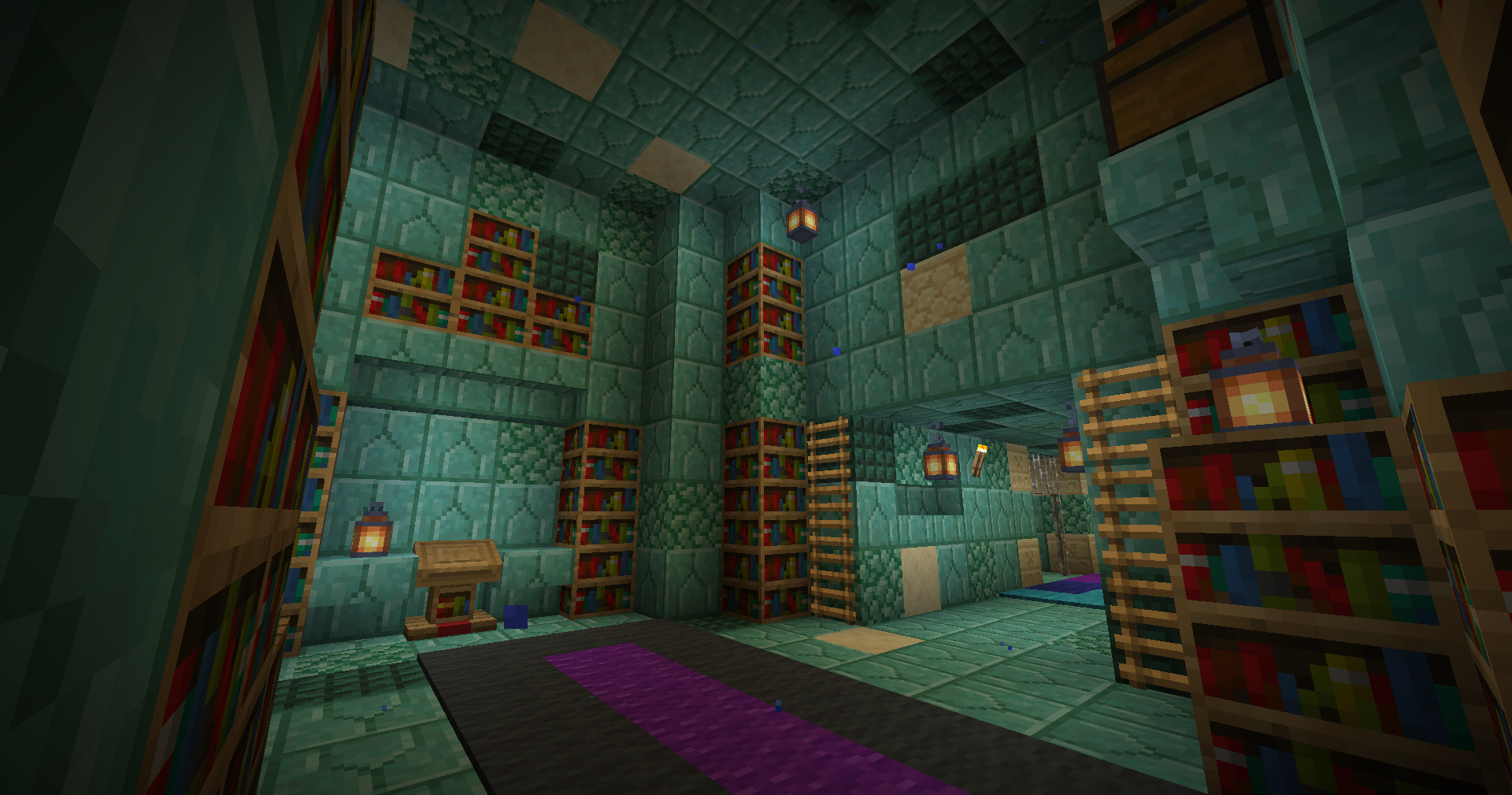
Savanna Underground Village
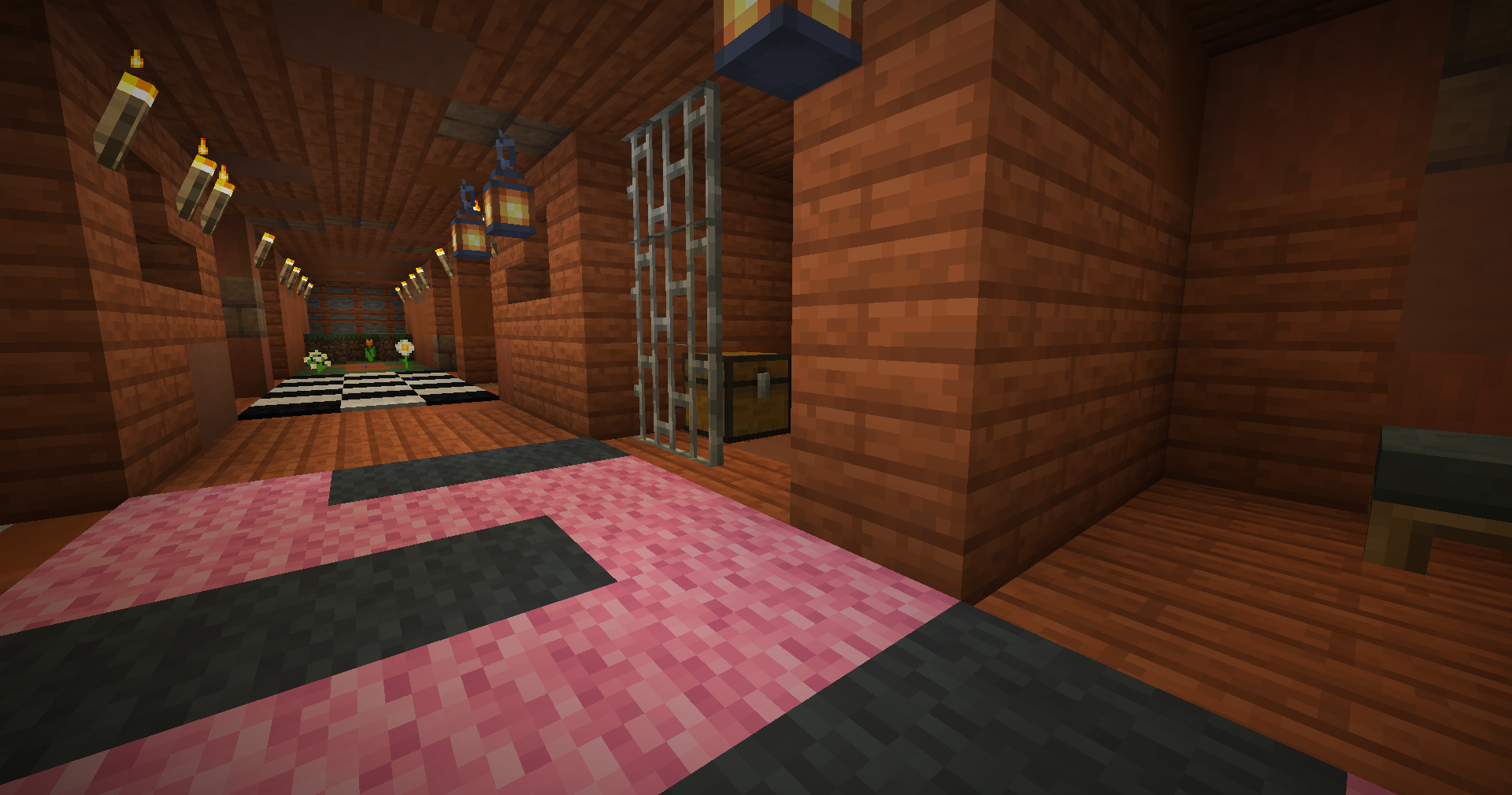
Snowy Underground Village
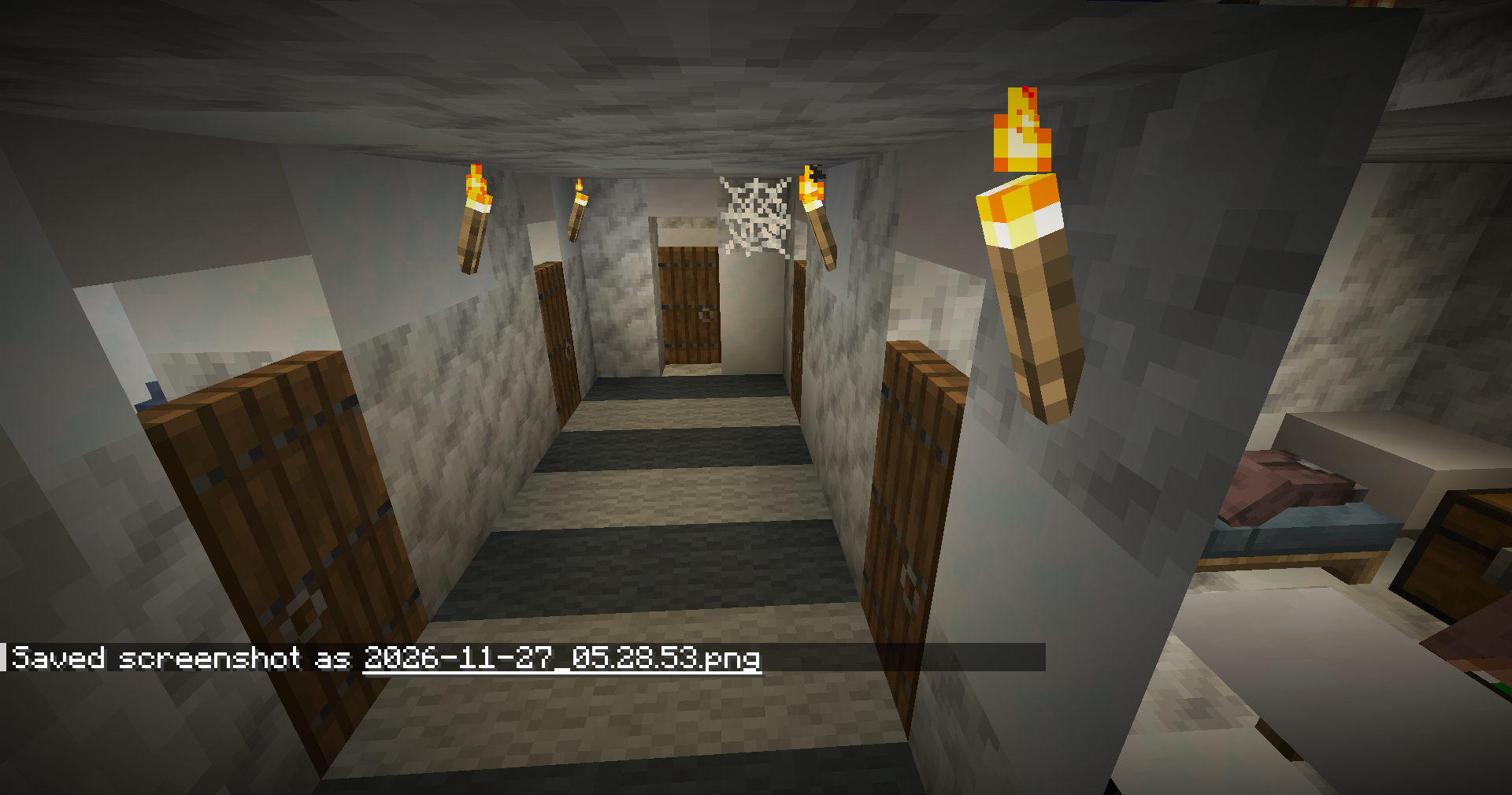
Swamp Underground Village