

All versions
1.3.1
Release
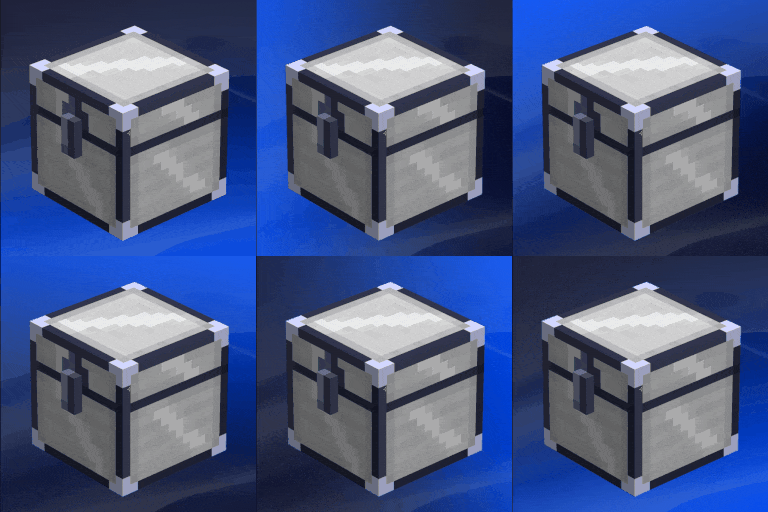
Upgraded Iron Chests with Search and Transfer 1.3.12 weeks ago 499
Compatibility
Minecraft: Java Edition
26.2
Platform
Fabric
Supported environments
Client and server
Changes
- Rarity Filter: Added a new button to filter items by rarity.
- Compact Feature: Added a setting to remove empty slots and move all items to the top of the chest.
- Search Registration: Chests no longer auto-register in search; they must be enabled manually.
- Hotbar Protection: Quick-transfer now ignores the player's hotbar.
- Hopper Fix: Fixed crashes and compatibility issues with hoppers.
- Ender Chests: Fixed integration; searching for an item now points you to the nearest Ender Chest.
Projects on Modrinth are automatically available through a Maven repository for use with JVM build tools such as Gradle. To learn more about the Modrinth Maven API, click here.
Note: When available, you should use the creator's maven repo instead as it will have transitive dependency information that the Modrinth Maven API does not. You may also end up with duplicate dependencies if you use a mix of Modrinth and non-Modrinth Maven repositories for your dependencies, because the group identifier will be different when served through the Modrinth Maven API.
Maven coordinates:
Version ID:
build.gradle:
repositories {
exclusiveContent {
forRepository {
maven {
name = "Modrinth"
url = "https://api.modrinth.com/maven"
}
}
// forRepositories(fg.repository) // Uncomment when using ForgeGradle
filter {
includeGroup "maven.modrinth"
}
}
}
// Standard Gradle dependency
dependencies {
implementation "maven.modrinth:gie37Jxu:23kNEhF8"
}
// Legacy Loom dependency
dependencies {
modImplementation "maven.modrinth:gie37Jxu:23kNEhF8"
}

