
Compatibility
Minecraft: Java Edition
Platforms
Supported environments


Tags
Creators
Details
This Modpack...
Adds some client-side mods to enhance your experience, and some resource packs to... Also enhance your experience!!!

Trailer
About Animations
Face animations
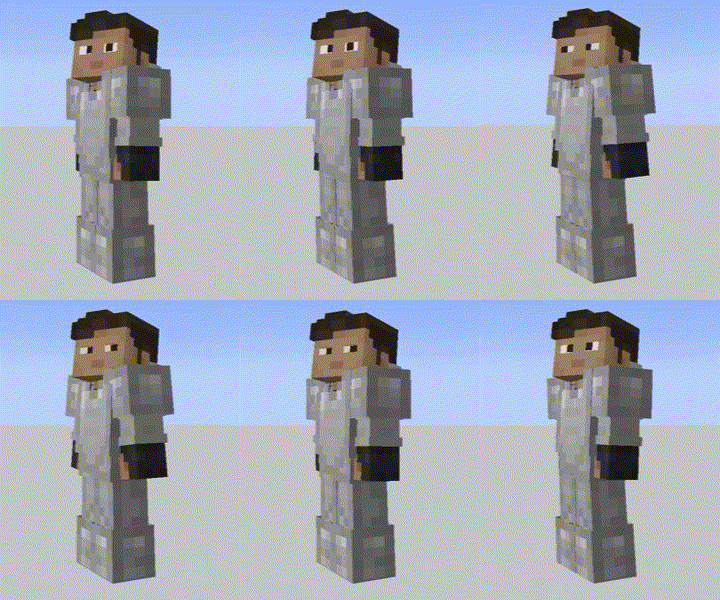
Important
If you want to have animated eyes like you see in the GIF, you need to adapt your skin to the texture pack, it's not hard, you can watch this tutorial to know how to do it, ignore that it is another RP, the procedure is the same (o puedes ver este si hablas español, tambien ignora que es otro paquete de texturas, el procedimiento es el mismo)
If you DON'T WANT to have animated eyes, just go to Resource Packs and replace 'Detailed Animations x Just Expresions' with 'Detail Animations' Because if you don't make your skin compatible by doing what was mentioned above, you'll have problems with your skin, unless you change the RP
Important Key binds
Key binds
- Open Notebook: U
- Sort inventory: Middle mouse button
- Toggle 'Do a Barrel Roll': -
- Swap between Elytra & Chestplate: Left Alt
- Enter music selector: M
- Screenshoots in-game manager: I
To see the mod and RP list
On this same page you must go to versions, then select the version you want to install and in the Dependencies section you will see all the mods and RPs