
Compatibility
Minecraft: Java Edition
Platforms


Tags
Creators
Details
Wrong Yellow
Minecraft has places it forgot to generate correctly.
Current build
v1.0.0-rc3 — The Missing Walls Update
The Yellow has grown beyond rooms.
RC3 adds massive architectural anomalies, giant fractures called splits, new survival systems, and two threats that make walls and other players less reliable.
Some walls are missing, others are still there.
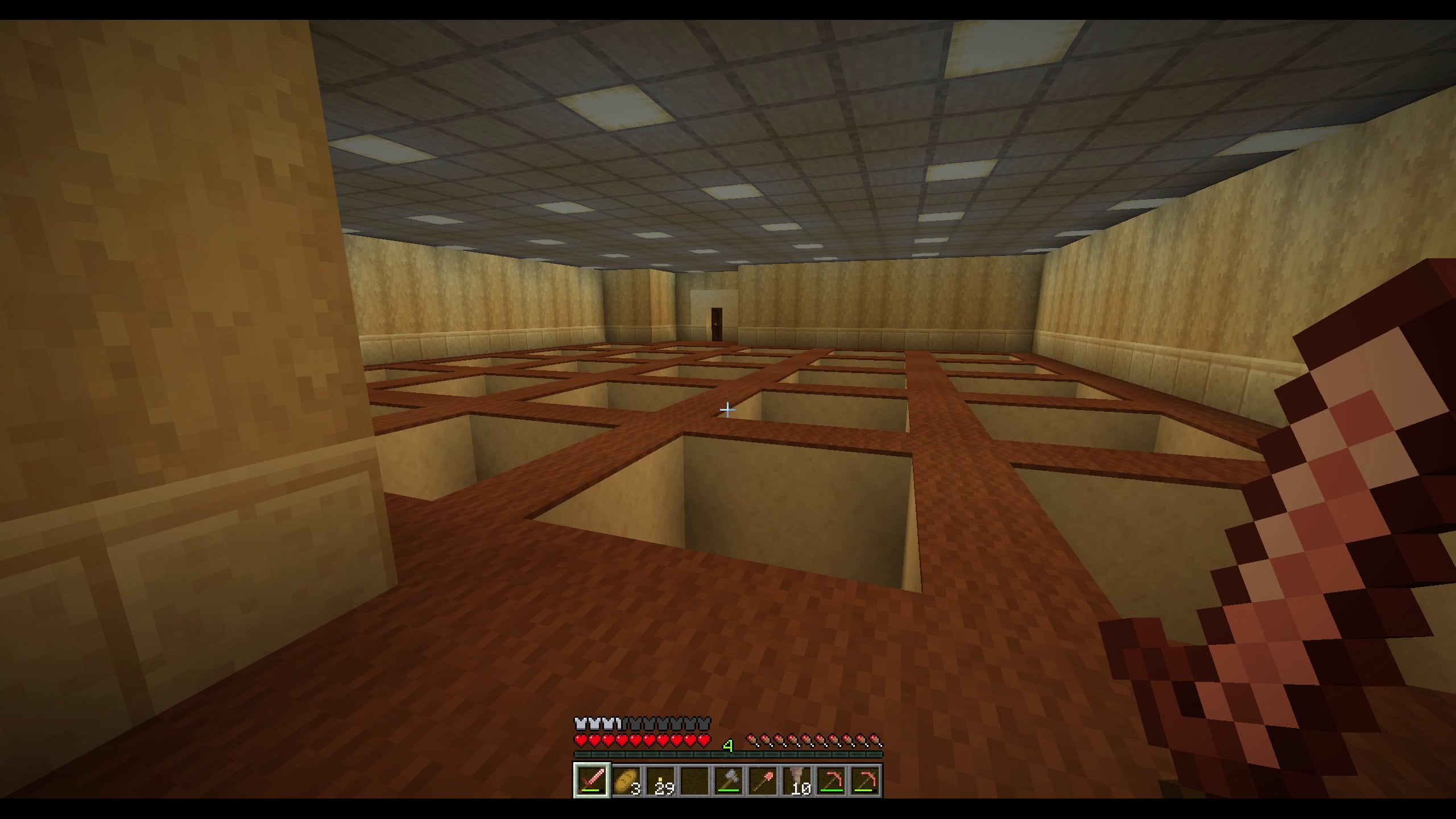
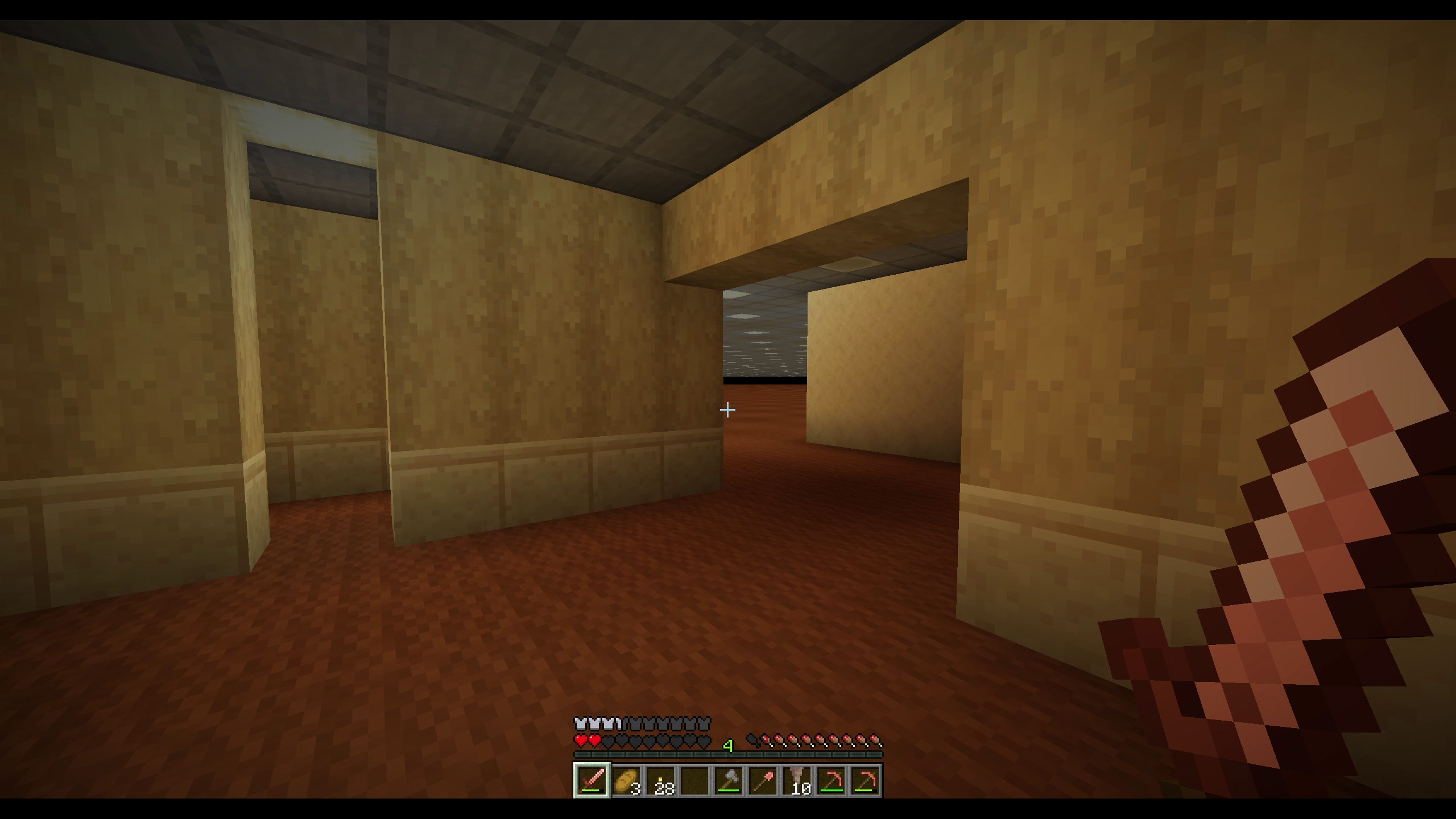
Wrong Yellow is a vanilla Minecraft Java datapack that adds a hidden liminal dimension inspired by the Backrooms — not as a direct copy, but as something Minecraft itself could have generated by mistake.
No mods. No resource pack. Just vanilla Minecraft, bent into a strange yellow place behind the walls of the world.
Features
The Yellow Layer
- A hidden Backrooms-inspired dimension
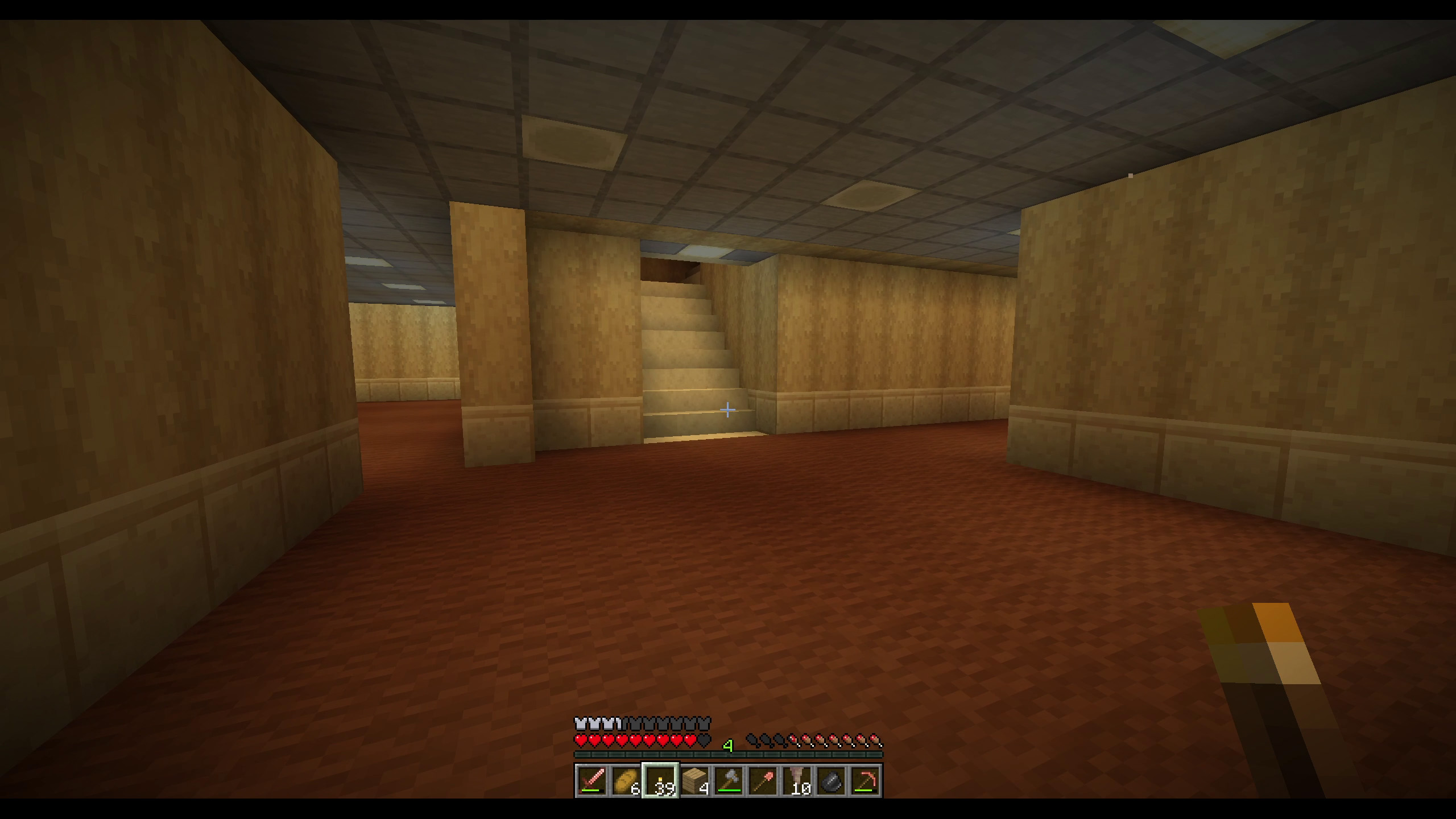
- 20+ interconnected labyrinth floors
- Procedural generation built from rooms, corridors, wells and impossible architecture
- A final roof layer offering a route back to the Overworld
- Designed to feel native to Minecraft rather than pasted on top of it
Gigastructures
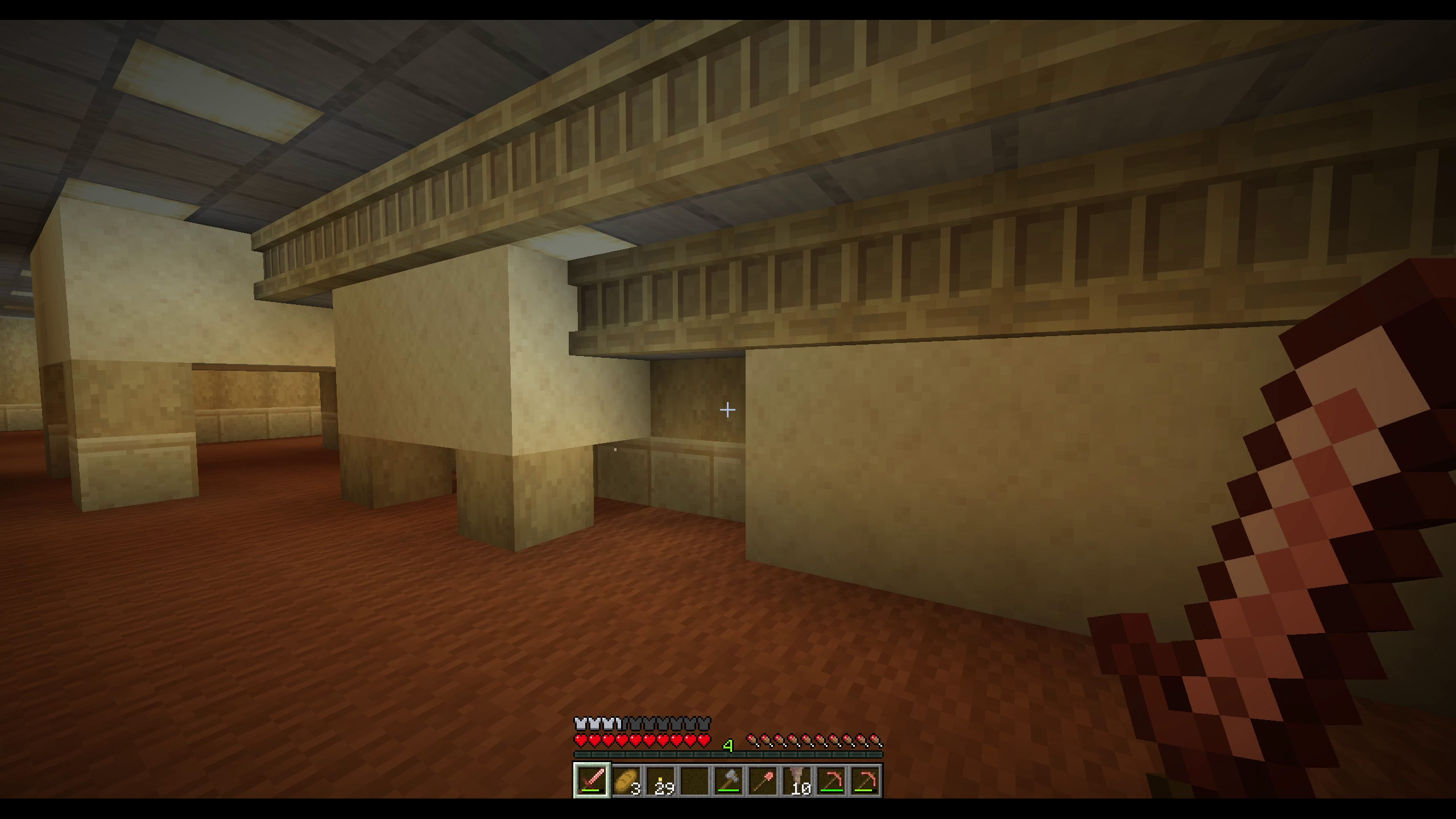
Wrong Yellow can now construct architectural anomalies far larger than ordinary rooms.
The dimension is divided into large generation cells, allowing the datapack to inject massive structures while keeping their placement controlled and repeatable.
Splits
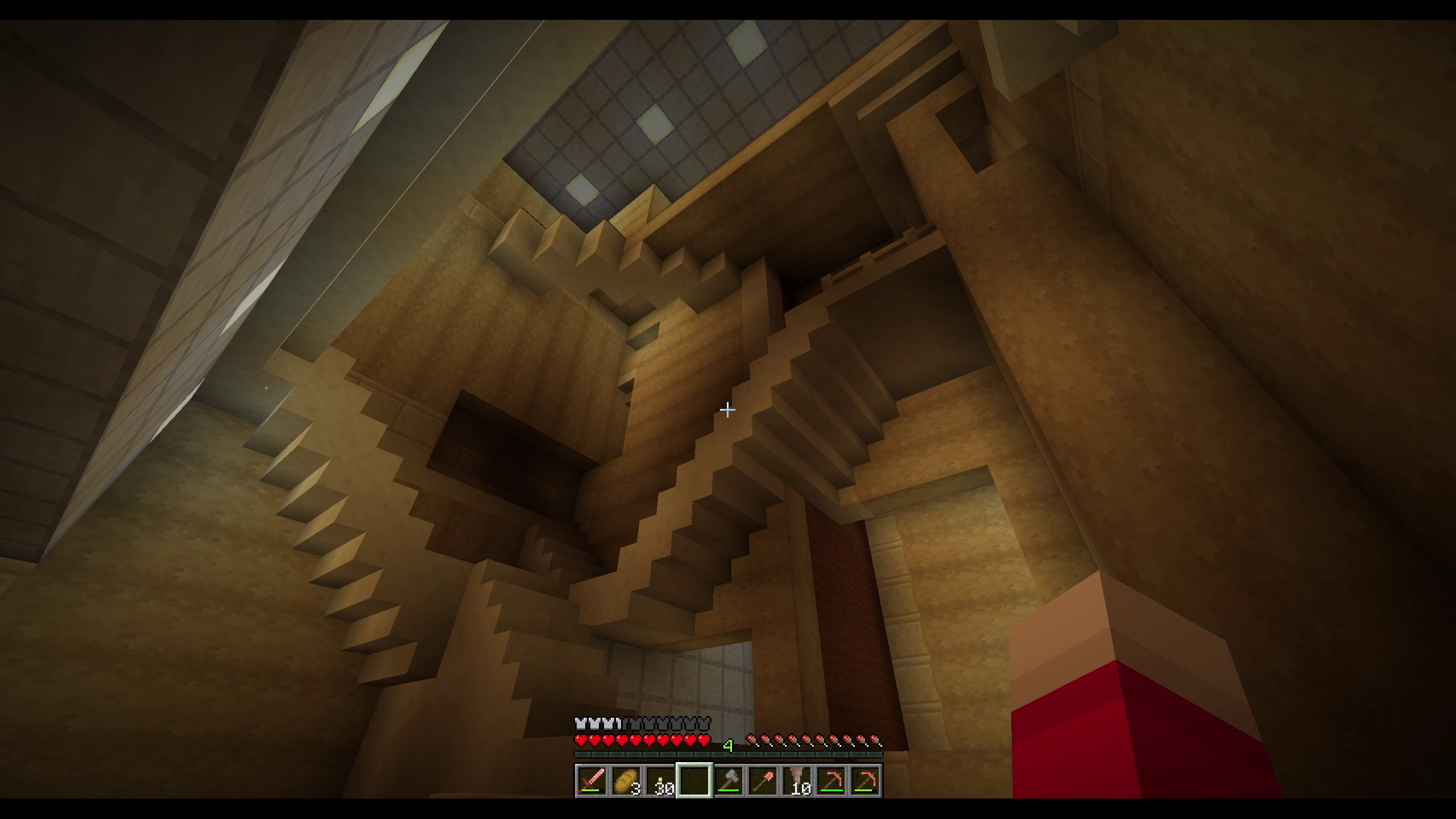
Some parts of the Yellow have opened into enormous vertical fractures.
Splits cut through multiple floors and expose the internal structure of the dimension, creating places too large to behave like rooms.
C-wall
The C-wall is a wall-shaped hostile that can pursue nearby players through the Yellow.
If it reaches its target, it closes around the player.
Player imitation
Another hostile can copy the appearance of a real player, including:
- Player skin
- Equipped armor
- Held item
Nametags are hidden inside the Yellow, making multiplayer identification less reliable.
Tension and pacing
Wrong Yellow uses a dynamic pacing system rather than spawning every threat at a fixed rhythm.
Danger changes between floors, while large events are controlled to avoid turning the experience into constant noise.
Living lights
Ceiling lights can blink dynamically throughout the Yellow.
Blink locations are selected at runtime, with additional controlled events when players arrive, die or disappear from the layer.
Survival-compatible exploration
- Rebalanced loot
- Edible Backrooms brown mushrooms
- Natural exploration and escape loop
- Multiplayer-compatible systems
- No required commands during normal play
Overworld anomalies
The entrance to the Yellow is hidden behind rare faults in ordinary Minecraft terrain.
Follow the dust deep underground.
Want to test the Yellow immediately? Use: /function backrooms:enter
Recommended settings
Wrong Yellow is a dense world-generation datapack. For a smoother experience, especially on servers, these settings are recommended:
view-distance=12
simulation-distance=6
Installation
Single-player on Windows
Place the zip here:
%APPDATA%\.minecraft\saves\YOUR_WORLD_NAME\datapacks\WRONG YELLOW ZIP FILE
Then open the world or run:
/reload
Server
Place the zip here:
YOUR_SERVER_FOLDER\world\datapacks\WRONG YELLOW ZIP FILE
Then restart the server or run:
/reload
Always back up your world before installing a datapack.
Basic gameplay loop
- Look for strange dust drifting in the air.
- In that area, search underground for rare Overworld faults: small Backrooms-like pockets hidden inside the terrain.
- A strange sandstone and birch wall may appear nearby.
- Entering the wall sends the player to the spawn area of the yellow biome inside the Backrooms dimension.
- Something may observe you. Be ready.
- Reaching and jumping from the roof sends the player back to the Overworld, using a 1:64 coordinate ratio.
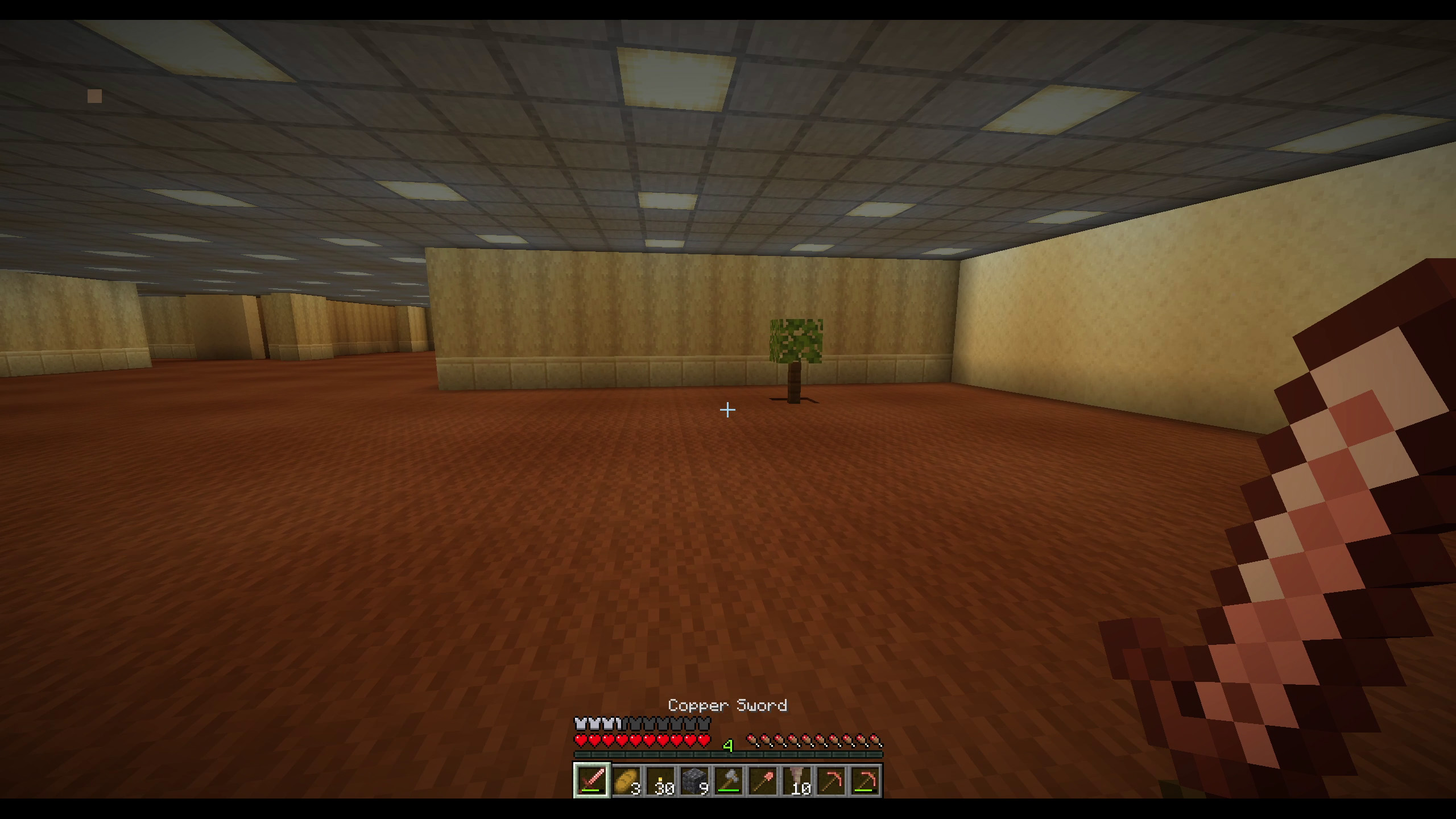
For testing, you can also create a portal wall manually by placing sculk on top of an end_rod, in the middle of a floor covered with brown_carpet.
Admin/debug commands
Useful commands while testing:
/function backrooms:enter
/function backrooms:leave
/function backrooms:debug/portal_counter
/function backrooms:debug/advancement_enter_route
/function backrooms:debug/repairhub_here
/function backrooms:fault/place_here
/function backrooms:portal/summon_here
More details are available in:
docs/WRONG_YELLOW_INSTALLATION_AND_QA.md
docs/WRONG_YELLOW_FUNCTION_AUDIT.md
docs/WRONG_YELLOW_JIGSAW_AUDIT.md
docs/WRONG_YELLOW_TECHNICAL_HISTORY.md
Known limitations
- This is an RC build.
- Multiplayer behavior may vary depending on server settings.
- Recommended settings are
view-distance=12andsimulation-distance=6. - Performance is not guaranteed on every machine or host.
- Always back up your world before installing or updating the datapack.
Support
The download is free because I want the project to live and spread.
If the pack gave you that little liminal shiver, supporting it helps me build the next layers, fix bugs, test servers, and keep making strange vanilla experiments like this.
I am an independent creator and dad going through a difficult financial period, and even a few euros help very concretely. No pressure, no paywall: the public version is here to be played, shared, broken, explored, and remembered.
Download free:
Modrinth: https://modrinth.com/datapack/wrongyellow
CurseForge: https://www.curseforge.com/minecraft/data-packs/wrong-yellow
itch.io: https://wrongyellow.itch.io/wrongyellow
Support future layers:
Patreon: https://www.patreon.com/cw/WrongYellow
Ko-fi: https://ko-fi.com/wrongyellow
Follow the project:
YouTube: https://www.youtube.com/@WrongYellow
X: https://x.com/wrongyellowx
Credits
Wrong Yellow was designed as a vanilla Backrooms-style Minecraft experience.
The goal was not to copy the Backrooms into Minecraft, but to make a place that feels as if Minecraft itself forgot how to generate correctly.