


Tags
Creators
Details
Licensed ARR
Published last year
Updated 5 days ago
All versions
2.2.0
wynnmod 2.2.05 months ago 5,822
Compatibility
Minecraft: Java Edition
Platform
Supported environments
Changes
Raid Statistics Tracker Update
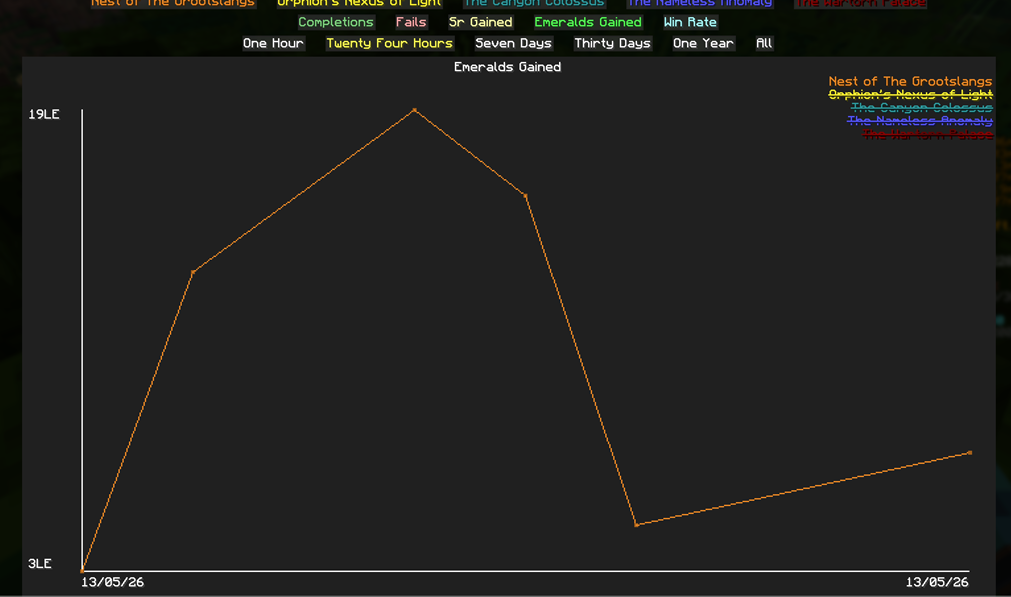
Added Raid to Wynnmod Statistics
/wynnmod stats → Raid OR access from config → Raid Statistics Tracker
- Tracks completions, fails, winrates, SR gains, and raw emerald gains

Raid Session
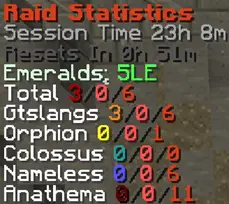
- Overlay will stay for a while after raid end with setting In Raid Only enabled
- Raid sessions now tracks raw emeralds gained
Wynnmod Cosmetic: Player Title (BETA)
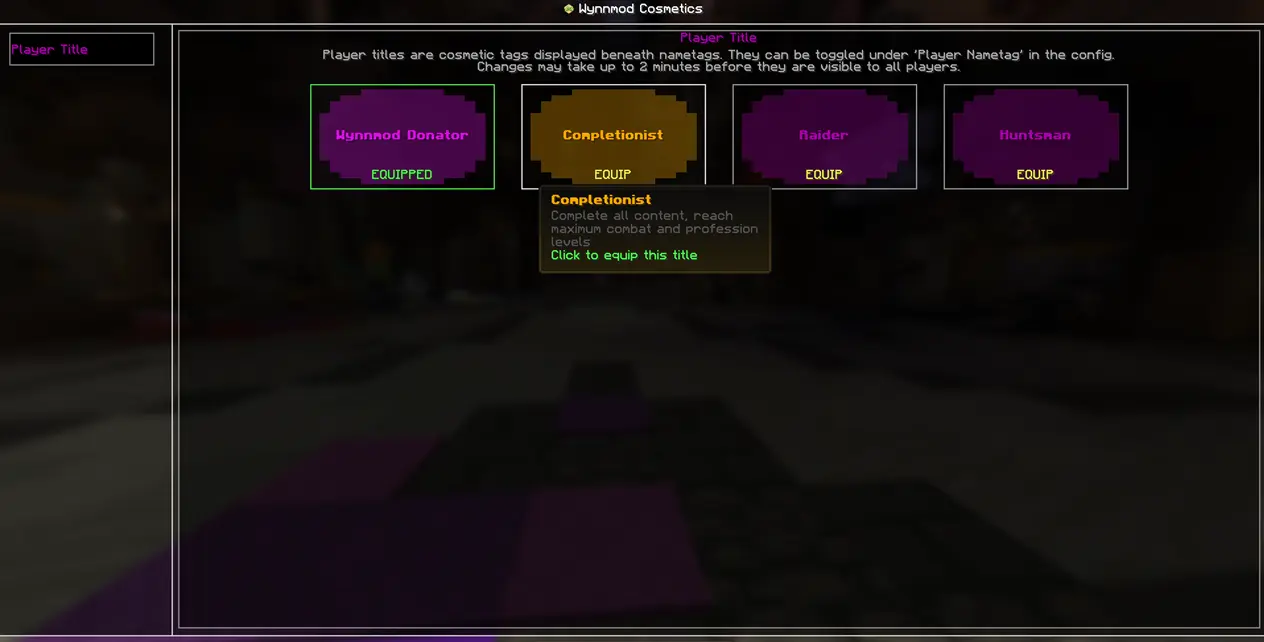
Player titles are cosmetic tags displayed beneath nametags, toggleable under feature Player Nametags.
Currently obtainable via completing Wynncraft content and Wynnmod content, visit our discord to find out how to get yours!
Equip your title via menu (/wynnmod cosmetics → Player Title), changes may take up to 2 minutes before they are visible to all players.
This feature is currently in BETA, title names and requirements are subject to change.
We are highly open for suggestions, whether on title names & requirements or new title concepts

Changes & Fixes
- Improved statistic graphs
- Gathering Material graph selected limit 1 → 5
- Fixed Shiny Swap Reminder now working
- Fixed /wm connect not working
- Fixed gathering features not working on Red Mushroom and Brown Mushroom
- Fixed gathering overlay capitalization inconsistency
- Fixed Party Ping not working under specific conditions
- Added support for custom color code (affect renaming saved ability loadouts)
- Added color settings in Wynncraft Items (Hierarchy with blue threshold at 95 and 96)
- Fixed 3 star not displaying for non-buff stats