


Tags
Creators
Details
2.1.8
Compatibility
Changes
Status Tracker
Added functions: you can add them to your status tracker,
currently these are reserved for abilities that wynnmod tracks and are not in the Status Effects bar
Example for adding functions
Mirror Image, {clone}, Bamboozle
Available functions right now:
- Eldritch Call {ec}
- Aura {aura}
- Blood Sorrow {bs}
- Blood Pool {bp}
- Trickster Clones {clone}
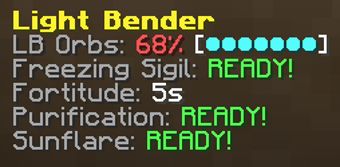
- Lightbender Orbs {lborb}
To suggest more custom tracked abilities/functions, join our discord and put them in suggestions!
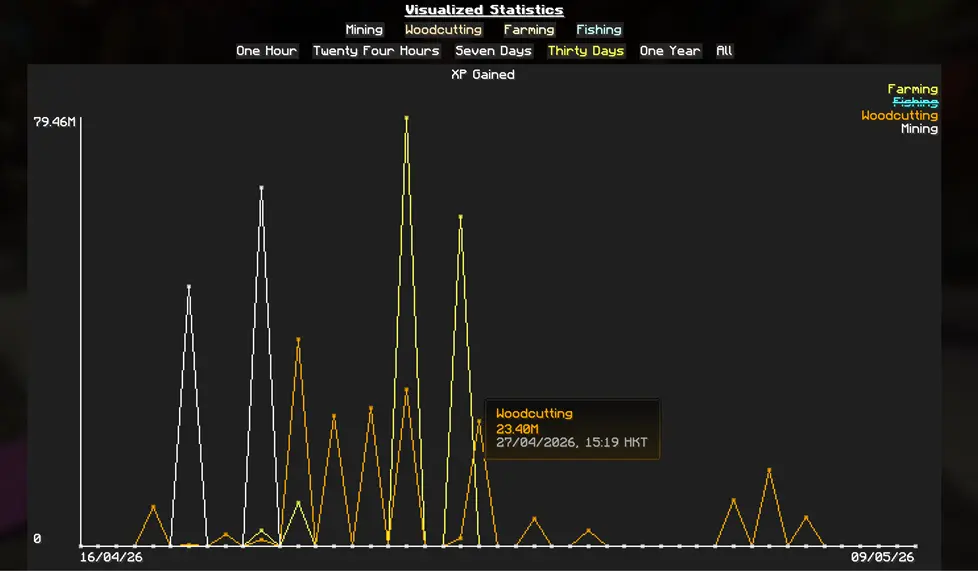
Gathering Statistics
- Added command /wynnmod stats, where you may view your statistics
- For gathering statistics, you may also access the GUI via Gathering Statistic Trackers in config
General Gathering Stats

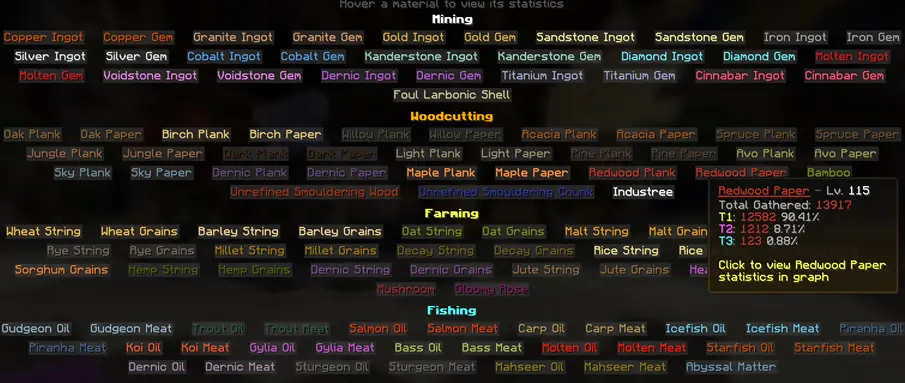
Gathering Material Stats
- Hover a material to view its stats
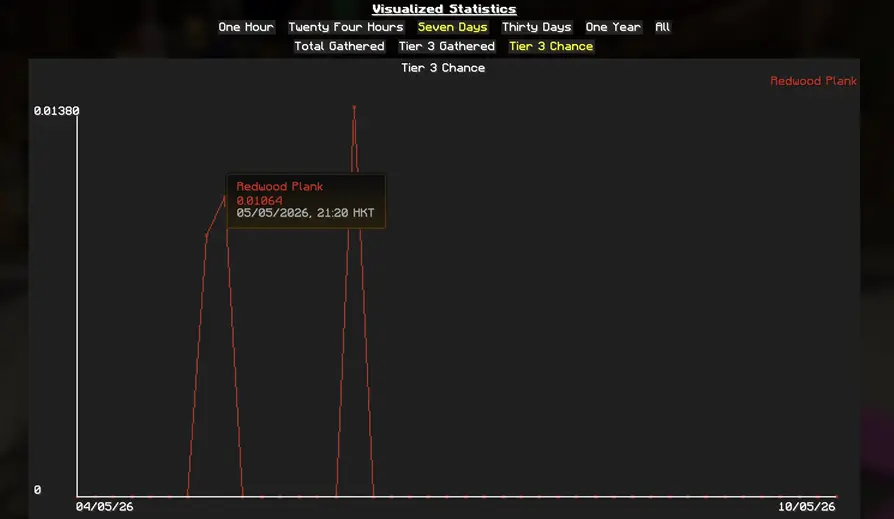
- Click the material and choose a statistic for visualized data
Ability Tree & Aspects
Important:
For Wynnmod to correctly recognize your ability tree and aspect status, you need to scan them once when you start using this version.
Ability Tree: Running Scan Tree once per character is enough
Aspects: Aspect tiers require you to manually scroll through all aspects once
After that, Wynnmod will automatically and passively save your tree and aspect status.
You do not need to rescan every time you make changes
- Removed tree and aspect related config from Acolyte and Trickster features
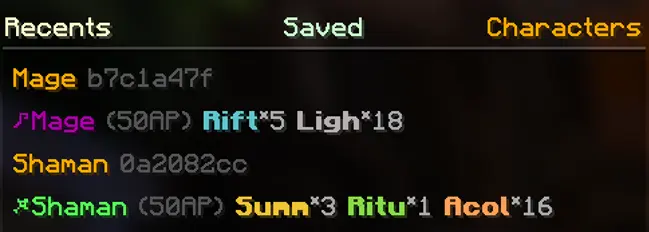
- Added new tab in tree selector: Characters, you may select and view all saved character trees & aspects
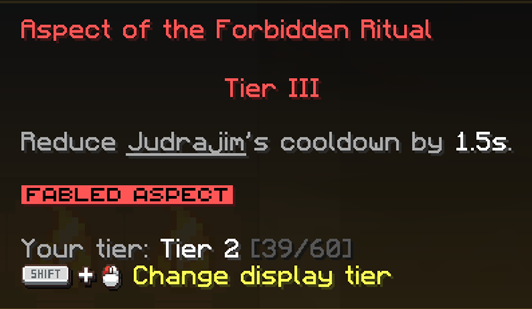
- Hovering an aspect in loadout menu will display your tier and your progress
Fixes & Changes
- Fixed hide lootrun beacon not working
- Added missing cave in Corkus
- Fixed Repair Notification not working on buff room entry
- Fixed skill point ordering being inconsistent in /stats
- Updated Light Bender template in Status Tracker, you need to add a new template to see the changes
- Support decimals for Blood Sorrow