Compatibility
Minecraft: Java Edition
Platforms


Tags
Creators
Details
Licensed MIT
Published 2 months ago
Updated last month
zMDisguise
A complete disguise plugin for Paper that allows players to easily change their identity through an intuitive GUI. Change your display name, skin, copy identities from other players, save disguises for later use, and enjoy seamless integration with LuckPerms, PlaceholderAPI, and SkinsRestorer.
Perfect for Roleplay, Survival, Minigames, Events, and any server where disguises are part of the gameplay experience.
✨ Features
- Complete and intuitive GUI
- Disguise players with custom names and skins
- Copy a player's complete identity (name, skin, and LuckPerms groups)
- Save disguises for quick reuse
- Admin-only list of disguised players
- Teleport directly to disguised players from the admin menu
- Configurable BossBar and ActionBar displaying the active disguise
- Chat messages display the disguise name instead of the real name
- Optional disguise persistence after reconnecting
- Admin notifications whenever a player disguises
/whoiscommand to reveal a disguised player's real identity- Optional integration with LuckPerms, PlaceholderAPI, and SkinsRestorer
- Automatic update checker
- Fully customizable GUI through
guis.yml, including Base64 custom heads
📋 Commands
| Command | Description |
|---|---|
/disguise |
Open the main menu. |
/disguise <player> <name> |
Apply a disguise to a player. |
/disguise save <name> |
Save your current disguise. |
/undisguise |
Remove your disguise. |
/undisguise <player> |
Remove another player's disguise. |
/zmdisguise help |
Display the help menu. |
/zmdisguise reload |
Reload the plugin configuration. |
/zmdisguise whois <fakeName> |
Reveal the real identity behind a disguise. |
🖼️ Preview
Click to view preview

🔐 Permissions
| Permission | Description |
|---|---|
zmdisguise.use |
Use the disguise system and its GUI. |
zmdisguise.admin |
Manage disguises and use the Whois command. |
zmdisguise.notify |
Receive disguise notifications. |
zmdisguise.reload |
Reload the plugin. |
📊 Placeholders
PlaceholderAPI
%zmdisguise_disguised%
%zmdisguise_name%
%zmdisguise_real_name%
%zmdisguise_prefix%
%zmdisguise_suffix%
%zmdisguise_group%
%zmdisguise_skin%
⚙️ Configuration
Main Options
- Configurable language
- Keep disguises after reconnecting
- Enable or disable admin notifications
- Fully customizable BossBar and ActionBar
- Configurable menus through
guis.yml - Support for Base64 custom heads
🔄 Compatibility
- Paper/Folia/Velocity (1.16.5+)
- LuckPerms (Optional)
- PlaceholderAPI (Optional)
- SkinsRestorer (Optional)
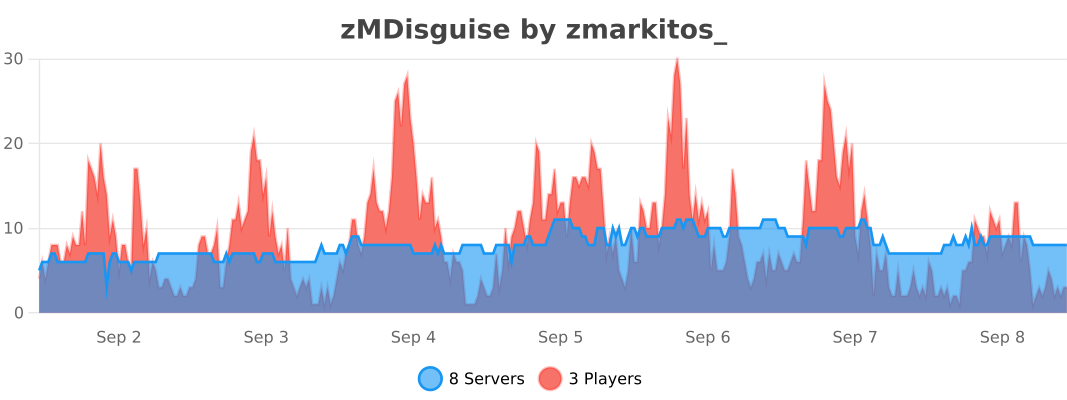
📊 Statistics