Streamlined Version Creation
Version creation is now dramatically more intelligent and easier for creators.
Posted on December 18, 2025 Modrinth Team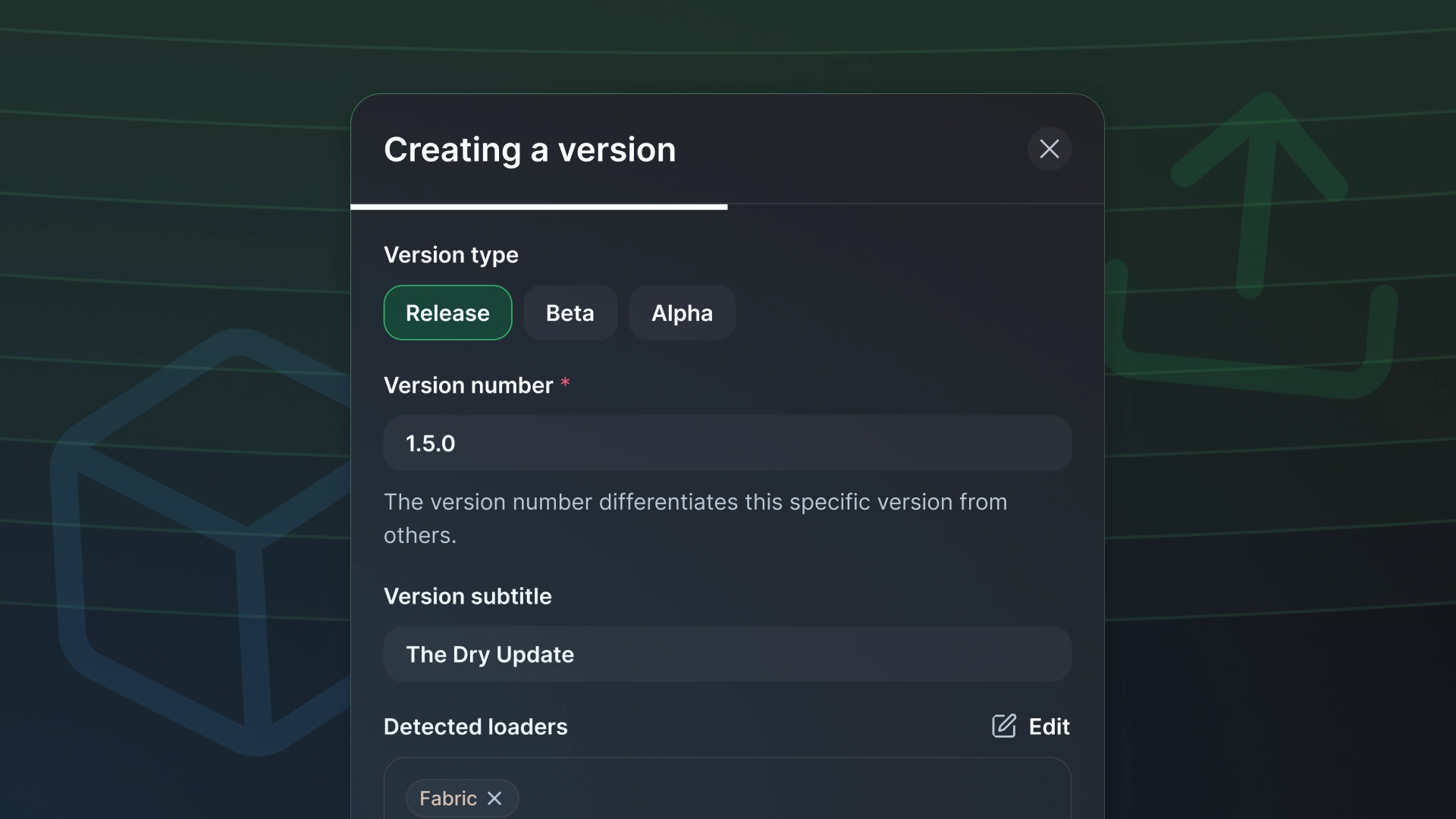
Hey everyone! As part of our ongoing work to improve the creator side of the platform, we’re shipping a new project version creation and editing today. This part of the product was showing its age, so we’ve overhauled it to set us up for the new project types we plan to ship in the new year!
TL;DR
- Multi-file uploads with primary file detection and new supplementary file types
- Automatic detection of version number, subtitle, loaders, game versions, and environment bundled into a version summary
- A new loader selector that groups loaders by project type
- A new game version selector with search and selecting version ranges
- Project environments moved to be on a per-version basis
- A new dependency selector with search and smart suggestions
- Project gallery, versions, and publishing checklist moved into project settings
File uploading
For starters, we’ve been centralizing all project editing into Project Settings to make the experience clearer and more approachable for new creators. Editing project versions now happens directly within Project Settings and projects look slightly different if you’re the creator.

You can create a new version by drag and dropping files into the versions table or creating a new version and uploading them. Multiple files can be uploaded at once.
The primary file is explicitly listed at the top and separate from any supplementary files. From there, you can add additional supplementary files and assign their types. Newly supported types include sources jar, dev jar, javadoc jar, and signature file.
Version summary
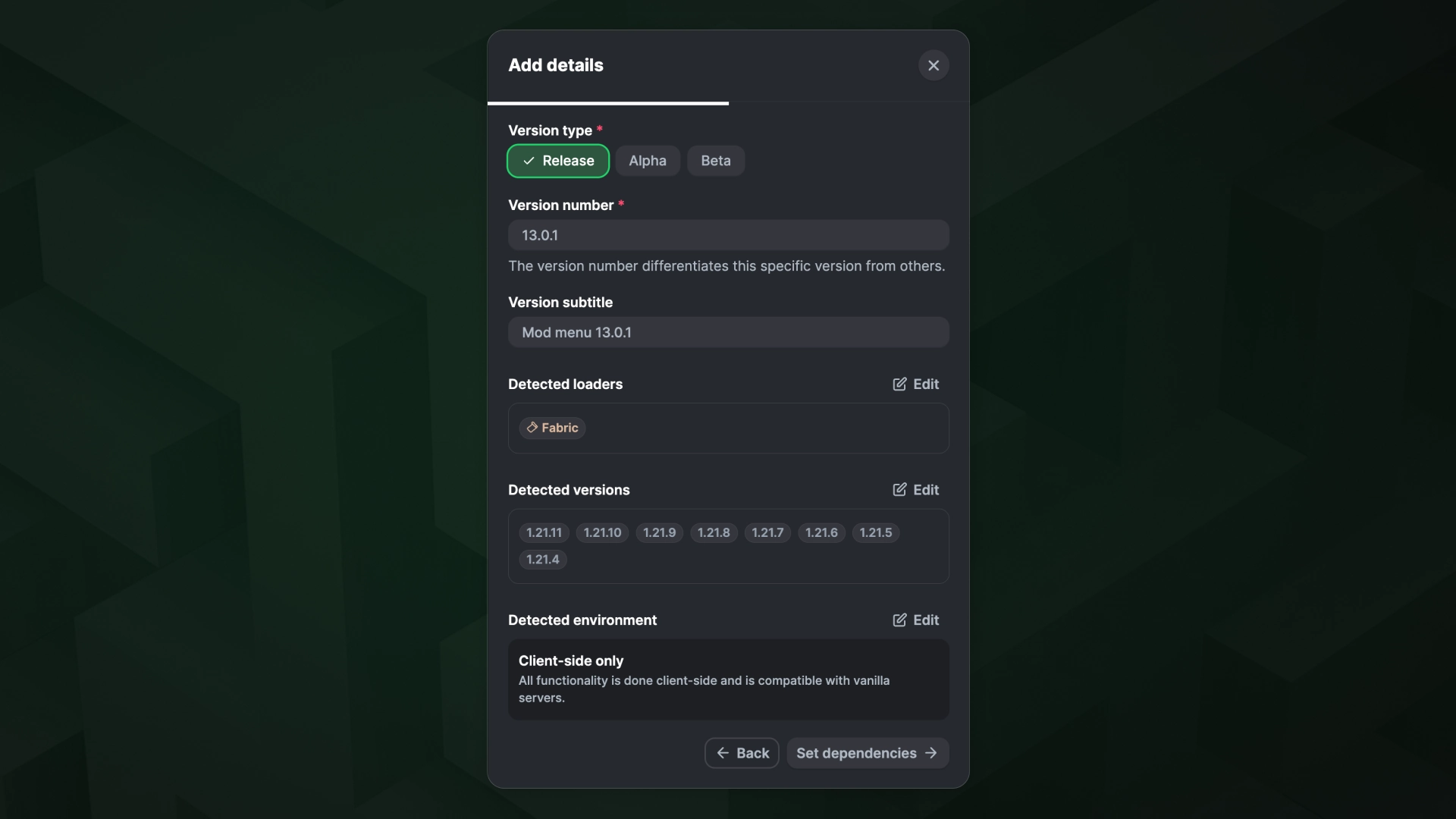
Once you’ve uploaded your files, you’re taken to a summary page where we automatically detect the version number, subtitle, loaders, game versions, and environments based on the primary file and previous project versions.
Any field can be individually edited by clicking the edit button in the top right. For cases where we’re unable to detect something, that field simply won’t appear in the summary and will instead show up as an additional step in the modal flow.
Loader selector
We’ve added a refreshed loader selection screen that groups loaders by project type. You can click any loader tag to add it.
Game version selector
Game versions now have their own dedicated step. This was a major pain point for projects that support a wide range of game versions. You can search for versions or toggle between releases and snapshots. Select individual versions with a click, or use shift-click to select a range.
Environment selector
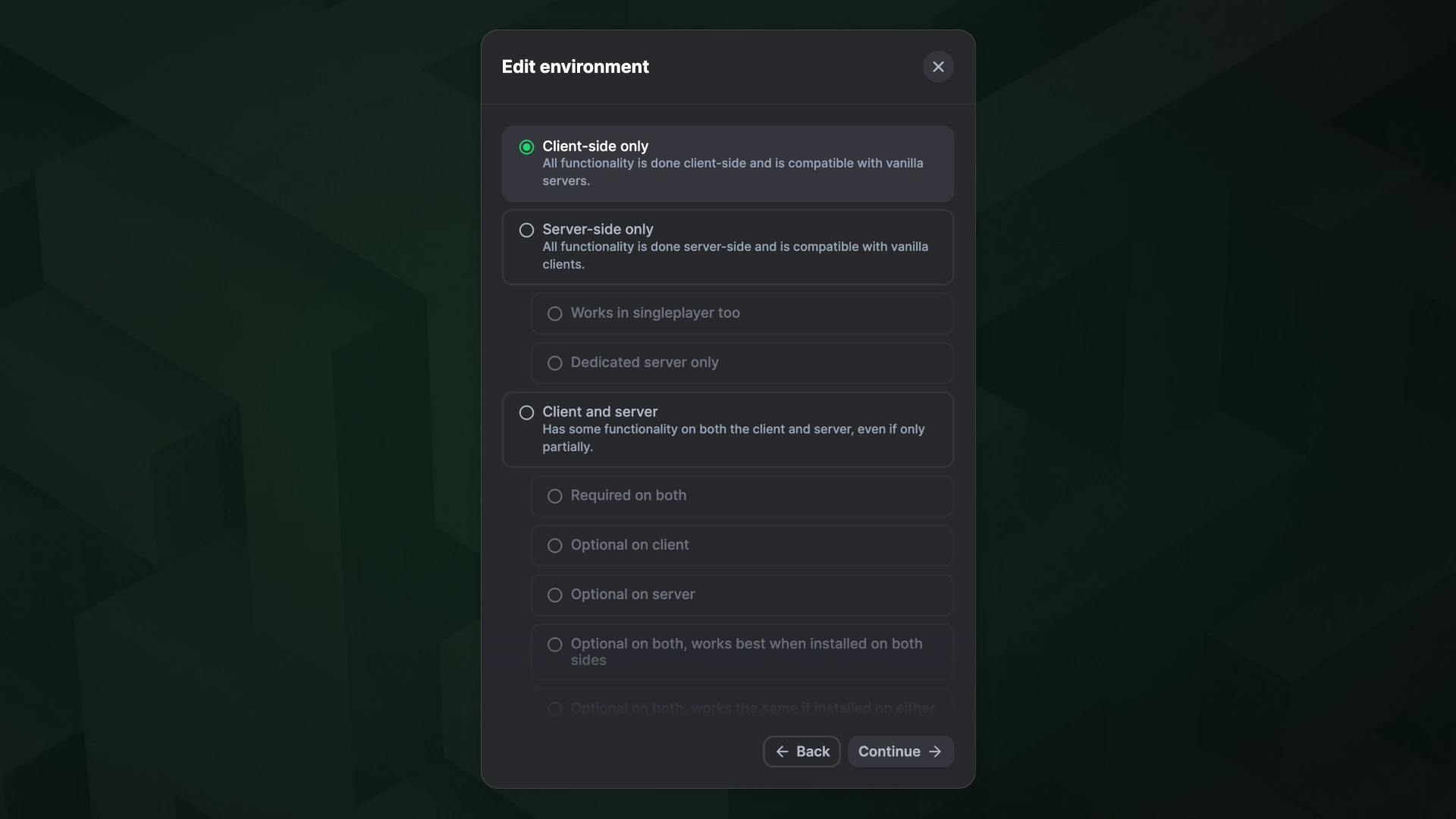
Project environments were released earlier this year, and we heard feedback that some projects need them configured at the version level. We’ve moved environments out of project settings and into versions. For the vast majority of projects environments rarely change, so we automatically carry them over from a previous version that uses the same loader. You can always edit this if needed.
Dependency selector
Dependencies were another pain point, so we’ve added the ability to search projects and versions directly, no more copying IDs. We also suggest dependencies from the other versions you’ve uploaded with the same loader, making them easy to add with a single click.
Misc
- Gallery management has now also been moved into Project Settings
- The project publishing checklist now lives in Project Settings
Thank you all for your continued support. We hope you have a great holiday and get some well-earned time with your families! 🎅