Compatibility
Minecraft: Java Edition
Platforms
Supported environments


Tags
Creators
Details

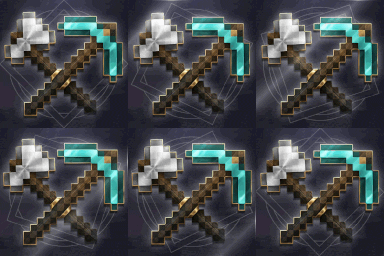
The ultimate survival utility designed to streamline resource gathering while keeping the game perfectly balanced. Instantly fell trees, mine whole ore veins, and dig 3x3 areas with a shovel—featuring the Custom Block Manager, which lets you add any unsupported block and choose its difficulty mode (Dynamic based on world difficulty, or Custom set by you) to control durability cost and maintain a balanced survival experience.

- Fixed several chain-breaking issues.
- Improved statistics accuracy and chain-breaking reliability.
- Fortune and Unbreaking now work during chain breaking the same as in normal mining.
- Updated Focused Drops to work reliably with the game's drop settings.
- Minor fixes and general improvements.

-
Supported Versions: Minecraft 26.1 and newer (support for older versions planned for future updates).
-
Installation: Place the ZIP file in your world's
datapacksfolder and run/reloadin-game. -
Configuration:
- Interactive UI: Fully clickable chat menu—no complex commands needed.
- Easy Setup: Run
/trigger veinminerto open the setup menu. - Mode Selection: Select Single-Player or Server to configure permissions.

.gif)
.gif)

-
Interactive Chat UI: Manage server settings directly through clickable options in the game chat.
-
Right-Hand Block Registration: Quickly register custom blocks on the fly by holding the target block in your right hand and using the menu shortcut.
-
Permission Control: Access to configuration and custom block management is strictly restricted to Operators (OP). Regular players can use the features without altering server settings.
.gif)
.gif)
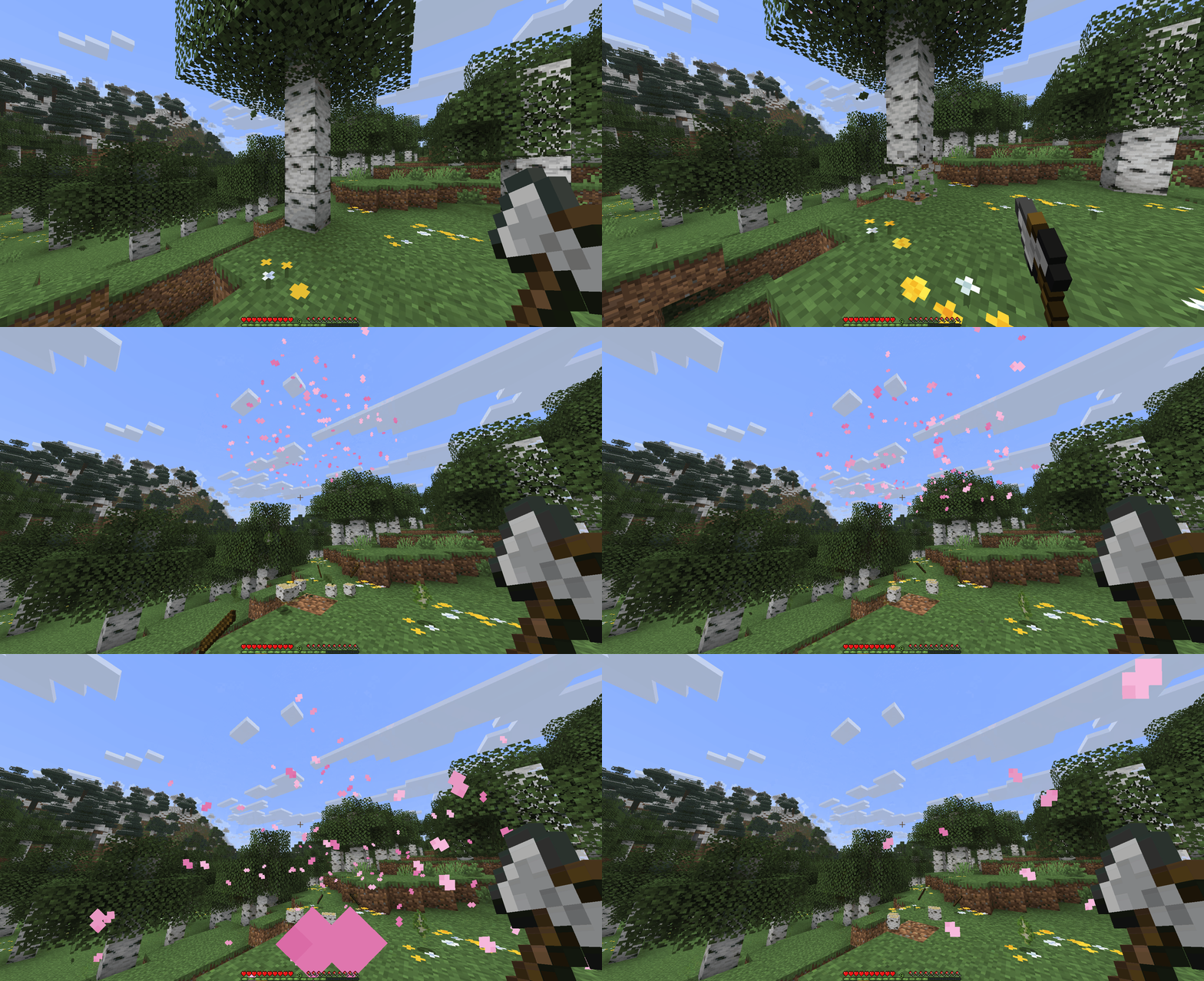
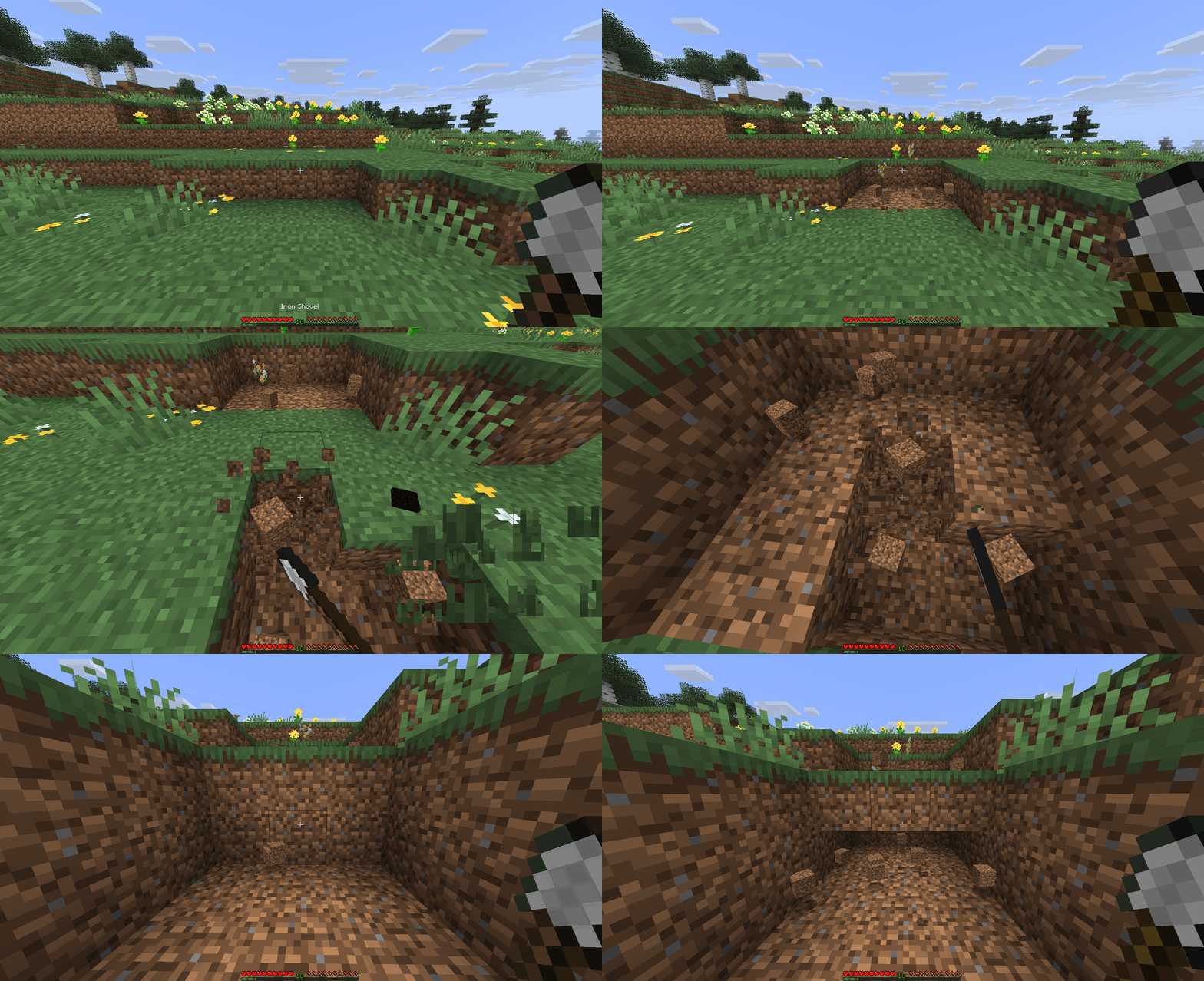
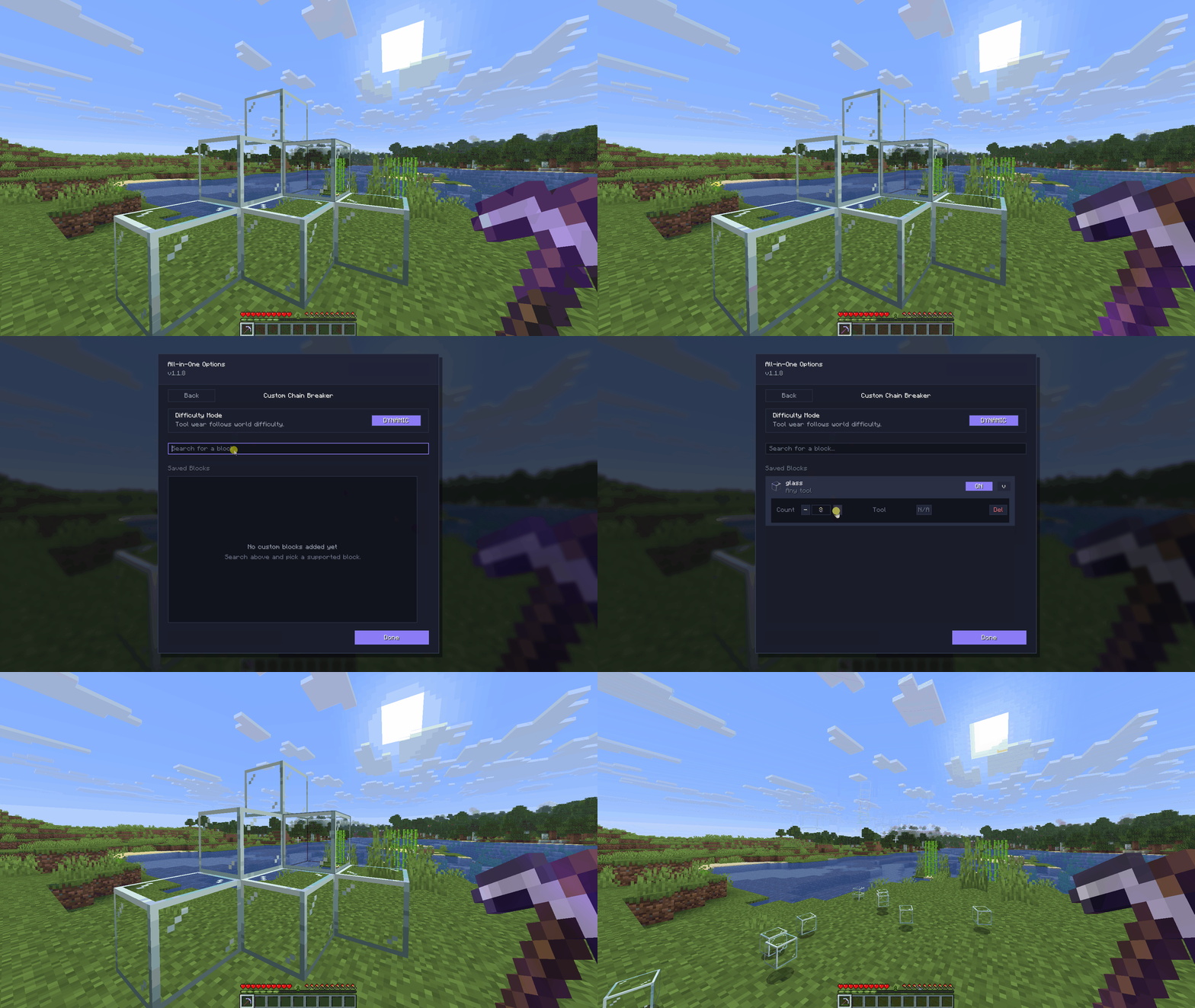
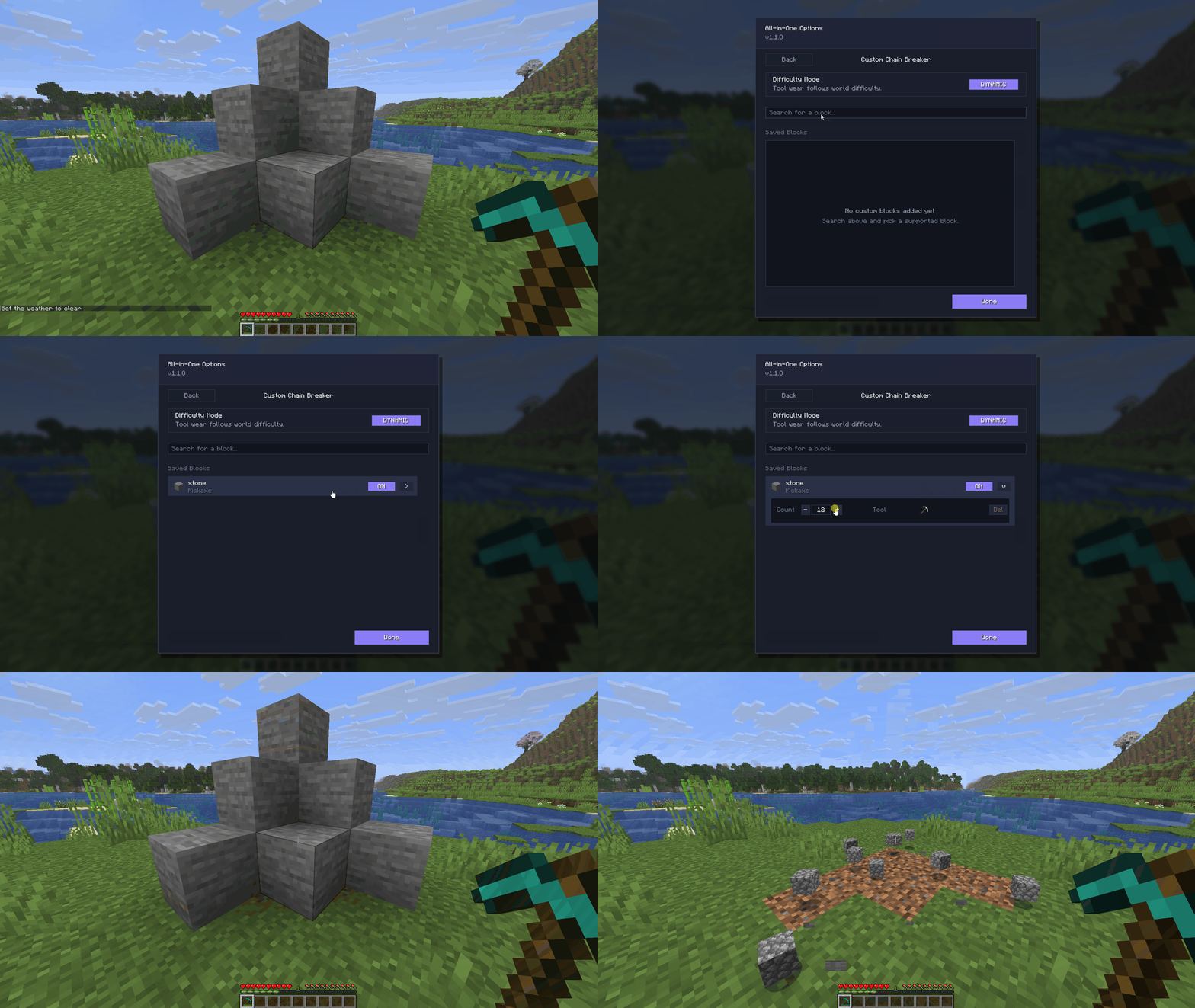
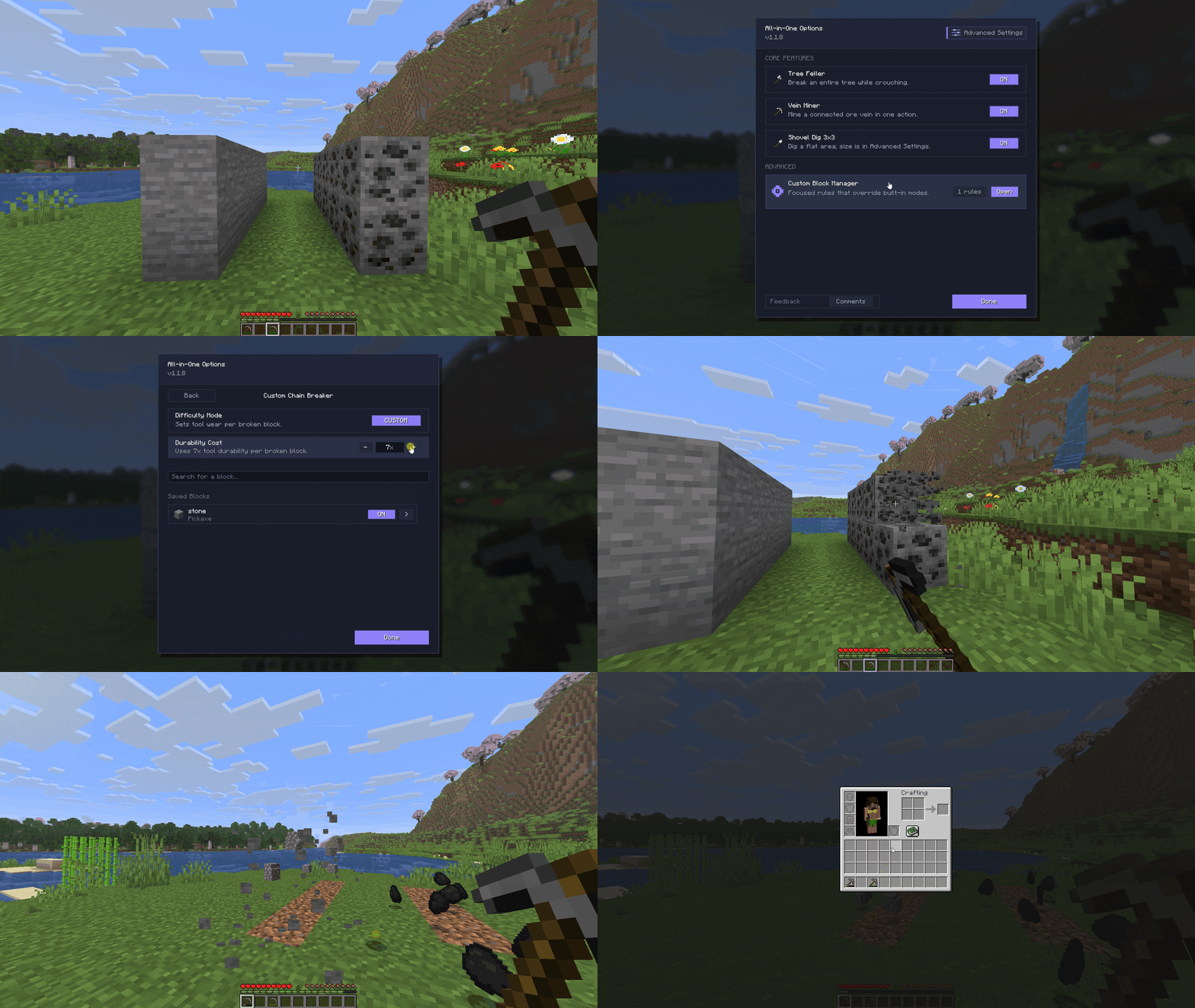

- Tree Feller: Instantly fell natural trees by breaking a single log while sneaking (Shift).
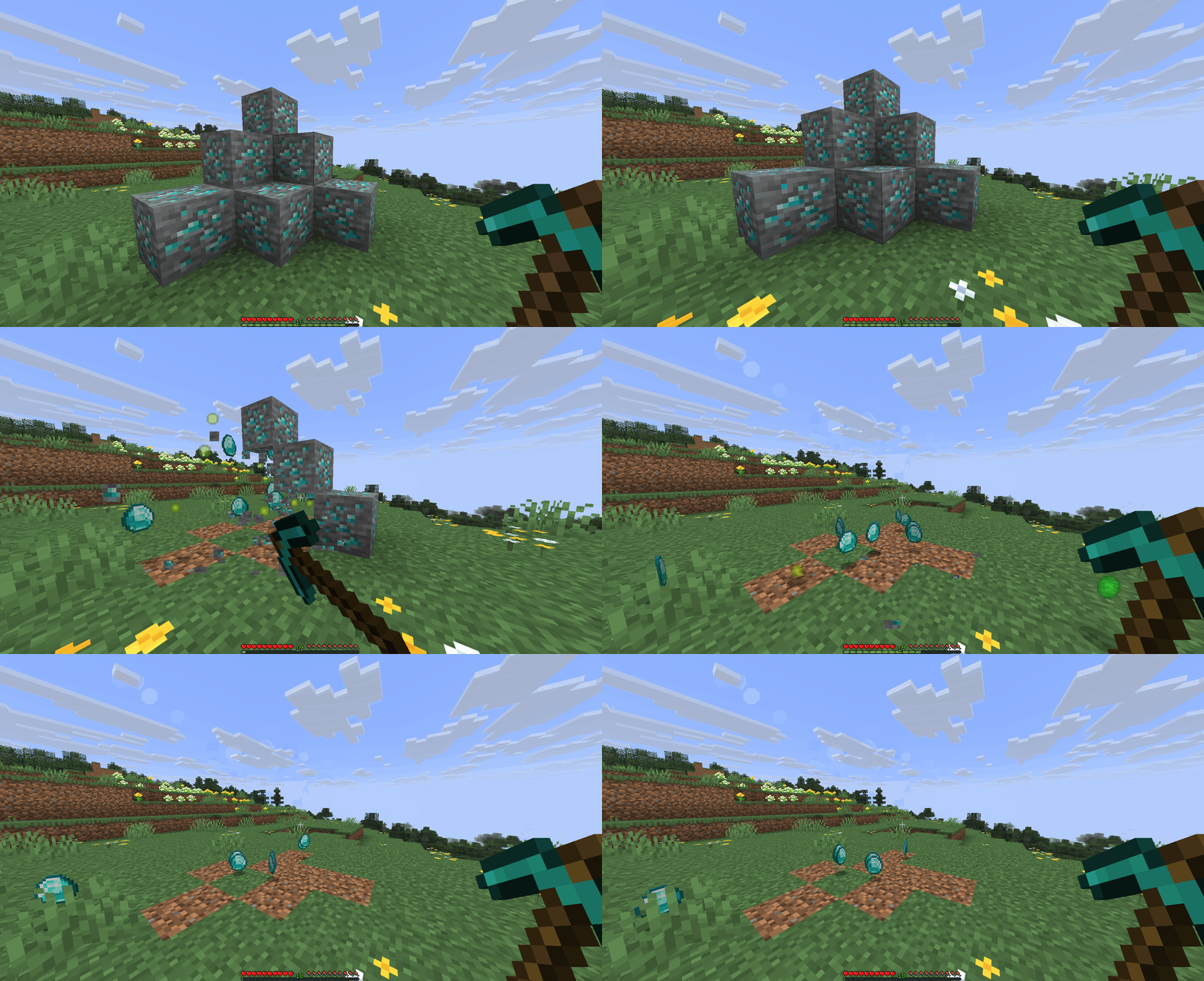
- Vein Miner: Mine entire connected ore veins in a single action.
- 3x3 Shovel Dig: Clear dirt, sand, gravel, and other supported shovel blocks in a flat 3x3 area.
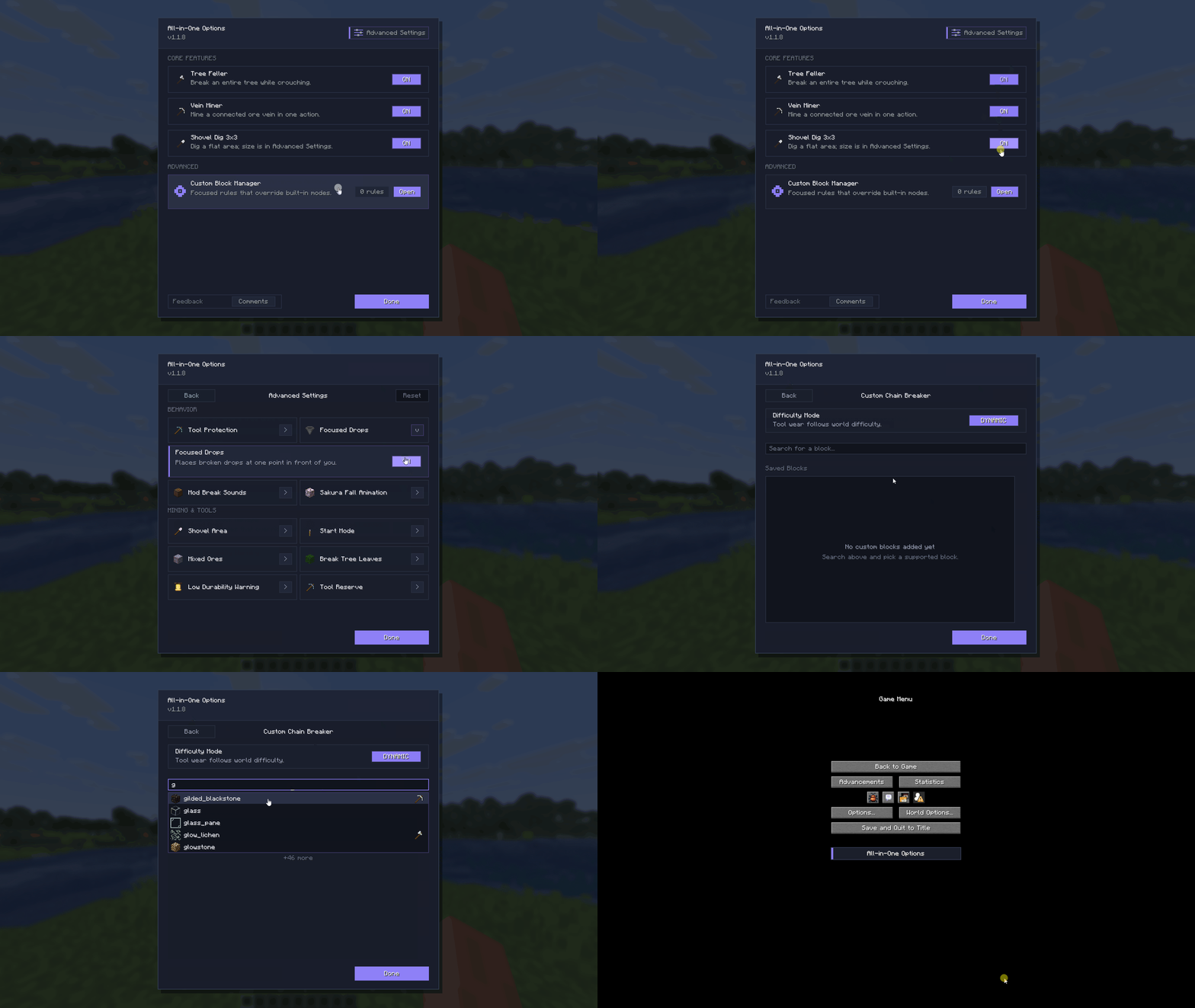
- Custom Block Manager: Add any unsupported block and select its difficulty system (Dynamic or Custom) to balance durability and gameplay.
- Tool Protection: Protects tools from breaking at low durability, with easy controls to enable or disable the feature.
- Focused Drops: Optionally gather collected drops near the player immediately instead of leaving them scattered across the area.
- Enchantment Support: Fully compatible with Fortune and Silk Touch.
- Audio & Visual Controls: Independently toggle custom breaking sounds and sakura falling particle animations.
- Compatibility & Management: Supports Mod Menu, offers modpack compatibility, and is fully multiplayer-ready with OP-restricted server management.

Chain-breaking features activate by default while Sneaking (holding Shift) and breaking a supported block with the correct tool:
- Axe + Shift: Fell natural trees or supported custom wood blocks.
- Pickaxe + Shift: Mine connected ore veins or supported custom stone blocks.
- Shovel + Shift: Clear a 3x3 area of supported shovel blocks.

- Developer: in2bubble
- License: All Rights Reserved
- Support & Issues: CurseForge Comments Section
- Official Pages: CurseForge | Modrinth
Not an official Minecraft product. Not approved by or associated with Mojang or Microsoft.