


Tags
Creators
Details
Licensed ARR
Published 4 months ago
Updated 3 months ago
All versions
1.2
nvironment Lighting3 months ago 2,092
Compatibility
Minecraft: Java Edition
Platforms
Changes
✨ DynamicLight Update — Environment Lighting
This update expands DynamicLight beyond players, items, and mobs by introducing configurable lighting for blocks and plants found in the world.
🌿 Environment Lighting
World blocks can now emit configurable vanilla-style light.
dynamic_light:
  environment:
    enabled: true
    scan_chunk_loads: true
    chunks_per_tick: 1

    blocks:
      FIREFLY_BUSH: 4
      SPORE_BLOSSOM: 7
      FLOWERING_AZALEA: 5
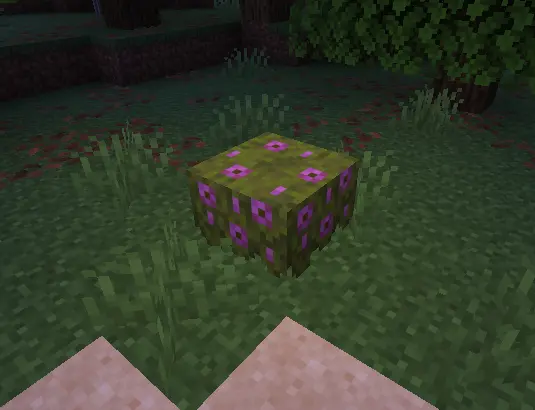
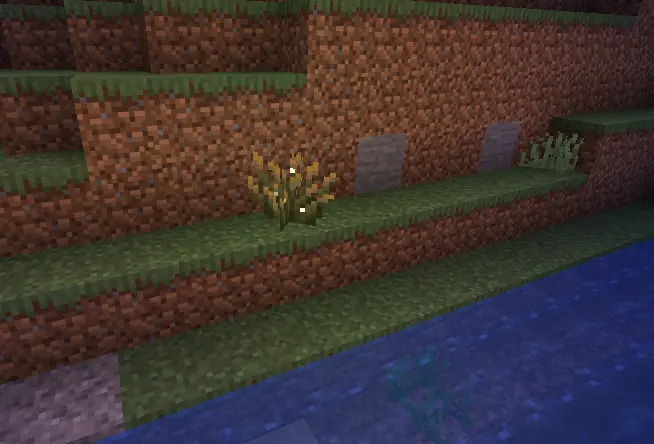
Any valid block material can be added with a light level between 1 and 15.
Features
- Supports naturally generated and player-placed blocks.
- Detects configured blocks when chunks are loaded.
- Responds to block placement, breaking, growth and spreading.
- Handles explosions, fire, block fading and piston movement.
- Automatically removes invisible light sources when they are no longer needed.
- Multiple nearby plants can safely share the same light source.
- Environment lights are protected from the item, mob and player light cleanup systems.
- Chunk scanning is distributed across ticks to reduce server impact.
- Compatible with Paper and Folia scheduling.
Environment lighting illuminates the surrounding area. Emissive textures and bloom effects still depend on the player's resource pack or shaders.
⚙️ Automatic Configuration Updates
Replacing the plugin JAR with a newer version will now automatically update the existing config.yml.
The updater:
- Adds newly introduced configuration options.
- Preserves all customized values.
- Keeps administrator-created sections.
- Preserves YAML comments.
- Runs during server startup and
/dl reload. - Avoids overwriting the configuration if invalid YAML is detected.
Server owners no longer need to delete or manually recreate their configuration file after installing an update.
🛠️ Additional Improvements
- Unknown materials are safely ignored on older Minecraft versions.
- Improved cleanup when chunks unload or the plugin is disabled.
- Environment lights are included in active light statistics.
- Improved compatibility between permanent environment lighting and dynamic entity lighting.