


Tags
Creators
Details
Licensed ARR
Published last year
Updated last year
All versions
1.0
Nether Calculator 1.0last year 139
Compatibility
Minecraft: Java Edition
Platforms
Changes
NetherCalculator Plugin Usage Guide
This plugin makes converting coordinates between the Nether and Overworld dimensions easy:
Commands:
Convert Nether to Overworld:
/nether_to_overworld <x> <z> [y]
 Enter your Nether coordinates and see the equivalent Overworld location.
Convert Overworld to Nether:
/overworld_to_nether <x> <z> [y]
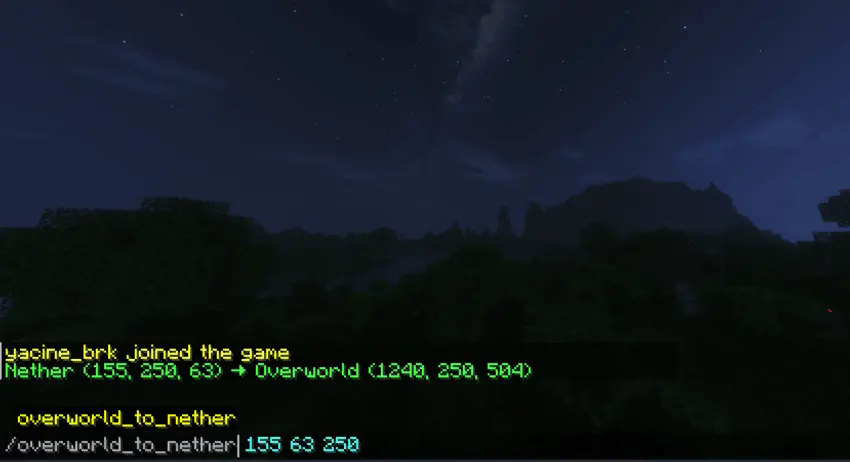 Enter your Overworld coordinates and see the equivalent Nether location.
Notes:
The Y coordinate is optional for both commands. Tab completion will guide you through entering coordinates. The plugin handles the 1:8 ratio conversion automatically. Results are displayed with both original and converted coordinates. Perfect for planning Nether portals and efficient travel between dimensions!