


Links
Tags
Creators
Details
Licensed Apache-2.0
Published 3 months ago
Updated 3 months ago
All versions
1.0
1.03 months ago 173
Uploaded by
Compatibility
Minecraft: Java Edition
Platforms
Changes
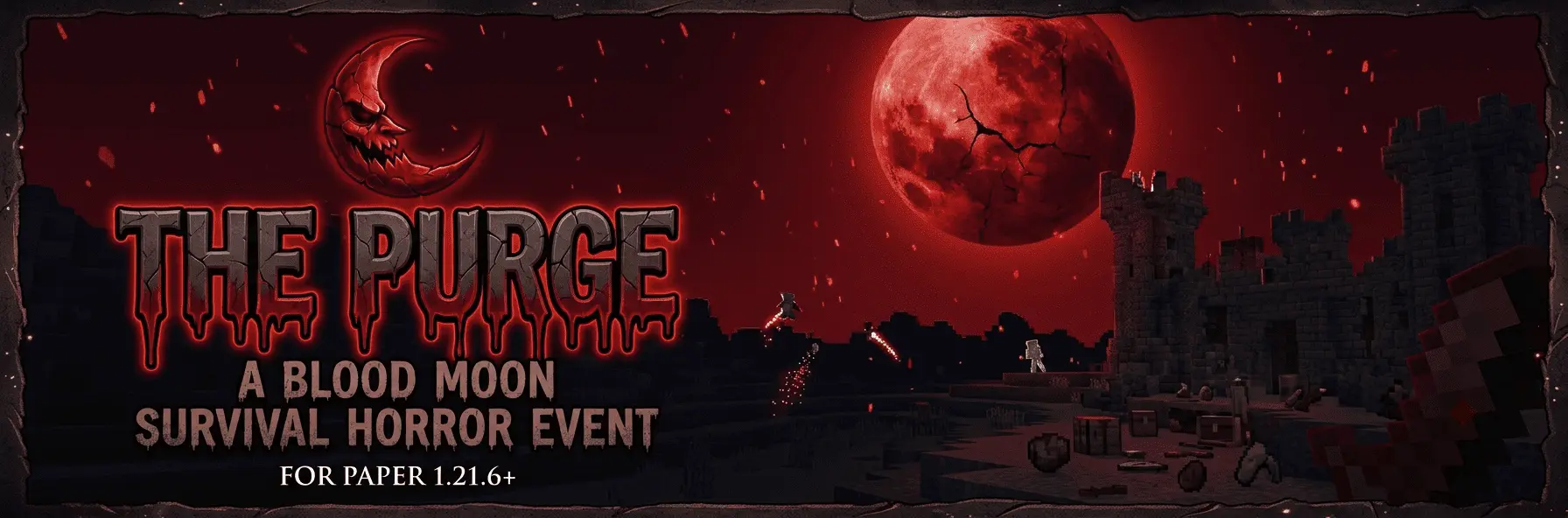
ThePurge — A Blood Moon Survival Horror Event for Paper 1.21.6+
Description:
A sudden Blood Moon falls — PvP ignites, roles are assigned, and only the strongest survive. The Purge transforms your server into a cycle of chaotic survival events with random timing, permanent midnight, hidden killers, and role-based rewards. ThePurge brings a dynamic, event-driven survival horror experience to your Minecraft server. On a random schedule, the Blood Moon rises — the world plunges into permanent midnight, PvP activates, and every player becomes hunter or hunted.
How it works:
- The plugin operates on a Gaussian-random real-time cycle (configurable). Days pass in peace until the air grows still and a warning phase begins — a heartbeat sound accelerates as the Blood Moon approaches. When it hits:
- Permanent midnight locks the world in darkness
- PvP is forced on
- Every player receives random glowing particle trails
- Blood moon sky particles fill the air
- Role-based potion effects apply automatically (Strength for Butchers, Weakness for Prey, Invisibility for Innocents)
- A boss bar shows remaining time
- Death messages hide the killer's name with scribbled text — nobody knows who to fear
When the purge ends, the plugin crowns three roles based on real performance:
- The Butcher — most kills
- The Innocent — survived longest without killing
- The Prey — died the most
Features:
- Random purge timing using Gaussian distribution (min/max/mean/std-dev)
- Warning phase with configurable accelerating heartbeat audio
- Locked midnight time-of-day during active purge
- Configurable boss bar with custom titles and colors
- Scoreboard teams with prefixes, colors, and collision rules
- Role-based configurable potion effects (supports any PotionEffectType)
- Random-colored particle trails per player
- Blood moon dust particles above each player
- Killer name obfuscated in death messages during purge
- Locator bar auto-managed (off in peace, on during purge)
- Full admin command suite with help menu
 Commands (OP only):
Command
- /purge start
- /purge stop
- /purge status
- /purge roles
- /purge reset
- /purge reload
- /purge testrole <role> [player]
- /purge help
Requirements: Paper 1.21.6+