


Tags
Creators
Details
1.0
Compatibility
Required content
Changes
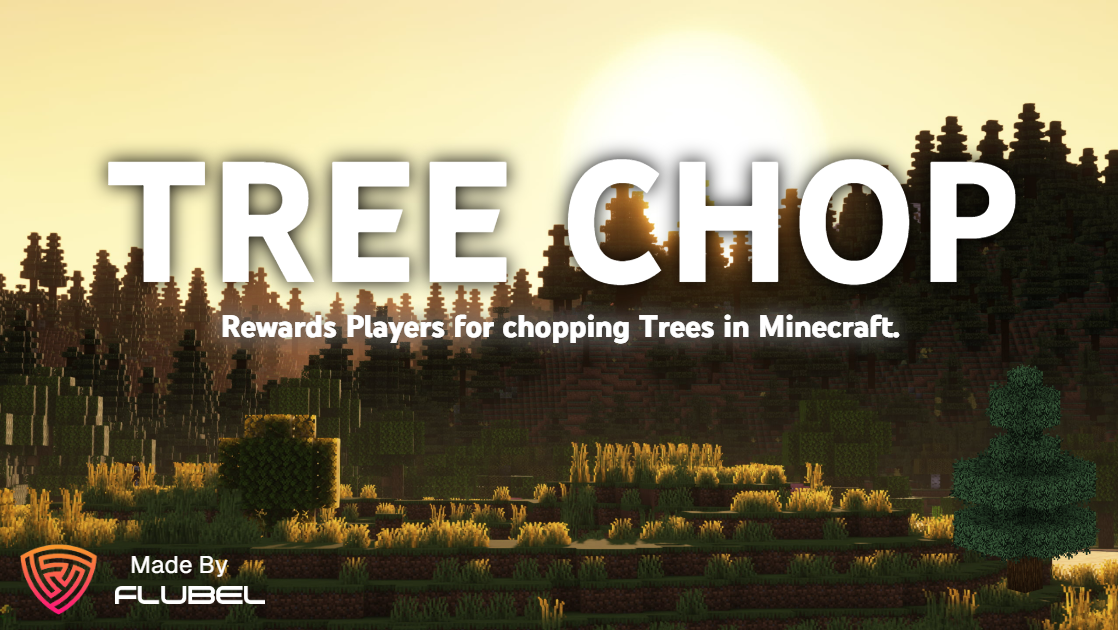






Tree Chop
Make tree chopping rewarding in Minecraft servers with this plugin. This is a simple yet effective addition to your server that incentivizes players to engage with spruce trees by rewarding them with in-game currency (essentialsX economy). Whether you're looking to encourage resource gathering or simply add a fun twist to gameplay, this plugin offers a seamless solution.
Requirements
- EssentialsX
- LuckPerms (or any permissions plugin)
Key Features:
- Dynamic Countdown Mechanism: The plugin tracks the number of logs in a spruce tree and initiates a countdown when any log is broken, providing an engaging and immersive experience for players.
- Rewarding Experience: Upon completion of the countdown, players are rewarded for their efforts, adding incentive and satisfaction to the chopping process.
- Immersive Animation: Enjoy a visually captivating tree falling animation that enhances the realism and excitement of chopping down spruce trees.
- Automatic Respawn: After the tree falls, it automatically respawns after a brief 5-second interval, allowing for continuous gameplay and interaction.
Commands
1 /treechopper enable
- Description: Enables the TreeChopper feature for spruce trees.
- Usage:
/treechopper enable
2 /treechopper disable
- Description: Disables the TreeChopper feature for spruce trees.
- Usage:
/treechopper disable
3 /treechopper forcestop
- Description: Stops the TreeChop plugin completely.
- Usage:
/treechopper forcestop
4 /treechopper worldname <world_name>
- Description: Sets the name of the world in which plugin will work.
- Usage:
/treechopper worldname <world_name>
4.1 example:
- 4.1.1
/treechopper worldname lobbysets world in which plugin will work to lobby - 4.1.2
/treechopper worldname worldsets world in which plugin will work to world - 4.1.3
/treechopper worldname myworldsets world in which plugin will work to myworld
Permission
You need to use a permissions plugin such as luckperms to handle permission otherwise it won't work.
TreeChopper.ChopRewardsGrants player access to chop trees and get rewards.
How it works
- Chop a Spruce Tree: Players simply chop a spruce tree as they would in the game.
- Countdown Initiation: Breaking any log in the spruce tree triggers a countdown based on the total number of logs in the tree.
- Reward and Animation: Upon countdown completion, players are rewarded, and a stunning tree falling animation ensues, heightening the immersive gameplay experience.
- Automatic Respawn: After a short delay, the spruce tree respawns, ready to be chopped again, restarting the countdown process.
Rewards
The rewards are given when a spruce tree is broken succesfully, after which a console command is issue which gives the player money using essentialsX economy
eco give %player% 60
Every player gets $60 for chopping a tree succesfully.
How to use
- Install EssentialsX and TreeChop and put them in your plugins folder
- Restart your server
- Setup EssentialsX economy however you like it
- by default the TreeChop plugin is enabled and the default world name is "Lobby"
- Everything is set if you have followed the steps
Support
For any assistance You can join our discord server or contact me on discord fiend6998.