
Compatibility
Minecraft: Java Edition
Platforms


Tags
Creators
Details
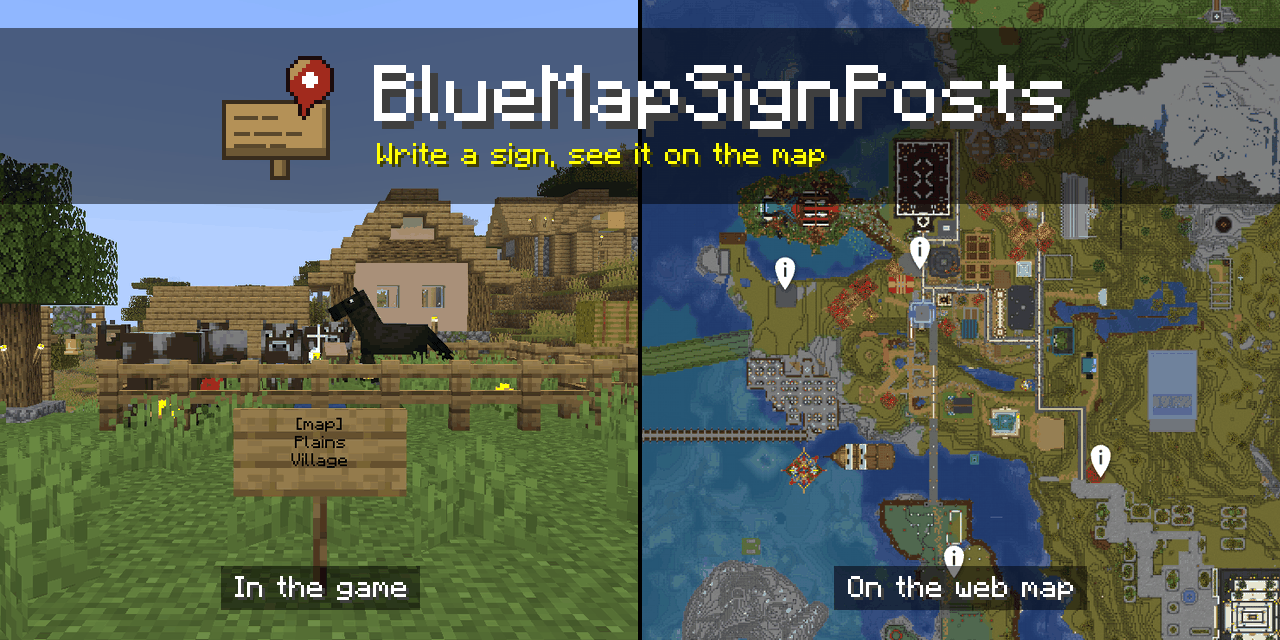
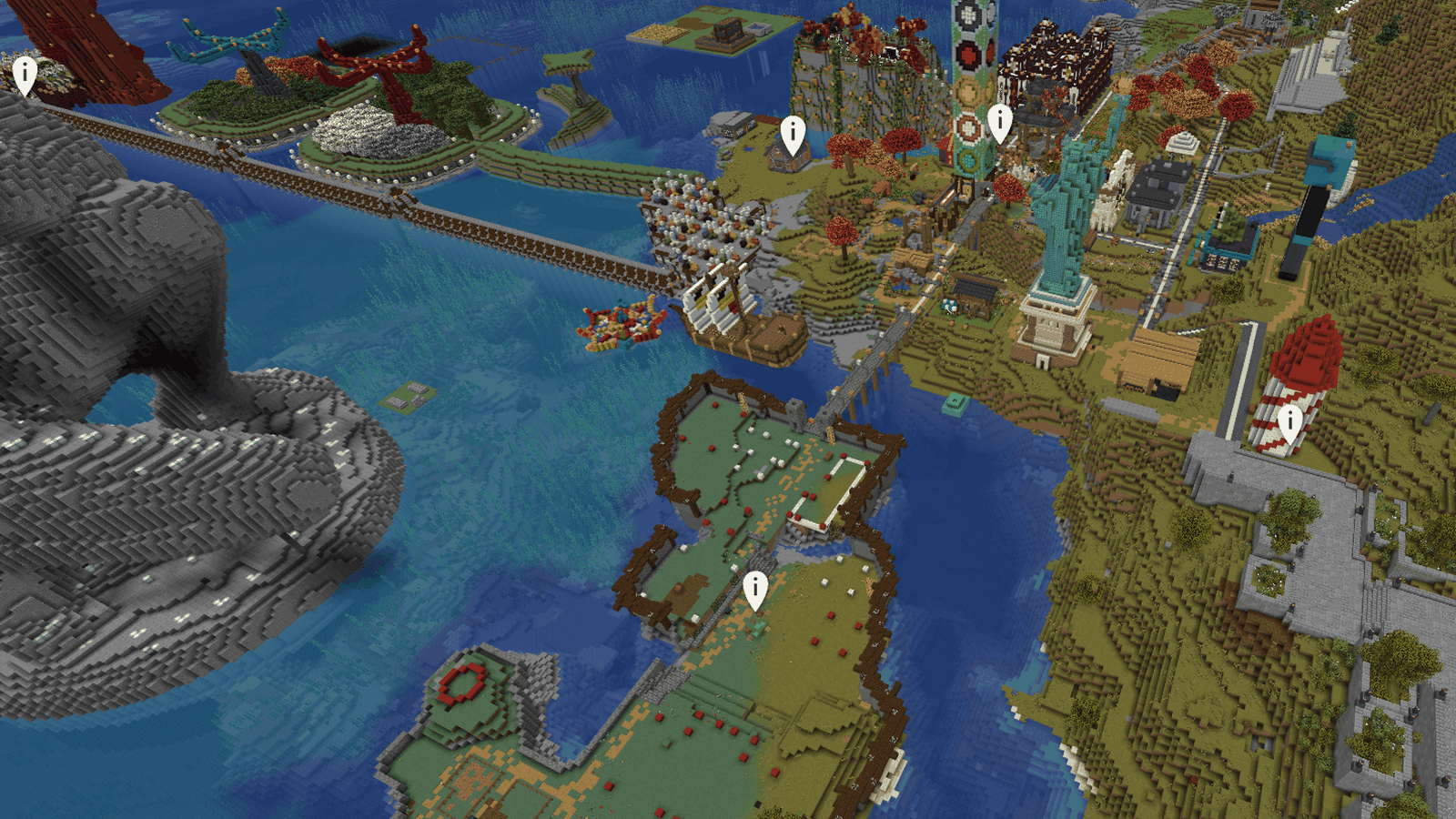
A Paper plugin that allows players to add markers to your BlueMap web map using signs and banners. Write [map] on the first line of a sign and the name of the place underneath, or place a banner renamed in an anvil, and a marker with that name appears on the map at that block. Edit the sign to rename the marker, and break it to remove it.
How it works
- Put
[map]alone on the first line of a sign and the place's name on the lines below. Capitals don't matter. - Click Done. The player sees
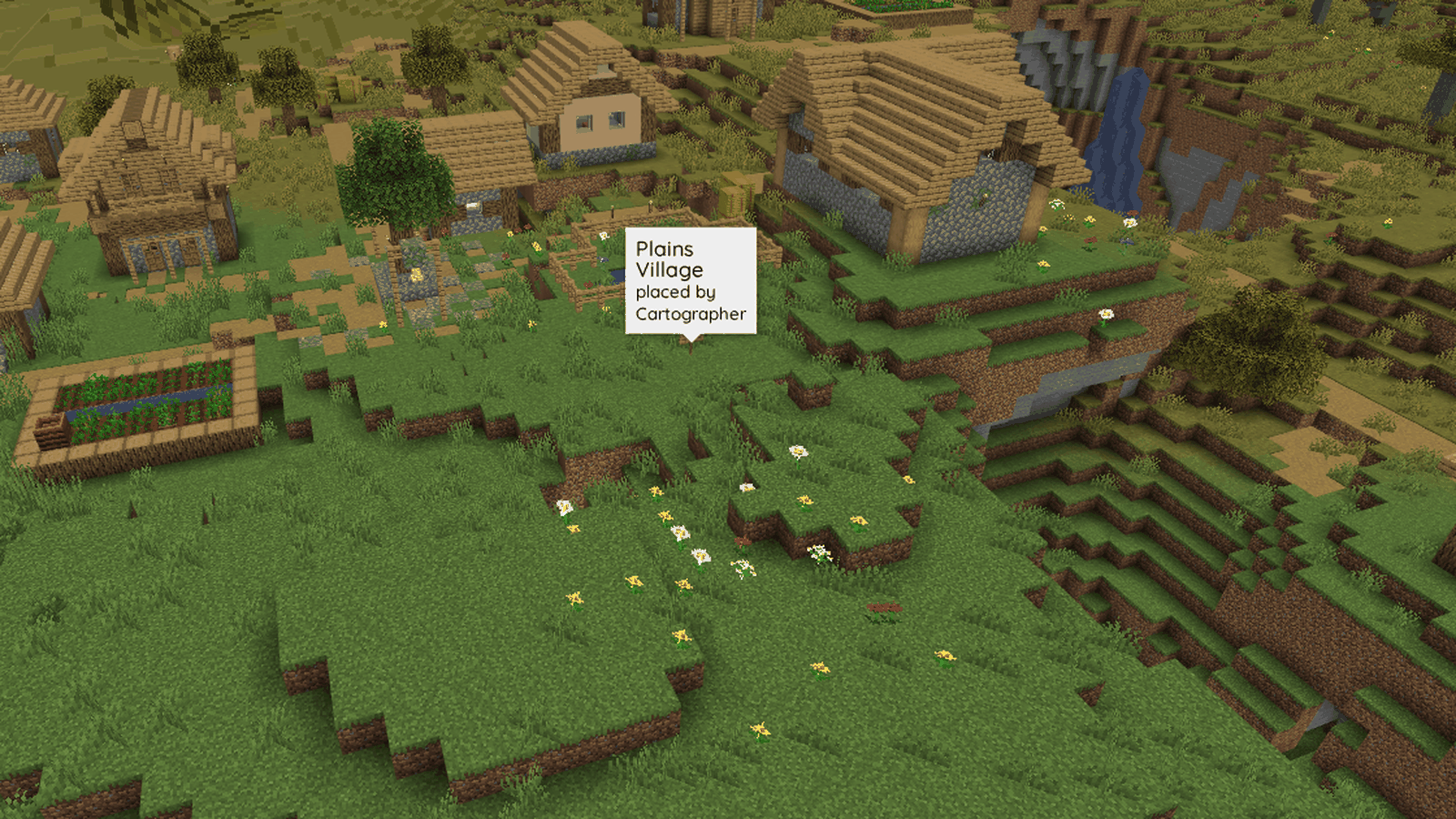
Added to the map: <name>in chat and the marker is on the map straight away. - Edit the name to rename the marker. Break the sign, or take
[map]off it, to remove the marker. - A banner renamed in an anvil works the same way when it is placed.
Features
- Markers follow their blocks. Breaking, editing, explosions, pistons and losing the block underneath all remove them, and anything changed without an event is checked the next time its chunk loads.
- Markers come back by themselves after a restart or a BlueMap reload, from the plugin's own store: SQLite by default, or PostgreSQL, MySQL or MariaDB.
- Limits to suit your server: a default for everyone, permission tiers, per-player limits set by command, and an optional playtime requirement for new players.
- The chat messages and the marker popup are yours to change.
- Signs of every wood, standing, on a wall or hanging, on either side, and markers in the Nether and the End on their own maps.
Requirements
- Paper or Purpur 26.3. Folia is supported in the code and will be tested once Folia 26.3 is released.
- BlueMap 5.24 or newer, installed on the same server.
Install
Install BlueMap, put the BlueMapSignPosts jar in your server's plugins folder and restart. The defaults work as they are.
Commands
Players can run /signposts list to see their own markers. Admins with bluemapsignposts.admin can list everyone's, remove a marker without touching the block, set a player's limit and reload the settings. The documentation covers every command, permission and setting.
Support
Ask questions and report bugs on GitHub issues. The troubleshooting guide covers the common problems.
This is an unofficial, community plugin. It is not affiliated with, authorised by, or endorsed by BlueMap, PaperMC or Mojang.