
Compatibility
Minecraft: Java Edition
Platforms


Tags
Creators
Details
Your rarest and coolest items deserve more than being displayed in a simple item frame. With Cabinet of Curiosities, exhibit your items in a cool and survival friendly way to make them shine.
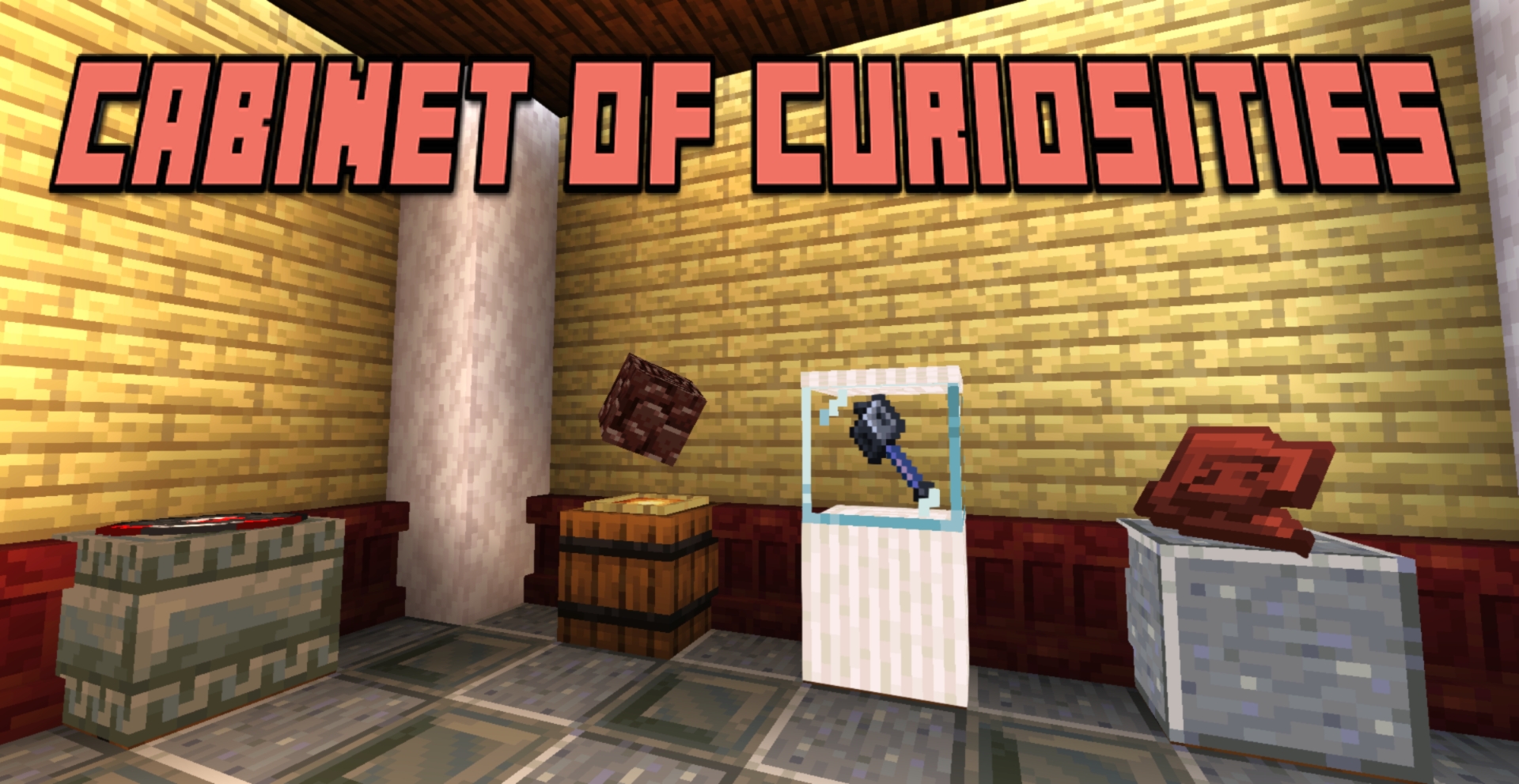
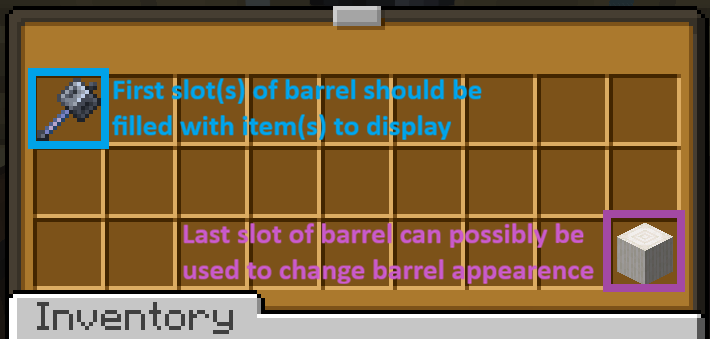
To create a display, place a barrel and a glow item frame on top. Right-click the item frame and simply navigate the menu to modify the display. The item(s) placed in the barrel will be displayed according to your customisation choices.
Customizations available:
-Display type: Centered, on ground, isometric (for 3D items) or leaned on the wall.
-Display modifiers: Change the height, size, orientation and luminosity of your display.
-Rotation: Allows your display to rotate on X, Y or Z axis.
-Multi-displays: Display multiple items with the same display, with customizable item swapping.
-Pedestal settings: Disguise barrel as any block in your possession, hide the item frame and/or encase your display in glass.
Why this datapack?
This datapack is first and foremost done as a personal effort to customise my 8 years survival world. On one hand, this means that I built this datapack to be future and update proof (I hope) and that it is likely going to be regularly updated in the future. As such, you can easily add this pack to your long-term worlds without being too scared of future world corruption or malfunctions. On the other hand, it means that although I am very open to feedback and suggestions, I will only add the features that I see fit for my world and my long-term vision for it.
How to install?
-Simply slide the datapack in the datapack folder
-Additionally, I strongly suggest you to set gamerule sendCommandFeedback to false to avoid spamming your chat with text while setting your displays.