
Compatibility
Minecraft: Java Edition


Links
Tags
Creators
Details
Licensed ARR
Published last month
Updated last month
This very lightweight resource pack completely removes the yellow text that appears on the Minecraft main menu (the "splashes").
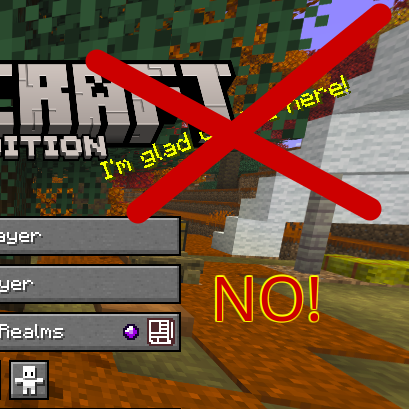
INSTALLATION To install correctly:
- Download the pack.
- Cut the pack file (Ctrl + X).
- Open Minecraft.
- Click on "Options".
- Click on "Resource Packs".
- Click on "Open resource pack folder".
- Paste the pack (Ctrl + V).
- The pack can now be enabled or disabled at will from the resource pack settings.
All rights reserved.