Compatibility
Minecraft: Java Edition
Platforms
Supported environments


Tags
Creators
Details
See what a filled map shows without putting it in your hand.
Vanilla only draws a map's picture while you hold it. Everywhere else it is a blank roll of parchment: in your inventory, in a chest, in an auction GUI, lying on the ground. This draws the real thing instead.
What it does
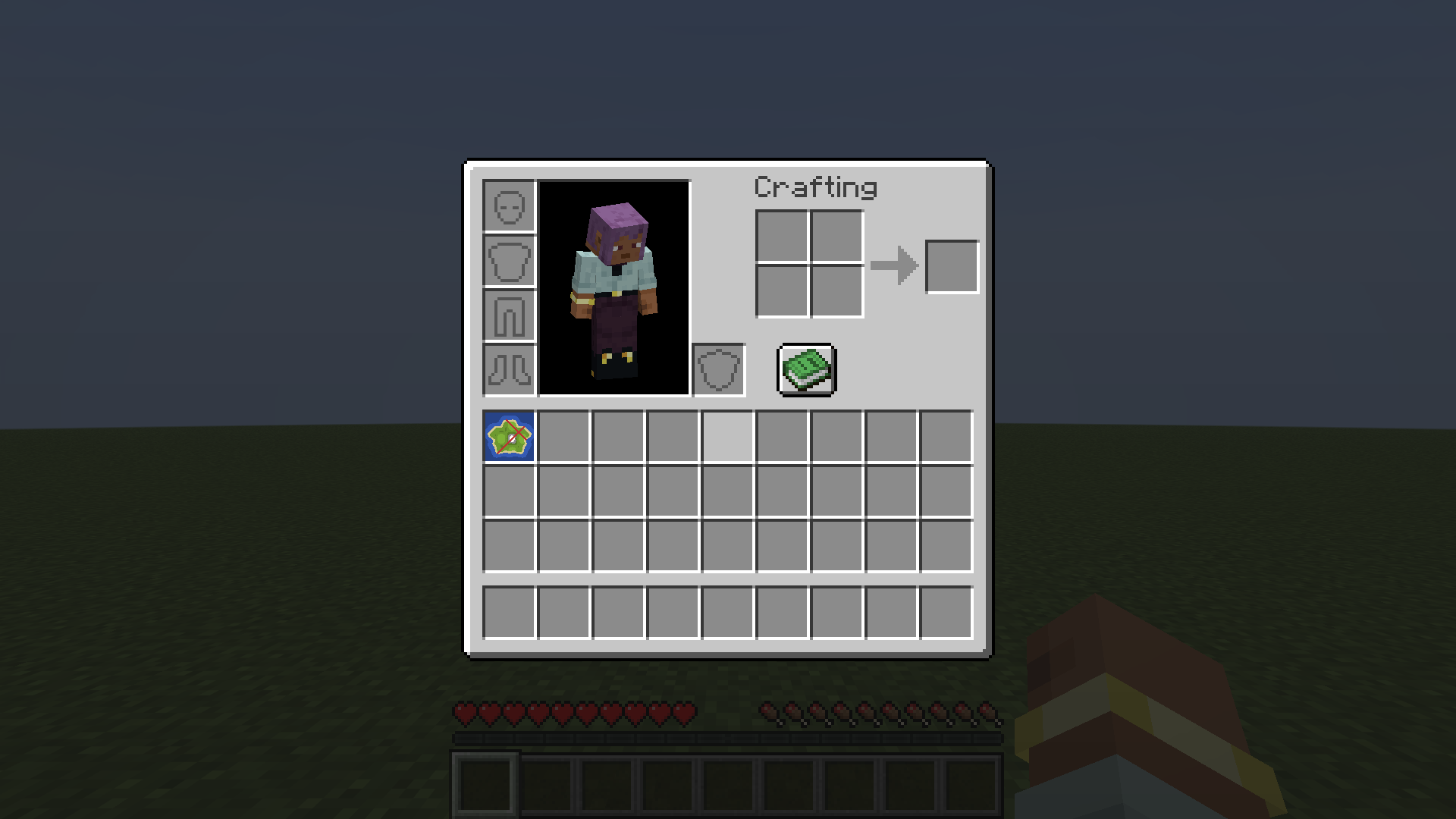
- Map icons — the slot shows the art in place of the parchment sprite, so a page full of map art reads at a glance, with no hovering.
- Tooltip preview — hover a map anywhere a tooltip appears — inventory, chest, hopper, creative menu, a shop GUI — and the picture renders under the normal lines.
- Maps you never carried — a chest full of art reads as art, not as a row of identical parchment.
- Dropped maps spin as the art itself instead of a rolled parchment.
- Shulker box tooltip — hover a box and its contents appear as a slot grid, maps included, replacing vanilla's list of item names. Steps aside automatically if you have Shulker Box Tooltip installed.
More screenshots in the gallery above.
Settings
Mod Menu opens the screen; the file is config/show_my_maps.json. Vanilla widgets only, so the mod carries no config library. Sizes, and every feature, can be turned off.
The one thing to understand
Map pixels live on the server, and the client is only ever given them. Vanilla gives them in exactly two cases: the map is in your own inventory, or it hangs in an item frame near you.
That is the whole list. A map in a chest, in an auction page, inside a shulker box or on the ground is never sent to anybody, and no client mod can draw pixels it was never given — the protocol has no way to ask for a map.
So the mod has a server half, and the answer to "why is this listing still blank" is always which half is missing.
| Where you are | What previews |
|---|---|
| Singleplayer or LAN | everything — you are running both halves |
| A server running a server half | everything |
| Any other server | maps you have carried or walked past in a frame, plus anything cached from those |
The server half
Fabric servers take the same jar in mods/. Maps in an inventory get painted without being held, and maps in an open container get sent.
Paper, Spigot and their forks cannot load a Fabric mod at all, which is most public servers. Download the Paper file from the Versions tab and drop it in plugins/ instead — it sends map colours for maps in whatever inventory a player has open, chests and auction pages included, plus shulker box contents and maps lying nearby. One jar covers 1.21.1 through 26.2. Keep the Fabric mod on your client.
Owners decide who gets previews: everyone holds showmymaps.see unless you take it away, and disabled-worlds turns whole worlds off by name. A player without it is never sent the colours, so there is nothing on their client to reveal.
Either half announces itself and its version on joining, so the mod can tell "this server sends nothing" apart from "this server is behind", and say which. Update both halves together.
Map cache
Every map you receive is saved to disk per server, so art you have seen once keeps previewing later — across relogs, dimension changes, and the other addresses the same network answers to. It cannot conjure maps you have never been sent. Nothing can.
Requirements
The mod needs Fabric Loader and Fabric API, and is client side; a client-only install works, with the limits above. The Paper plugin needs neither and goes on the server on its own.
Source, releases and issues on GitHub.