
Compatibility
Minecraft: Java Edition
Platforms
Supported environments


Links
Tags
Creators
Details
Paper Plane

Paper Plane lets players use paper planes to send FTB Essentials /tpa requests, even when the /tpa command is disabled.
Requirements
- FTB Essentials
- Minecraft 1.21.1 (Fabric and NeoForge): Requires FTB Essentials 2101.1.10 or newer within the 2101 series.
- FTB Library
- RinLib
Screenshots
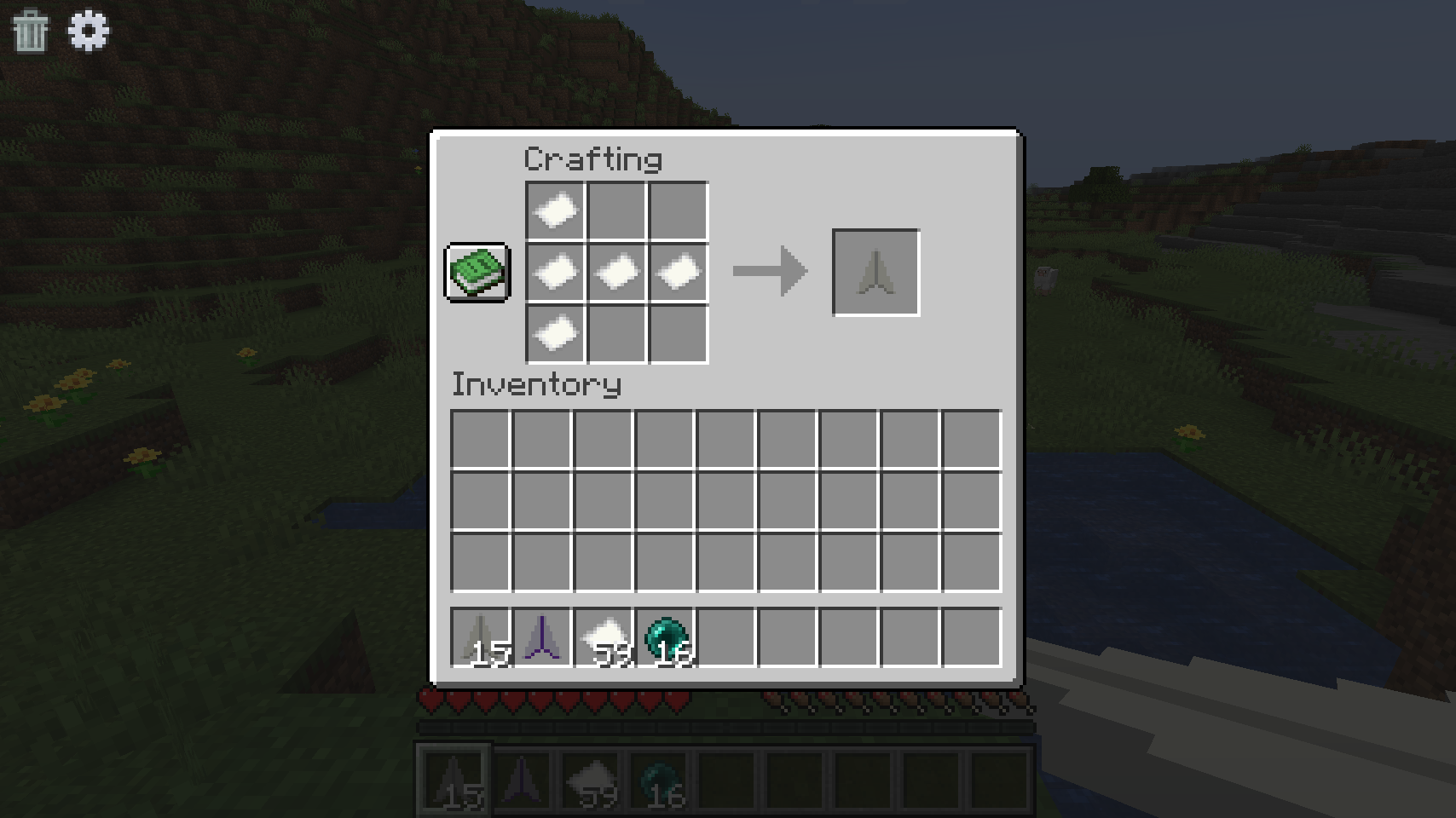
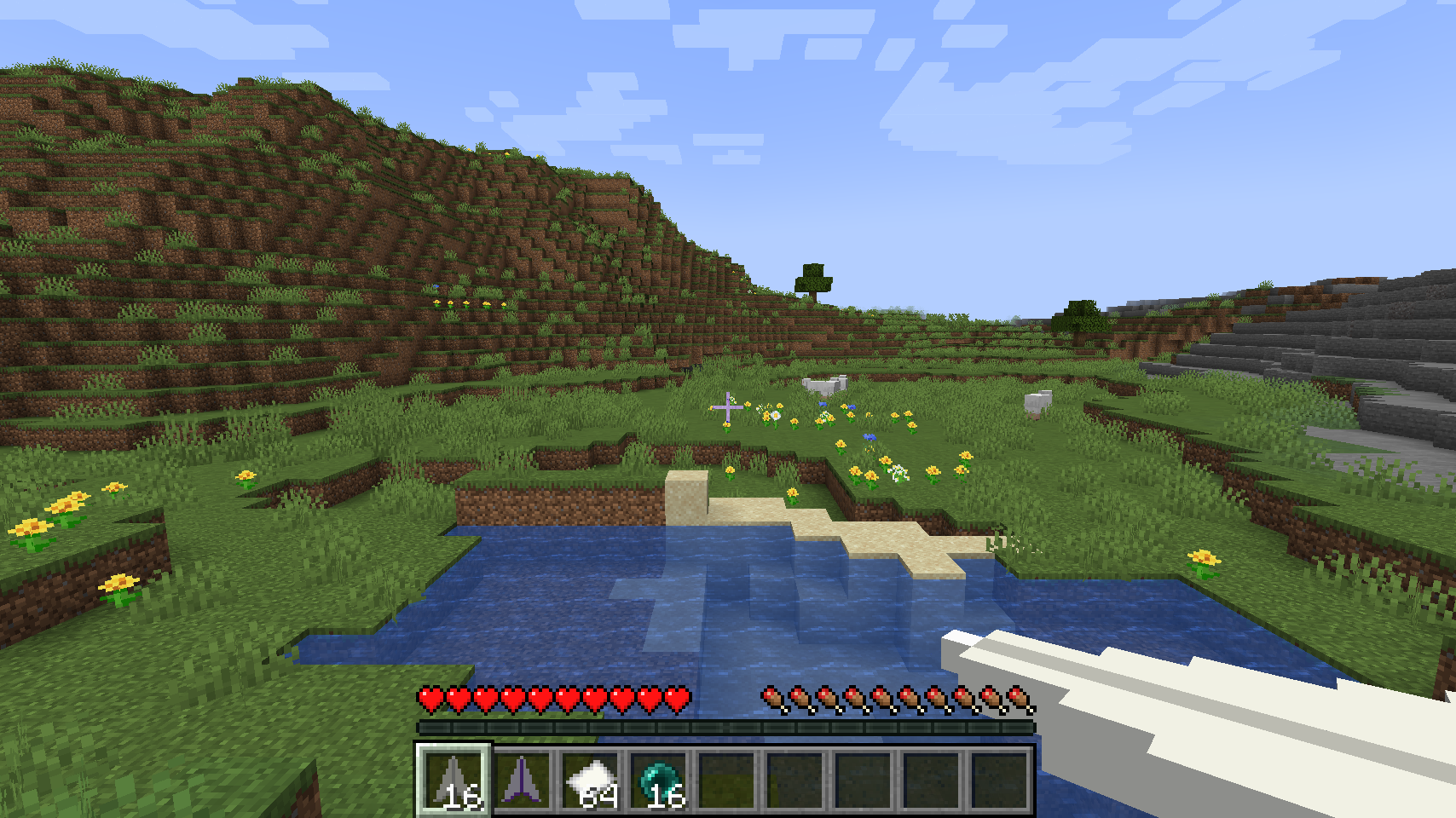
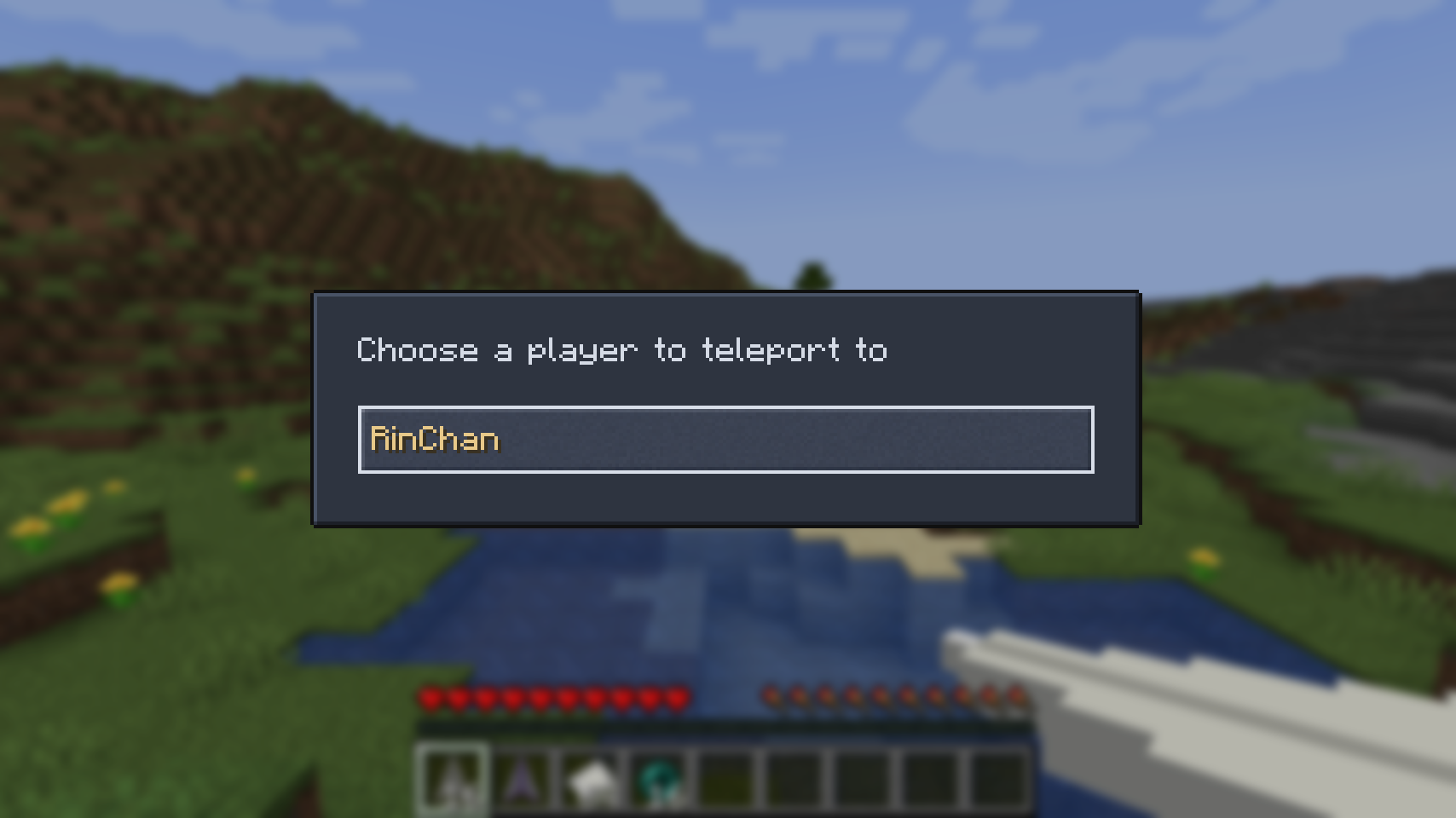
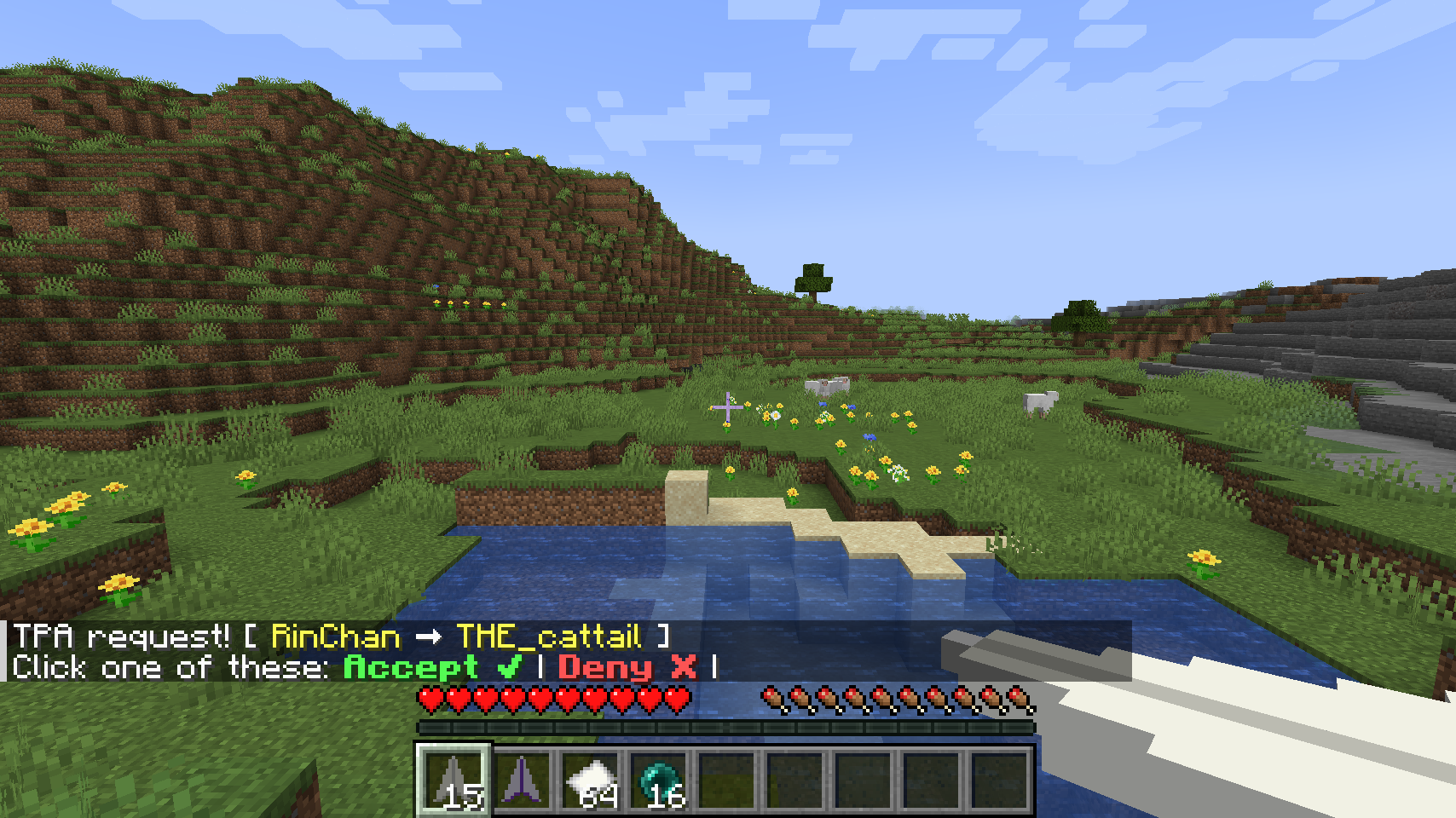
Features
Back Paper Planes
- Back Paper Plane: Right-click to return to your previous position using native FTB Essentials teleport history. Single-use; consumed only after a successful teleport.
- Recipe: Shaped crafting with 4 Bone Meal in a cross around 1 Paper Plane.
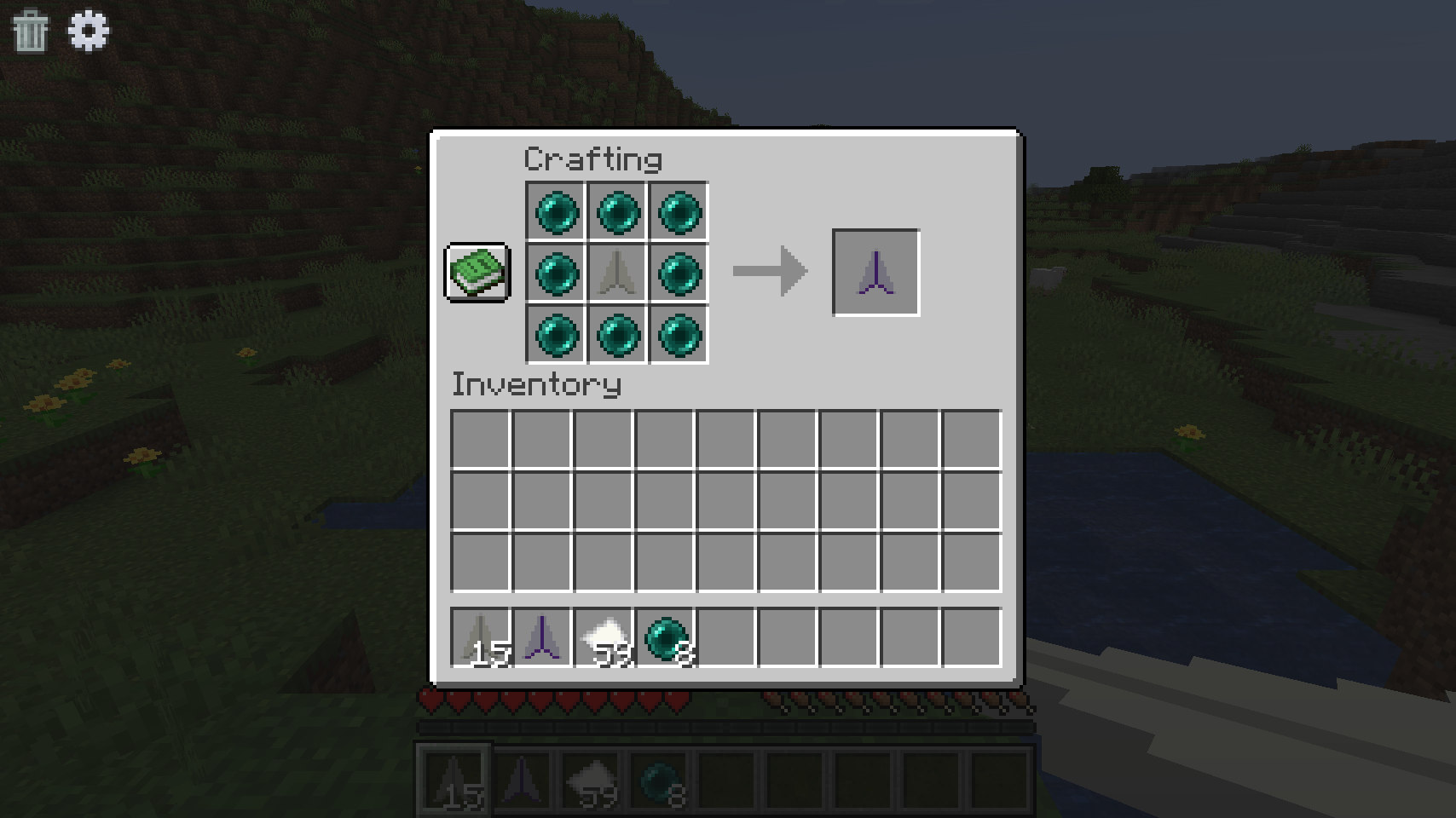
- Ender Back Paper Plane: Right-click to return to your previous position using native FTB Essentials teleport history. Reusable; never consumed.
- Recipe: Shaped crafting with 8 Ender Pearls surrounding 1 Back Paper Plane.
Original TPA Planes
- Existing TPA paper planes and the Soggy variant continue to support native FTB player-to-player teleportation across all 17 supported combinations.
- Teleports are activated directly via right-click (planes are not throwable).
FTB Essentials Integration
- Teleport warmups, cooldowns, dimension restrictions, and position history remain entirely governed by native FTB Essentials configurations.
Paper Plane Configuration (config/paper_plane.toml)
Paper Plane server settings are loaded at startup. Restart the server after editing:
enableTpa = true(Default:true): Toggles TPA Paper Plane and Ender TPA Paper Plane abilities.enableBack = true(Default:true): Toggles Back Paper Plane and Ender Back Paper Plane abilities.
These switches control item functionality independently of whether public /tpa or /back commands are enabled or registered in FTB Essentials.
FTB Essentials Teleport Settings
Paper Plane defines no second cooldown or warmup. All cooldown, warmup, permission override, dimension restriction, and teleport history policies remain native to FTB Essentials.
For Minecraft 1.21.1, live FTB Essentials server settings are located in:
config/ftbessentials.snbt
Cooldowns, warmup durations, and history behavior (including death-only settings) are configured directly in that file.