
Compatibility
Minecraft: Java Edition
Platforms


Tags
Creators
Details
Licensed CC-BY-NC-SA-4.0
Published 2 years ago
Updated 5 months ago
CoordsCoordsCoords datapack lets you display your coordinates and current Biome on the in-game HUD.
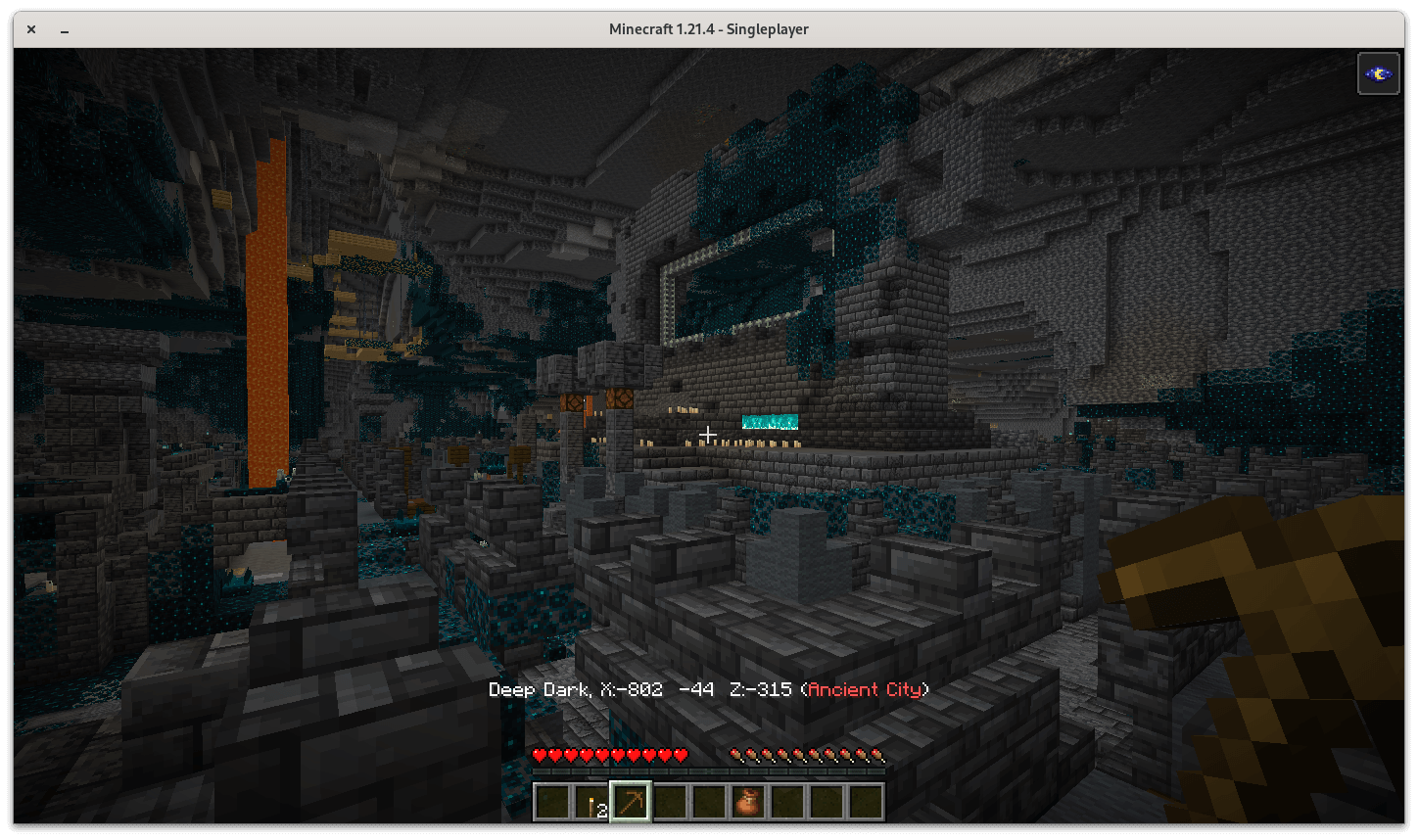
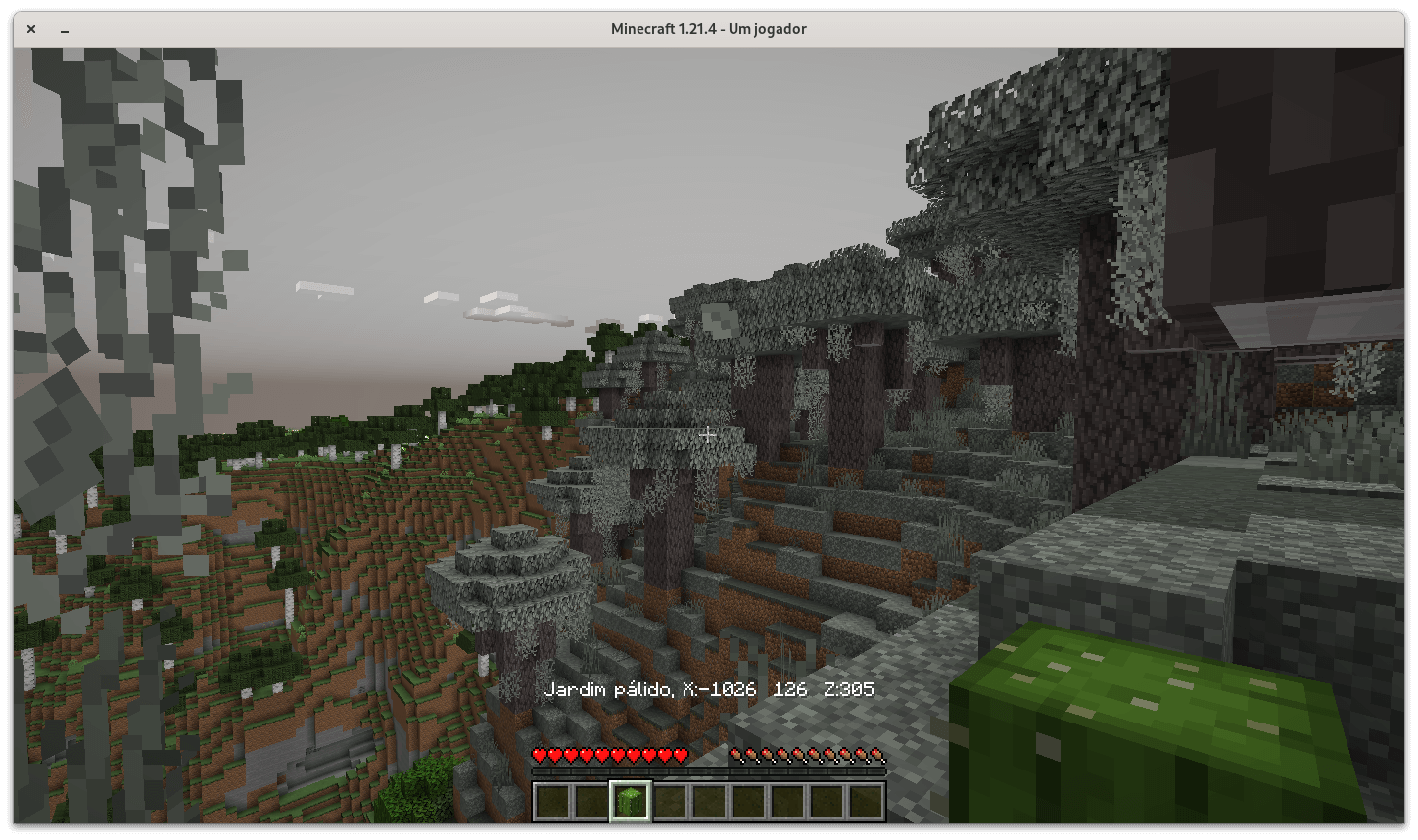
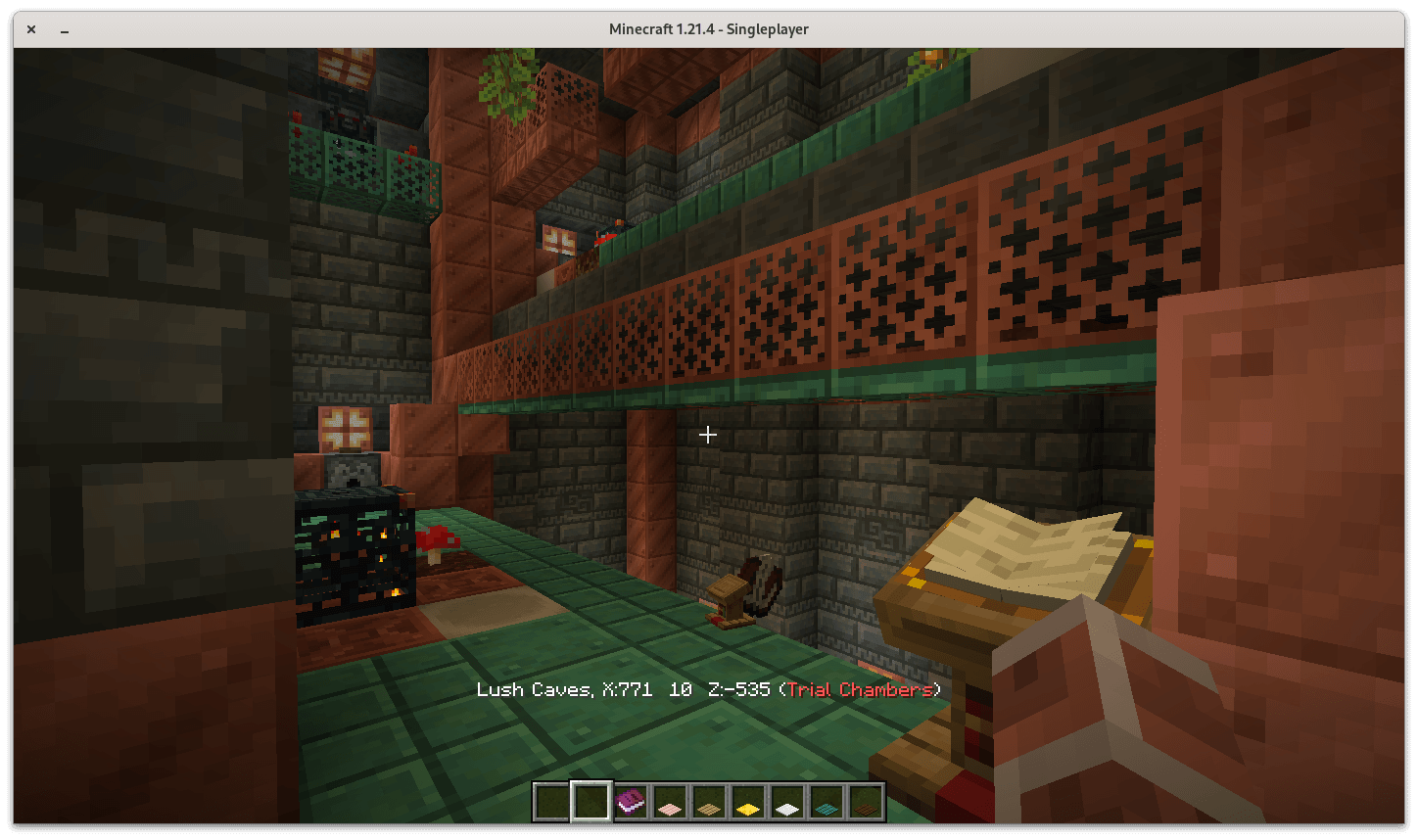
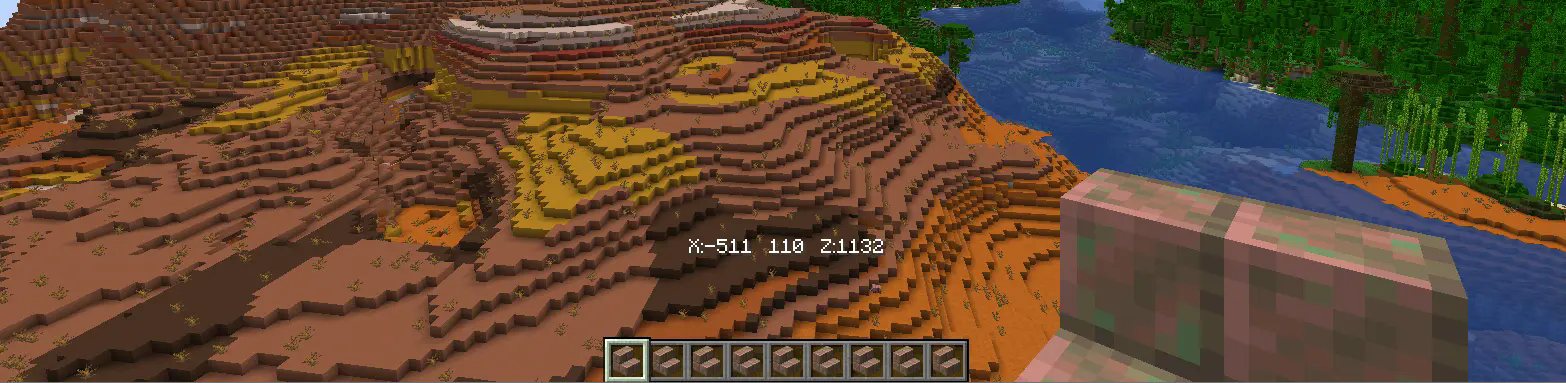
-
Optionally, you may enable "minimal" mode that'll only display your Minecraft coordinates without ever having to press F3.

-
Restore settings to the default with "/function coordscoordscoords:enable_defaults"

⌨ INSTALLATION
- Install the CoordsCoordsCoords datapack by locating your worlds' save, creating a "datapacks" folder, and drag & drop CoordsCoordsCoords.zip

- Uninstall CoordsCoordsCoords by running the command "/function coordscoordscoords:uninstall"
