Compatibility
Minecraft: Java Edition
Platforms
Supported environments


Tags
Creators
Details
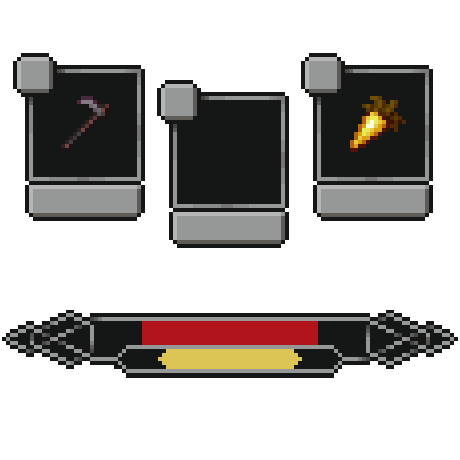
Ambient HUD - a rework of Minecraft's default interface.
If you're willing to trade some familiar information for a cleaner, more immersive experience- this mod is for you.
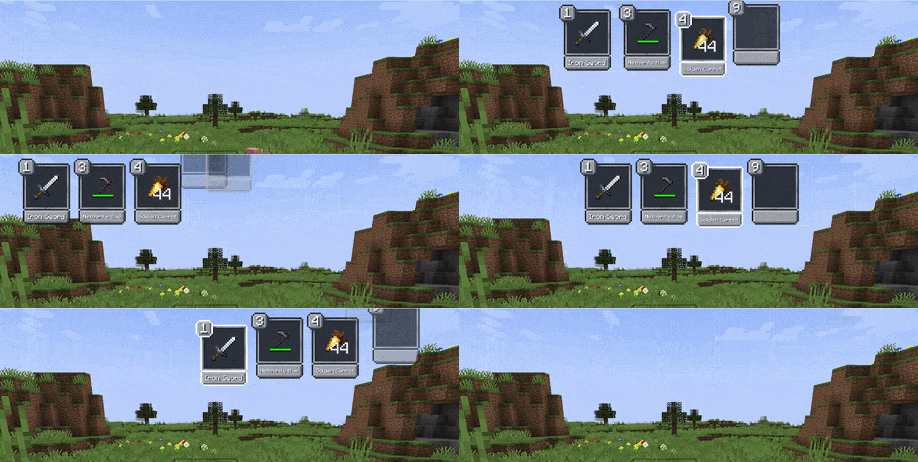
New Hotbar Appears only when you interact with it: scrolling or pressing a hotkey. Can be positioned on the left, right, or top of the screen. By default hides all slots except one empty slot for easier scrolling - any slot is still reachable with its hotkey.
Offhand
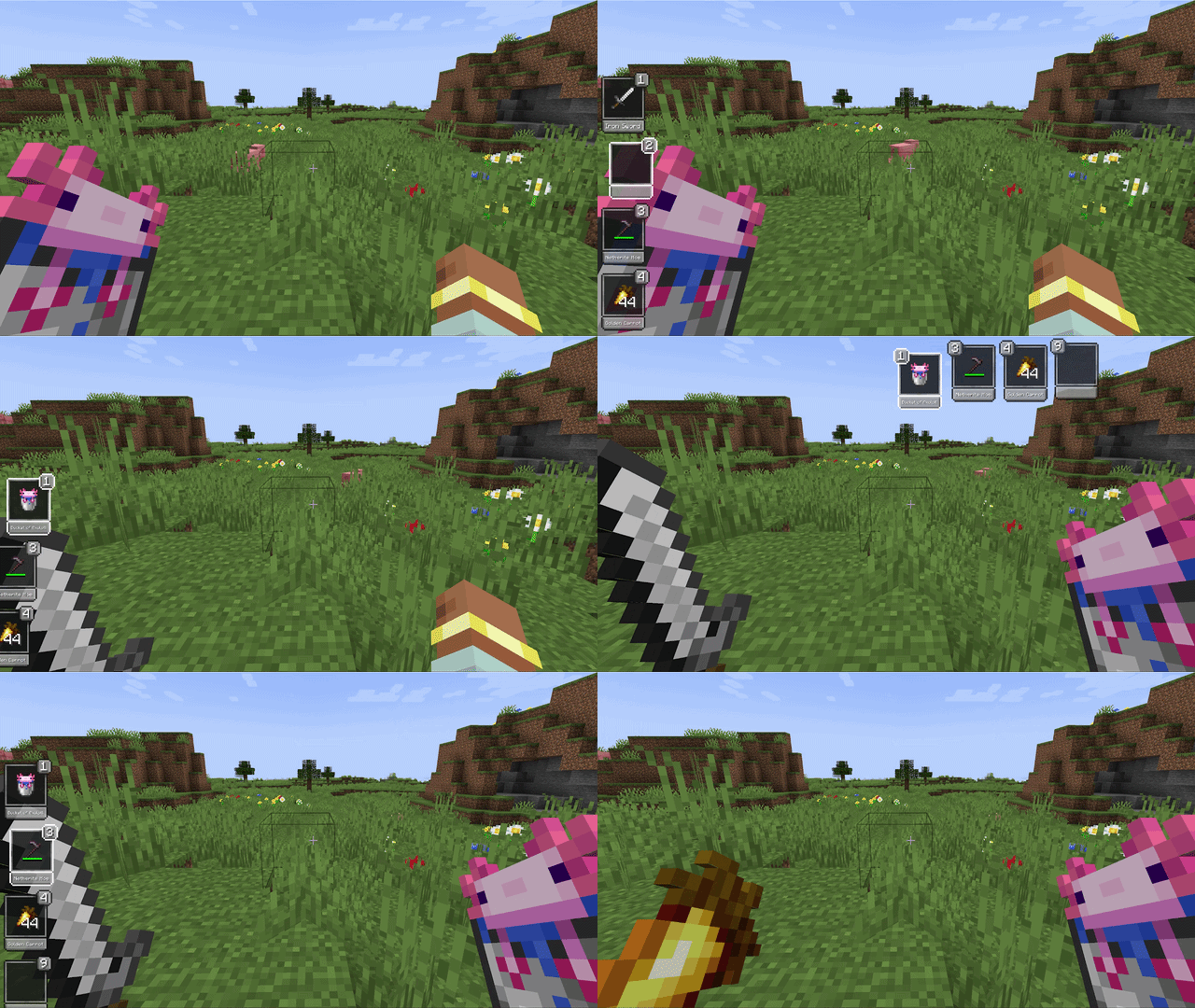
Holding the offhand key brings up the hotbar and lets you move any item directly into the offhand slot - no extra scrolling needed.
Pickup Notifications
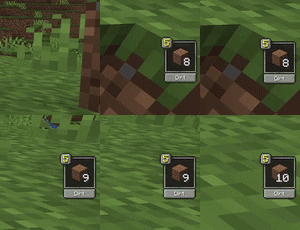
When you pick up an item, the slot it landed in gets highlighted - or a notification appears if it went into your inventory.
Core Indicators
Health, hunger, and air only show when they're not full. The XP bar is always visible by default.
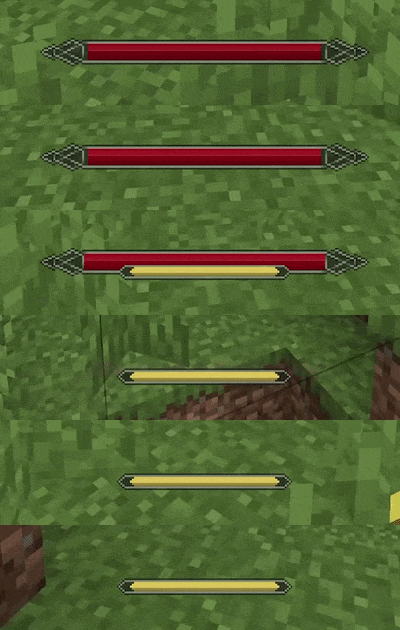
Boss Bar Optionally suppresses pickup notifications during boss fights. Picks up the color of the vanilla boss bar.
Optional Indicators
Mana and stamina work only when a compatible mod is installed and are detected automatically. The source mod can also be set manually if needed.

Integrations
- Irons Spells & Spellbooks - mana (disable the original mana bar in its config)
- Ars Nouveau - mana (the original bar can be pushed offscreen)
- Epic Fight - stamina (original stamina bar is hidden automatically)
- Parcool - stamina (original stamina bar is~~~~ hidden automatically
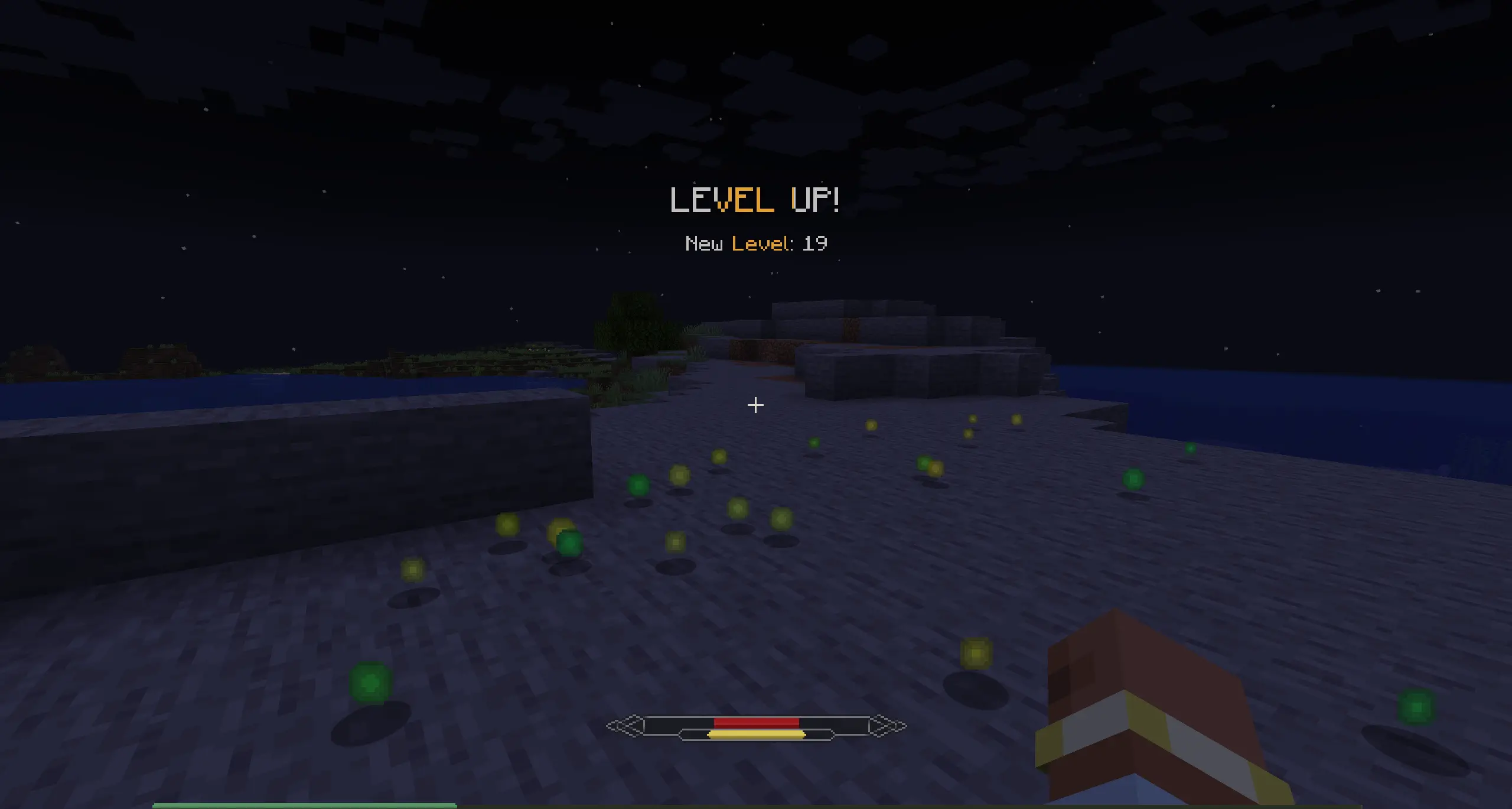
level up notification
The level is hidden by default, and when you level up, you'll see a toast like in RPG games.
Configuration All elements of Ambient HUD can be disabled to restore their vanilla counterparts.