
ClockTime





ClockTime is a lightweight, zero-configuration, multi-platform (Paper/Spigot & Fabric) Minecraft plugin and mod that enhances the in-game clock. Players can simply right-click with a clock in their hand to display the current in-game time in their chat, fully formatted and localized according to their Minecraft client language!
Features
- Realtime Clocks in Item Frames (Paper/Spigot): Displays current world time dynamically on clocks placed in item frames. Updates are optimized to only modify item name tags when the Minecraft minute actually changes.
- Full Multi-Platform Compatibility: Run it seamlessly as a server-side plugin on Paper, Purpur, and Spigot, or as a server/client mod on Fabric. Enjoy 100% feature parity across all platforms.
- Client-Side Locale Detection: Automatically formats and translates the time according to the player's client language (supporting both 12-hour AM/PM and 24-hour formats natively).
- Expandable Translation System: Bundled with 16+ built-in languages. Scans the
languages/subfolder dynamically to load custom properties files (e.g.messages_sv.properties), allowing effortless expansion. - Dimension-Aware Time Resolution: Detects environments where standard time has no meaning (like the Nether or The End) and displays a special wild-spin message.
- Custom Dimension Support: Define custom or modded worlds/dimensions in the configuration that should also exhibit wild-spin clock behavior.
- Easy Setup & Low Impact: Zero-configuration needed out of the box. Drop the jar in, and you're ready!
Media / Showcase
| Day Demo | Night Demo | Nether Demo |
|---|---|---|
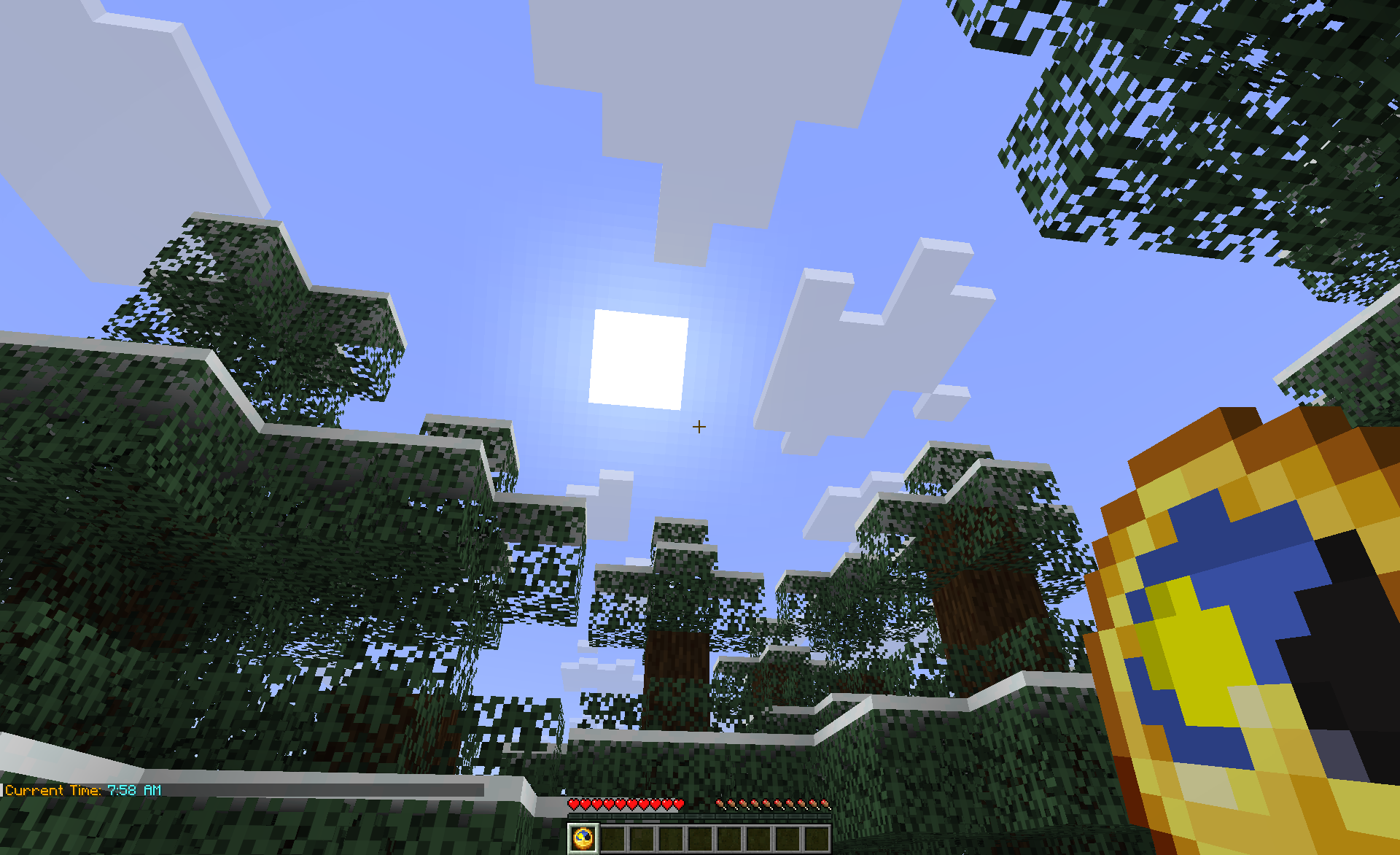 |
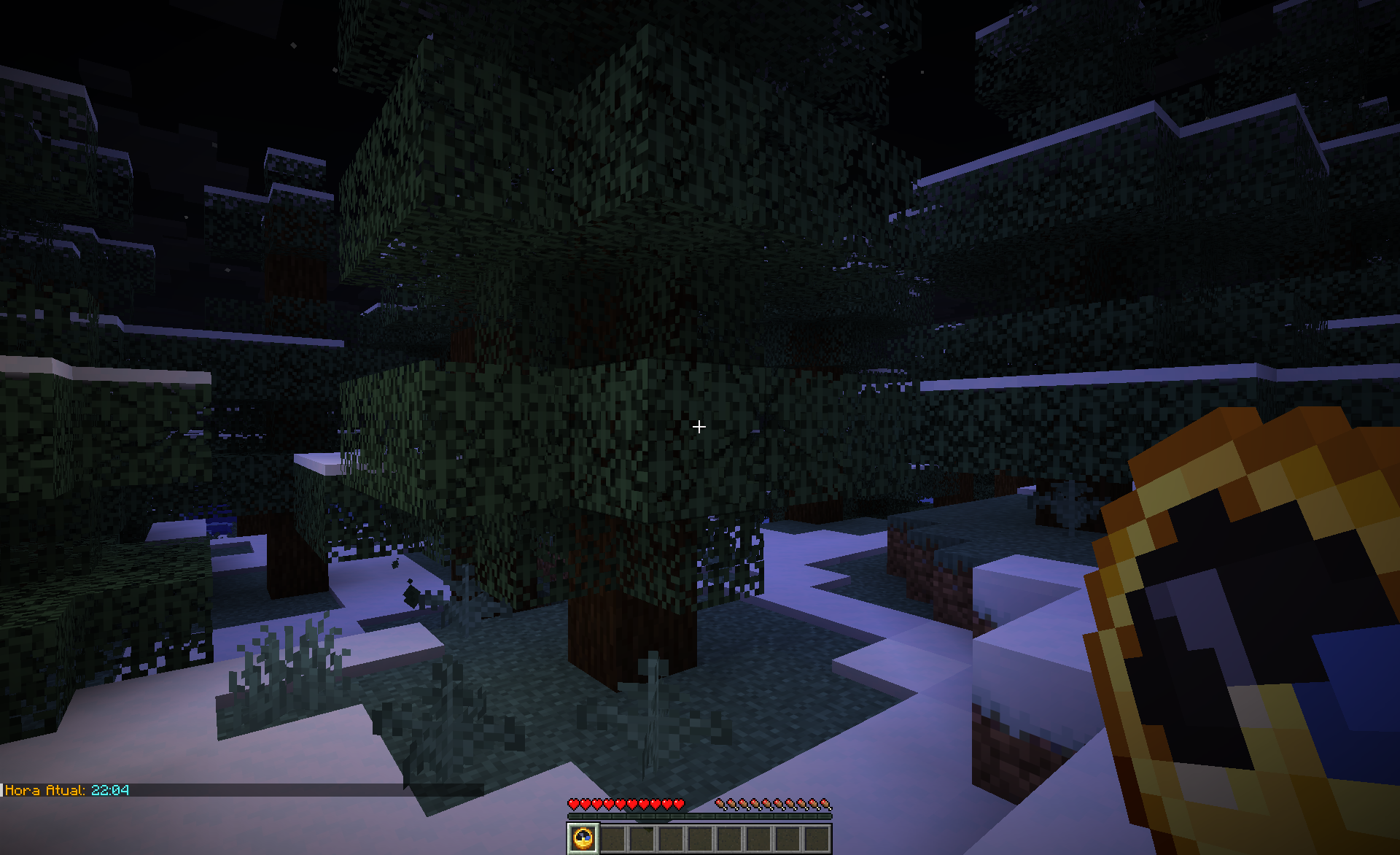 |
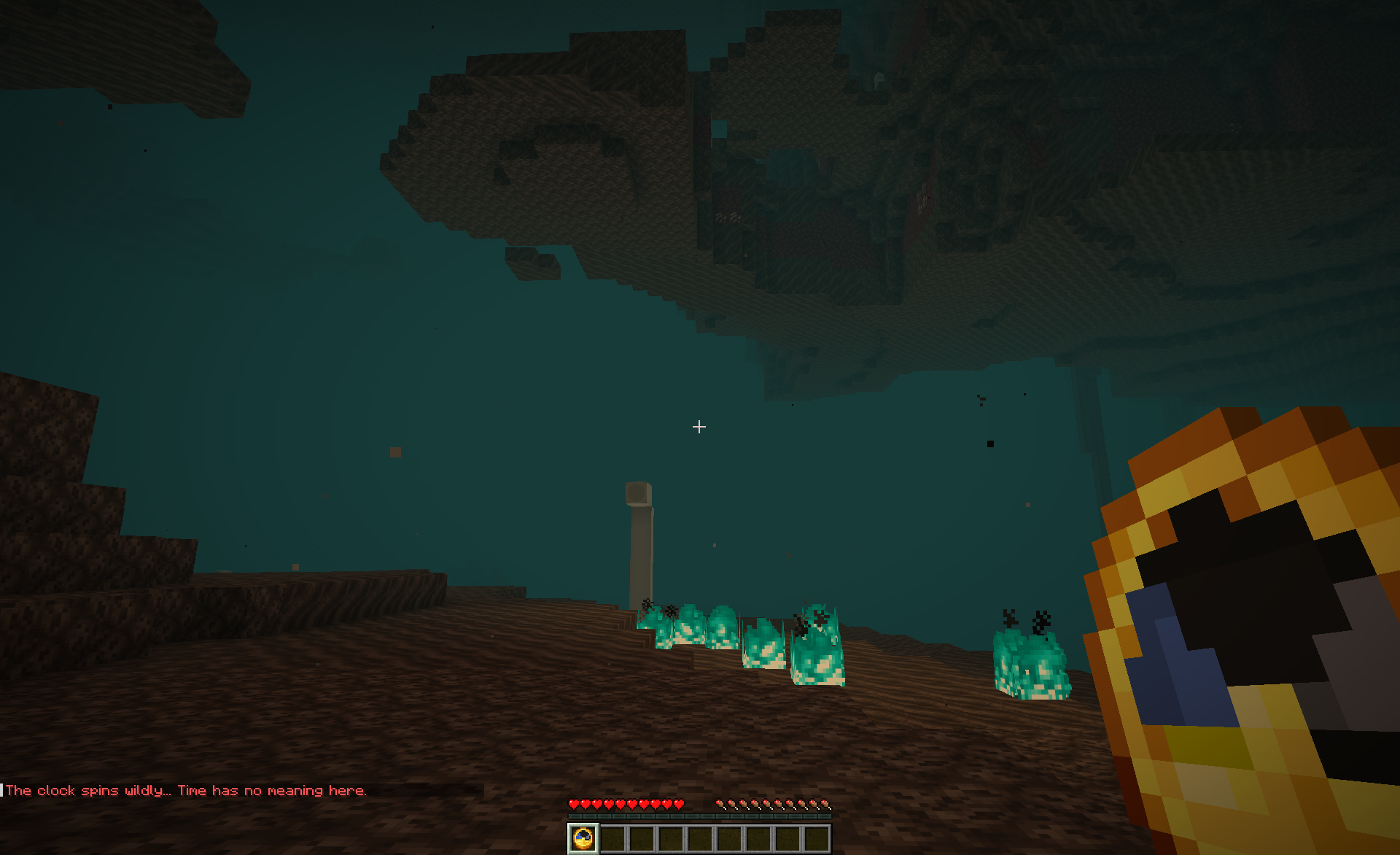 |
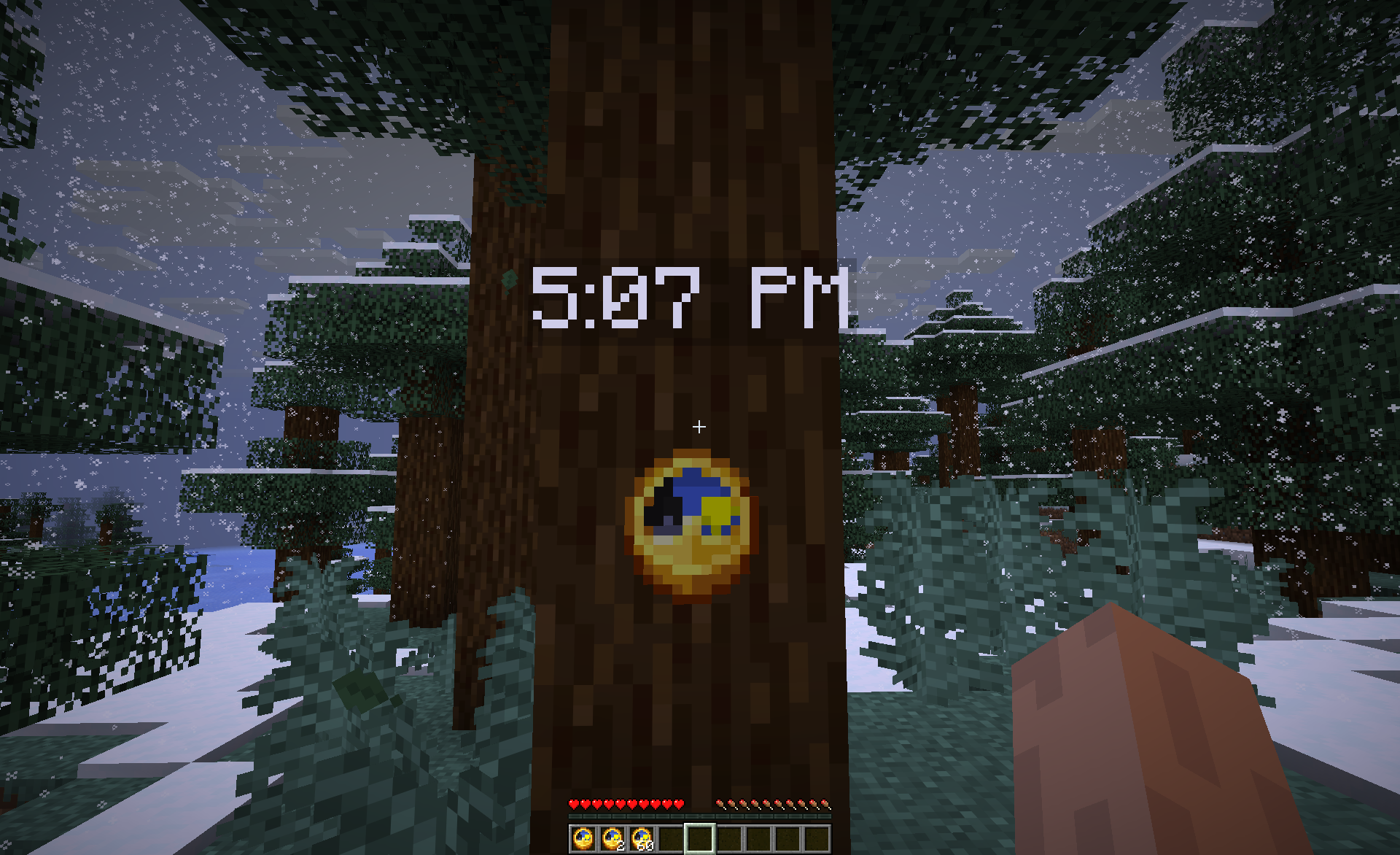 |
How to Play
- Hold a Clock in your main hand.
- Right-click.
- View the in-game time in chat, printed in your Minecraft language!
Installation
Fabric (Server-Side or Client/Singleplayer)
- Ensure you have the Fabric Loader and Fabric API installed.
- Download the latest release
.jarand place it in yourmods/folder. - Start or restart the game/server.
Paper / Purpur / Spigot
- Download the latest release
.jar. - Place it in your server's
plugins/directory. - Start or restart the server.
Configuration & Permissions
config.yml
# The fallback language code to use if a player's client language
# is not supported.
fallback-language: "en"

# Internal config version. Do not modify.
config-version: 2

# Custom world names or dimension keys (e.g. 'custom_world' or 'custom:space')
# that should be treated as wild-spin dimensions.
wild-spin-worlds: []

# Settings for clocks placed in item frames
item-frame-clocks:
  enabled: true
  update-interval: 16
Permissions
clock_time.use(Default:true) - Allows players to right-click a clock to view the formatted time.
Support & Community
- Bug Reports & Requests: GitHub Issues
- Discord Community: Join Discord
- Detailed Manuals: Official Documentation