Compatibility
Minecraft: Java Edition
Platforms
Supported environments


Tags
Creators
Details
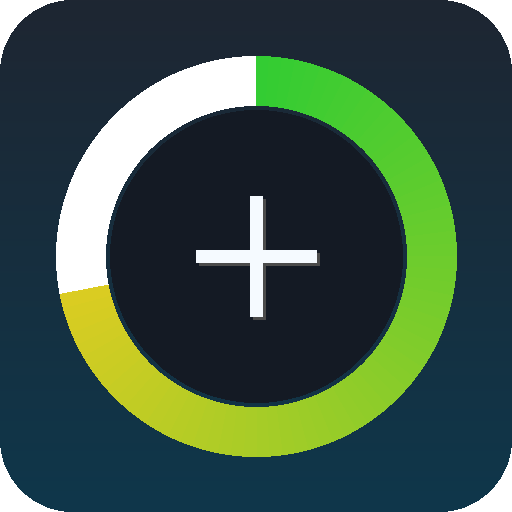
DurabRing puts your held item's durability where your eyes already are: as a thin colored ring drawn around the crosshair. While you're holding a tool, weapon, or any item with finite durability, a full green ring traces around the crosshair. As the item takes damage, the arc shrinks (clockwise from the top) and shifts through yellow to red. Below 10% remaining, a small red percentage appears just under the crosshair so you don't get caught mid-swing.
What it shows
- Full green ring = item near full durability.
- Shrinking yellow arc = item is halfway gone.
- Tiny red arc + "8%" label = item is about to break - switch out or repair.
- Nothing on screen when you're empty-handed or holding something that doesn't take damage.
Why it's different
The vanilla durability bar lives at the bottom of the hotbar - fine when standing still, useless when you're swinging a sword in combat or mining a vein with your eyes locked on the crosshair. DurabRing keeps the information in your line of sight, exactly where you're already looking, and only when it's relevant (held damageable items).
Controls
- V - toggle the ring on / off (default: on)
Compatibility
Works on Minecraft 1.21.8, 1.21.9, 1.21.10, and 1.21.11 (Fabric Loader 0.16+). One JAR for all four versions - install alongside Fabric API and drop into your mods/ folder.
- Pure client-side - install only on the client, works on any server, no anti-cheat impact.
- Hides automatically when you press F1 or open any screen.
- Zero config files; nothing to set up.