
Compatibility
Minecraft: Java Edition
Platforms
Supported environments


Links
Tags
Creators
Details
A modpack designed to boost minecraft's performance, increase FPS and help with increased RAM usage. 🔧
This modpack includes Performance mods, QOL mods and Bug-Fix mods.📦
!WARNING/Disclaimer!
The Main versions are 1.21.1 and 1.20.1, other versions might and will probably not have the same performance increase and the same effect on fps or other aspects of the game.
Java info:
1.21+ Needs java 22 -> Java 22 for modpacks
Until 1.20 needs java 17 or java 21/22 -> Java 17 for modpacks
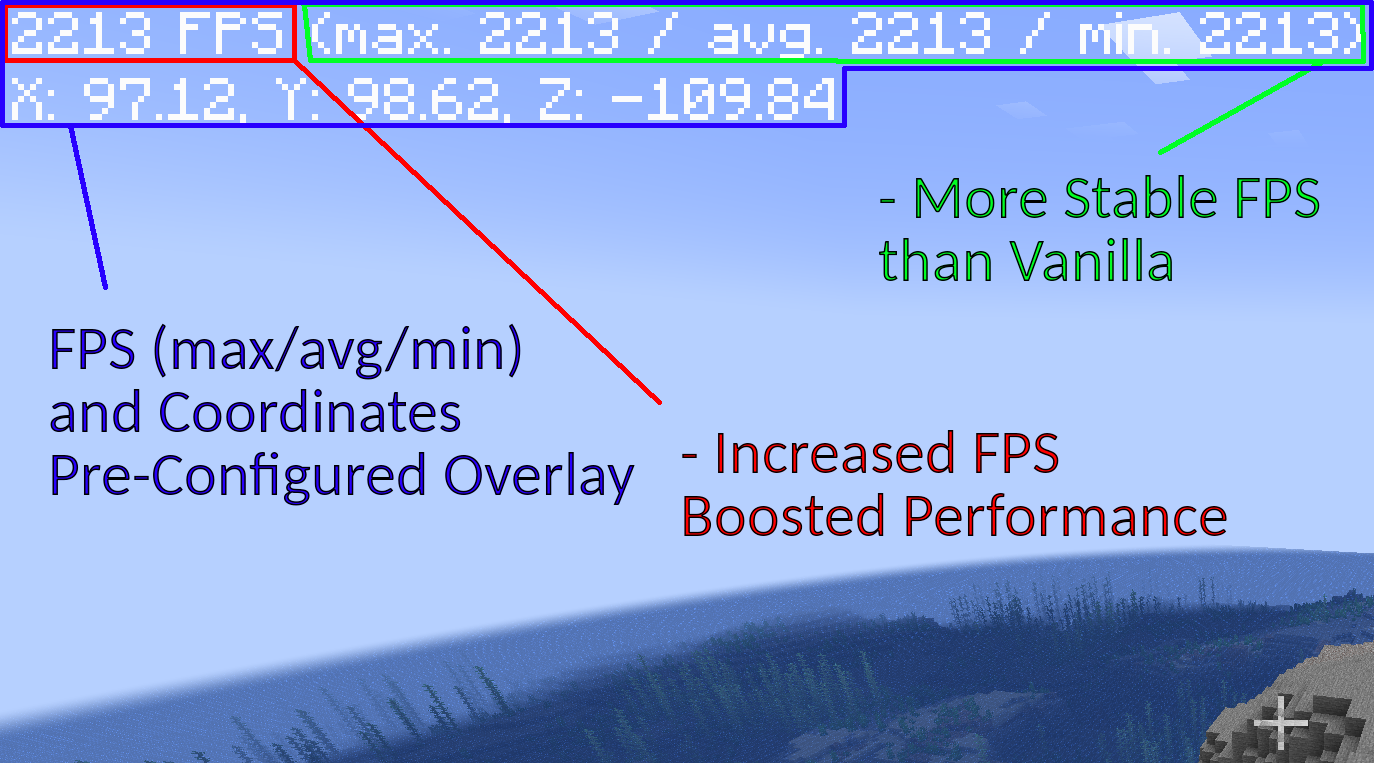
⬆️ Improves FPS ⬆️
With mods like Sodium, More Culling+, Debugify and more this pack can reduce lag, improve performance and fix some visual bugs !
All the tests were done with this configuration:
- Intel Core i9-13900K (not overclocked)
- NVIDIA RTX 4080 SUPER (not overclocked)
(with modpack's default settings)
☀️Shader Support☀️
With more FPS comes the ability to use Shaders smoothly and without your game turning into a slide-show !
🌐 Find shader packs easily with the included Resourcify mod !
Just go to your settings in the shaders and press the plus icon on the top right of your screen, then you will be able to search and find any shader-pack of your liking.
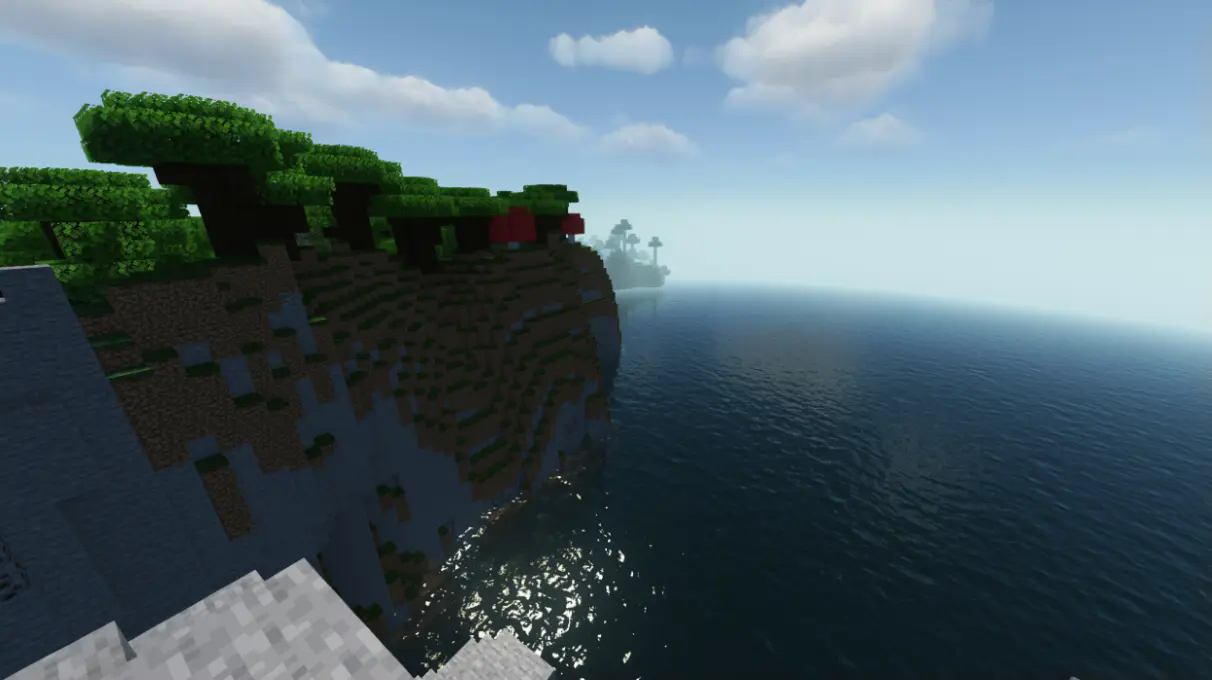
Screenshot with shaders
Screenshot Shader Config:
- This Shader-Pack is Make-up ultra-fast 9.3
- This is the same world as before
- Nothing changed in shader-pack's default configuration
What About RAM ? 🧰
With all of the optimizations, performance imporvements and memory-leak fixes it is possible to play Minecraft with less RAM usage !
This pack is made in a way so you can even run it with less than the typical 2GB RAM allocation, though its not recommended !
-
We tested many configurations and it is possible to even run minecraft with 1.2-1.6GB RAM (allocation).
-
We recommend allocating atleast 2GB of RAM to the minecraft instance to make sure it will run correctly.
-
If you want to enable shader-packs, then you will probably need to give Minecraft more memory, like 3-4 GB of RAM, depending on the shader-pack and its configuration.
For versions other than 1.20.1 it is recommended to allocate more than 2GB of RAM if possible
Screenshot with 1.5GB RAM allocated to Minecraft
Info about the following screenshot:
- In the same world as before
- No shader-pack enabled
- Same system configuration
- Default modpack settings
- 1.5GB RAM allocated

✅ FEATURES ✅
Available versions:
Available:✅, Not Available:❌, Planned:❗
| Loader/Versions | 1.21.8-1.21.4 | 1.21.1 | 1.20.1 | 1.19.2 | 1.16.5 |
|---|---|---|---|---|---|
| Fabric | ✅ | ✅ | ❌ | ❌ | ❌ |
| Neo-Forge | ❌ | ❌ | ❌ | ❌ | ❌ |
| Forge | ❌ | ❌ | ❌ | ❌ | ❌ |
✅Features & Info
- Performance Boost
- Fast lunching times
- Pre-configured settings
- In-game simple resource pack, shader-pack and world download with the Resourcify mod
- Shader-pack support
- Mainly developed on Fabric
- Always less than 100 mods
- In-game proximity voice-chat support (with Simple Voice Chat mod)
- Better F3 screen (with BetterF3 mod)
If you want to suggest something you can join our discord /or check our github(github NOT available yet)