
Compatibility
Minecraft: Java Edition
Platforms


Tags
Creators
Details

JManhunt is an easy-to-use, highly customizable plugin for 26.x Manhunts.
One-Click Setup · Wiki · Discord

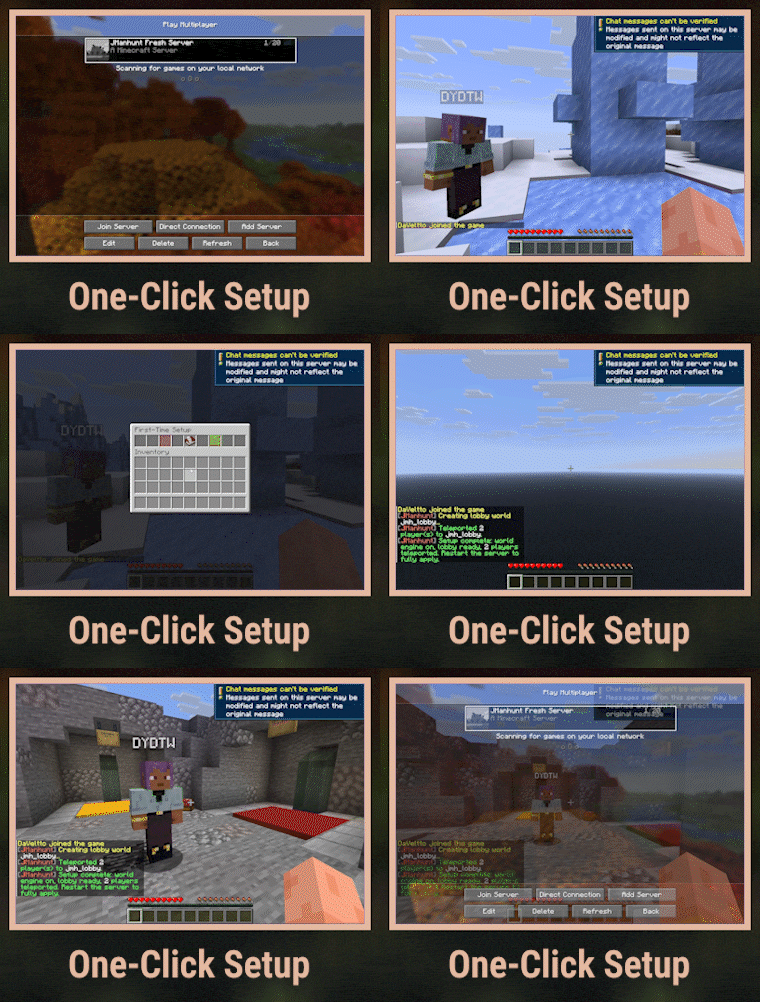
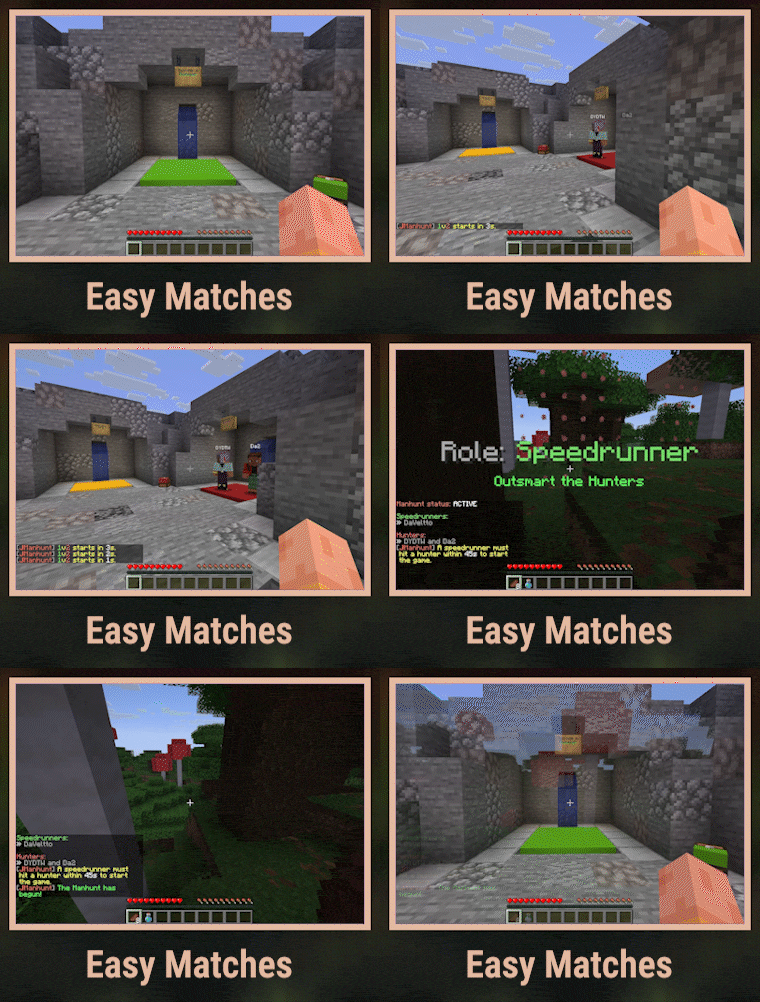
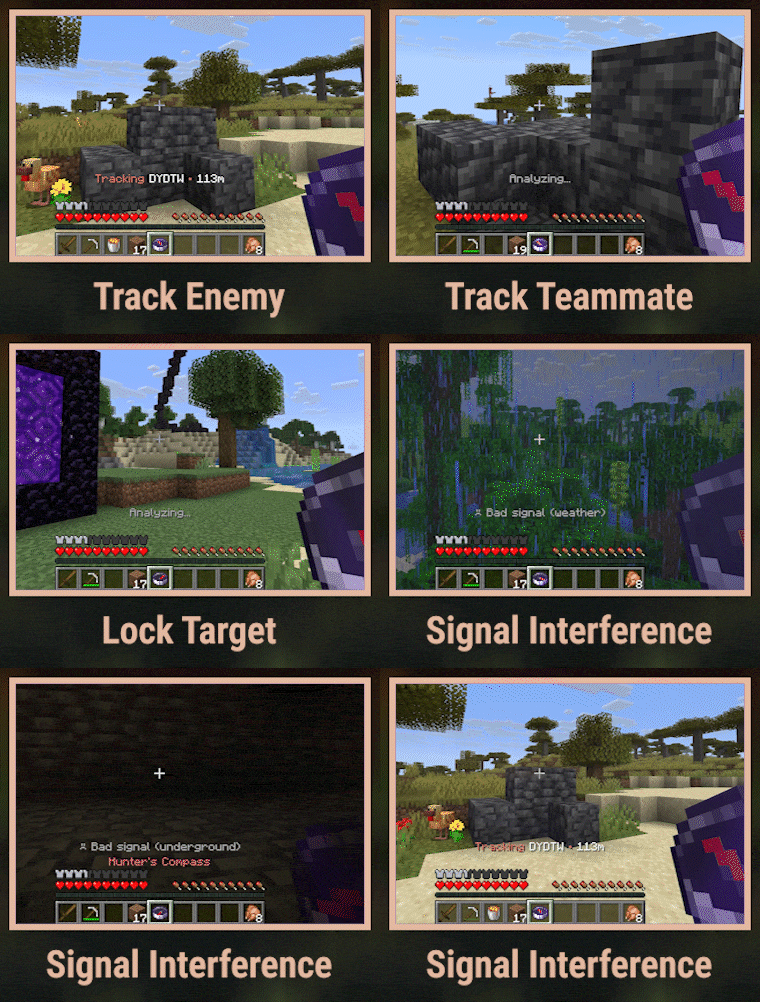
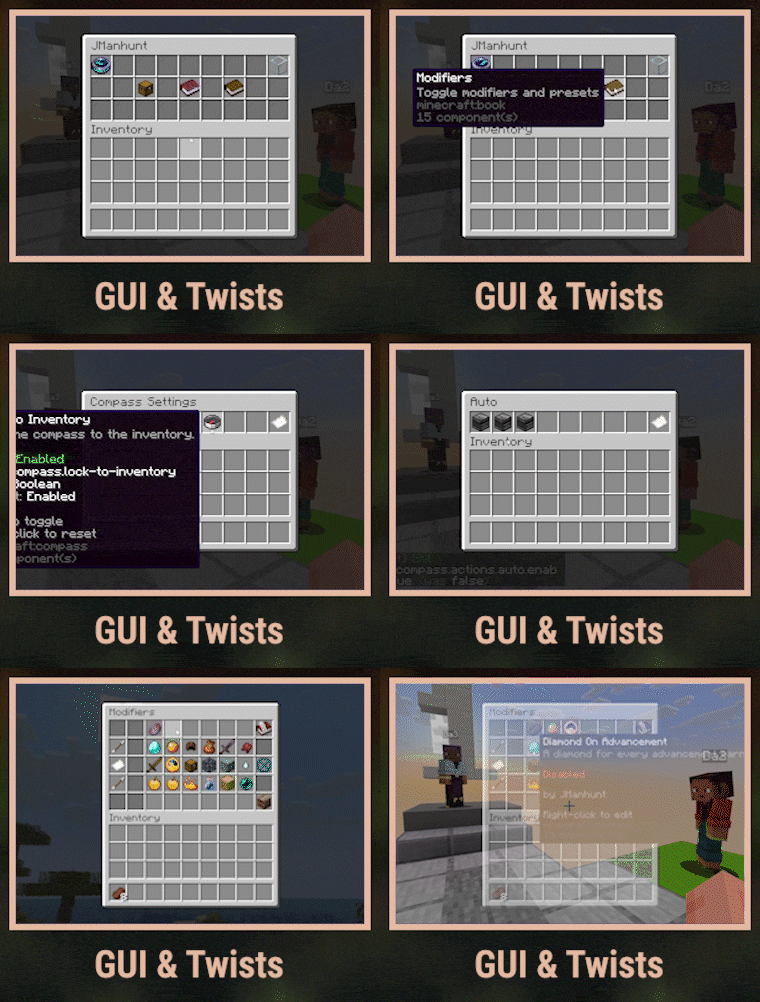
Test server: play.alttari.games
Quick Start 🗺️
- Run
/manhuntand click the green button. (or/manhunt setupfor guided setup)
That's it! Classic Manhunts (including World Engine and a lobby) in one click.
Why Choose JManhunt?
Instant World "Resets"
Most Manhunt plugins force full server restarts between matches. JManhunt solves this with a native World Engine that segments the world into near-infinite cells without server restarts. This makes matches feel seamless for not only small friend groups, but also dedicated servers.
Mods and Twists
The GUI allows you to one-click toggle between 15 default twists. We also built a complete JMHScript DSL to make modifier development easy. Simple ones like starting kits, random rolls, or basic status effects need no scripting (like give <p> cooked_beef 8). Mods can be written in-game through the Modifier/Preset GUI or through YAML.
Find these modifiers and tens more on our Discord community forum:
- VIP Escort » Runners protect the one-life VIP with nerfs.
- La Peace » Lapis ore drops diamonds.
- Abilities » Shift to invis, gapple on low health, blind nearby Hunters on kill...
Features
- One-click setup » Get a World Engine lobby running instantly.
- World Reset Engine » Grid-based single-world engine with spiral cell assignment and end resets.
- Compass tracking » Fully tunable tracking compass with jamming, hotspots, and target cycling.
- Matches & History »
@teamchat, spectator system, and old match history. - Mods » Import community twists made with JMHScript, our DSL.
- Get Premium for deployment » PostgreSQL stats, ranked/elo/tournaments, per-lobby mod/setting overrides, closed-source APIs, 200+ placeholders, 350+ config options, and monetization.
Requirements
- Server Software » Paper 26.2+
- Java Version » Java 25
- Dependencies » None (optional integrations live under Soft Dependencies)
Links
Premium 🎫
Developing JManhunt has taken me a lot of time and effort. You can help support the upkeep and future of this plugin by donating or purchasing Premium. Thanks! 👐