
Compatibility
Minecraft: Java Edition
Platforms


Links
Tags
Creators
Details
EmptyNetWeb
[Important]: Support for version 26.3 has been added, but testing is still ongoing. If you encounter any bugs or errors while using 26.3, please submit them using our bug report form.
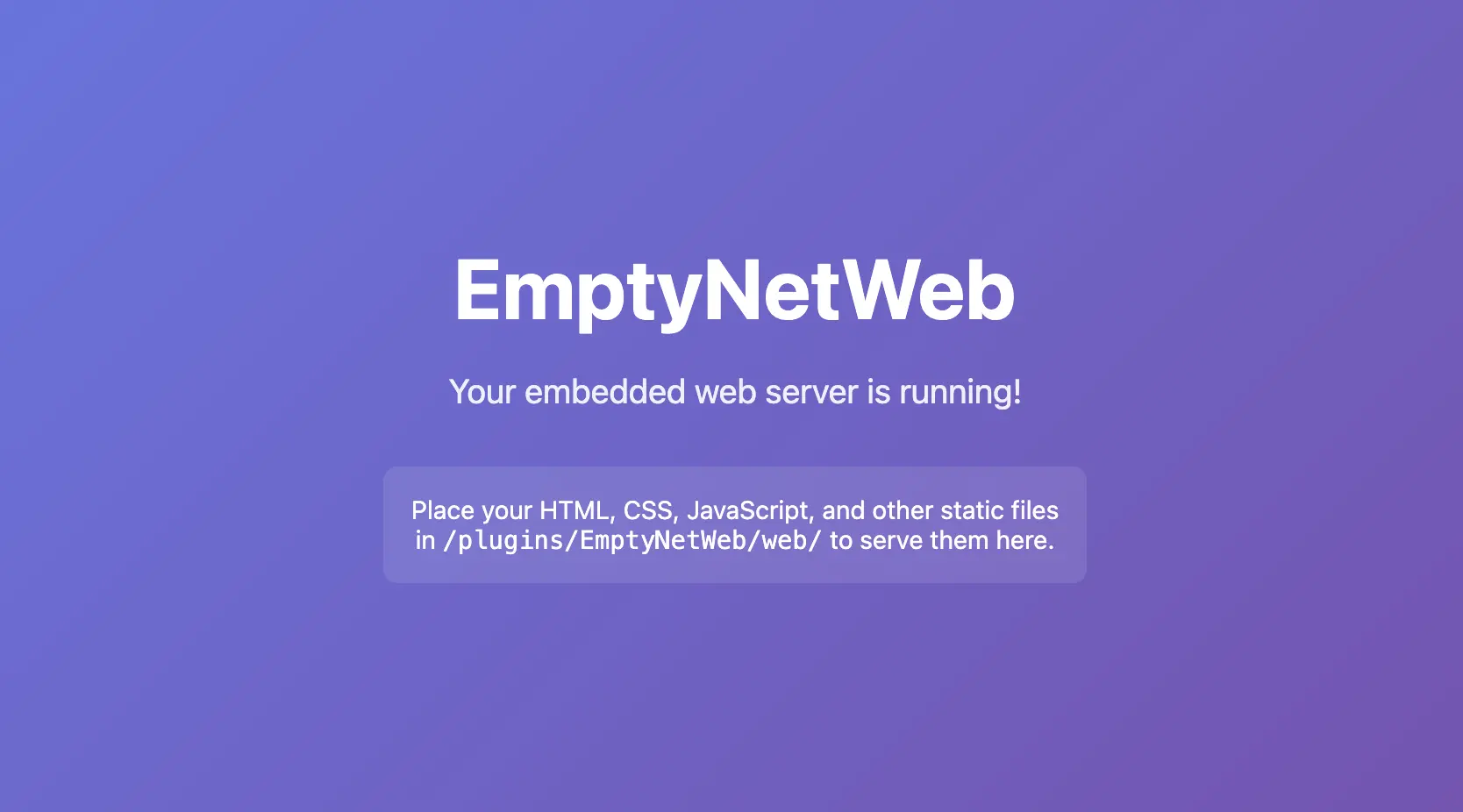
EmptyNetWeb is a lightweight Paper plugin that embeds a zero-dependency HTTP web server directly into your Minecraft server. When the server starts, the plugin automatically launches an HTTP listener that serves static website files from a dedicated directory inside the plugin's data folder.
This means you can host a website, landing page, API documentation, or any static content directly from your Minecraft server — no need for Apache, Nginx, or any external hosting service.
How It Works
The embedded web server uses com.sun.net.httpserver.HttpServer — a built-in JDK class that requires no external dependencies. It:
- Runs in its own cached thread pool
- Serves any file type (HTML, CSS, JS, images, fonts, etc.)
- Automatically detects MIME types based on file extensions
- Prevents directory traversal attacks by normalizing request paths
- Creates a default
index.htmlif the web root is empty - Supports clean shutdown with a 2-second grace period for in-flight requests
Installation
- Download the
EmptyNetWeb-1.0.0.jarfrom the releases page - Place the JAR file into your server's
plugins/folder - Restart your Paper server (or use
/reload— though a restart is recommended) - The plugin will create the following structure automatically:
/plugins/EmptyNetWeb/
├── config.yml
└── web/
    └── index.html
- Open your browser and navigate to
http://your-server-ip:8080/
Configuration
The plugin's configuration file is located at /plugins/EmptyNetWeb/config.yml:
# The port the embedded web server will listen on.
# Default: 8080
port: 8080

# Whether to print a message in the server console
# when a client connects to the web server.
# Default: true
notify-on-connect: true

# Whether to log client connections to a file.
# Logs are stored in: /plugins/EmptyNetWeb/logs/
# Each entry includes the client's IP address and timestamp.
# Default: false
log-connections: false
Configuration Options
| Option | Type | Default | Description |
|---|---|---|---|
port |
Integer | 8080 |
The HTTP port the web server listens on |
notify-on-connect |
Boolean | true |
Show a console message when a client connects |
log-connections |
Boolean | false |
Log each connection (IP + timestamp) to a file for auditing |
Serving Web Content
Place your static files in /plugins/EmptyNetWeb/web/. The directory structure is entirely up to you.
Example Structure
/plugins/EmptyNetWeb/web/
├── index.html
├── about.html
├── css/
│   └── style.css
├── js/
│   └── script.js
├── images/
│   ├── logo.png
│   └── background.jpg
└── fonts/
    └── custom-font.woff2
URL Mapping
| File Path | URL |
|---|---|
web/index.html |
http://localhost:8080/ |
web/about.html |
http://localhost:8080/about.html |
web/css/style.css |
http://localhost:8080/css/style.css |
web/images/logo.png |
http://localhost:8080/images/logo.png |
Note: If a directory is requested (e.g.,
/css/), the server will look for anindex.htmlinside that directory. If none exists, a 404 is returned.
Connection Logging
When log-connections: true is set in config.yml, the plugin records every HTTP request to /plugins/EmptyNetWeb/logs/connections.log.
Log Format
[2026-07-24 12:30:45] Connection from 192.168.1.100 - /index.html
[2026-07-24 12:31:02] Connection from 192.168.1.100 - /css/style.css
[2026-07-24 12:32:18] Connection from 10.0.0.5 - /images/logo.png
Each entry contains:
- Timestamp — Date and time of the request (server local time)
- Client IP — The IP address of the requesting client
- Requested Path — The URI path that was requested
Security
- Directory Traversal Protection: The server normalizes all request paths and rejects any that contain
..sequences, preventing clients from accessing files outside the web root. - No External Dependencies: The web server uses only JDK built-in classes, reducing the attack surface.
- Configurable Port: You can change the port to avoid conflicts with other services.
Supported File Types
| Extension | MIME Type |
|---|---|
.html |
text/html; charset=utf-8 |
.css |
text/css; charset=utf-8 |
.js |
application/javascript |
.json |
application/json |
.png |
image/png |
.jpg/.jpeg |
image/jpeg |
.gif |
image/gif |
.svg |
image/svg+xml |
.ico |
image/x-icon |
.woff/.woff2 |
font/woff / font/woff2 |
.ttf |
font/ttf |
.otf |
font/otf |
.pdf |
application/pdf |
.zip |
application/zip |
.xml |
application/xml |
.txt |
text/plain |
| (other) | application/octet-stream |
Support
For issues or reviews, go to the form
Sponsor
