
Compatibility
Minecraft: Java Edition
Platforms
Supported environments


Tags
Creators
Details
Make sure to enable all resource packs before playing, if textures are broken, try rearranging resource pack order, an example is if animal textures are broken, put an animal related texture packs higher up on the list of resource packs(this is because minecraft resource packs are priority based, meaning that packs higher up on the list override ones lower on the list).
This Modpack is meant to be used with classic tools fusion of curseforge but due to content rules I cannot put it in the modpack
Actions & Everything
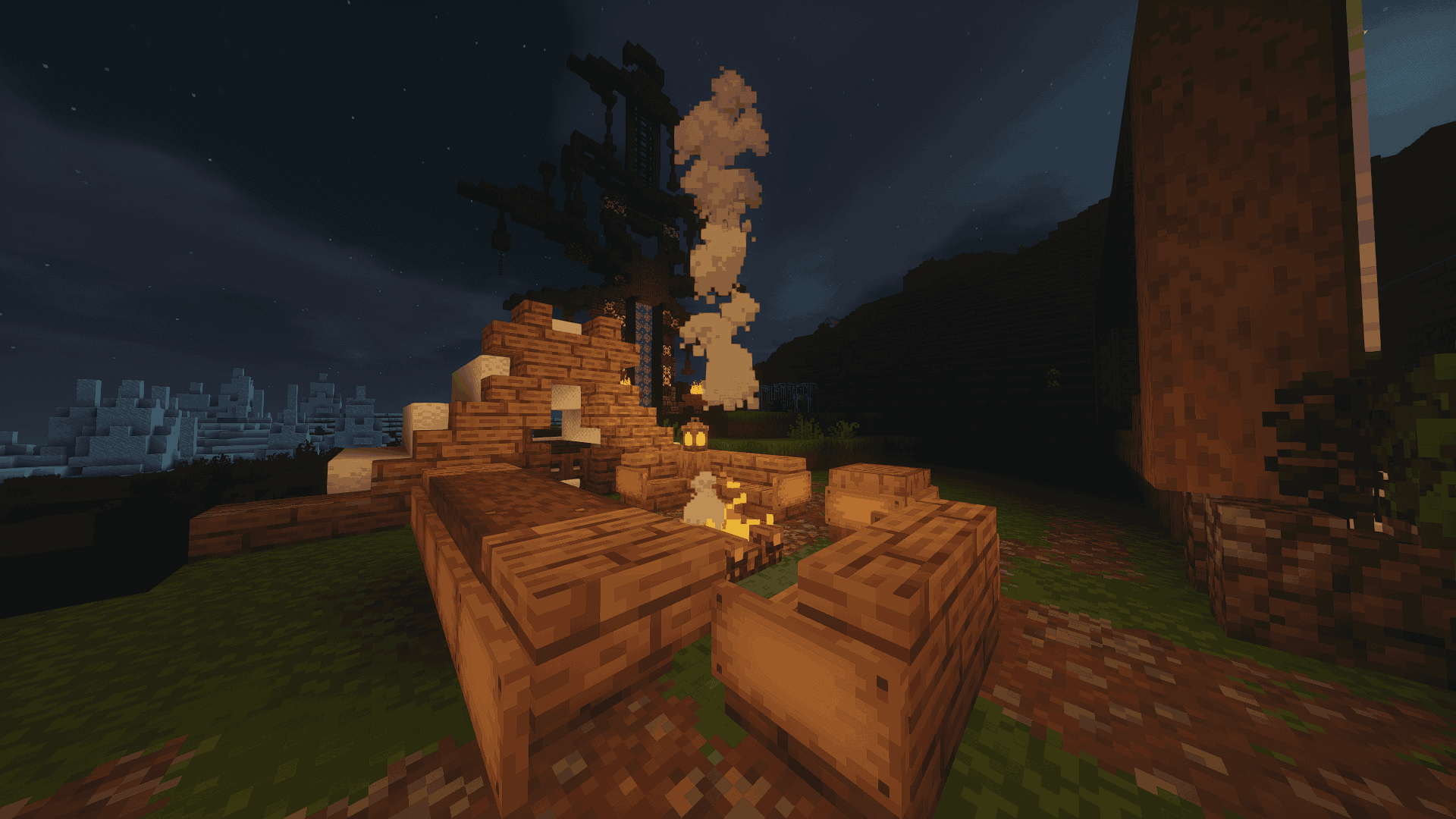
This modpack was created to enhance Minecraft's immersive and enjoyable aspects without drastically altering the game. It focuses on improving movement and player interactions, incorporating quality-of-life enhancements, visual upgrades, and performance optimizations through a carefully selected set of Fabric mods. The goal is to restore a fun, pressure-free gameplay experience, reminiscent of vanilla Minecraft while avoiding over-the-top features. The collection consists of mods and resource packs designed to make the game feel more alive and engaging.
How to install Classic Tools Fusion
- Search for "Classic Tools Fusion"
- Click on the link that says "Classic Tools Fusion-CTF 1 (NOT Classic Tools Fusion Compats)
- Get corresponding version and place in resource pack folder
- Enable in Minecraft settings