Compatibility
Minecraft: Java Edition
26.1.2
1.21.11
Platforms
Supported environments
Client-side
Tags
Creators
Details
Licensed GPL-3.0-only
Published 2 days ago
Phantom
A feature-packed addon for Cactus — the Minecraft utility mod.
Phantom extends Cactus with additional modules, HUD elements, and quality-of-life features for both gameplay and server administration.
Features
Modules
| Module | Description |
|---|---|
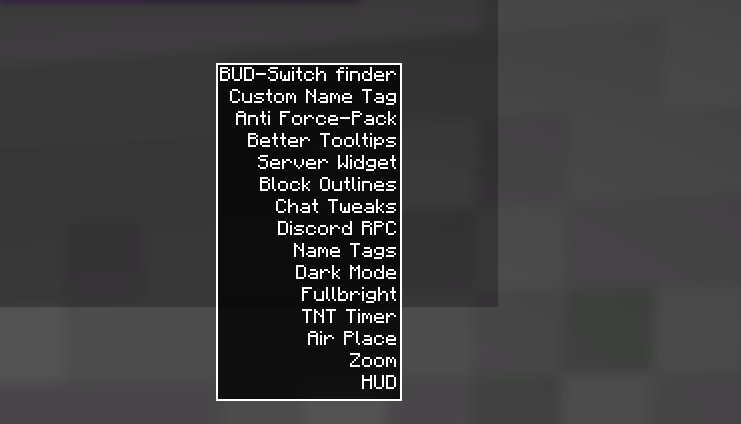
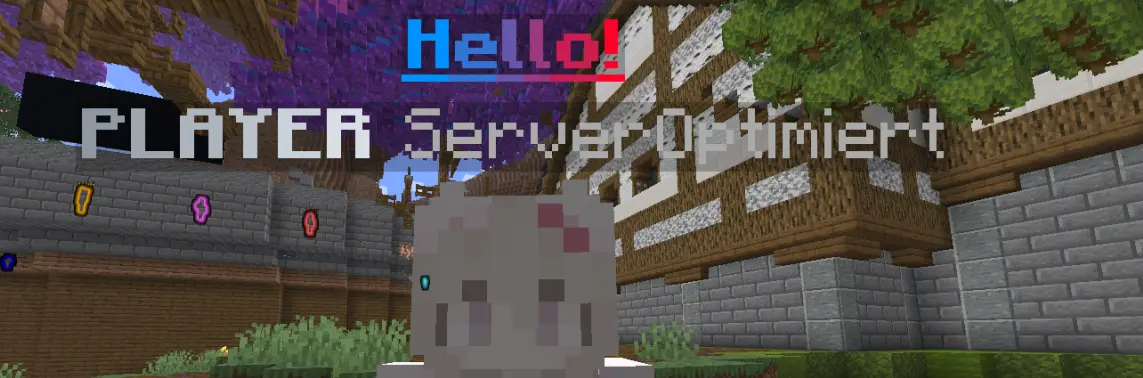
| Custom Name Tag | Adds a custom text line to your own name tag. Includes a Y-offset slider for precise vertical positioning (no more clunky above/below toggle). Only visible to you. |
| Hit Effect | Spawns particles when you hit entities. Choose from over 20 different particle effects. |
| Hit Sound | Plays a sound when you hit entities. Choose from a variety of sounds including cat noises, explosions, and more. |
HUD Elements
| Element | Description |
|---|---|
| Server IP | Displays the current server IP address directly on your HUD. Shows "Singleplayer" when playing offline. Fully positionable via the Cactus HUD editor. |
Requirements
- Minecraft 1.21.11 or 26.1.2 (Experimental)
- Fabric Loader 0.18.4+
- Cactus 0.12.3+
Recommended
- Fabric API 0.141.3+
Installation
- Install Fabric Loader for Minecraft 1.21.11
- Download Cactus and place it in your
modsfolder - Download the Phantom JAR from Releases and place it in your
modsfolder - Launch the game
Usage
Modules
Open the Cactus menu (default: RShift), navigate to the Phantom category, and toggle any module:
- Custom Name Tag — enter your text, adjust the Y offset with the slider (values from
-3.00to3.00, default0.35blocks) - Hit Effect — select a particle type from the dropdown
- Hit Sound — select a sound from the dropdown
HUD Elements
- Open the Cactus menu → HUD Editor
- Click the + button
- Select Server IP from the list
- Drag and position it anywhere on your screen
- Customize colors, background style, and shadow settings in the element properties
Building from Source
git clone https://github.com/pyenxx/Phantom.git
cd Phantom
./gradlew build
The compiled JAR will be in build/libs/.
Note: Some translations in this project were generated with the assistance of AI.