
Compatibility
Minecraft: Java Edition
Platforms


Links
Tags
Creators
Details
procPromo v0.9.2
Optifine & Iris Shader Pack
Updated to MC 26.3; Wilderness Bound
Inpired by Mojang's promo/key art style for Minecraft
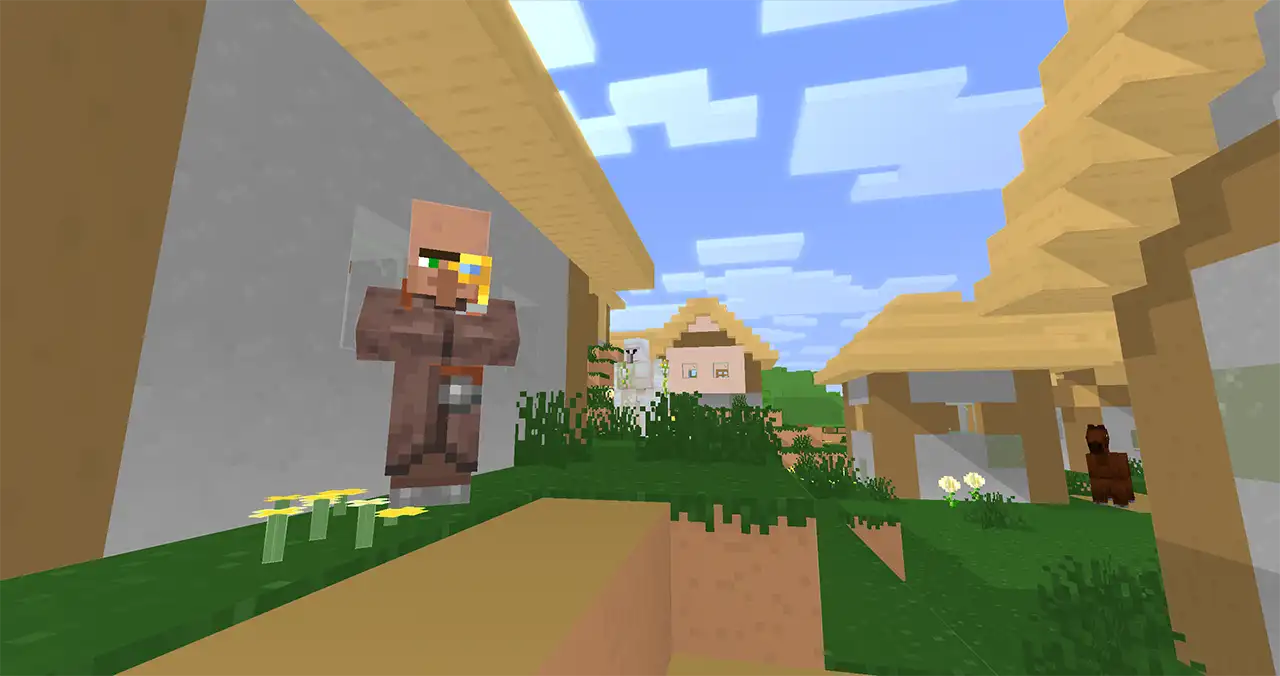
Those Cartoonized Vibes
Softer details, edge highlights, sharp shadows, and glowiness.
Under the hood
Style'n'Stuff
- Texture details in your world will be blended together giving a softer look
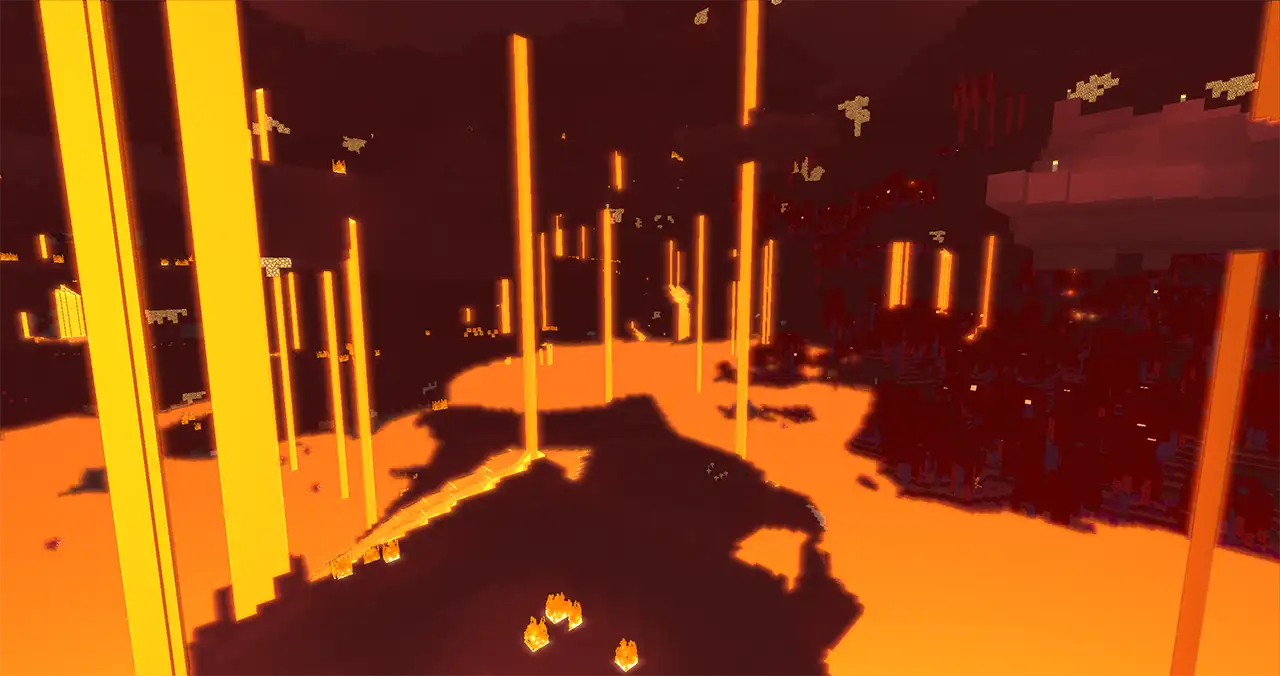
- A glow illuminating the presence of light blocks, particles, & other fitting things.
- Edge highlights to make the environment pop that little bit more.
- Reflective water & transparent blocks
( Minihud's Shapes and Overlays are supported, yeee )
Options -> Video Settings -> Shaders / Shader Packs -> Shader Options / Settings

See Shader Setting Details
- Base Quality - Reduce the amount of texture blurring samples, heavier math functions, and performance slow downs.
The other options denote fidelity, this option is how that fidelity is utilized.
Note - Color blindness math in World Colors is an estimate on Low & Mid Base Quality settings for performance; if it's an issue, please contact me.
- Dark Color Levels - How dark any colors can get.
Set this higher if you are a streamer or recording video.
- Bright Color Levels - How bright any colors can get.
Set this lower if things are too bright.
Set this higher if you want to see the light!
- Glow Amount - How blinded the glow makes you
- Fog Amount - Is the fog limiting your vision? Heck with it!
Or if you want to be playing Silent Hill
- Detail Bluring - How much block bluring is killing your game's vibe
- Edge Outlines - Want some of those thick lines on your blocks?
Or maybe it's too thick
- Under Water Effects - Ever open your eyes under water?
Yeah, its all blur and wobbly.
Get your Water vision Here!
If you are getting sick underwater, turn this off
- Solid Leaves - Don't like the solid leaves? Turn off those bubblicious bubble gum blocks
- Sky Quality - Some of the morning and sunset math gets a little heavy,
If the shader is running slow, try turning this down.
- Shadow Resolution - Shadow look too blocky? Set it higher! 4096-8192
Your computer fans sound like jet engines? Set this lower, 1024-2048
- Shadow Quality - How good does that shadow look?
- Ambiance Volume Resolution - Want volumetric shadows?
Set this between 1-200 to enable; default: 50
When set to 0 toggles to non-volumetric shadows
- Reflection Quality - That glint'n'glam off transparent blocks & water
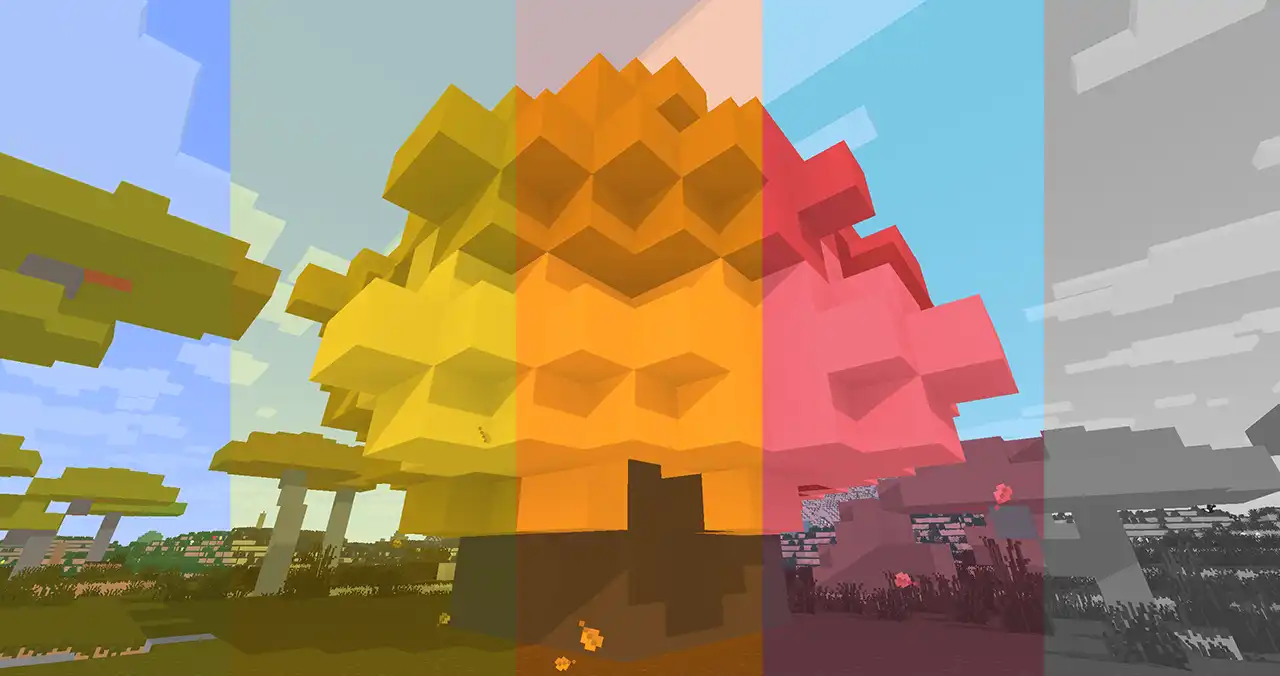
- World Colors - For the major color blindness types of Protanopia, Deuteranopia, & Tritanopia
And Greyscale for fun!
See if you can beat the dragon in greyscale!
- Debug Vision - This one's mostly for me, while developing the shader.
Set the Shadow Cam to see what the sun/moon is seeing
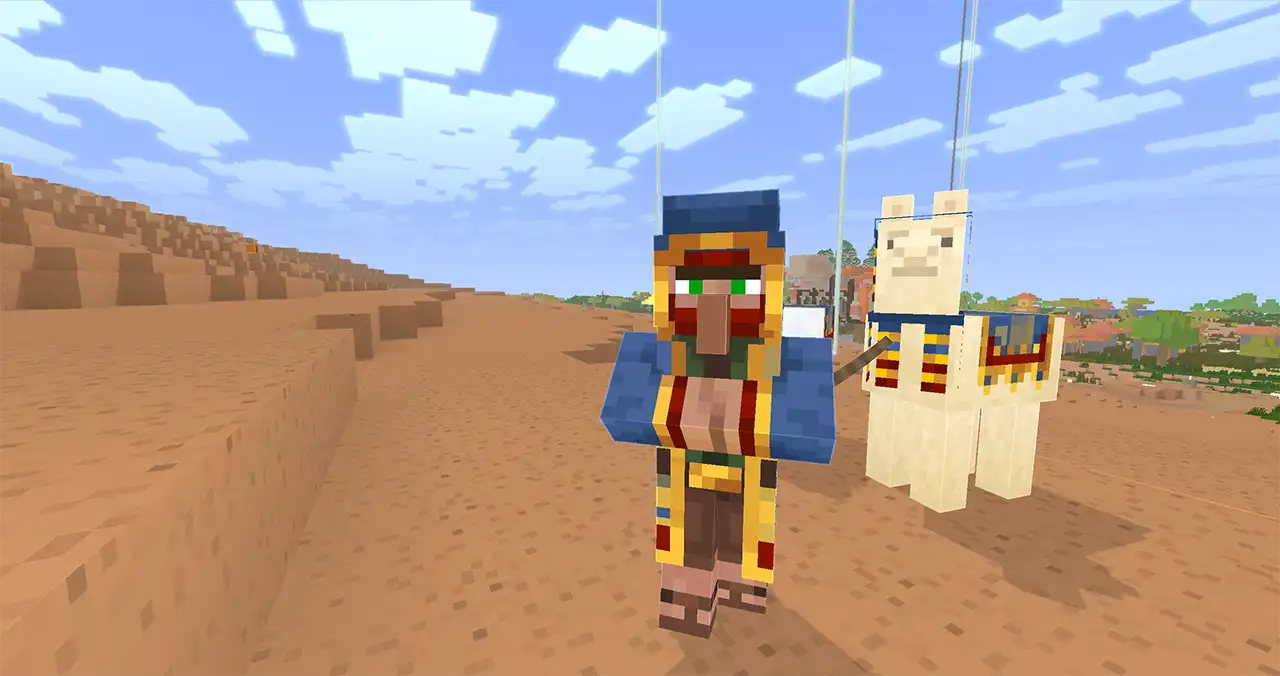
- Hand Position - Want to record vertical format?
Set the hand position to ~.4 for a good vertical content position on screen
Creator's Notes
Ayo, I'm Kevin
I've been on'n'off making this pack since 2022,
Finally posted somewhere public in 2026...
No AI here, this is hand written frustration
It's been a fun side project.
Testing new math-things I want to try;
Like per-axis shadow distortion.
It's still not quite where I want it to be,
But it's gettin there!
It'll be fun adding in the light beams Mojang's been using more and more in their art,
Like the current art in the launcher for 26.3
A screen-space depth march
To say again, no AI used to write the code
I hope other's out there choose their own talents to build their projects,
Over the talents of a Laughing Man
(Ghost in the Shell)
Stay true to yourself,
Be able to respect yourself.
Thanks for checking out the shader pack!
If you get any insano color glitches;
I'd love to see em!
Education & Inpiration
Mojang's Promotional Art style'n'vibe!
Their ads & splash images in the launcher
Shadow Inspiration and Learning Model
Chocapic13's HighPerformance Toaster
Optifine's Shader Environment Learning Models
Capt Tatsu's BSL Shaders v8
Sildur's Vibrant shaders
And figuring out Iris/Sodium was a lot of trial & error
Sorry about the shadows for leads and boats...