
Compatibility
Minecraft: Java Edition
Platforms


Tags
Creators
Details
Shows slime chunks with dialog UI or as a 3D in-world display.
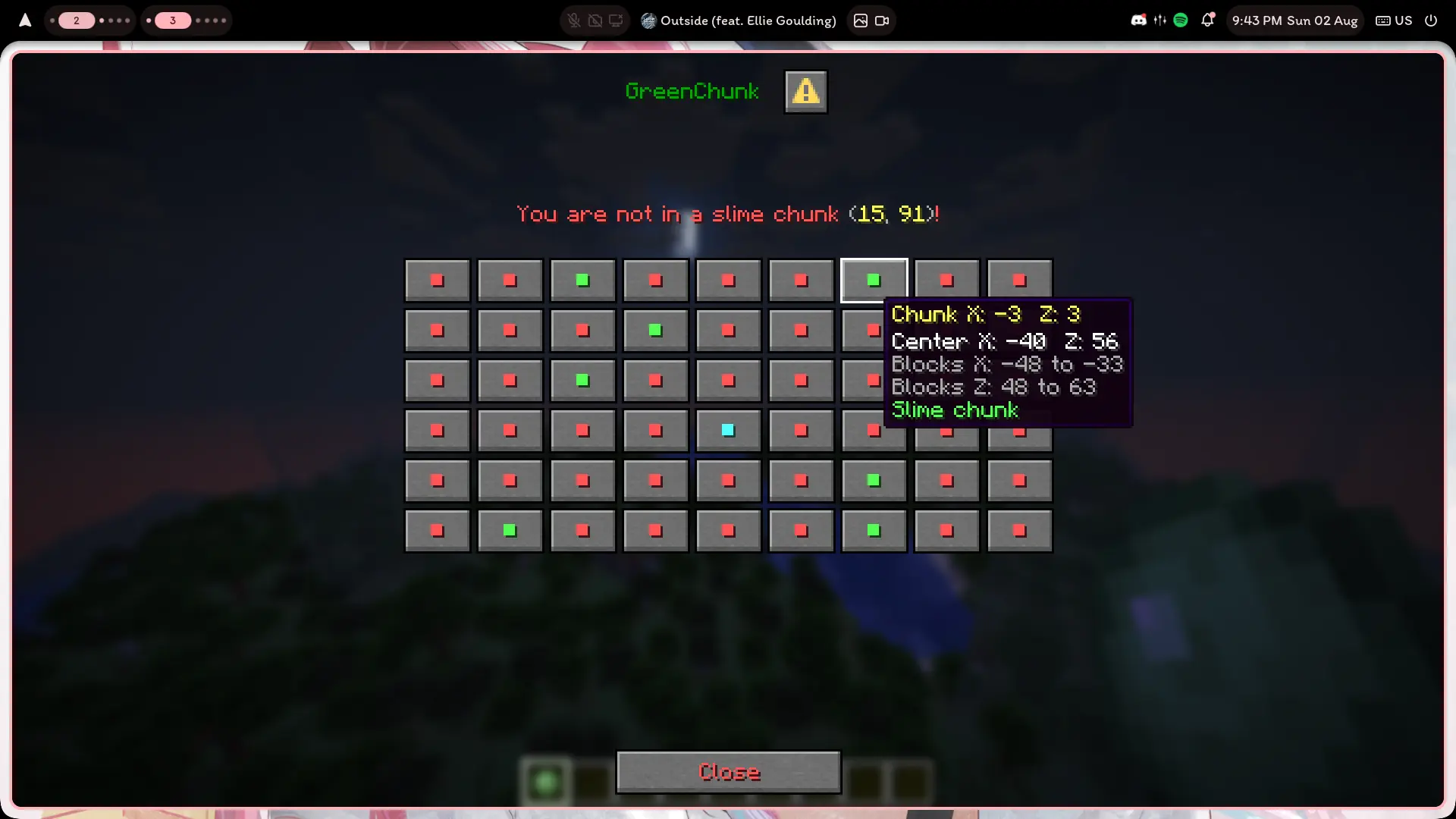
Use a slime ball by default:
- right-click to toggle the in-world display
- sneak + right-click to open the map
You can also use /slime, /slimemap, or /slimevisual.
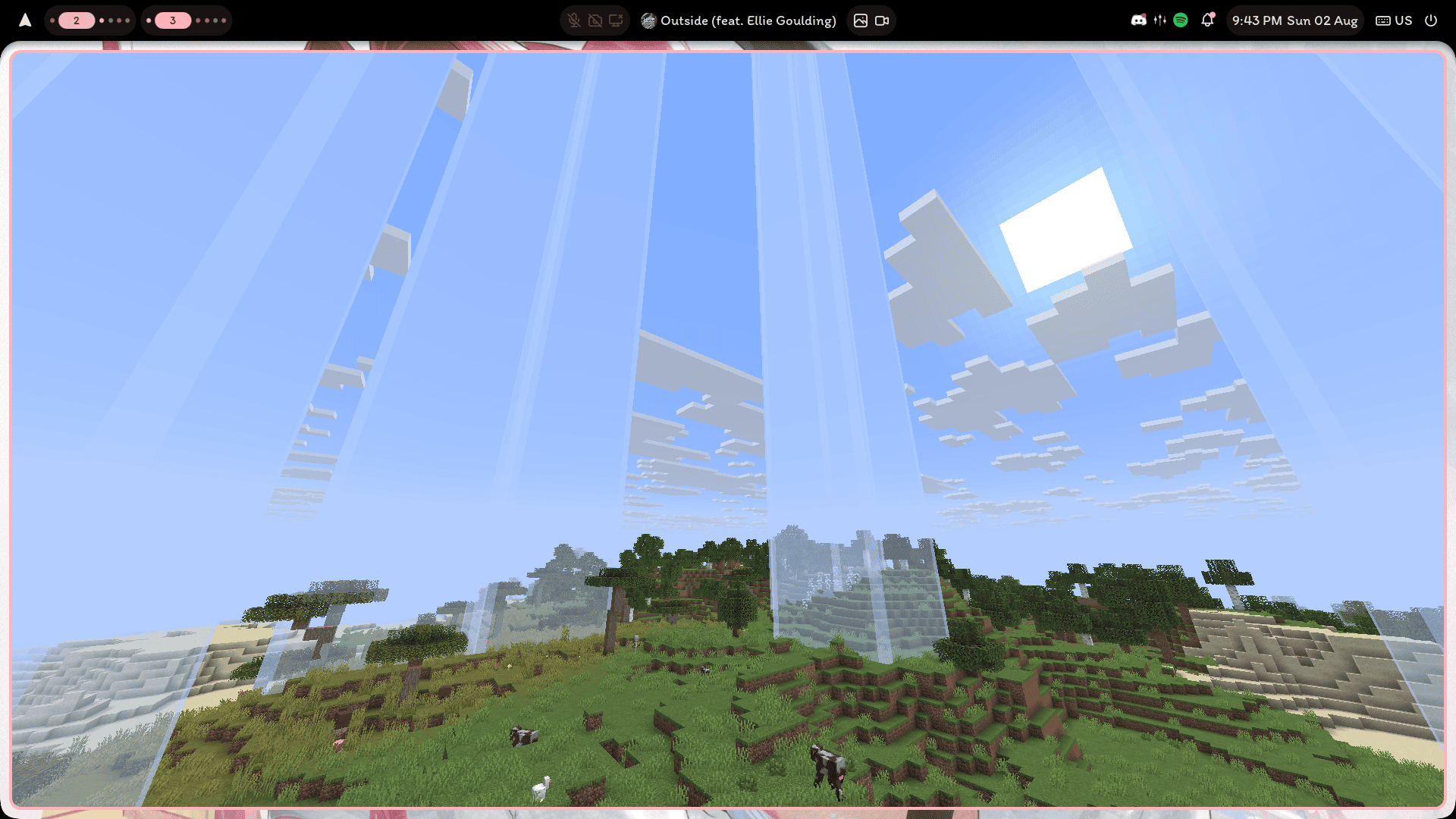
Settings and messages are in plugins/GreenChunk/config.yml. Run
/greenchunkreload after editing it.
Permissions: greenchunk.map, greenchunk.visual, greenchunk.item.map, and
greenchunk.reload.