
Compatibility
Minecraft: Java Edition
Platforms


Tags
Creators
Details
Licensed LGPL-3.0-only
Published 2 months ago
Updated last month
CustomPlayerNametags
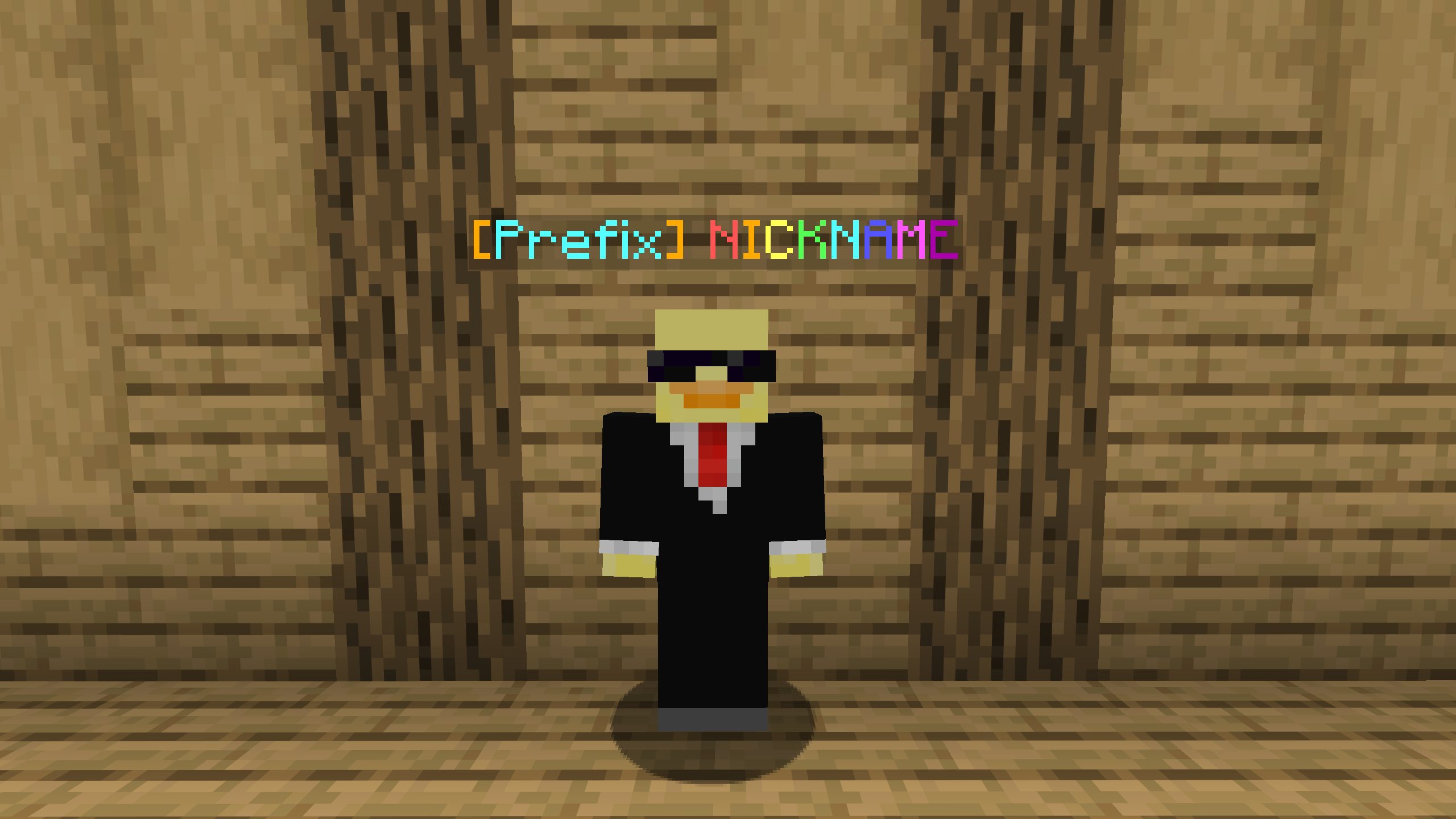
Create fully custom player nametags with colors, placeholders, multiple lines, and optional sections players can customize.
Why use CustomPlayerNametags?
CustomPlayerNametags offers several features that aren't present in most other modern player nametag editor plugins:
- Group nametag formats — customize nametag formats for specific LuckPerms groups.
- Username replacement — completely remove the default username in order to fully customize the entire nametag.
- In-game format editor GUI — a powerful but simple GUI editor for customizing nametag formats.
- Player-customizable widgets — lets players customize specific parts of their nametag while admins control what they can change.
- Java & Bedrock compatibility — fully supports both Java and Bedrock players.
Additional Features
- Global nametag formats — default global format for all players that uses PlaceholderAPI placeholders.
- Individual nametag formats — set custom nametag formats for individual players.
- Tab-list formatting — applies active nametag formats to the tab list.
- Visibility settings — configure render distance, through-wall visibility, and crouching behavior.
- Prefixes & suffixes — customize Bedrock nametags with separate prefixes and suffixes.
Requirements
- PacketEvents — required for the plugin to work.
- PlaceholderAPI — needed for
placeholdersand global/group formats. - LuckPerms — needed only for group formats.
Commands
/nametags— administrator commands for managing formats and settings./nametag— player menu for viewing current format, editing permitted widgets, and toggling nametag visibility.
See the wiki for in-depth info on commands, permissions, editing formats, and more.