Compatibility
Minecraft: Java Edition
Platforms
Supported environments


Tags
Creators
Details


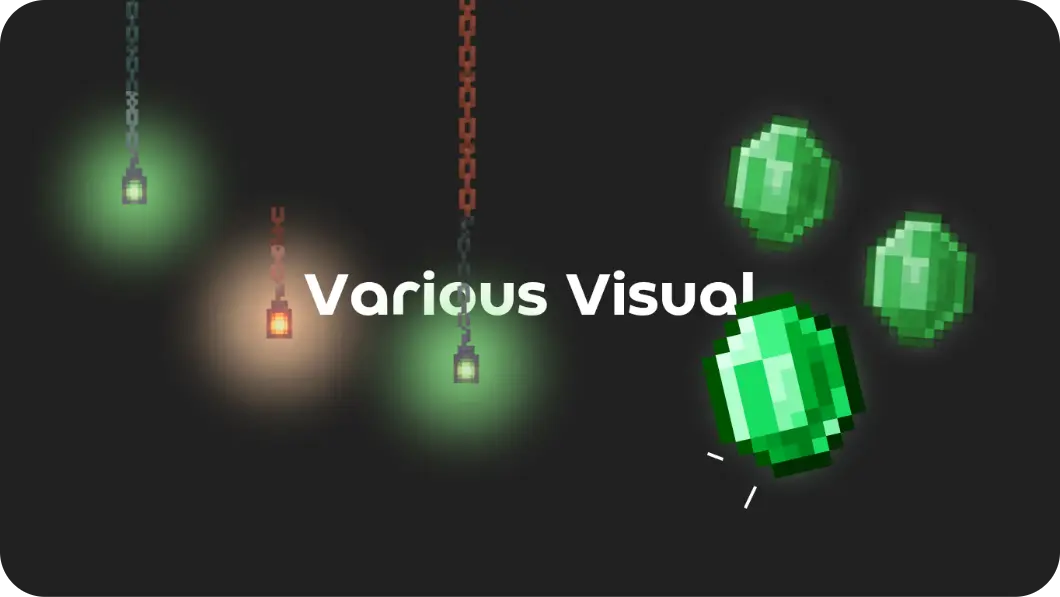

Various Visual is the definitive visual overhaul for Minecraft Java Edition, crafted for players who demand a polished, fluid, and modern aesthetic. This modpack isn't just a collection of mods—it’s a carefully engineered transformation of your game's atmosphere, HUD, and interactivity.
Whether you are exploring breathtaking landscapes or managing your inventory, Various Visual ensures that every pixel feels intentional. From subtle particle interactions and dynamic weather effects to refined, intuitive UI elements, this pack brings a level of immersion that modernizes the classic Java experience.
🔆 Core Visual Enhancements
- Atmospheric Depth: Experience world-altering fog, improved cloud rendering, and nuanced lighting that gives every biome a unique identity.
- Dynamic HUD & UI: A sleek, modernized HUD combined with responsive inventory interactions creates a seamless workflow that feels premium.
- Living World Particles: With enhanced particle engines, the environment becomes reactive—each block placement, mining animation, and ambient movement adds to a vibrant, living world.
- Fluid Animations: Subtle camera overhauls and movement animations make every action in the game feel weighted and smooth.
✨ Built for PojavLauncher & Touch Control
We recognize that playing Java Edition on mobile devices requires a specific set of tools to bridge the gap between platforms. Various Visual comes pre-configured with industry-standard support mods to bring that iconic Bedrock-like feel to your Java installation.
Essential Bedrock Integration:
- Bedrockify & Bedrock Texture Loader: These mods allow you to experience Bedrock-style features directly in Java.
- Pro-tip: If you want your favorite MCPE resource packs to function, simply move them into the
bedrockpacksfolder within your instance directory.
- Pro-tip: If you want your favorite MCPE resource packs to function, simply move them into the
- Touch Controller: Designed specifically for touch-based navigation.
- Important: To ensure this functions correctly, you must manually enable it in your mods folder(.disabled -> .jar) and remove or disable 'Real Camera', as they conflict.
Elevate your aesthetic. Refine your experience. Play Various Visual.