
Compatibility
Minecraft: Java Edition
Platforms
Supported environments


Tags
Creators
Details
Licensed MIT
Published 3 months ago
Updated 3 months ago
By default, geysers have one color (like in nature). With this mod you can change the color of geyser by placing a supported block underneath the magma block/lava.
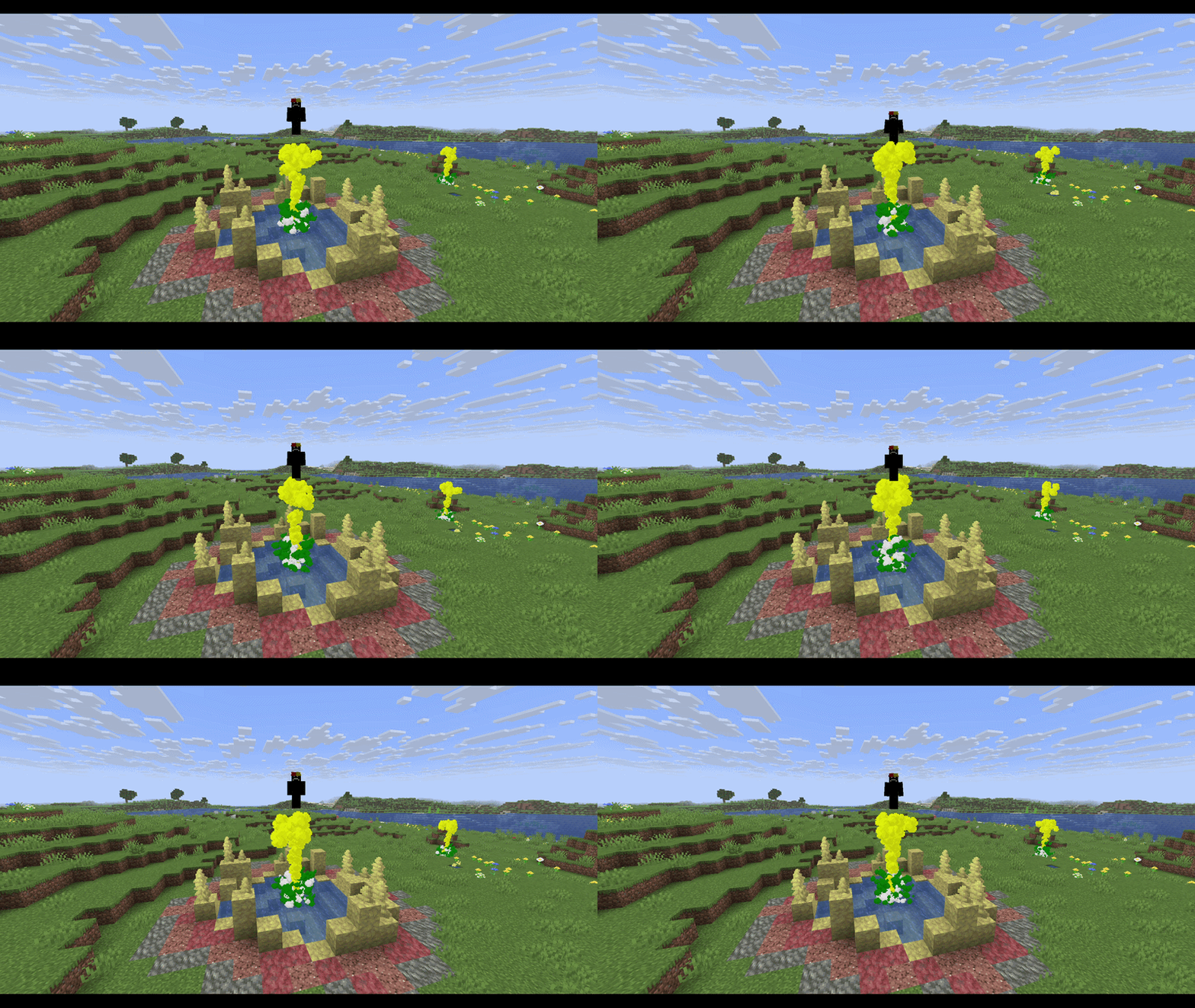
There is couple of blocks set as default and you can change them later:
- Netherrack ➔ Red
- Soul Sand ➔ Cyan/Teal
- Soul Soil ➔ Dark Blue
- Moss Block ➔ Green
- Glowstone ➔ Yellow
- End Stone ➔ Pale Yellow
- Blackstone ➔ Dark Gray
- Prismarine ➔ Cyan/Teal
- Amethyst Block ➔ Purple
- Packed Mud ➔ Brown
- Cherry Leaves ➔ Pink
- Basalt ➔ Dim Gray
- Obsidian ➔ Black
- Blue Ice ➔ Light Blue
Features
- Block-Based Colors: Geysers automatically adopt the map color of the block underneath them.
- Custom Block Colors: Link any specific block to any color of your choice.
- Global Color Override: Set a single global color that overrides everything, turning all geysers in your world into that color.
- Hex Code Support: Choose from a predefined list of colors (e.g. blue, red, purple) or use an exact HEX code (e.g. #FF0000, #00FFFF).
Commands
- /geysercolor set <part> <color>
- /geysercolor reset
- /geyserblock add <block_id> <part> <color>
- /geyserblock remove <block_id>
Note: All your command changes are automatically saved to config/colored_geysers.json in your .minecraft folder.