
Compatibility
Minecraft: Java Edition
Platforms
Supported environments


Links
Tags
Creators
Details
Simple Voice Chat Scroll — Quick Voice Volume Control
Simple Voice Chat Scroll is a lightweight client-side Minecraft mod for Fabric, Forge, and NeoForge. It integrates with Simple Voice Chat and lets you adjust individual player volume without opening the voice chat menu.
Look at a player, hold the right mouse button, and scroll the mouse wheel to change their volume. The selected value is saved automatically through Simple Voice Chat.
The volume indicator remains visible even when player name tags are disabled or hidden.
Features
- Quickly adjust individual player volume
- Volume range from 0% to 200%
- Simple RMB + mouse wheel controls
- Works with hidden or disabled player name tags
- Player volume is saved through Simple Voice Chat
- Client-side only — no server installation required
Controls
- Point the crosshair at a player connected to Simple Voice Chat.
- Hold the right mouse button.
- Scroll up to increase their volume.
- Scroll down to decrease their volume.
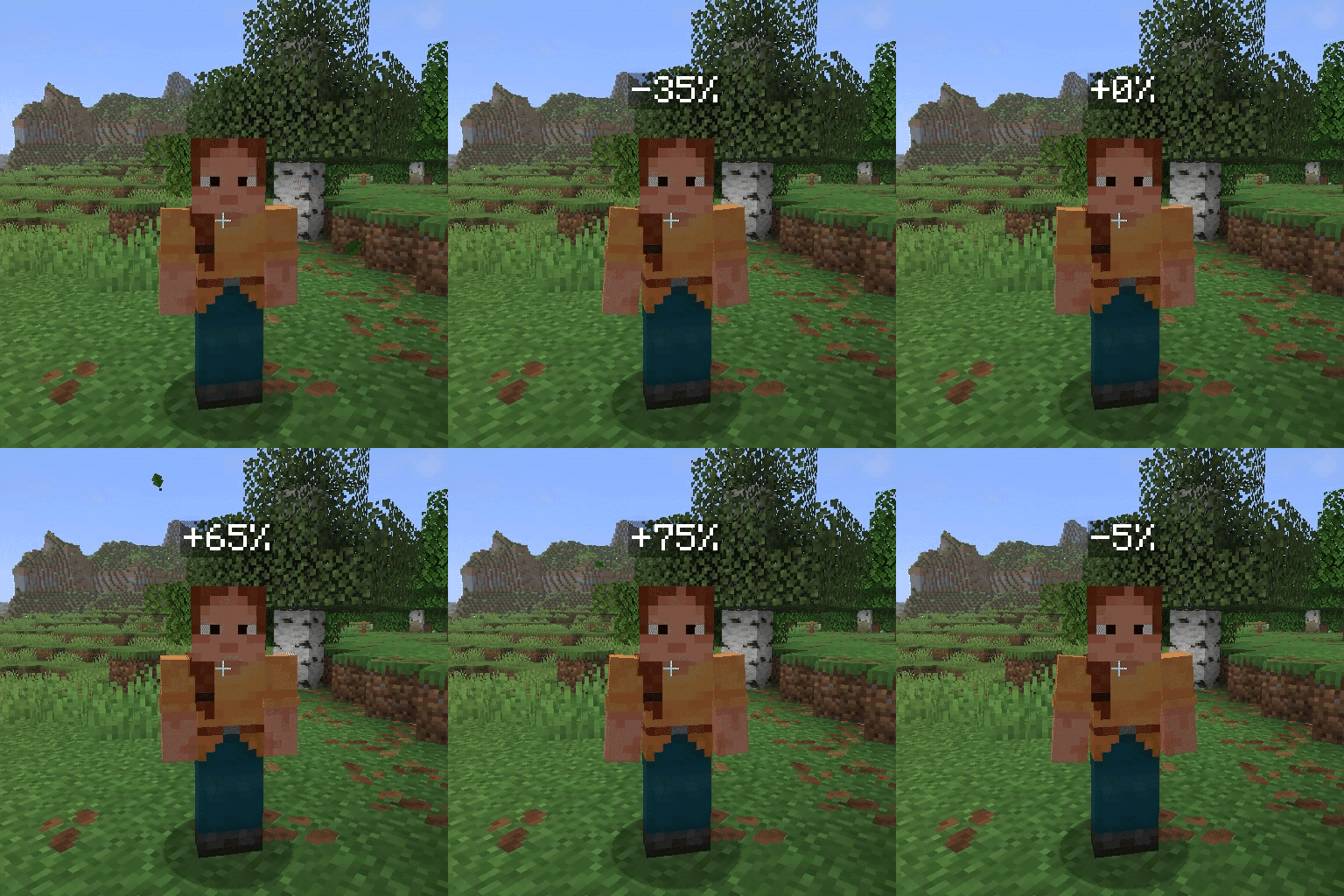
Below the default 100% volume, each scroll step changes the volume by 5 percentage points. At or above 100%, each step changes it by 10 percentage points.
The displayed value shows the difference from the default volume:
0%— default 100% volume+100%— 200% volume-100%— muted
Support and Issues
If you discover a bug or have a suggestion, create an issue in the Simple Voice Chat Scroll GitHub repository.