Compatibility
Minecraft: Java Edition
Platforms
Supported environments


Links
Tags
Creators
Details
Licensed ARR
Published 2 months ago
Updated 3 months ago
OK Health Indicators adds highly customizable Damage Numbers and Health Bars to the game, with over 100 different configurations.
This mod is needed on the CLIENT and the SERVER.
Damage Numbers
- Text Style: Bold, Italic, Underlined, Font, and Size.
- Text Color per Damage type (Normal, Critical, Death, Healing).
- Custom Text per Damage type.
- Shadow: Mode (Shadow, Outline, None), Color, Opacity.
- Decimal Digits: Toggle, Threshold, Show 0's.
- Other: Lifetime, Spawn Distance, Brightness.
- Spawn Distance: Spawn close to the player, or above the entity.
- Spawn Position: Offset, Random Offset.
- Spawn Animation: Toggle, Drift Offset, Random Drift Offset, Animation Scale.
- Combine Numbers: Damage done in a single tick (Multishot, Shotguns, etc) are shown as a single number.
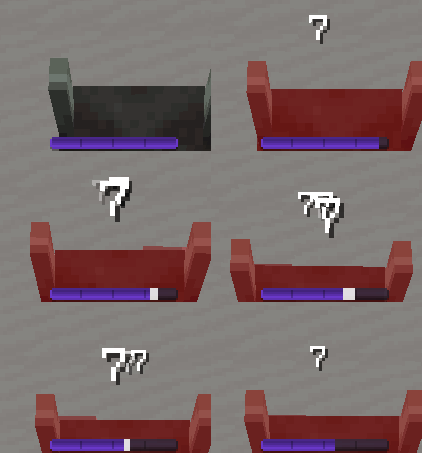
Default |
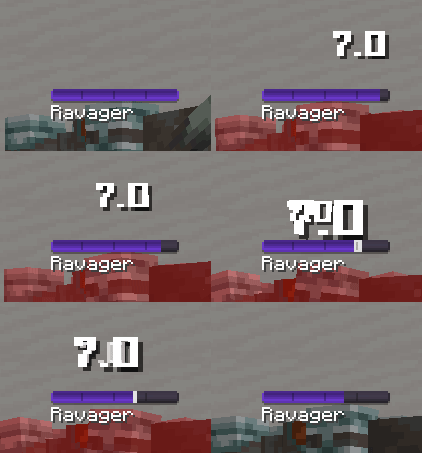
Square Font + Decimals |
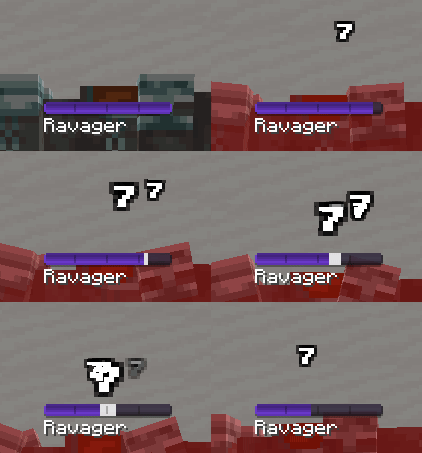
Small Font + Outline |
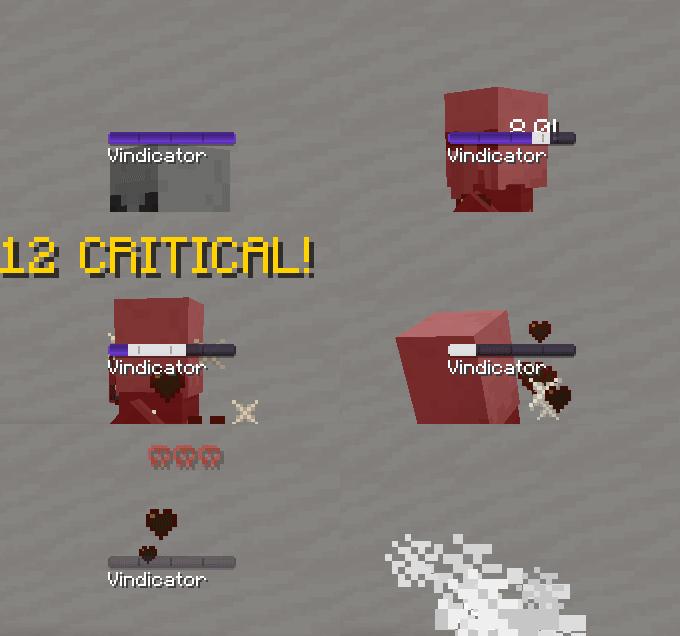
Custom Text |
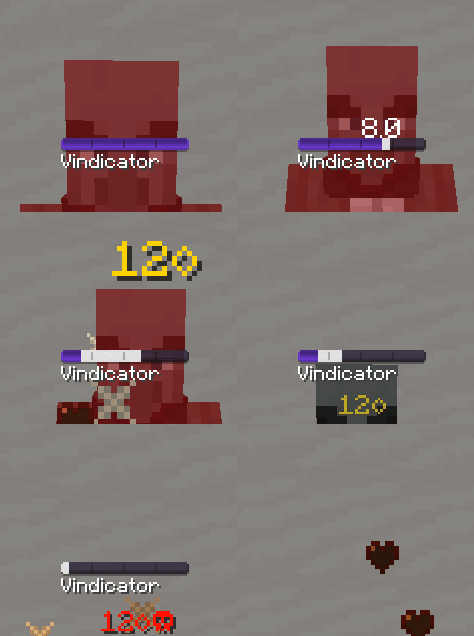
Custom Color |
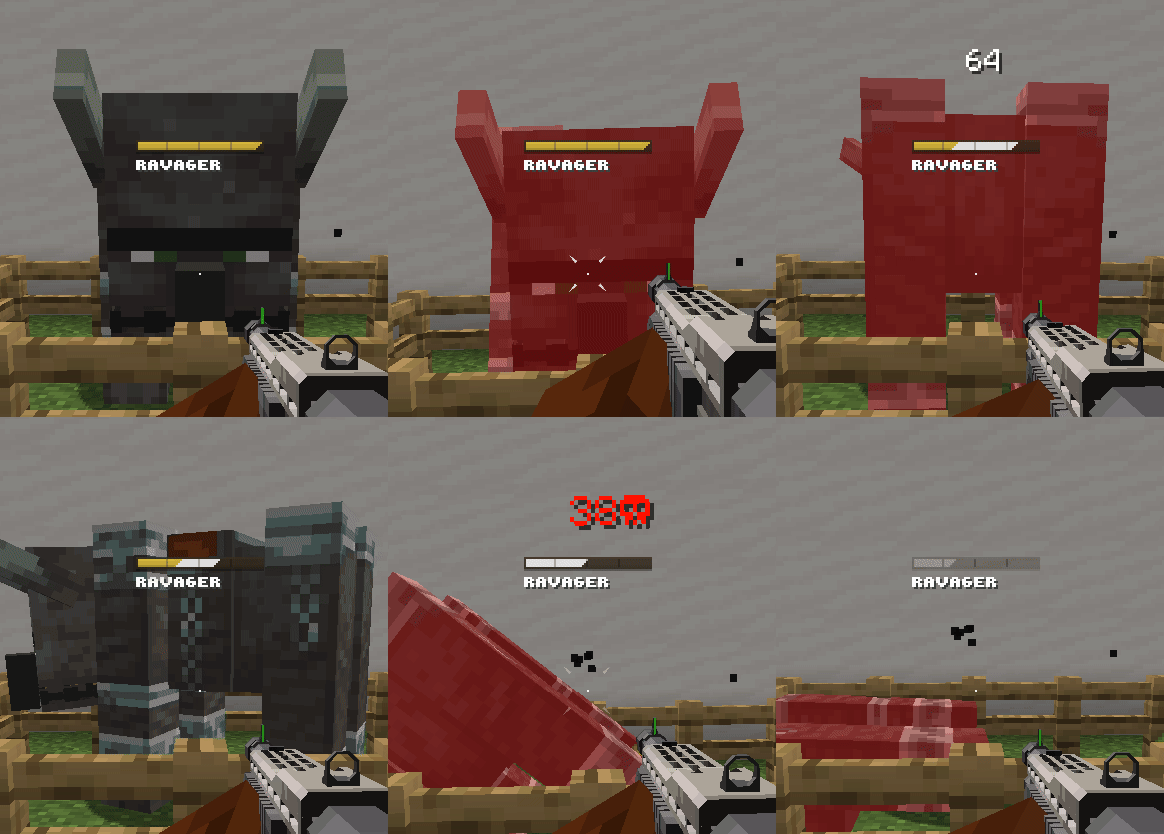
Combine Numbers |
Health Bars & Boss Bars
- Animation Mode: Trail, Smooth, None.
- Bar Position: Vertical and Horizontal Offset.
- Bar Customization: Color, Opacity, and 15+ different styles.
- Bar Segments: Toggle, Count, Thickness, Height, Color, Opacity.
- Name and Health Text Style: Bold, Italic, Underlined, Font, Casing, and Position.
- Health Text Style: Min/Max, Percentage, Off.
- Other: Targeting Range, Show Armor Amount in Health.
- Boss Bars: Overrides vanilla's boss bars, can be disabled.
- Boss Bars Stacking: Vertical (Vanilla's), Side-by-Side, Off.
- Boss Detection: By Tag, By Custom Name, By Max Health, Whitelist, Blacklist.
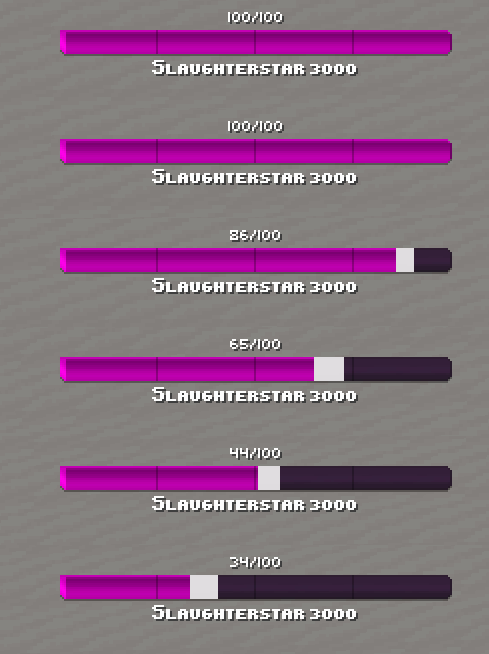
Trail |
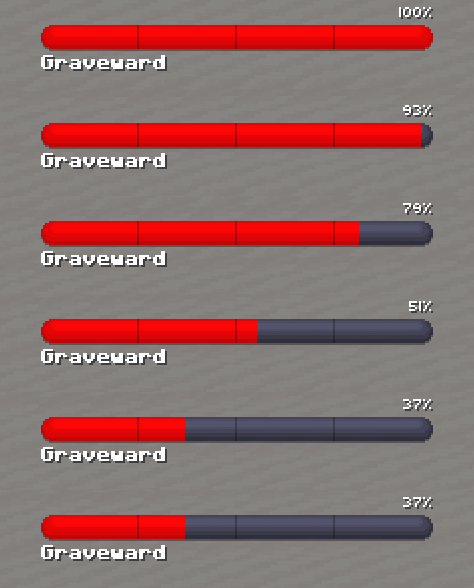
Smooth |
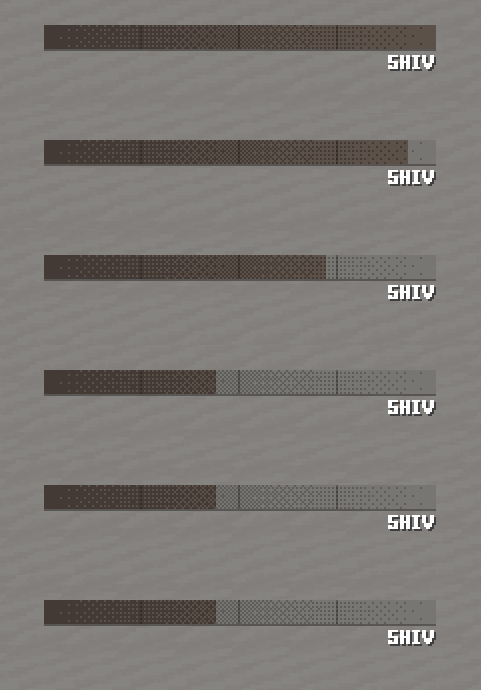
None |
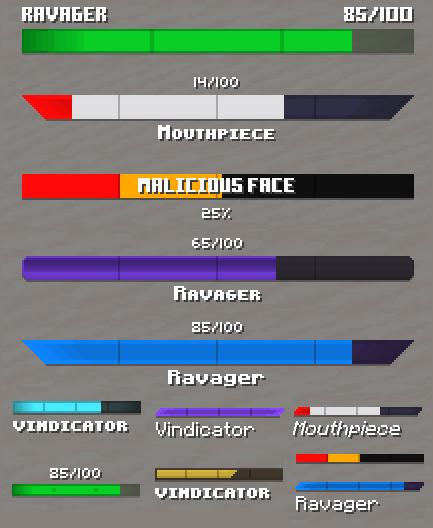
Customization Example |
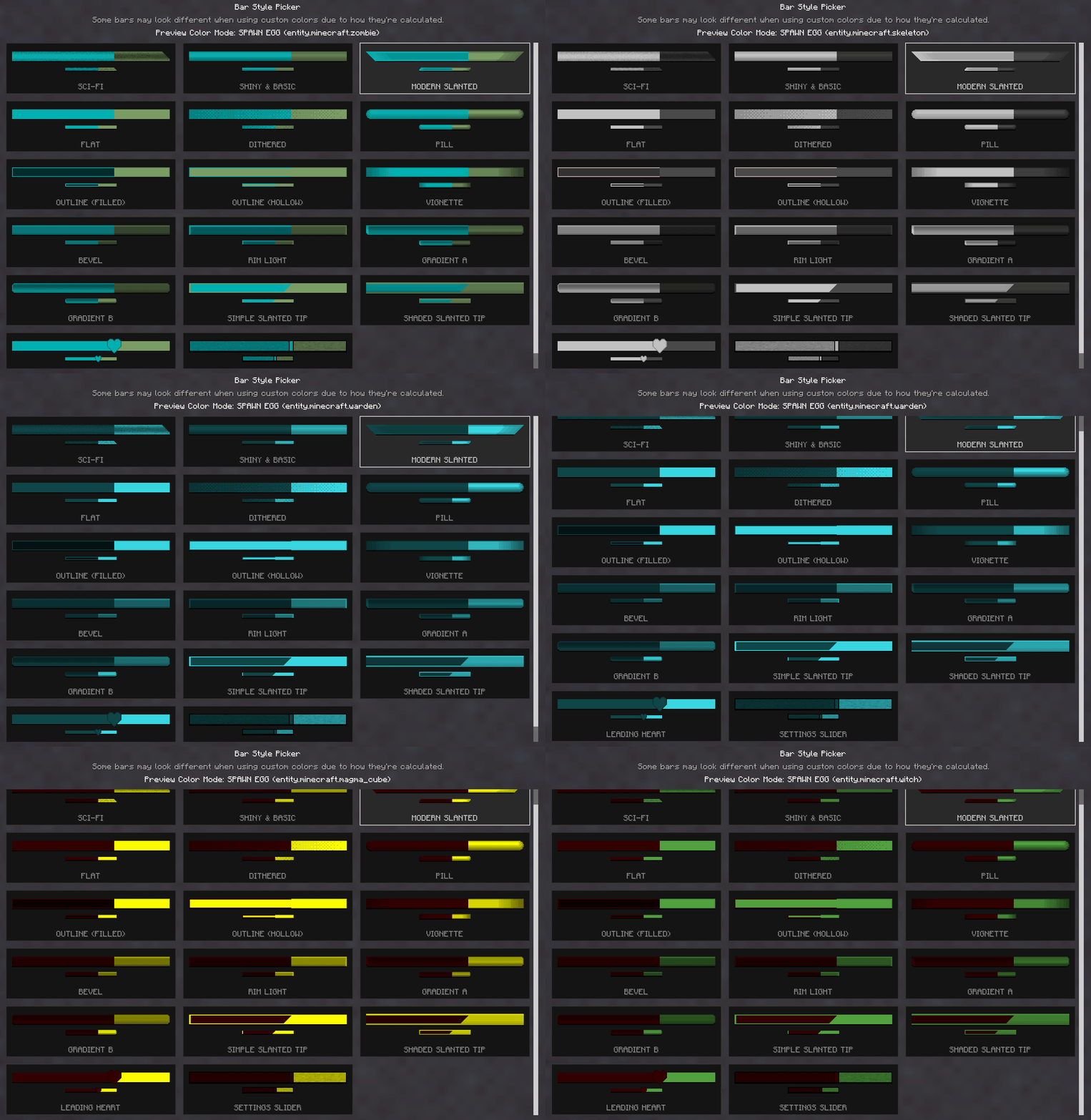
All Available Bar Styles |
|