Compatibility
Minecraft: Java Edition
Platforms
Supported environments


Tags
Creators
Details
Licensed ARR
Published 3 months ago
Updated 2 weeks ago
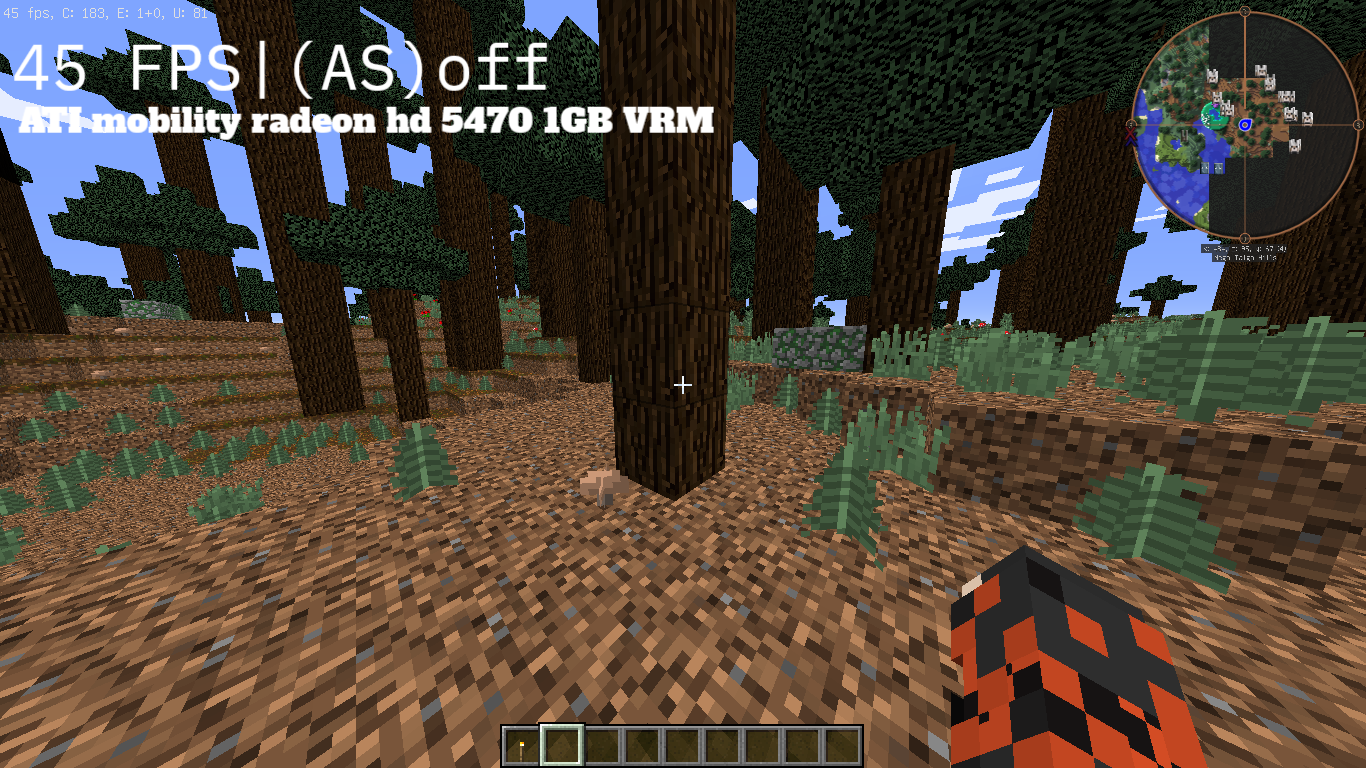
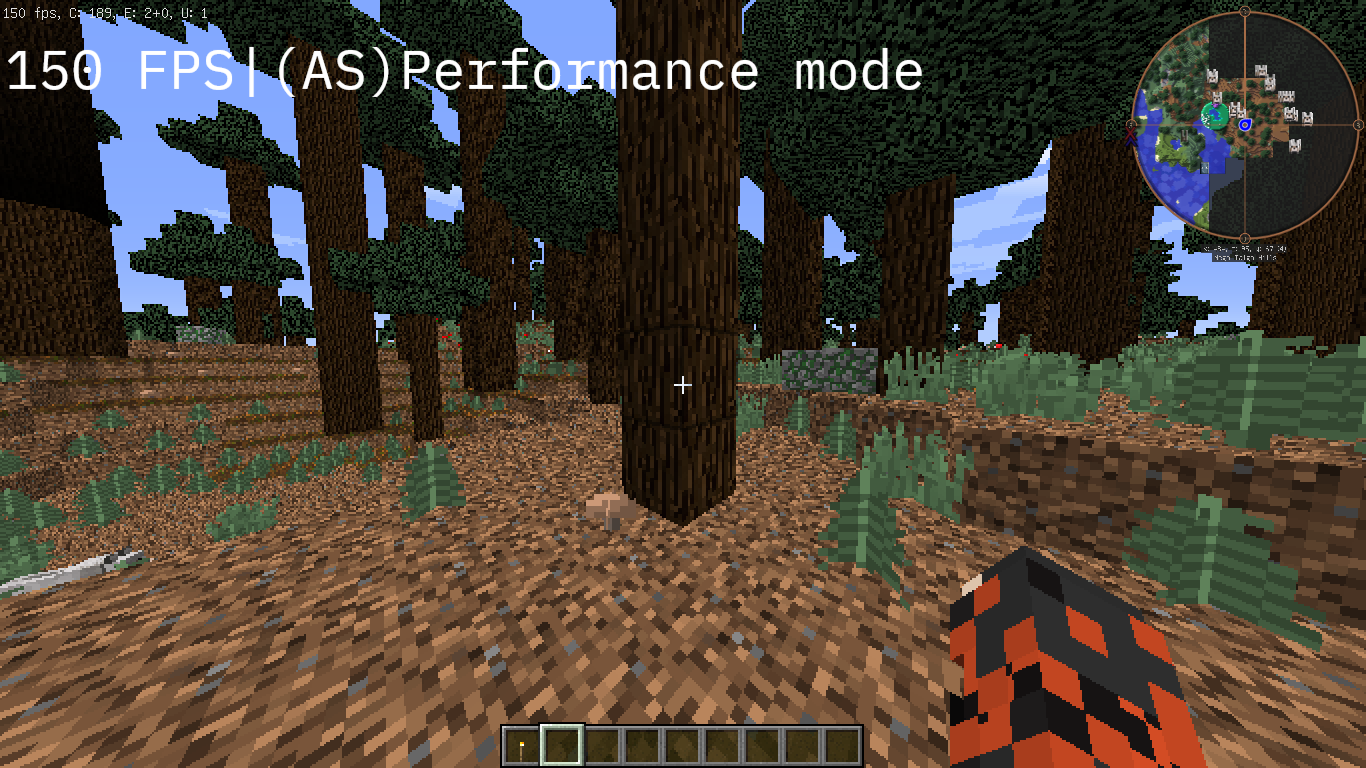
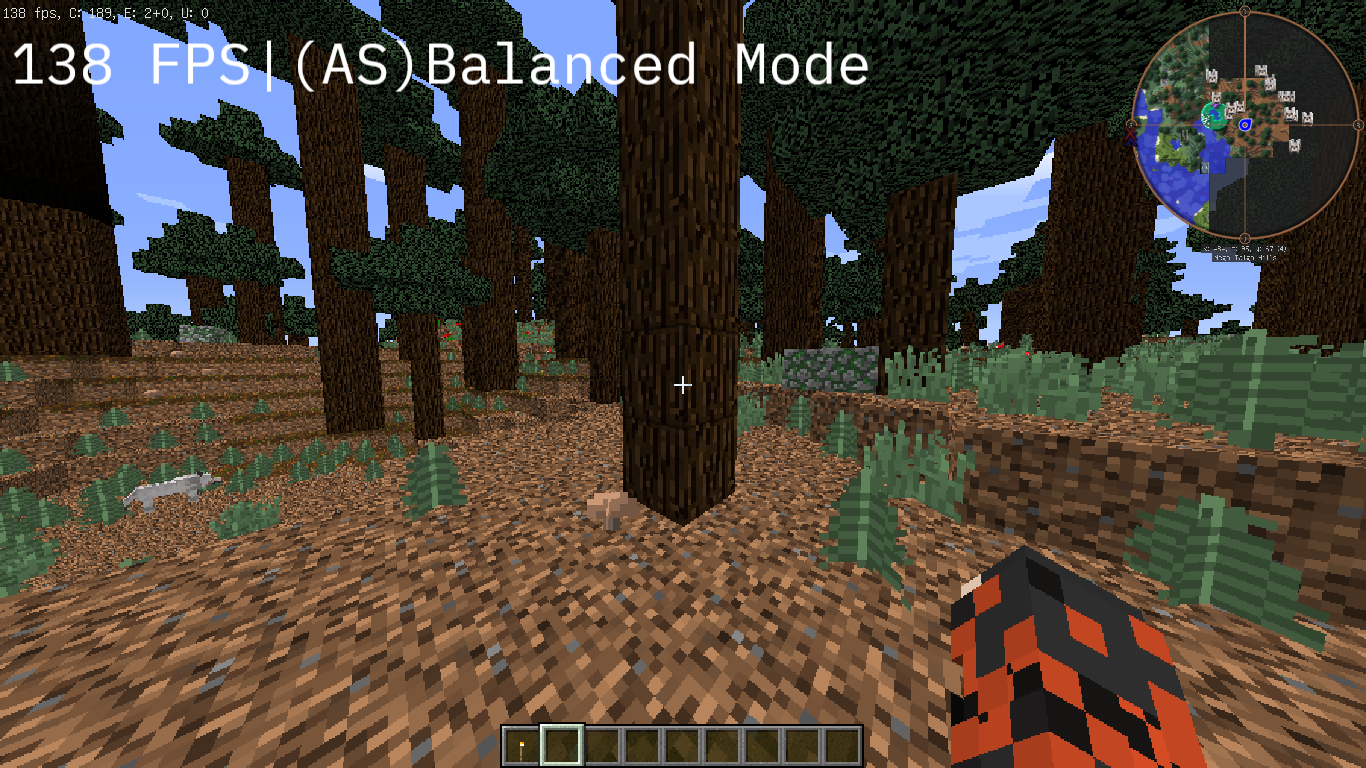
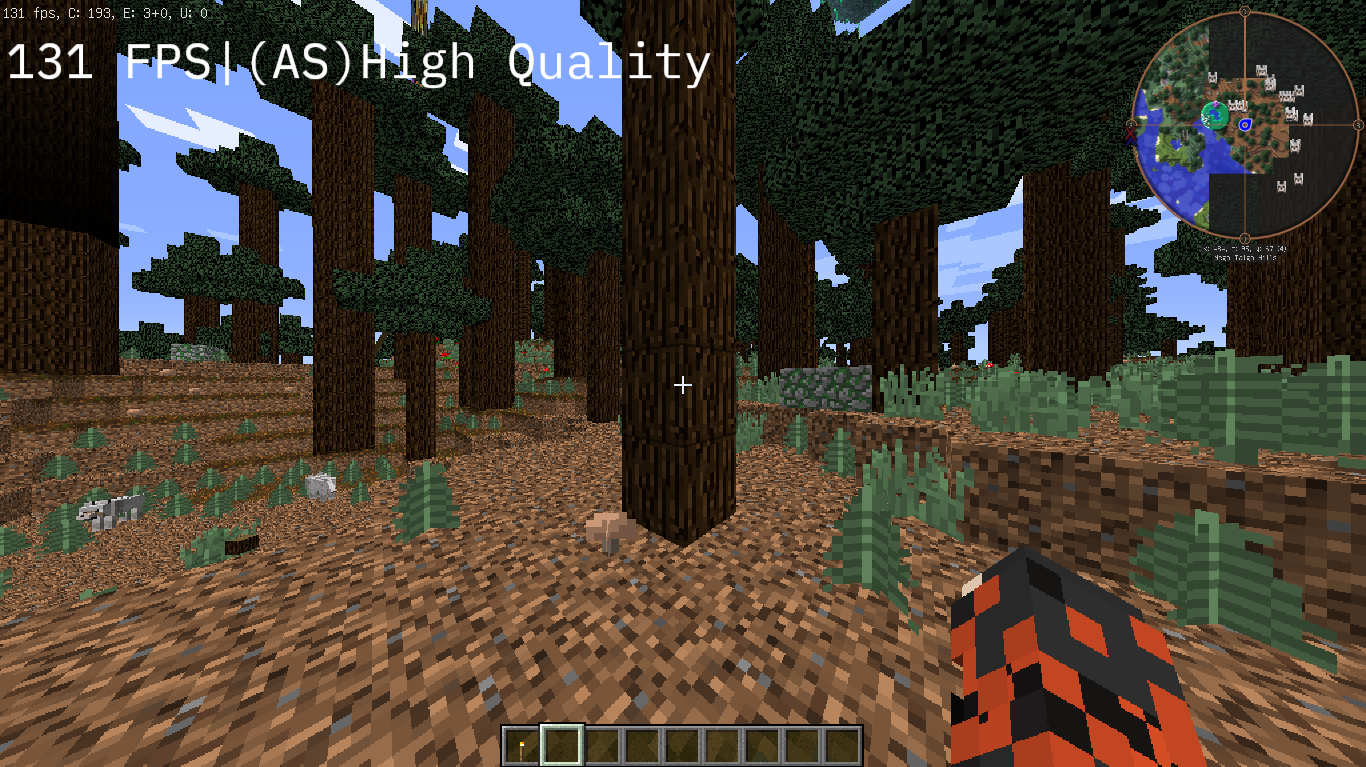
Apex Scaler (AS) is a high-performance optimization mod for Minecraft, operating on the Forge and LWJGL 2 stack. It is specifically designed to breathe new life into legacy and low-end hardware, targeting computers from around the 2010 era. The main goal of the modification is to radically increase frame rates (FPS) in demanding scenarios without sacrificing visual comfort.
Key Features and Technologies:
- Proprietary AS Upscaling: The mod uses an advanced spatial scaling technology. The complex 3D world of the game is rendered at a lower resolution, instantly removing heavy loads from weak graphics cards. Meanwhile, the user interface (HUD), game chat, crosshair, panels, and menus are rendered at full native screen resolution, keeping them crystal clear.
- Advanced Entity Culling Engine: An intelligent optimization module that significantly reduces central processing unit (CPU) load. It completely disables the calculation and rendering of mobs, players, and certain other objects that are outside the player's field of view or hidden behind blocks.
- LWJGL 2 Stability: The mod is deeply adapted to the classic 1.8.8 rendering architecture and standard Forge pipeline, ensuring full operational stability without graphical artifacts, texture flickering, or UI jitter.
Controls and In-Game Menu (F8):
- Opening the Menu: Press the F8 key to open the Apex Scaler configuration interface in real time.
- Scale / Resolution Adjustment: Allows you to manually adjust the percentage of the internal 3D scene resolution (such as 25%, 50%, etc., for powerful resource liberation on weak GPUs).
- AS Upscaling Switch: Allows you to instantly activate or deactivate the shader-based scaling and sharpness-restoration algorithm.
- Entity Culling Management: Adjusts the aggressiveness of the invisible-object culling algorithm to relieve CPU stress.
Recommended Settings in the F8 Menu for Maximum FPS:
- Scale: Set the value to 50% (or 25% for very weak graphics cards) to ensure maximum liberation of GPU resources.
- AS Upscaling: Toggle to Enabled to engage the upscaling algorithm and restore image sharpness.
- Entity Culling: Enabled to reduce the load on older processors in mob-dense areas.