
Compatibility
Minecraft: Java Edition
Platforms
Supported environments


Links
Tags
Creators
Details


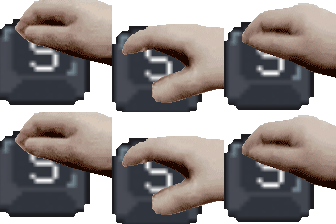
 A copied Lunar Keystrokes HUD overlay that displays key presses:


In addition to standard keystrokes... 
This mod contains two main features: FastPlace and NoJumpDelay, with real-time visual display on the screen overlay. These addons are toggleable with keybinds. The default keybinds are as follows:

FastPlace 
Normally, Minecraft has a delay of 4 ticks (0.2 seconds) when you hold right click to place blocks. FastPlace removes this delay. This lets you place blocks as fast as possible every tick you hold down with the mouse button.
-
Overlay & CPS Sync: The CPS module on the screen will count the blocks you place per one second. The right-click key on the overlay will also flicker quickly to show how fast you are placing blocks to mimic high CPS. You can forge the CPS counter rate with FastPlace in settings.

-
Left-Click Autoclicker: Moreover, you can also turn on an autoclicker for left clicks. The left-click key on the overlay will flicker to match your click speed, similar to right click.

-
Prevent Air Clicks: The mod contains a configuration that stops you from accidentally placing blocks or clicking when you are looking at the sky (missing a block placement). This will not register the right click input regardless of FastPlace activation.

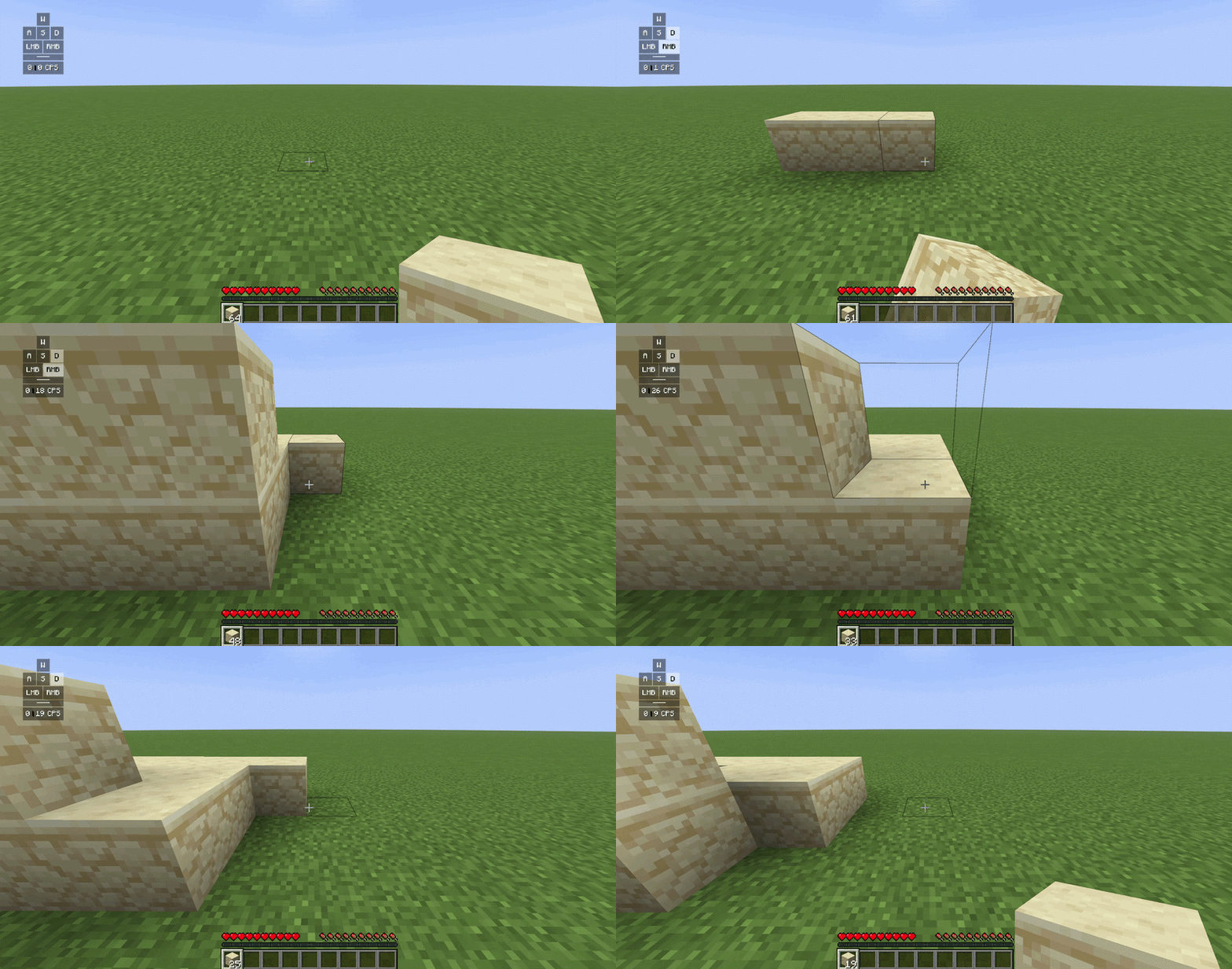
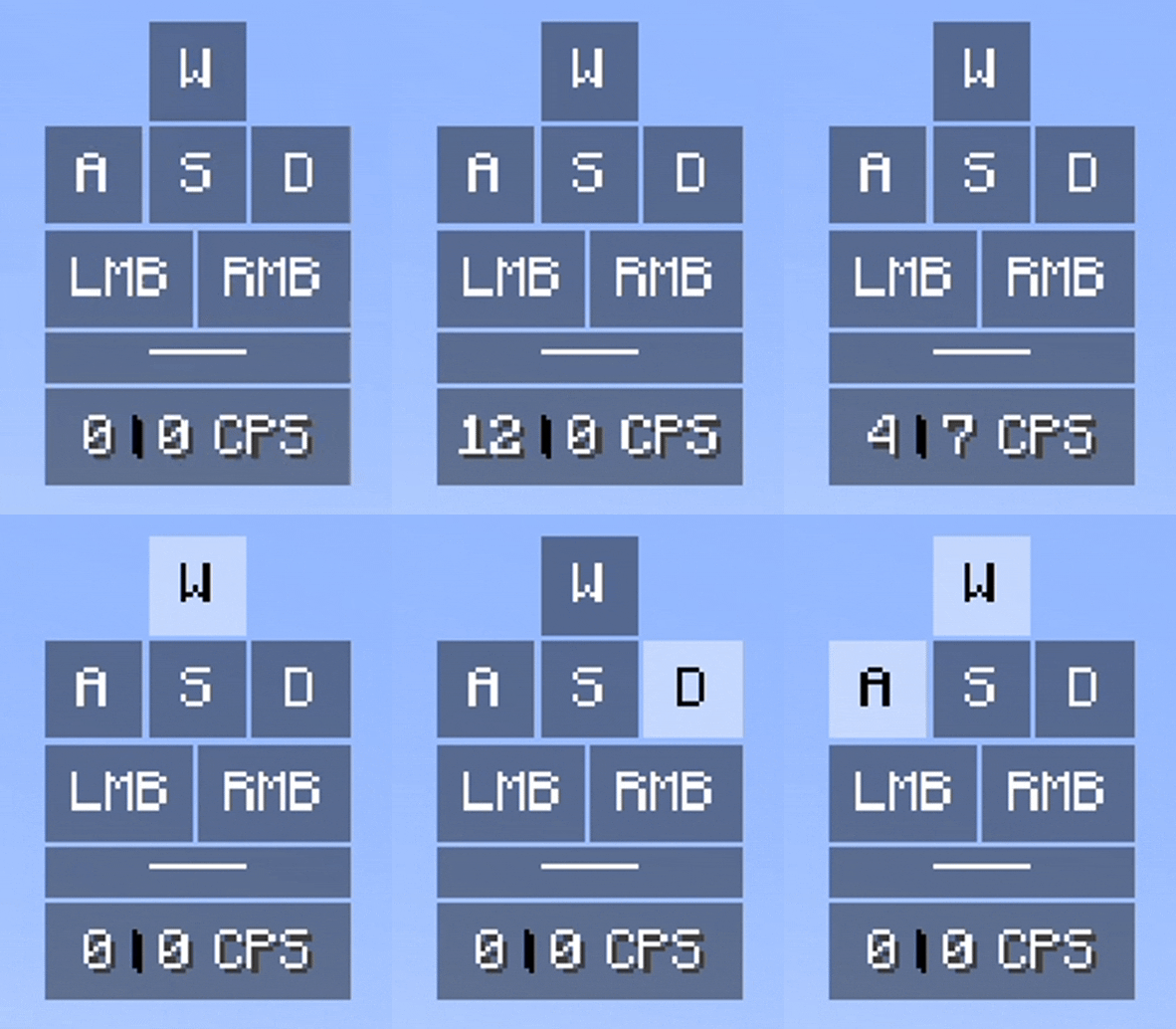
NOTE: The rapid block placement were accomplished simply by holding right click with FastPlace.
FastJump (NoJumpDelay) 
Normally, when you jump and then land on the ground, Minecraft makes you wait 10 ticks (0.5 seconds) before you can jump again. NoJumpDelay removes this wait time. You can hold down the spacebar to jump instantly and continuously.
- Ground Detection for Overlay Sync: The spacebar key on your screen overlay tracks when you touch the ground. When you land, the spacebar key on the screen quickly unpresses and presses again. This shows the exact timing of your jumps to mimic legitimacy.
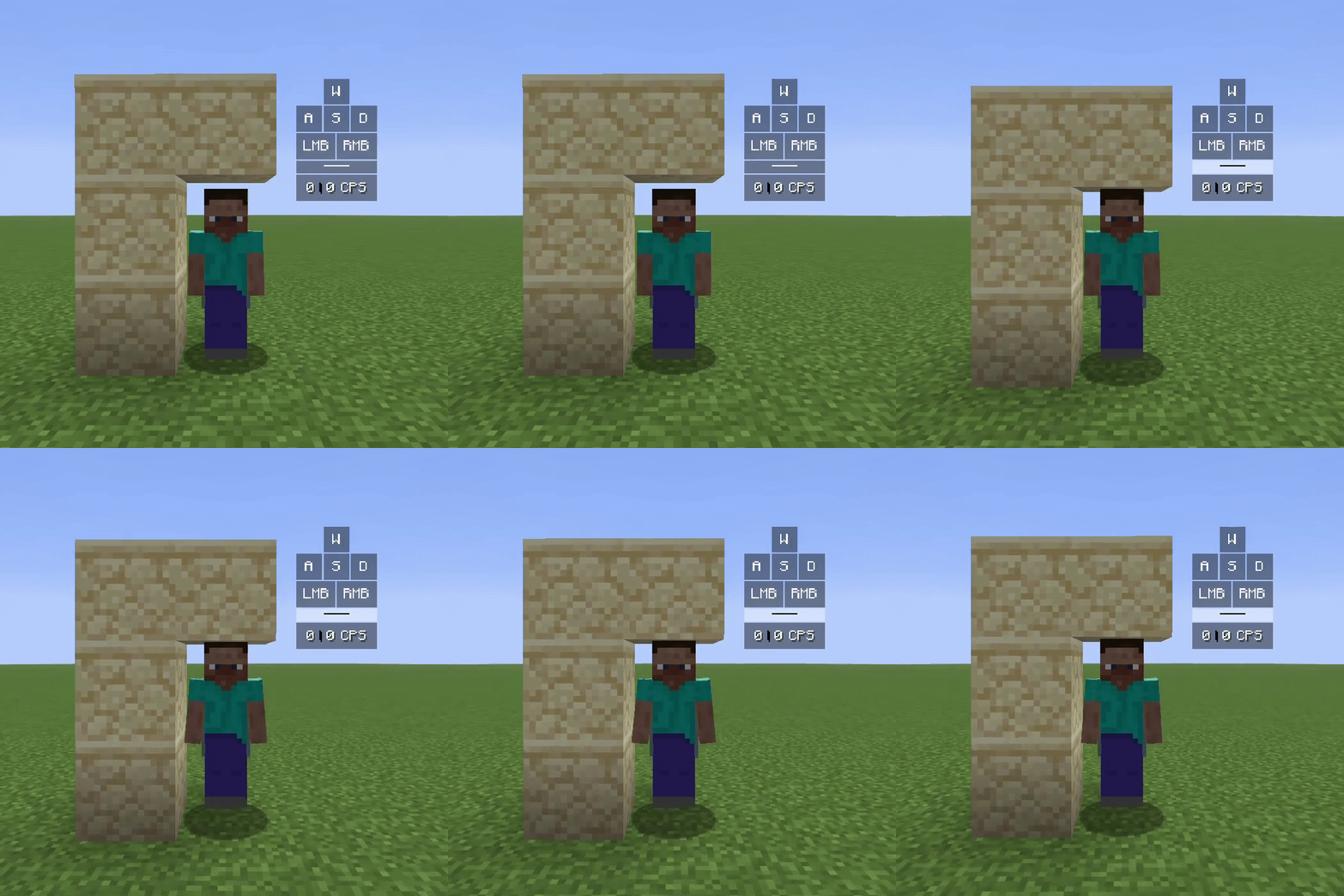
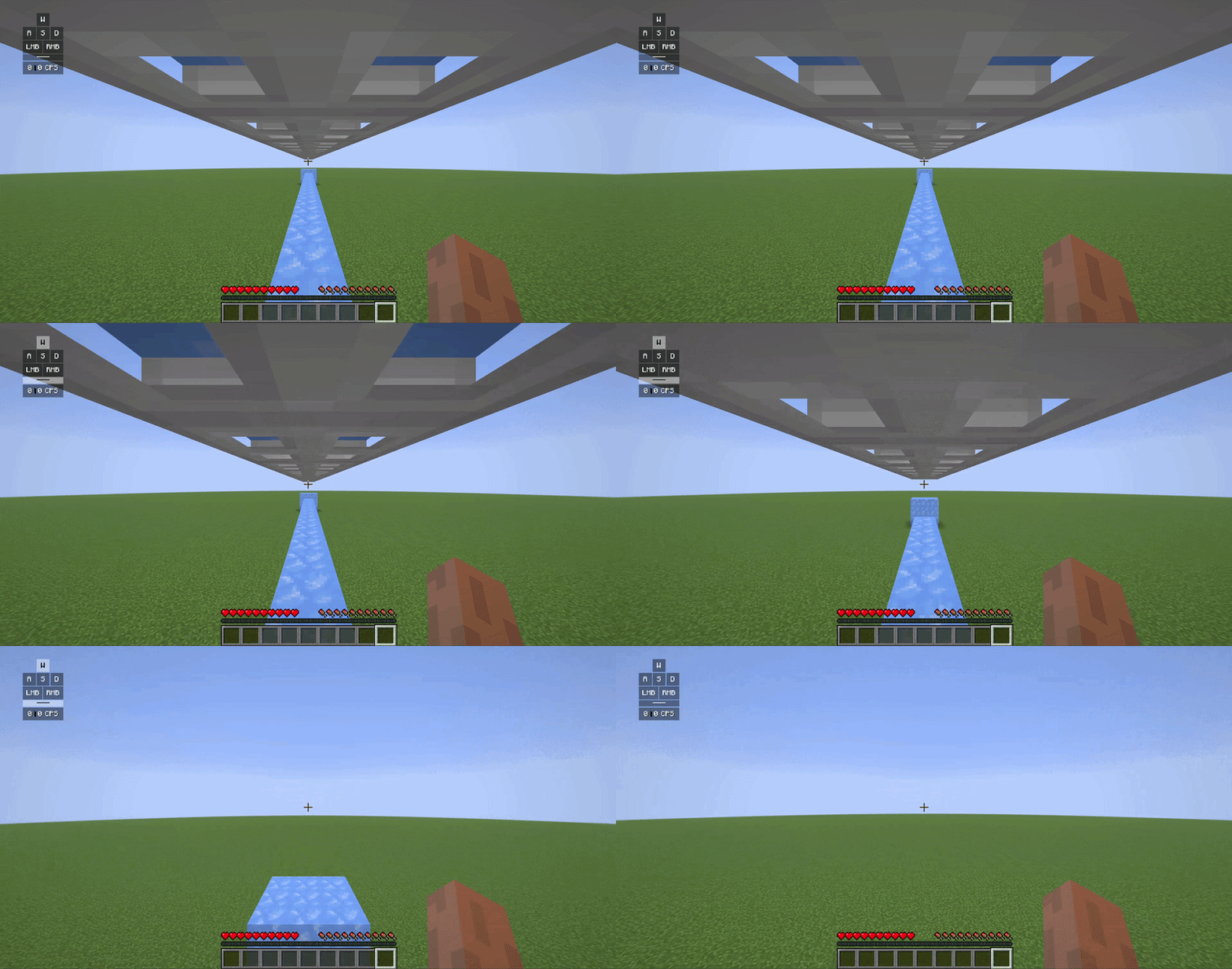
NOTE: Both of the clips above were accomplished simply by holding down the spacebar with NoJumpDelay.