
Compatibility
Minecraft: Java Edition
Platforms


Links
Tags
Creators
Details
Licensed Apache-2.0
Published 3 months ago
Updated 2 months ago
Fryed Vibrant Shader
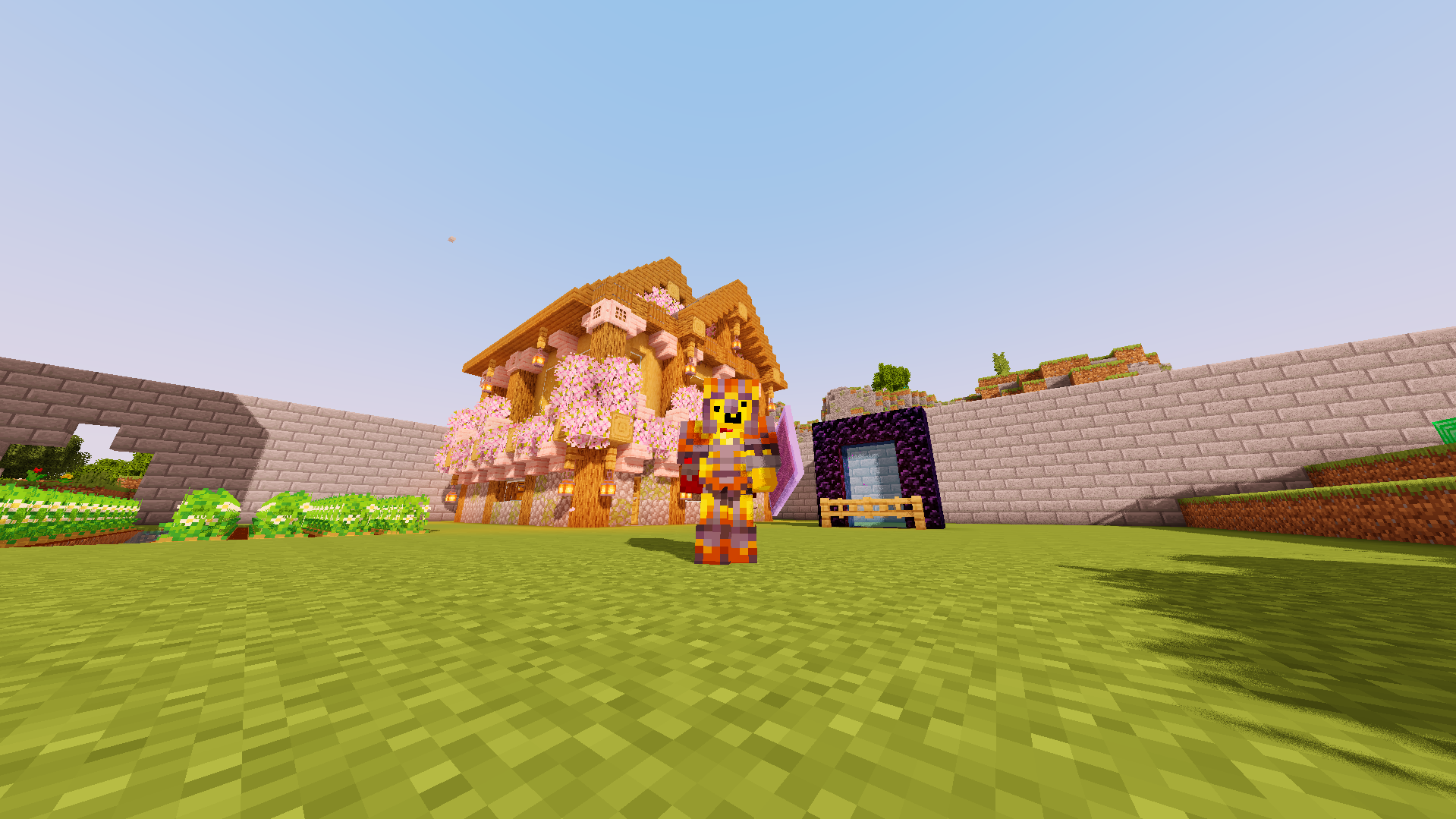
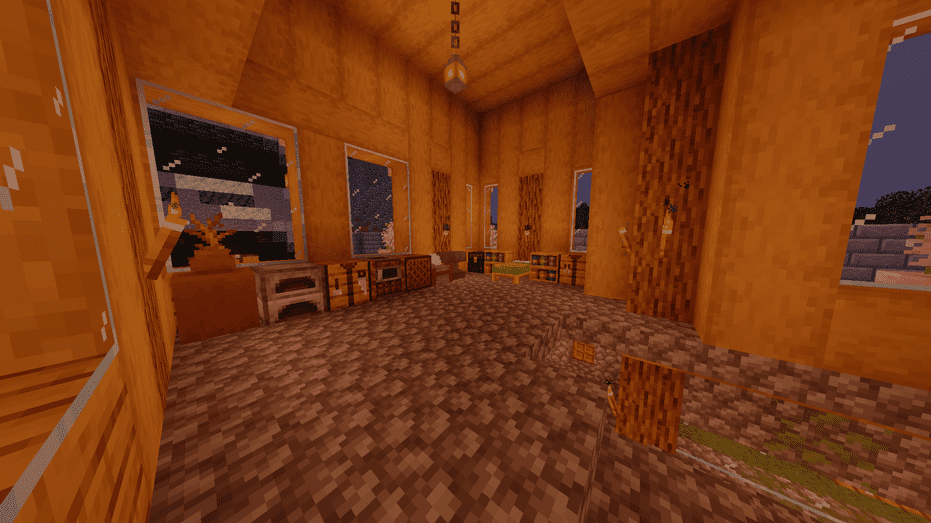
A visually rich, highly tweakable shader pack optimized for smooth performance and crisp, vivid visuals. Custom-tailored by @FryedCheese to deliver dynamic atmospheres, cinematic post-processing, and immersive environments without sacrificing your frame rate.
Key Features
Vivid Atmosphere & Color: Full control over brightness, saturation, exposure, and custom RGB world tinting directly in the settings.

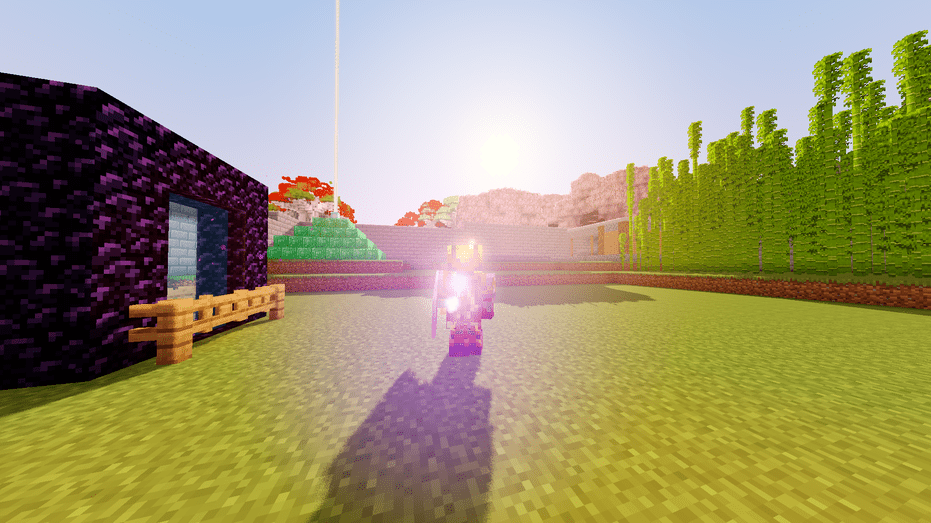
Cinematic Post-Processing: Configurable bloom, subtle lens flares, and high-quality chromatic aberration for a polished filmic look.

Waving World Animations: Smooth, adjustable animation speeds for foliage, crops, tree leaves, and fluid surfaces.

Enhanced Water Visuals: Realistic surface wave motion paired with dynamic underwater light caustics.

Clean In-Game Menu: An organized, single-column options layout designed for quick and effortless tweaking.
Configuration OverviewFine-tune every visual element to match your system's performance targets:CategoryHighlightsShadowsToggle Shadow Mapping on/off and adjust Shadow Sample quality.EnvironmentIndependent speed and toggle controls for Waving Leaves, Plants, and Water.Post-ProcessingFine-tune Bloom, Lens Flare, Chromatic Aberration, and RGB World Color balance.
Images:
Compatibility & Requirements
Recommended Mod Loaders: Iris Shader Mod or OptiFine.

OpenGL Version: Requires OpenGL 3.0 or higher.

Graphics Cards: Compatible with NVIDIA, AMD, and Intel Graphics setups.
Performance Recommendations
High Performance / Low-End Hardware:

    Disable Shadow Mapping or lower Shadow Samples.

    Turn down Bloom Quality and disable Chromatic Aberration.

High Quality / Mid to High-End Hardware:

    Enable all waving animations and bump up Shadow Samples and Bloom Quality for maximum depth.
Installation Guide
Download and install Iris (recommended) or OptiFine for your Minecraft version.

Download the Fryed Vibrant Shader .zip file from Modrinth.

Open Minecraft and navigate to Options -> Video Settings -> Shader Packs.

Click Open Shader Pack Folder and drop the .zip file into the directory.

Select Fryed Vibrant Shader from the in-game list and click Apply.
Credits
Shader Name: Fryed Vibrant Shader

Author / Creator: @FryedCheese