
Compatibility
Minecraft: Java Edition
Platforms


Links
Tags
Creators
Details
Licensed ARR
Published 3 months ago
Updated 3 months ago
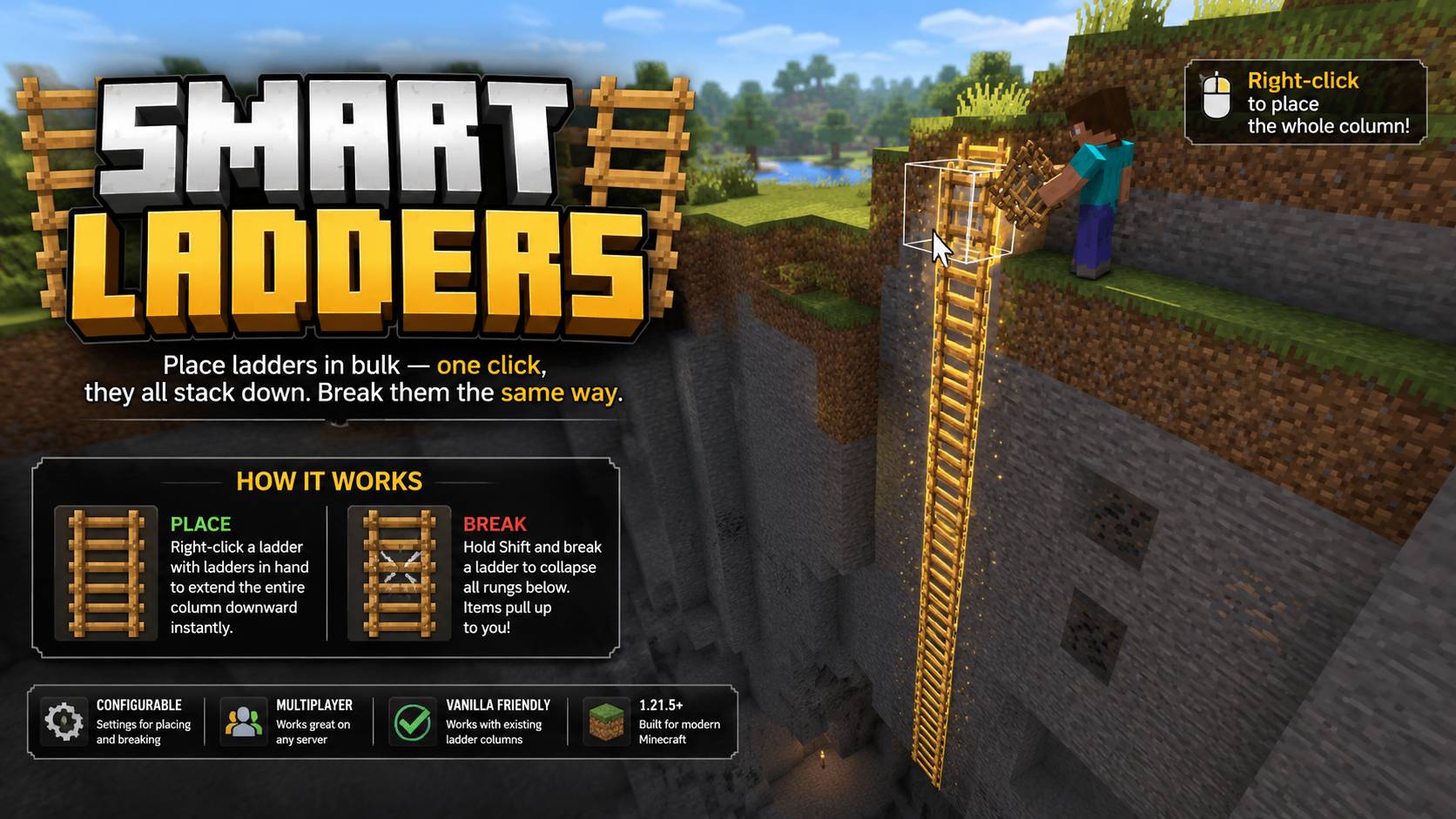
Place entire ladder columns with one click. Break them the same way.
- Right-click a ladder with ladders in hand to extend the entire column downward in a single shot. No repeated clicking.
- Hold Shift and break a ladder to collapse all rungs below. Items pull up to you automatically.
- Configurable activation modes — choose Sneaking, Standing, or Both for placing and breaking independently. /trigger smartladders opens the settings menu.
- Works cleanly with any existing ladder column. Just continue where you left off.
- Multiplayer compatible. Built for 1.21.5+.
No particles, no clutter, no repeated clicking. Just ladders that behave how you'd expect.
Requirements: Minecraft Java Edition 1.12.5-26.2
Singleplayer
- Open Minecraft, create a new world, and click on "More", "Data Packs"
- Drag the data pack into the Minecraft window
- Click "Yes" on the confirmation screen
- Move the data pack to the right-hand side of the screen by clicking the triangle on its icon
- Click "Done" and continue creating your world, then click on "Create New World"
Multiplayer
- Download the data pack
- Open your server folder, then open the folder of the world
- Put the data pack into a folder named datapacks
- Restart your server, and you can use your new datapack.
Permissions: None
Commands: //trigger smartladders