
Compatibility
Minecraft: Java Edition


Tags
Creators
Details
Adds subtle vanilla-style grass fringes, clovers, flowers, sprouts, sticks and pebbles to grass and dirt blocks.

Better Grass adds more depth and natural variation to Minecraft's grass and dirt while keeping their familiar vanilla appearance.
Grass blocks gain small hanging fringes around their edges, while the top surface can occasionally feature clovers, sprouts, flowers, petals, sticks and pebbles.
Dirt and grass blocks can also show sparse embedded stones along their sides and undersides, adding extra detail without covering the original textures.
Decorations use multiple arrangements and rotations to reduce repetition, while greenery automatically follows the biome's grass color so it blends naturally into different environments.

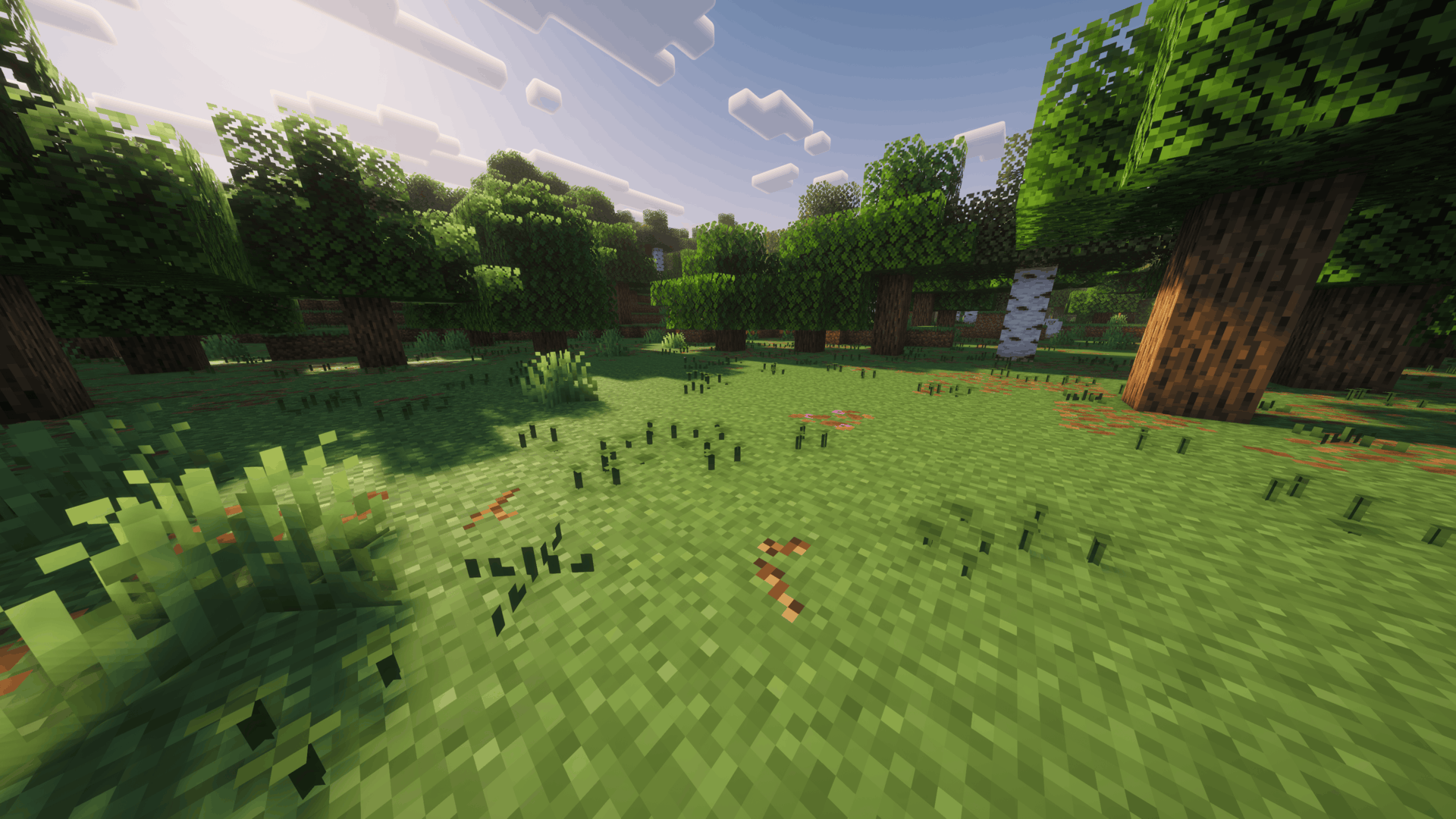
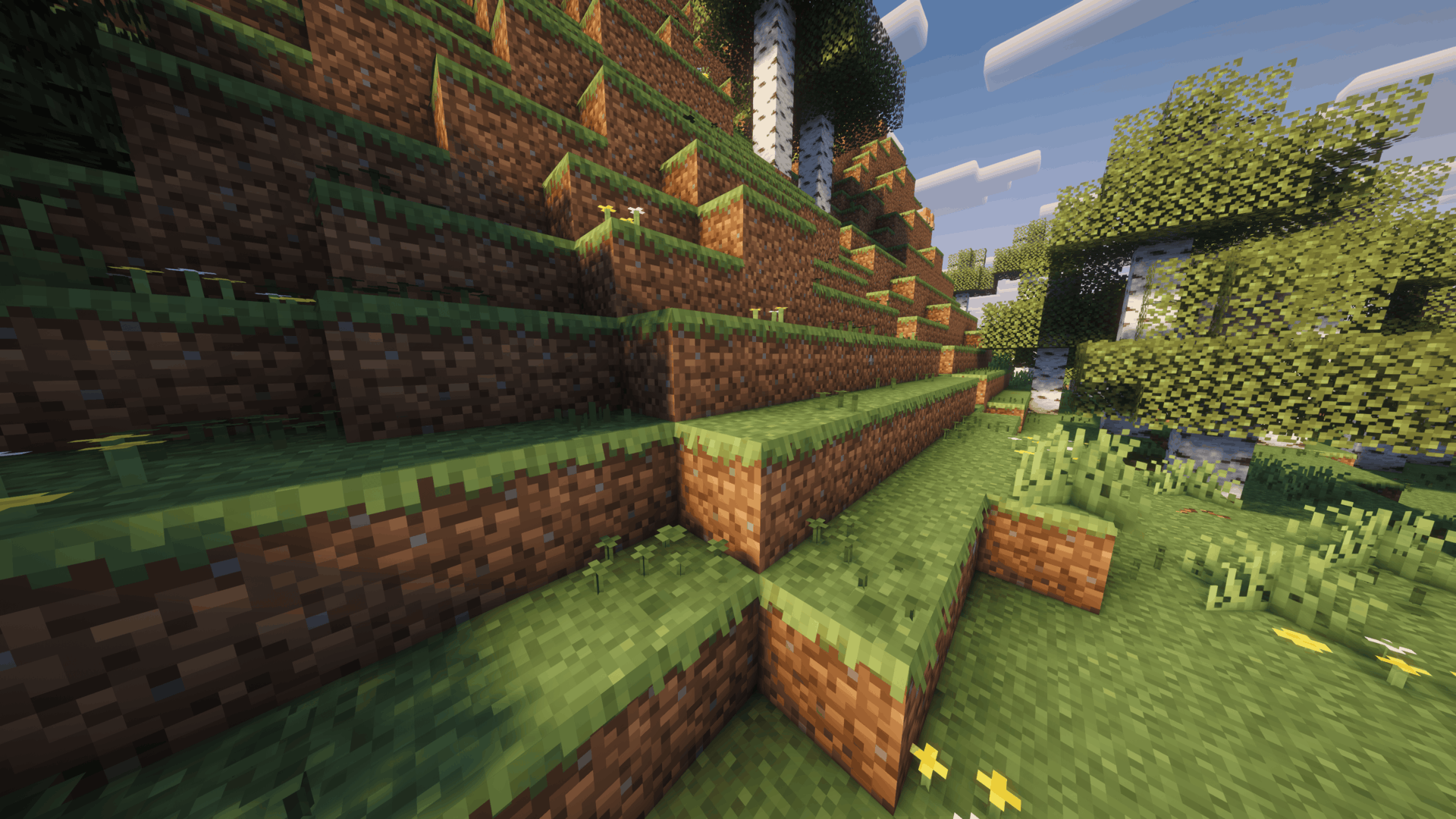
Click an image to view it in full size.

| 🌿 Hanging Grass | Adds short, full and uneven grass fringes around the edges of non-snowy grass blocks. |
| 🍀 Natural Ground Plants | Adds varied clovers, sprouts, petals, wildflowers and other small plants to grass blocks. |
| 🪵 Sticks & Pebbles | Adds occasional sticks and stones on top of the grass, with sparse pebbles embedded into grass and dirt sides. |
| 🎨 Biome Tinting | Grass, clovers, sprouts and plant stems automatically match the biome's grass color. |
| 🔄 Natural Variation | Uses multiple arrangements, decoration types and rotations to reduce visible repetition. |
| 🧱 Smart Occlusion | Hides decorative faces when neighboring solid blocks would naturally cover them. |
| ✨ Vanilla-Friendly | Preserves the original grass and dirt textures while adding pixel-sized 3D details around them. |
📥 Installation
Recommended — Modrinth
The easiest way to install Better Grass is directly through Modrinth.
If you use the Modrinth App, simply add Better Grass to your Minecraft instance and Modrinth will handle the installation for you.
When browsing on the Modrinth website, use the available install option to open the project directly in the Modrinth App.
This is the recommended installation method, as it makes selecting and managing the correct resource pack version much easier.
Manual Installation
1. Download the Better Grass file matching your Minecraft version.
2. Place the downloaded .zip file inside your Minecraft resourcepacks folder.
3. Open Options → Resource Packs in Minecraft.
4. Move Better Grass to the active resource packs.
5. Enjoy!
If another resource pack changes grass or dirt models, place Better Grass above it to prioritize Better Grass's models and decorations.

Have feedback, found a problem, or want to follow future projects?
Join the Intelligence Modding community for project updates, previews, support, and general Minecraft modding discussion.



